
LiftMaster 971LM
LiftMaster 971LM Security+ 1-Button Garage Door Opener Remote Control Manual
Model: 971LM
1. Introduction
This manual provides instructions for the LiftMaster 971LM Security+ 1-Button Remote Control. This device is designed to operate compatible LiftMaster garage door openers or gate operators equipped with Security+ 2.0 technology and a yellow programming button. The remote features a single button for convenient control and includes a visor clip for easy vehicle access.

Image: The LiftMaster 971LM single-button remote control, highlighting its model number and function.
2. Safety Information
- Always keep remote controls out of reach of children.
- Operate the garage door or gate only when it is in full view, free of obstructions, and the opener is properly adjusted.
- Do not allow children to play with the remote control or the garage door opener.
- Ensure the garage door or gate is fully closed before leaving the premises.
3. Package Contents
Your package should contain the following items:
- LiftMaster 971LM 1-Button Remote Control (quantity as purchased)
- 3V Lithium Battery (pre-installed)
- Visor Clip

Image: Two LiftMaster Security+ remote controls, illustrating the typical product packaging contents.
4. Setup and Programming
The LiftMaster 971LM remote control is compatible with LiftMaster garage door openers and gate operators featuring Security+ 2.0 technology and a yellow programming button. Follow these steps to program your remote:
- Locate the Learn Button: On your garage door opener motor unit, locate the "Learn" button. This button is typically yellow.
- Activate Learn Mode: Press and immediately release the "Learn" button on the motor unit. The LED indicator on the motor unit will illuminate steadily for 30 seconds, indicating it is in learn mode.
- Program the Remote: Within 30 seconds, press and hold the button on your 971LM remote control that you wish to program.
- Confirm Programming: The garage door opener lights will flash once (or you will hear two clicks) when the code has been learned. Release the remote control button.
- Test the Remote: Press the programmed button on your remote control to test its operation. The garage door should activate.
If the remote does not work, repeat the steps. Ensure you are within range of the garage door opener during programming.

Image: The LiftMaster remote control, emphasizing its programmable feature for easy connection to garage door or gate openers.
5. Operation
To operate your garage door or gate, simply press the programmed button on your LiftMaster 971LM remote control. The door or gate will open or close. Pressing the button again will stop the movement, and a third press will reverse the direction.
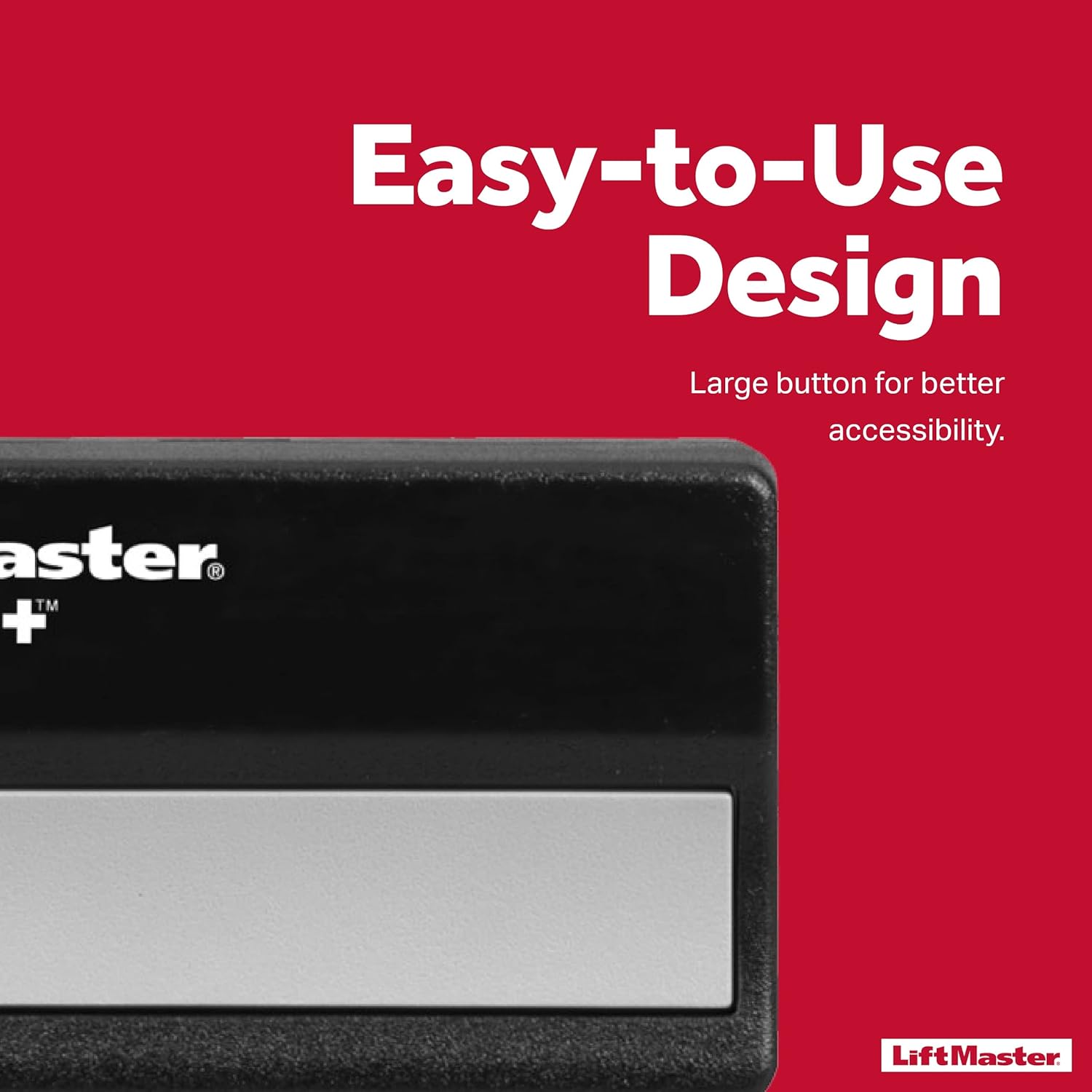
Image: Close-up of the LiftMaster remote control, highlighting its large, easy-to-use button for improved accessibility.
6. Battery Replacement and Maintenance
Battery Life
The 971LM remote control uses a 3V lithium battery (CR2 type). The average battery life is approximately 5 years under normal usage conditions.
Replacing the Battery
When the remote's range decreases or the LED indicator on the remote does not light up when pressed, it is time to replace the battery. To replace the battery:
- Open the remote control casing. This usually involves prying open the case with a small flathead screwdriver at the seam.
- Remove the old 3V lithium battery.
- Insert a new 3V lithium battery (CR2 type) with the positive (+) side facing up.
- Snap the remote control casing back together securely.
No reprogramming is typically required after battery replacement.
7. Troubleshooting
- Remote Not Working:
- Check the battery. Replace if necessary.
- Ensure the remote is properly programmed to your garage door opener. Repeat the programming steps in Section 4.
- Verify your garage door opener has a yellow learn button and Security+ 2.0 technology.
- Reduced Range:
- The battery may be low. Replace the battery.
- Check for sources of interference near your garage door opener or remote.
- Garage Door Opener Not Responding:
- Ensure the garage door opener is plugged in and receiving power.
- Check if the safety sensors are obstructed or misaligned.
8. Specifications
| Brand | LiftMaster |
| Model | 971LM |
| Color | Black |
| Item Weight | 0.01 Ounces |
| Battery Type | 3V Lithium (CR2) |
| Compatibility | LiftMaster Security+ 2.0 garage door openers/gate operators with yellow learn button |
| UPC | 641361643897 |
| Manufacturer Part Number | CECOMINOD032845 |
9. Warranty and Support
Warranty
This LiftMaster 971LM remote control comes with a 1-year warranty from the date of purchase, covering defects in materials and workmanship under normal use.
Image: The LiftMaster remote control next to text indicating a "1 Year Warranty."
Customer Support
For technical assistance, troubleshooting beyond this manual, or warranty claims, please contact LiftMaster customer support. Refer to the official LiftMaster website for current contact information.
You can visit the official LiftMaster store for more information: LiftMaster Store
Related documents971LM


Ask a question about this manual
Ask about setup, troubleshooting, compatibility, parts, safety, or missing instructions. Manuals+ will review the question and use this page’s manual context to help answer it.