1. Introduction
The CPR V5000 Call Blocker is designed to help users manage and block unwanted calls on landline phones. This device is pre-programmed with a database of known nuisance callers and allows for additional manual blocking. For optimal performance, Caller ID service from your network provider is required.
2. Product Features
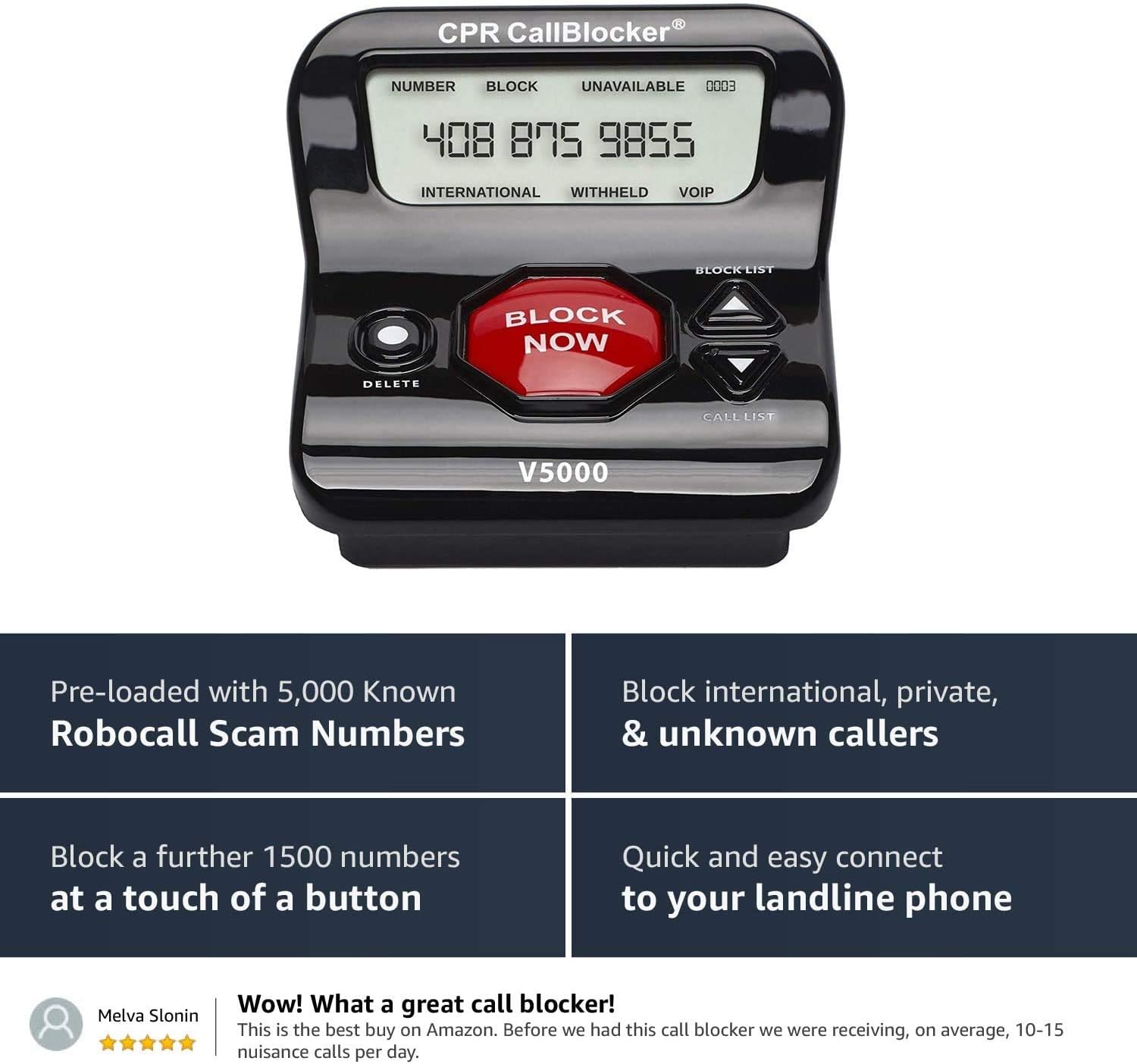
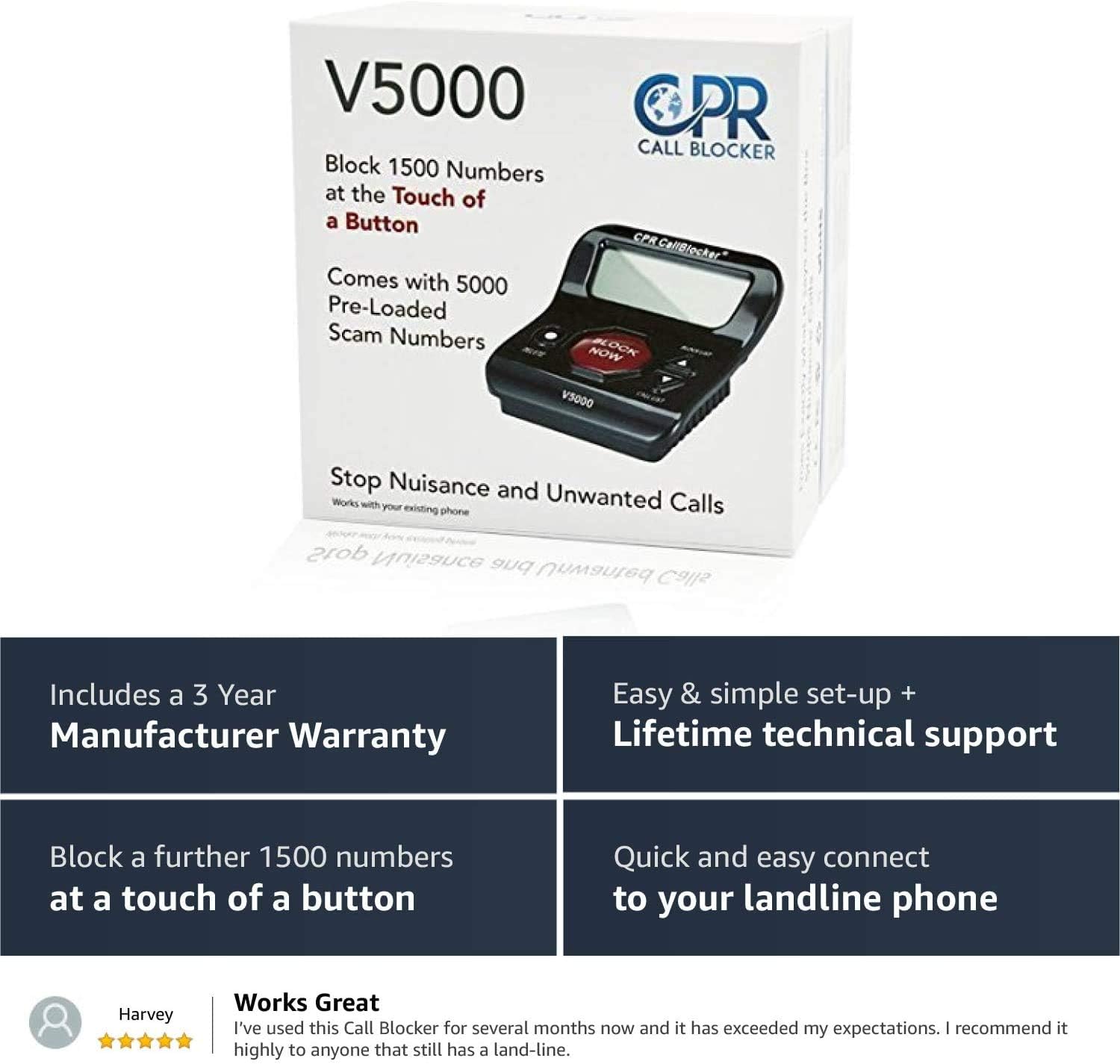
- Pre-Programmed Database: Instantly blocks over 5,000 known nuisance callers, including robocalls, scam calls, cold calls, and telemarketers.
- One-Touch Blocking: Customize your block list with the ability to block up to 1,500 additional numbers at the touch of a button.
- Easy Setup & Use: Simple plug-and-play setup with no complicated installation required. Compatible with most landline phones.
- Large Display: Features a 3-inch caller display screen for easy viewing of numbers.
- Cordless Phone Blocking: Block unwanted callers from DECT extension handsets by pressing #2.
- No External Power Required: The unit is powered directly by your phone line.
3. What's in the Box
- CPR V5000 Call Blocker Unit
- Telephone Patch Leads (cables)
- User Guide
4. Setup Instructions
The CPR V5000 Call Blocker offers two primary setup methods: Standard (Series) and Parallel. Ensure your phone service includes Caller ID for the device to function correctly.
4.1. Standard (Series) Setup
This is the recommended setup for most users. The call blocker is connected directly between your wall phone jack and your telephone.
- Disconnect your telephone from the wall phone jack.
- Connect one end of the provided telephone patch lead to the 'LINE' port on the back of the CPR V5000 Call Blocker.
- Connect the other end of this patch lead to your wall phone jack.
- Connect your telephone to the 'TEL' port on the back of the CPR V5000 Call Blocker using another telephone cable (or the short black cable provided if your phone has a detachable cord).
- The device will power on automatically.

4.2. Parallel Setup
This setup is used when you have multiple devices connected to a single phone line, often requiring a splitter (not always included).
- Connect a telephone splitter (if not already in use) to your wall phone jack.
- Connect one end of a telephone patch lead to one port of the splitter.
- Connect the other end of this patch lead to the 'LINE' port on the back of the CPR V5000 Call Blocker.
- Connect your telephone to the other port of the splitter. The 'TEL' port on the call blocker can be left empty in this configuration.
- The device will power on automatically.
4.3. Setup Videos
CPR V5000 Standard Setup Video
Video: This video demonstrates the standard (series) setup process for the CPR V5000 Call Blocker, showing how to connect it between your wall jack and telephone.
CPR V5000 Call Blocker Parallel Setup Video
Video: This video illustrates the parallel setup method for the CPR V5000 Call Blocker, useful when connecting multiple devices to one phone line.
5. Operating Instructions
5.1. Blocking Calls
The CPR V5000 offers several ways to block unwanted calls:
- One-Touch 'BLOCK NOW' Button: When an unwanted call comes in, simply press the large red 'BLOCK NOW' button on the unit. The call will hang up, and the number will be added to your block list permanently.
- #2 Blocking Function (for DECT Handsets): If you are using a DECT cordless phone system, you can block a number by pressing #2 on any connected handset while the unwanted call is active. This will add the number to the block list.
- Manual Entry: You can manually enter or remove numbers from the blocking list using the unit's control buttons.

5.2. Reviewing Call Lists
The unit allows you to view incoming calls and manage your block list:
- Call List: Use the 'CALL LIST' button and arrow keys to scroll through the last 20 incoming calls. You can then block a number from this list by pressing 'BLOCK NOW'.
- Block List: Use the 'BLOCK LIST' button and arrow keys to view numbers currently on your block list. Numbers can be removed from this list using the 'DELETE' button.
CPR V5000 Call Blocker Call List Block List Explainer Video
Video: This video explains how to navigate and manage the call list and block list on the CPR V5000 Call Blocker.
6. Advanced Blocking Features
The CPR V5000 provides options to block various types of unwanted calls:
- International Blocking: Rejects all calls identified as 'INTERNATIONAL'.
- Private Blocking: Rejects all calls shown as 'PRIVATE' or 'ANONYMOUS'.
- Unknown Blocking: Rejects all calls shown as 'UNKNOWN'.
- '0' Type Calls Blocking: Rejects calls that display multiple zeros or variations of fake numbers.
- Area Code Blocker: Allows you to block entire area codes or country codes.
7. Maintenance
7.1. Cleaning
To clean the CPR V5000 Call Blocker, use a soft, dry cloth. Do not use liquid cleaners or abrasive materials, as these can damage the unit.
7.2. Batteries
The CPR V5000 Call Blocker does not require external batteries for operation as it draws power directly from the phone line. However, some telephone systems may require product-specific batteries for their handsets, which are separate from the call blocker unit.
8. Troubleshooting
- No Display/Unit Not Powering On: Ensure the telephone patch leads are securely connected to both the wall jack and the 'LINE' port on the call blocker. Verify that your phone line is active.
- Calls Not Being Blocked: Confirm that Caller ID service is active on your landline. Ensure the numbers you wish to block are correctly added to the block list. For DECT handsets, ensure you are pressing #2 during an active unwanted call.
- One Ring Before Blocking: Some phone systems may cause the phone to ring once before the call blocker can intercept and block the call. This is often due to how Caller ID information is transmitted by your service provider. The call will still be blocked after the first ring.
- Interference/Poor Call Quality: Check all cable connections. Ensure the call blocker is not placed too close to other electronic devices that might cause interference.
9. Specifications
- Product Dimensions: 3.74 x 4.33 x 2.17 inches
- Item Weight: 8.8 ounces (250 Grams)
- Model Number: V5000
- Power Source: Phone Line (no external power adapter or batteries required for the unit itself)
- Material: Plastic
- Compatible Devices: All major landline providers and major landline phone manufacturers
- Languages: English, French, German, Italian, Spanish (for user interface/manuals)
10. Warranty and Support
The CPR V5000 Call Blocker includes a 3-Year Manufacturer Warranty. Additionally, CPR Call Blocker provides Lifetime Technical Support for this product. For assistance, please refer to the contact information provided in your product packaging or visit the official CPR Call Blocker website.
11. Important Notes
- Caller ID Service: This product requires active Caller ID service from your telephone network provider to function correctly.
- Call Blocking Effectiveness: While the CPR V5000 is highly effective, no call blocker can guarantee 100% elimination of all unwanted calls due to evolving scam tactics and technical limitations of some phone networks.