
1. Introduction
Thank you for choosing DURACELL AA Alkaline Batteries. These batteries are engineered to provide reliable and long-lasting power for a wide range of everyday devices. This manual provides essential information on proper usage, safety, and maintenance to ensure optimal performance and longevity of your batteries.
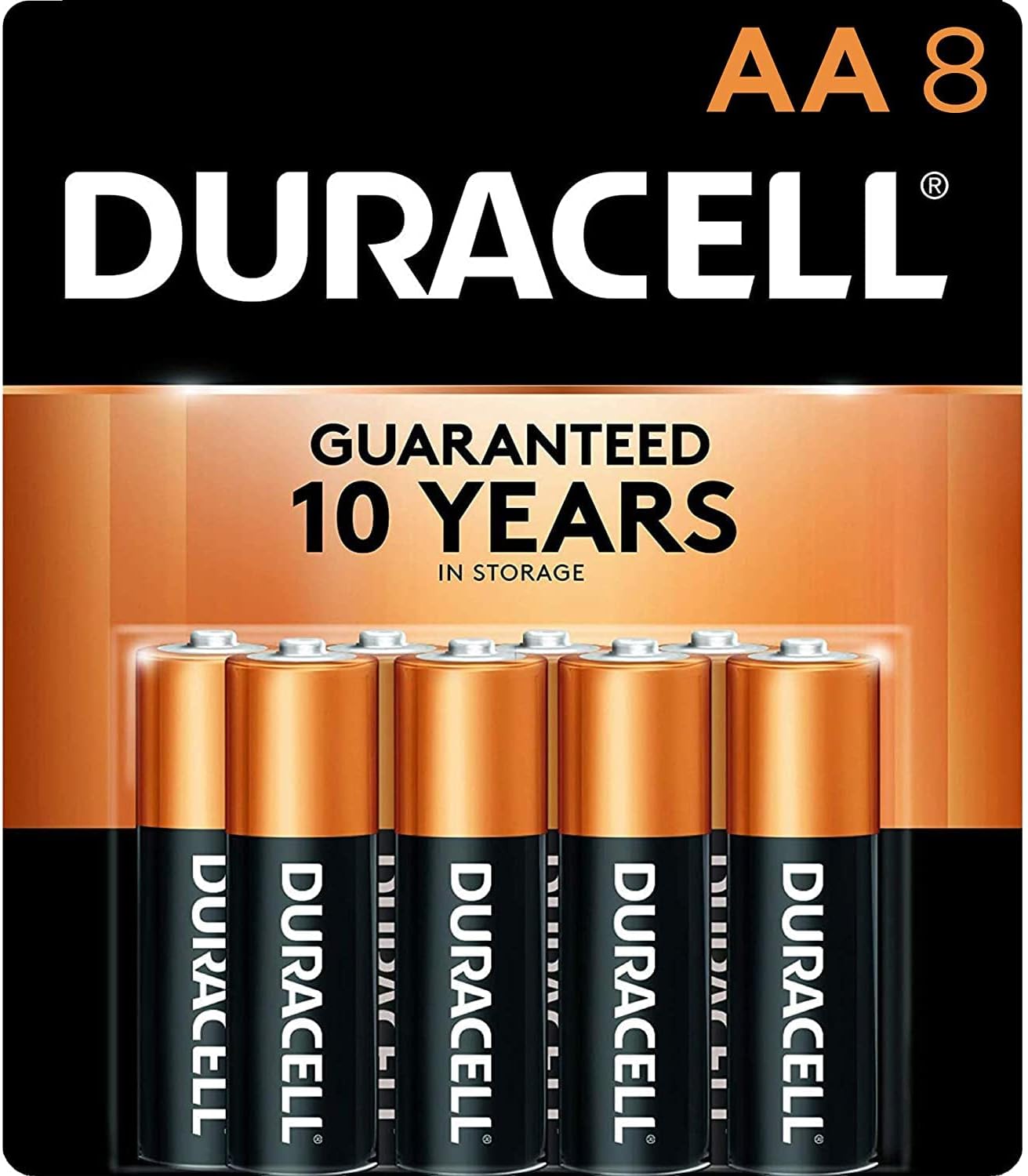
Image 1.1: A pack of 8 DURACELL AA Alkaline Batteries, highlighting the 10-year storage guarantee.
2. Safety Information
WARNING: Improper use of batteries can result in leakage, fire, or explosion, leading to personal injury or device damage. Please observe the following safety precautions:
- Do not recharge: These are non-rechargeable alkaline batteries. Attempting to recharge them may cause leakage or explosion.
- Do not dispose of in fire: Batteries may explode if disposed of in fire.
- Do not mix battery types: Avoid mixing new and used batteries, or batteries of different types (e.g., alkaline with carbon-zinc or rechargeable).
- Insert correctly: Always ensure correct polarity (+ and -) when inserting batteries into devices. Incorrect insertion can cause damage.
- Replace all at once: For optimal performance and to prevent leakage, replace all used batteries in a device at the same time.
- Keep in original packaging: Store unused batteries in their original packaging until ready for use to prevent short-circuiting.
- Avoid loose storage: Do not carry loose batteries in your pocket or purse, as they may short-circuit with metal objects.
- Do not remove labels: Do not remove the battery label, as it contains important information.
- Keep out of reach of children: Batteries can be a choking hazard and may cause serious injury if swallowed. Seek immediate medical attention if a battery is ingested.

Image 2.1: Rear view of the battery packaging, displaying safety warnings and the UPC: 0041333825014.
3. Setup and Installation
Installing DURACELL AA Alkaline Batteries is a straightforward process:
- Identify the battery compartment in your device.
- Open the battery compartment cover.
- Observe the polarity markings (+ and -) inside the compartment.
- Insert the DURACELL AA batteries, aligning the positive (+) end of the battery with the positive (+) terminal in the device, and the negative (-) end with the negative (-) terminal.
- Close the battery compartment cover securely.
Always ensure that the device is turned off before installing or replacing batteries.
4. Operating Instructions
DURACELL AA Alkaline Batteries are designed for use in a wide array of electronic devices requiring AA size batteries. These include, but are not limited to:
- Remote controls
- Flashlights
- Clocks
- Wireless mice and keyboards
- Gaming controllers
- Toys
Once properly installed, your device should function as intended. If the device does not power on, refer to the Troubleshooting section.

Image 4.1: Illustration of common household devices that utilize AA batteries.
5. Maintenance and Storage
Proper maintenance and storage can extend the life and safety of your batteries:
- Storage: Store unused batteries in a cool, dry place at room temperature. Avoid extreme temperatures.
- Shelf Life: DURACELL AA Alkaline Batteries are guaranteed to hold power for up to 10 years in storage.
- Disposal: Dispose of used batteries according to local regulations. Many communities offer recycling programs for batteries. Do not throw batteries into household trash.
- Cleaning: If battery terminals become dirty, gently wipe them with a clean, dry cloth.
Image 5.1: A single DURACELL AA battery emphasizing its 10-year storage guarantee.
6. Troubleshooting
If you encounter issues with your DURACELL AA Alkaline Batteries or the device they power, consider the following:
- Device not powering on:
- Check that the batteries are inserted with correct polarity (+ and -).
- Ensure the batteries are fresh and not depleted. Replace with new batteries if necessary.
- Verify that the battery contacts in the device are clean and free of corrosion.
- Battery leakage:
- If a battery leaks, avoid direct contact with skin and eyes.
- Carefully remove the leaking battery and dispose of it properly.
- Clean the battery compartment and device contacts thoroughly with a cotton swab lightly dampened with vinegar (to neutralize alkaline residue) or lemon juice, then dry completely.
- Shortened battery life:
- Ensure all batteries in a multi-battery device are replaced simultaneously.
- Check the device for any issues that might cause excessive power drain.
7. Specifications
| Feature | Detail |
|---|---|
| Brand | DURACELL |
| Model Number | 4330206913 (MN1500B8) |
| Battery Type | AA Alkaline |
| Voltage | 1.5 Volts |
| Unit Count | 8 Count (Pack of 1) |
| Product Dimensions | 4.49 x 3.66 x 1.02 inches |
| Item Weight | 6.7 ounces |
| Shelf Life | 10 Years in Storage |
| UPC | 0041333825014 |

Image 7.1: A DURACELL AA battery illustrating its approximate length of 50.5 mm.
8. Warranty and Support
DURACELL stands behind the quality of its products.
Product Guarantee
If you are not completely satisfied with this alkaline battery product, please contact Duracell customer service. Duracell guarantees these batteries against defects in materials and workmanship. Should any device be damaged due to a battery defect, Duracell will repair or replace it at its option.
Customer Support
For assistance or inquiries, please contact Duracell Customer Service:
- Phone: 1-800-551-2355 (9:00 AM - 5:00 PM EST)
- Website: Visit the official Duracell website for more information and support.