
1. Introduction
This manual provides comprehensive instructions for the installation, operation, and maintenance of the Legrand 048916 Eco2 Presence Detector. Please read this manual carefully before using the device to ensure safe and efficient operation.
2. Product Overview
The Legrand 048916 Eco2 Presence Detector is an autonomous presence detector designed for workspaces with natural light. It complies with RT 2012 standards by continuously monitoring presence and luminosity, switching off lighting when natural light is sufficient. This detector is suitable for meeting rooms, classrooms, and open-plan offices.
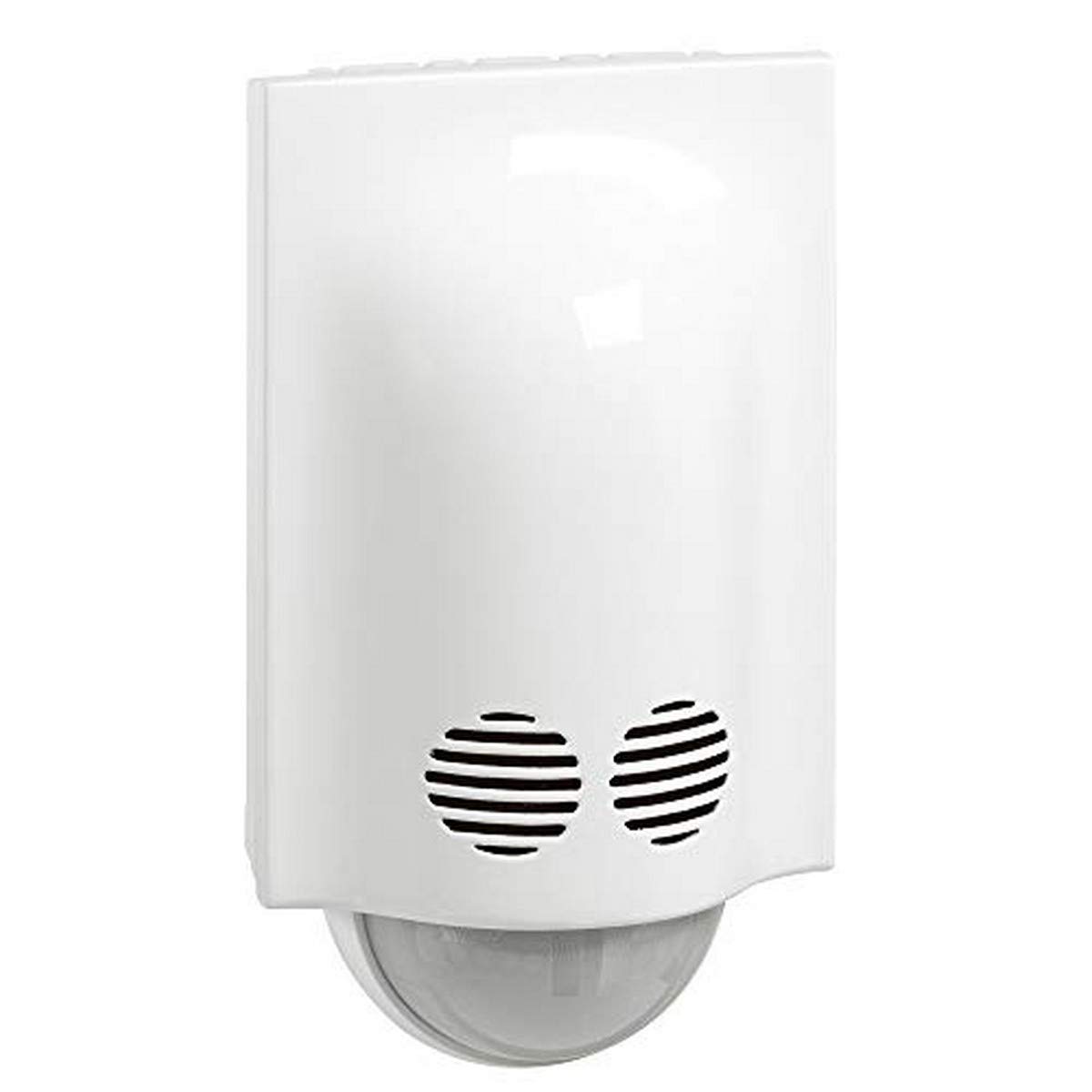
Figure 1: Front view of the Legrand 048916 Eco2 Presence Detector.
3. Features
- Dual Detection Technology: Combines infrared and ultrasonic detection for precise presence sensing.
- Wide Coverage: 180° detection angle with a frontal range of 8 meters.
- Energy Efficiency: Automatically switches off lighting when natural light is sufficient, consuming only 0.4 W in standby mode.
- Flexible Control: Supports manual switch-on and automatic or manual switch-off, with factory-set options. Can be associated with a push-button (ref. 0 770 40) or illuminated push-button (ref. 0 770 33).
- Additional Contact: Features a 2 A auxiliary contact to control heating, ventilation, or air conditioning based on presence detection.
- Easy Installation: Designed for surface wall mounting with a recommended height of 2.5 meters.
- Adjustable Settings: Precise on-site adjustment possible with a dedicated configurator.
4. Setup and Installation
Proper installation is crucial for the optimal performance of your presence detector. Always ensure the power supply is disconnected before beginning any installation work.
4.1 Safety Precautions
- Disconnect power at the main circuit breaker before installation.
- Installation should be performed by a qualified electrician.
- Ensure wiring complies with local electrical codes.
4.2 Mounting Location
- The detector is designed for surface wall mounting.
- Recommended mounting height: 2.5 meters.
- For optimal detection, avoid placing the detector near heat sources, direct sunlight, or strong air currents.
- Optimal distance between two detectors for larger areas is 10 meters.
- An optional accessory (ref. 0 489 71) is available for corner mounting.
4.3 Wiring
The detector requires a 3-wire connection with neutral. Connect the wires according to the diagram provided with the product packaging. Ensure secure connections for live, neutral, and load wires.
Note: A detailed wiring diagram is typically included in the product packaging. Refer to it for precise connections.
5. Operating Instructions
Once installed and powered, the detector operates based on its factory settings, which can be adjusted.
5.1 Automatic Operation
The detector continuously monitors presence and ambient light levels. When presence is detected and natural light is insufficient, connected lighting will switch on. Lighting will automatically switch off when no presence is detected for a set period or when natural light becomes sufficient.
5.2 Manual Control (Optional)
The detector can be associated with an external push-button (Legrand ref. 0 770 40) or an illuminated push-button (Legrand ref. 0 770 33) for manual control. This allows for manual switch-on and either automatic or manual switch-off, depending on the configuration.
5.3 Adjusting Settings
The detector's sensitivity, time delay, and light threshold can be precisely adjusted on-site using a dedicated configurator tool (sold separately). Refer to the configurator's manual for detailed adjustment procedures.
6. Maintenance
The Legrand 048916 Eco2 Presence Detector requires minimal maintenance.
- Cleaning: Gently wipe the detector's surface with a soft, dry cloth. Do not use abrasive cleaners or solvents.
- Inspection: Periodically check for any visible damage or loose connections.
- No User Serviceable Parts: Do not attempt to open or repair the detector yourself. Refer all servicing to qualified personnel.
7. Troubleshooting
If you encounter issues with your presence detector, refer to the following common problems and solutions:
| Problem | Possible Cause | Solution |
|---|---|---|
| Light does not turn on with presence. |
|
|
| Light stays on too long or turns off too quickly. |
|
|
| False detections. |
|
|
If the problem persists after trying these solutions, contact Legrand customer support or a qualified electrician.
8. Specifications
| Model Number | 048916 |
| Detection Technology | Infrared and Ultrasonic |
| Detection Angle | 180° |
| Frontal Range | 8 meters |
| Recommended Mounting Height | 2.5 meters |
| Wiring | 3-wire with neutral |
| Standby Power Consumption | 0.4 W |
| Optimal Distance Between Detectors | 10 meters |
| Ingress Protection (IP) Rating | IP42 |
| Dimensions (L x W x H) | 12.5 x 12.5 x 10 cm |
| Weight | 200 grams |
| Manufacturer | Legrand |
9. Warranty and Support
For information regarding the product warranty, please refer to the warranty card included with your purchase or visit the official Legrand website. For technical support, spare parts, or further assistance, please contact Legrand customer service through their official channels.
Legrand Official Website: www.legrand.fr


