Introduction
Thank you for choosing the Titan Neo Analog Silver Dial Men's Watch. This manual provides essential information for the proper setup, operation, and care of your timepiece. Please read these instructions carefully to ensure optimal performance and longevity of your watch.

Front view of the Titan Neo Analog Silver Dial Men's Watch, showcasing its silver dial and metal bracelet.
Setup
1. Setting the Time
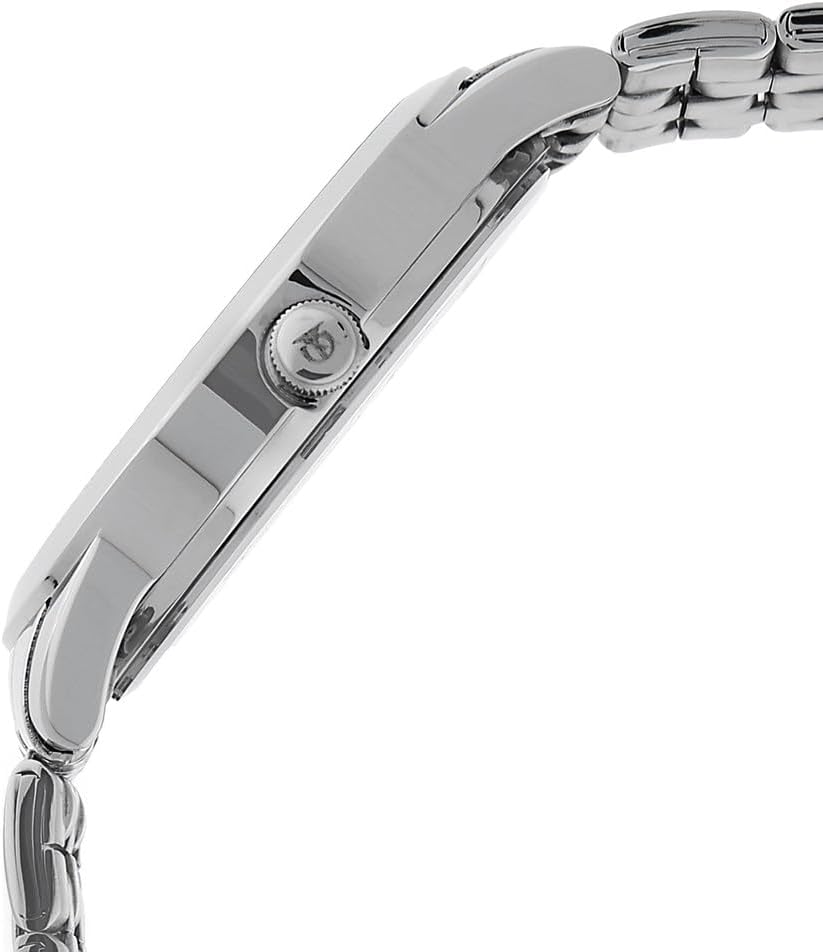
- Pull the crown (the small knob on the side of the watch case) out to the second click position.
- Turn the crown clockwise or counter-clockwise to move the hands and set the desired time.
- Once the time is set, push the crown back into its normal position.
2. Setting the Date
- Pull the crown out to the first click position.
- Turn the crown clockwise to adjust the date. Avoid setting the date between 9 PM and 3 AM, as this may interfere with the automatic date change mechanism.
- Once the date is set, push the crown back into its normal position.
3. Adjusting the Bracelet
The metal bracelet can be adjusted by adding or removing links. This procedure typically requires specialized tools and should be performed by a qualified watch technician or jeweler to prevent damage to the watch or bracelet.

The Titan Neo watch comfortably worn on a wrist, demonstrating its fit and style.
Operating Instructions
Your Titan Neo watch is a quartz analog timepiece designed for reliable timekeeping. Once the time and date are set, the watch will operate continuously until the battery requires replacement.
- Time Display: The watch displays hours, minutes, and seconds via three central hands.
- Date Display: A date window is located on the dial, typically at the 3 o'clock position, showing the current day of the month.
An official video showcasing the Titan Workwear Men's Designer Dress Watch, highlighting its features and design. Note: This video may feature a similar model.
Maintenance
Cleaning Your Watch
To maintain the appearance of your watch, wipe the case and bracelet regularly with a soft, dry cloth. For stubborn dirt, a slightly damp cloth can be used, followed by a dry cloth. Avoid using chemical cleaners or abrasive materials.
Water Resistance
Your watch is water resistant up to 50 meters (165 feet). This means it is suitable for short periods of recreational swimming and showering. However, it is not suitable for diving or snorkeling. Always ensure the crown is fully pushed in before any contact with water.
Battery Replacement
The watch is powered by a single A battery. When the watch stops running, it indicates the battery needs replacement. Battery replacement should be performed by a qualified watch technician to ensure proper sealing and maintain water resistance.

Rear view of the watch, showing the stainless steel back and water resistance marking.
Troubleshooting
- Watch Not Running: If the watch stops, the battery may need to be replaced. Consult a professional watch technician.
- Date Not Changing: Ensure the time is set correctly, passing 12 AM for the date to advance. If the issue persists, the date mechanism may require inspection by a technician.
- Condensation Inside the Crystal: This can indicate a loss of water resistance. Have the watch inspected and sealed by a professional immediately to prevent further damage.
An official video highlighting the design and features of the Titan Neo Classique watch, including its dial and strap. Note: This video may feature a similar model.
Specifications
| Feature | Detail |
|---|---|
| Model Number | NM1584SM03/NN1584SM03 |
| Movement Type | Quartz |
| Display Type | Analog |
| Case Material | Metal |
| Band Material | Brass |
| Dial Color | Silver |
| Band Color | Silver |
| Water Resistance Depth | 50 Meters (165 Feet) |
| Case Diameter | 49.5 Millimeters |
| Case Thickness | 10 Millimeters |
| Band Width | 22 Millimeters |
| Crystal Type | Mineral |
| Clasp Type | Deployant-clasp |
| Power Source | Battery Powered (1 A battery included) |
A visual representation of the watch's dimensions, including case diameter, for size reference.
Warranty Information
Your Titan Neo Analog Silver Dial Men's Watch is covered by a manufacturer's warranty. For detailed information regarding the terms, conditions, and duration of your warranty, please refer to the warranty card included with your purchase or visit the official Titan website. Keep your proof of purchase for warranty claims.
Customer Support
Should you require further assistance, have questions not covered in this manual, or need service for your watch, please contact Titan customer support. Contact details can typically be found on the official Titan website or on the warranty documentation provided with your watch.

The Titan Neo watch presented in its elegant packaging, as it would appear upon unboxing.


