
Introduction
This manual provides detailed instructions for the installation, operation, and maintenance of your Eonon A0119 backup camera. Designed for enhanced rear visibility, this waterproof camera features a 170° wide-angle lens and high-definition imaging to assist with safe reversing and parking. Please read this manual thoroughly before installation and use to ensure proper function and longevity of the product.
Installation Guide
Follow these steps to correctly install your Eonon A0119 backup camera. Professional installation is recommended for optimal results.
Included Accessories

Figure 1: Eonon A0119 Backup Camera and Accessories
- 1x English User's Manual
- 1x Power Cable (1m)
- 1x Video Cable (6m)
- 2x Screws
- 1x Camera Unit
Wiring Diagram
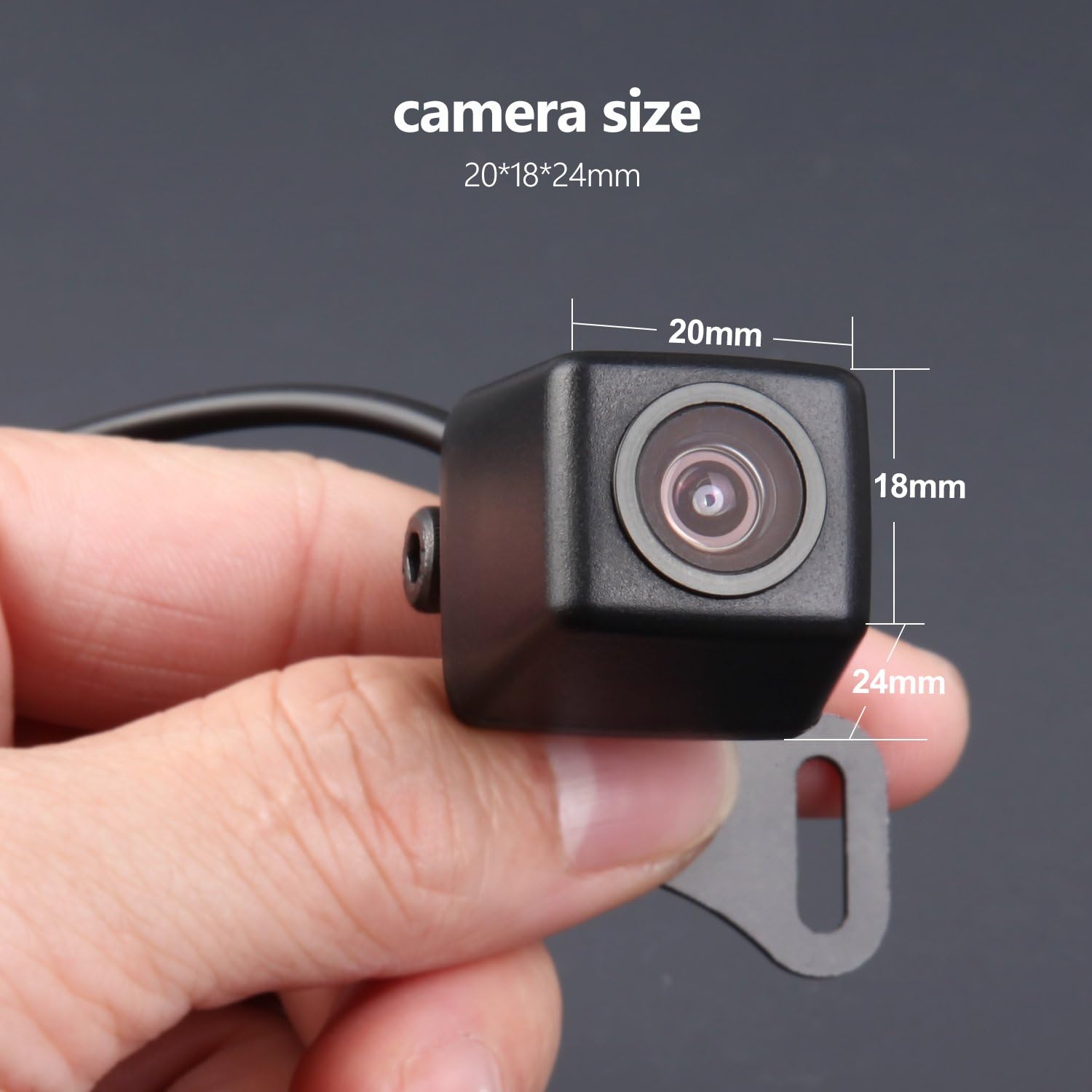
Figure 2: A0119 Backup Camera Wiring Diagram
Installation Steps
For Universal Car Stereo
- Connect the red +12V wire of the camera to the positive wire of the car reverse light, and connect the black GND wire to the negative wire of the car reverse light.
- Connect the RCA output of the camera to the rear camera input of the car stereo.
- Connect the red reverse trigger wire of the camera to the reverse control cable of the car stereo.
- Installation finished.
For Car-Specific Car Stereo
- Connect the red +12V wire of the camera to the positive wire of the car reverse light, and connect the black GND wire to the negative wire of the car reverse light.
- Connect the RCA output of the camera to the rear camera input of the car stereo.
- Installation finished.
Note: If your car stereo has a CAN Bus system, you may not need to connect the reversing trigger cable. Consult your car stereo's manual for specific wiring requirements.
Operation
The Eonon A0119 backup camera is designed for automatic activation. When your vehicle is shifted into reverse gear, the camera will automatically display the rear view on your connected car stereo screen.
High Definition Imaging
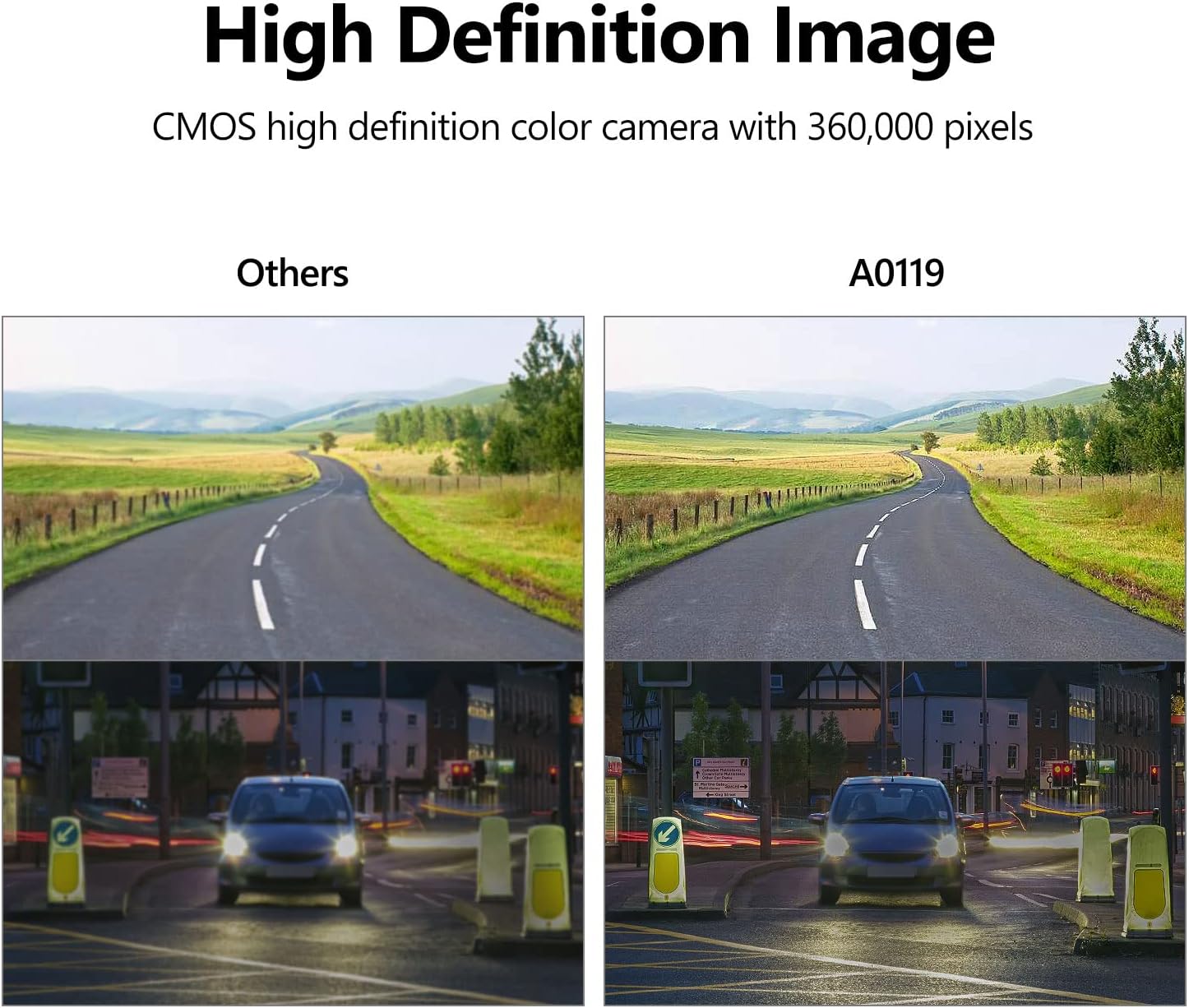
Figure 3: High Definition Image Comparison
The A0119 camera utilizes a CMOS high-definition color sensor, providing a clear and detailed image with 420,000 pixels. This ensures better visibility of obstacles and surroundings behind your vehicle.
Wide Angle View and Guard Lines

Figure 4: Camera Features Overview
With a 170° wide-angle view and 120° horizontal view angle, the camera minimizes blind spots. It also features reversing guard lines (parking lines) to assist you in judging distances and maneuvering into parking spaces.
Waterproof Functionality
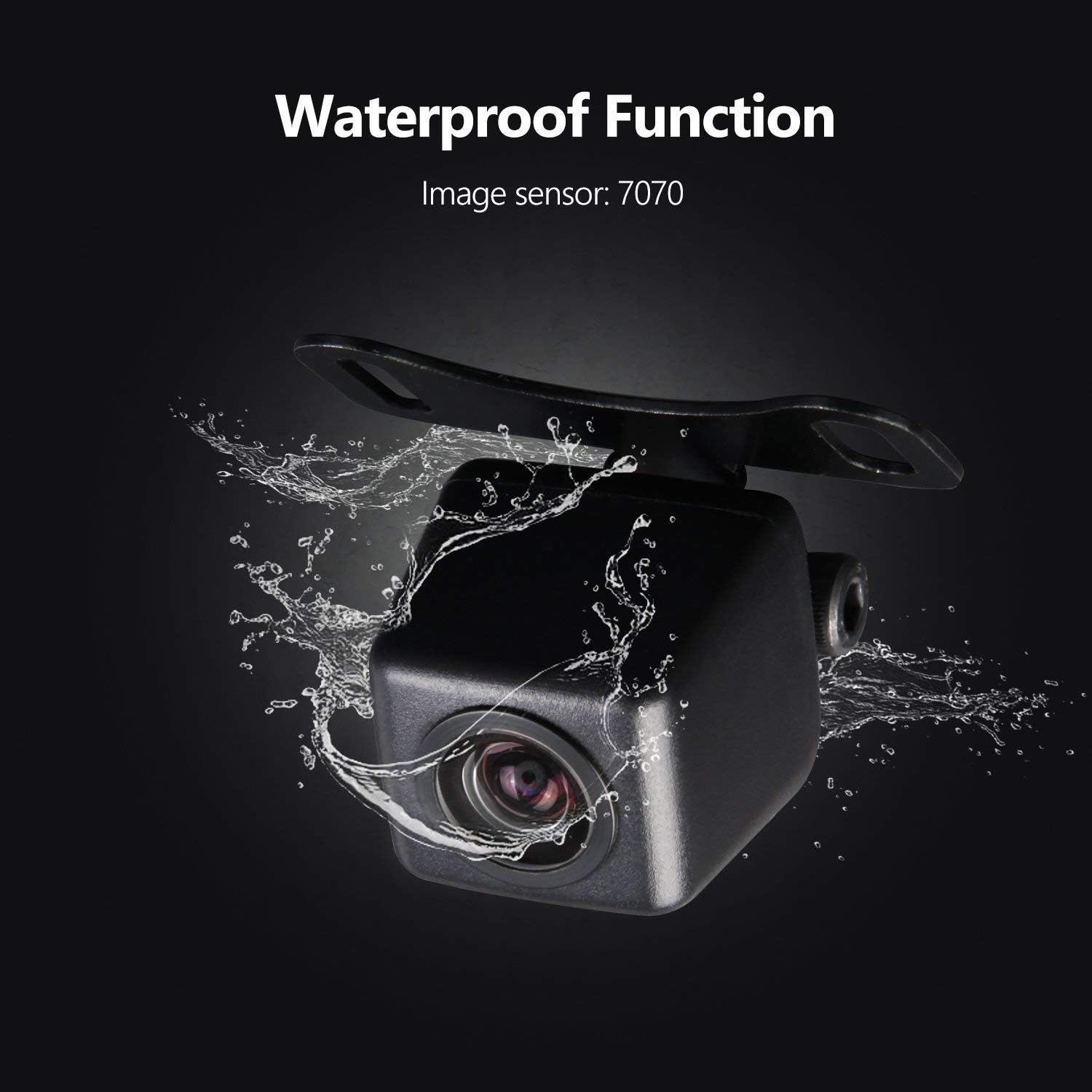
Figure 5: Waterproof Design
The A0119 camera is designed with a waterproof housing (Image Sensor: 7070), ensuring reliable performance in various weather conditions, including rain and car washes.
Maintenance
To ensure optimal performance and longevity of your Eonon A0119 backup camera, follow these simple maintenance guidelines:
- Cleaning the Lens: Regularly clean the camera lens with a soft, damp cloth to remove dirt, dust, or water spots. Avoid using abrasive cleaners or materials that could scratch the lens.
- Checking Connections: Periodically inspect all wiring connections to ensure they are secure and free from corrosion. Loose connections can lead to intermittent video signals or complete loss of function.
- Housing Inspection: Check the camera housing for any signs of damage or cracks that could compromise its waterproof integrity.
Troubleshooting
If you encounter issues with your Eonon A0119 backup camera, refer to the following common problems and solutions:
- No Image or Black Screen:
- Ensure all power and video connections are securely plugged in.
- Verify that the camera is receiving proper 12V power. Test the power source (e.g., reverse light circuit) with a multimeter.
- Check the car stereo's input selection to ensure it is set to the correct rear camera input.
- Flickering, Freezing, or Grainy Image:
- This can indicate an unstable power supply. Ensure the camera is receiving a consistent 12V.
- In some vehicles, especially those with complex electrical systems (e.g., European cars), a power regulator or relay may be necessary to stabilize the power to the camera and prevent interference.
- Check the video cable for damage or kinks.
- Camera Angle Shifts or Does Not Stay in Place:
- Ensure the mounting screws are tightened sufficiently. If using adhesive, ensure the surface is clean and dry before application.
- If the camera's adjustable angle mechanism is loose, it may require re-securing or a small amount of adhesive to hold its position.
- Poor Night Vision:
- While the camera has a low minimum illumination, extreme darkness may still result in a less clear image. Ensure your vehicle's reverse lights are functioning correctly to provide adequate illumination.
If these steps do not resolve the issue, please contact Eonon customer support for further assistance.
Technical Specifications

Figure 6: A0119 Camera Dimensions
| Feature | Specification |
|---|---|
| Model | EONON A0119 |
| Color | Black |
| Wide Angle | 170° |
| Horizontal View Angle | 120° |
| Image Sensor | 7070 (CMOS) |
| Total Pixels | 420,000 Pixels |
| Resolution | 420TV Lines |
| Minimum Illumination | 0.2 Lux/F1.8 (0 Lux with LED) |
| Video Output | 1.0 Vpp/75Ω |
| Power Supply | DC 12V |
| Camera Size (L x W x H) | 24mm x 20mm x 18mm (approx.) |
| Product Dimensions (L x W x H) | 24.8"L x 16.9"W x 9.8"H (packaging/overall product) |
| Installation Type | Surface Mount |
| Connector Type | RCA |
Warranty and Support
Eonon products are manufactured to high-quality standards. For specific warranty details regarding your A0119 backup camera, please refer to the warranty information provided with your purchase or visit the official Eonon website. If you require technical assistance, troubleshooting support, or have questions about your product, please contact Eonon customer service through their official channels.
For the latest support information and contact details, please visit the EONON Store on Amazon or their official website.


