
POCKET JUICE 3897B/WM
Pocket Juice TZUMI 12K Portable Charger User Manual
Model: 3897B/WM | Brand: POCKET JUICE
Introduction
This manual provides essential instructions for the safe and efficient use of your Pocket Juice TZUMI 12K Portable Charger. Please read this guide thoroughly before operating the device.
Package Contents
- Pocket Juice TZUMI 12K Portable Charger (Model 3897B/WM)
- USB Charging Cable
- User Manual
Product Overview
The Pocket Juice 12K Portable Charger is designed to provide on-the-go power for your electronic devices. It features a high-capacity battery and multiple output ports for versatile charging.

Image: Side view of the Pocket Juice 12K Portable Charger, showing its compact design.
Components:
- Power Button: Activates the device and checks battery level.
- LED Indicators: Display the remaining battery charge.
- USB Output Ports: For connecting devices to be charged.
- Micro USB Input Port: For charging the power bank itself.
- Integrated AC Wall Plug: For direct wall charging of the power bank.
Setup and Initial Charging
Before first use, fully charge your Pocket Juice portable charger.
- Charging the Power Bank via Wall Outlet:
Extend the integrated AC wall plug from the side of the power bank. Plug the power bank directly into a standard wall outlet. The LED indicators will illuminate and blink to show charging progress. All four LEDs will be solid when fully charged.

Image: The Pocket Juice 12K Portable Charger with its integrated AC plug inserted into a wall outlet for charging.
- Charging the Power Bank via USB:
Connect the smaller end of the provided USB charging cable to the Micro USB input port on the power bank. Connect the larger end of the cable to a USB wall adapter or a computer's USB port. The LED indicators will show charging progress, and all four LEDs will be solid when fully charged.
- Checking Battery Level:
Press the power button once. The LED indicators will light up to show the current charge level:
- 4 LEDs: 75-100% charged
- 3 LEDs: 50-75% charged
- 2 LEDs: 25-50% charged
- 1 LED: 0-25% charged
Operating Instructions
- Charging Your Device:
Connect your device's charging cable to one of the USB output ports on the Pocket Juice portable charger. Connect the other end of the cable to your device. The charging process should begin automatically. If not, press the power button on the power bank once to initiate charging.
- Dual Device Charging:
The Pocket Juice 12K Portable Charger is equipped with multiple USB output ports, allowing you to charge two devices simultaneously. Connect each device to a separate USB output port using their respective charging cables.

Image: The Pocket Juice 12K Portable Charger connected to and charging multiple smartphones and tablets simultaneously.
- Optimized Charging:
The charger features intelligent Quick Chip technology for efficient and high-speed charging, adapting to your device's power requirements.
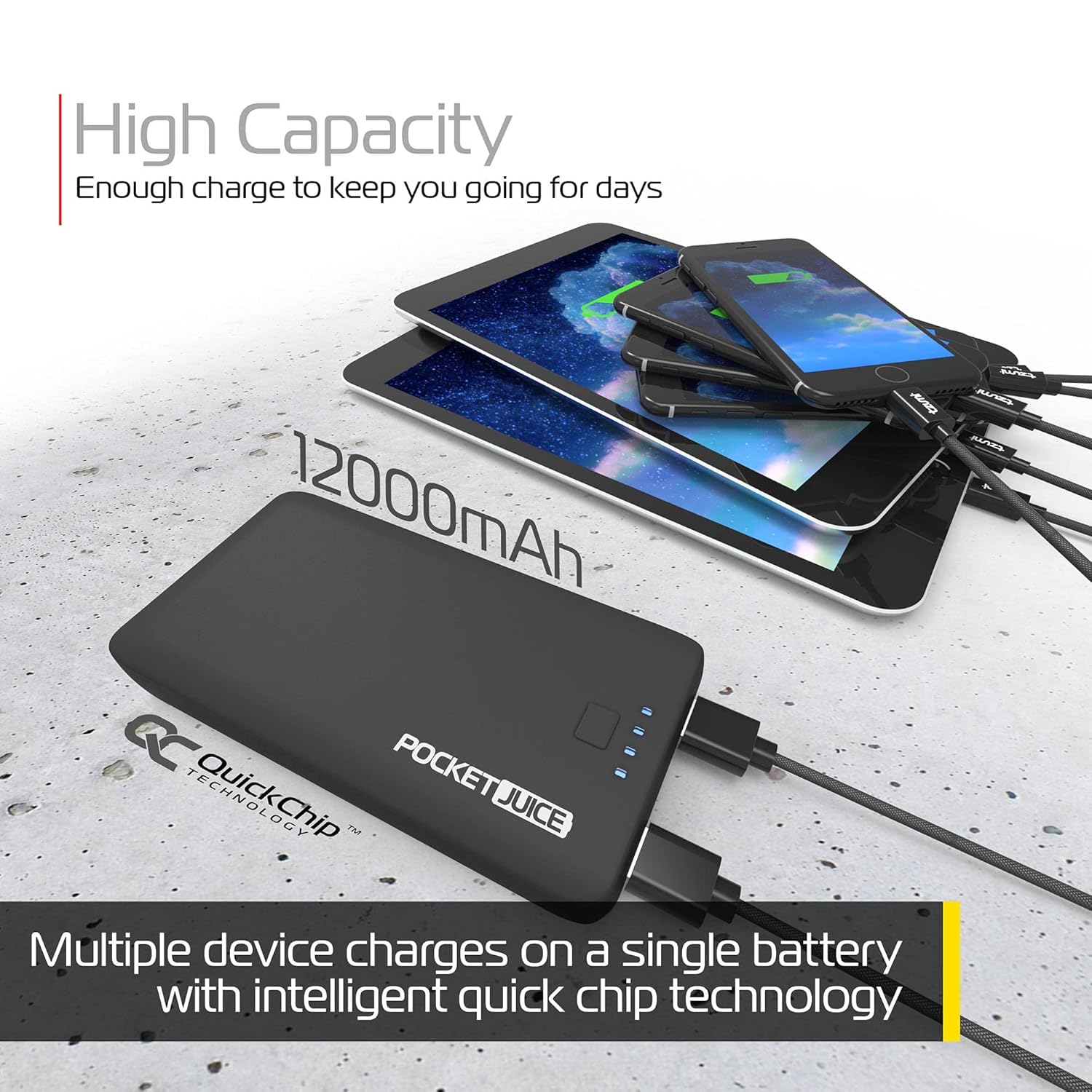
Image: The Pocket Juice 12K Portable Charger shown with various devices, emphasizing its 12000mAh capacity and ability to provide multiple charges.
Maintenance and Care
- Keep the portable charger away from water, moisture, and extreme temperatures.
- Do not attempt to disassemble or modify the device.
- Clean the device with a soft, dry cloth. Avoid using harsh chemicals or abrasive materials.
- Store the device in a cool, dry place when not in use. For optimal battery life, charge the power bank at least once every three months.
Troubleshooting
| Problem | Possible Cause | Solution |
|---|---|---|
| Device not charging from power bank. | Power bank battery is depleted. Cable is faulty. Device is not properly connected. | Recharge the power bank. Try a different charging cable. Ensure connections are secure. Press the power button on the power bank. |
| Power bank not charging. | Wall outlet or USB port is not active. Charging cable is faulty. | Try a different wall outlet or USB port. Use the provided USB charging cable or a known working cable. |
| Slow charging. | Using a low-power adapter. Cable is not optimal. | Use a higher-output USB wall adapter (e.g., 2A or higher). Ensure you are using a quality charging cable. |
Specifications
- Model: 3897B/WM
- Battery Capacity: 12000mAh
- Battery Type: Lithium Polymer
- Input: AC 100-240V (via integrated plug) or Micro USB (5V, 2A recommended)
- Output: USB-A (3.4A Max Output, shared across ports)
- Dimensions: 1 x 1 x 1 inches
- Weight: 7.2 ounces
- UPC: 817243038970
Warranty and Support
This product is covered by a limited manufacturer's warranty. For specific warranty details, please refer to the warranty card included with your purchase or contact the manufacturer directly.
For technical support or customer service inquiries, please visit the official POCKET JUICE website or contact their customer support channels.
Related documents3897B/WM


Ask a question about this manual
Ask about setup, troubleshooting, compatibility, parts, safety, or missing instructions. Manuals+ will review the question and use this page’s manual context to help answer it.