Introduction
This manual provides comprehensive instructions for the operation and maintenance of your SKMEI 1099 LED Digital Sport Wrist Watch. Designed for versatility and ease of use, this watch features a clear digital display and a durable build suitable for daily wear and sport activities. Please read this manual thoroughly to ensure proper use and to maximize the lifespan of your device.
Key features include a power-saving mode, a secure magnet buckle, and a display that shows both time and date.
Product Overview
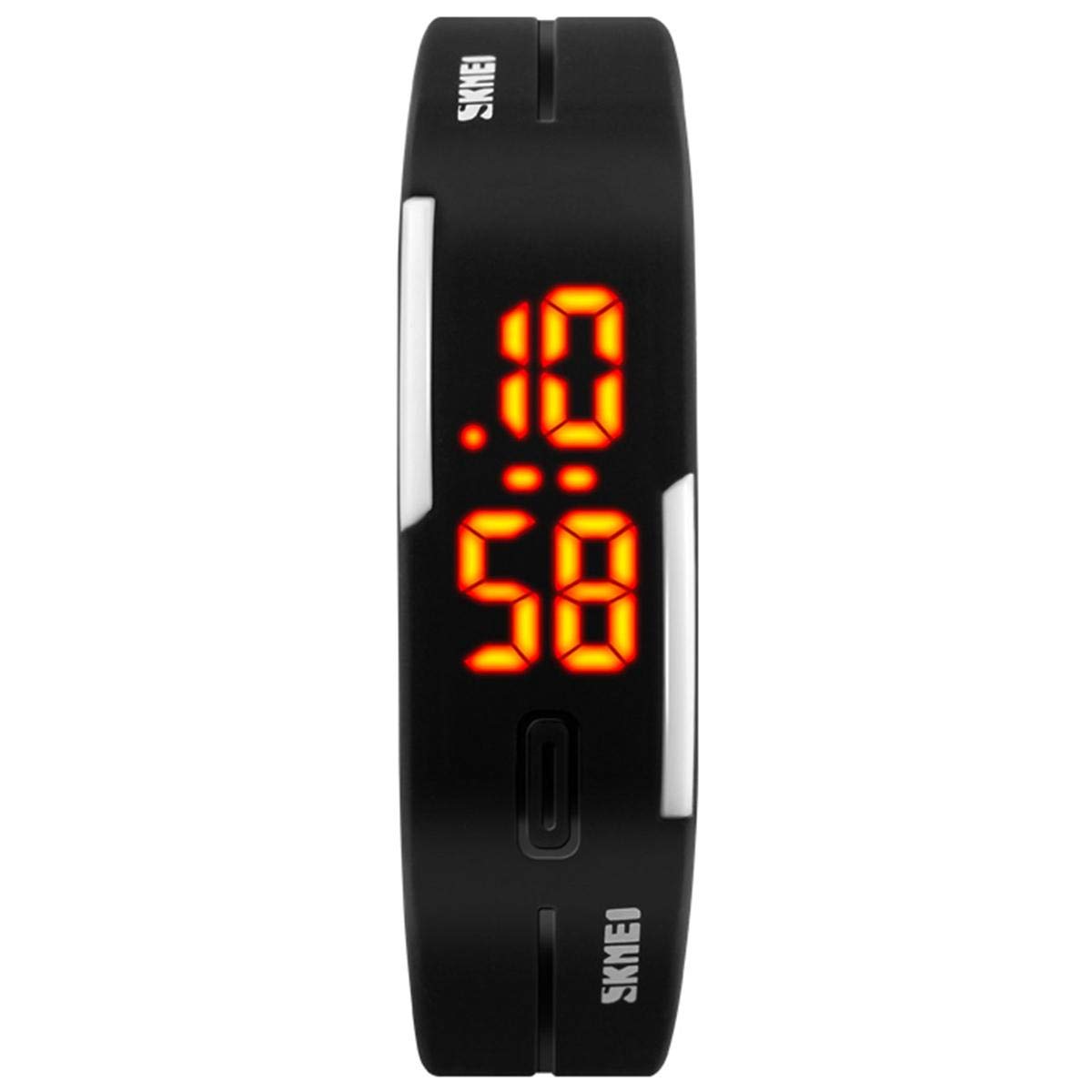
The SKMEI 1099 watch in its primary display mode, showing the time 10:58. The sleek black band and bright LED display are prominent.
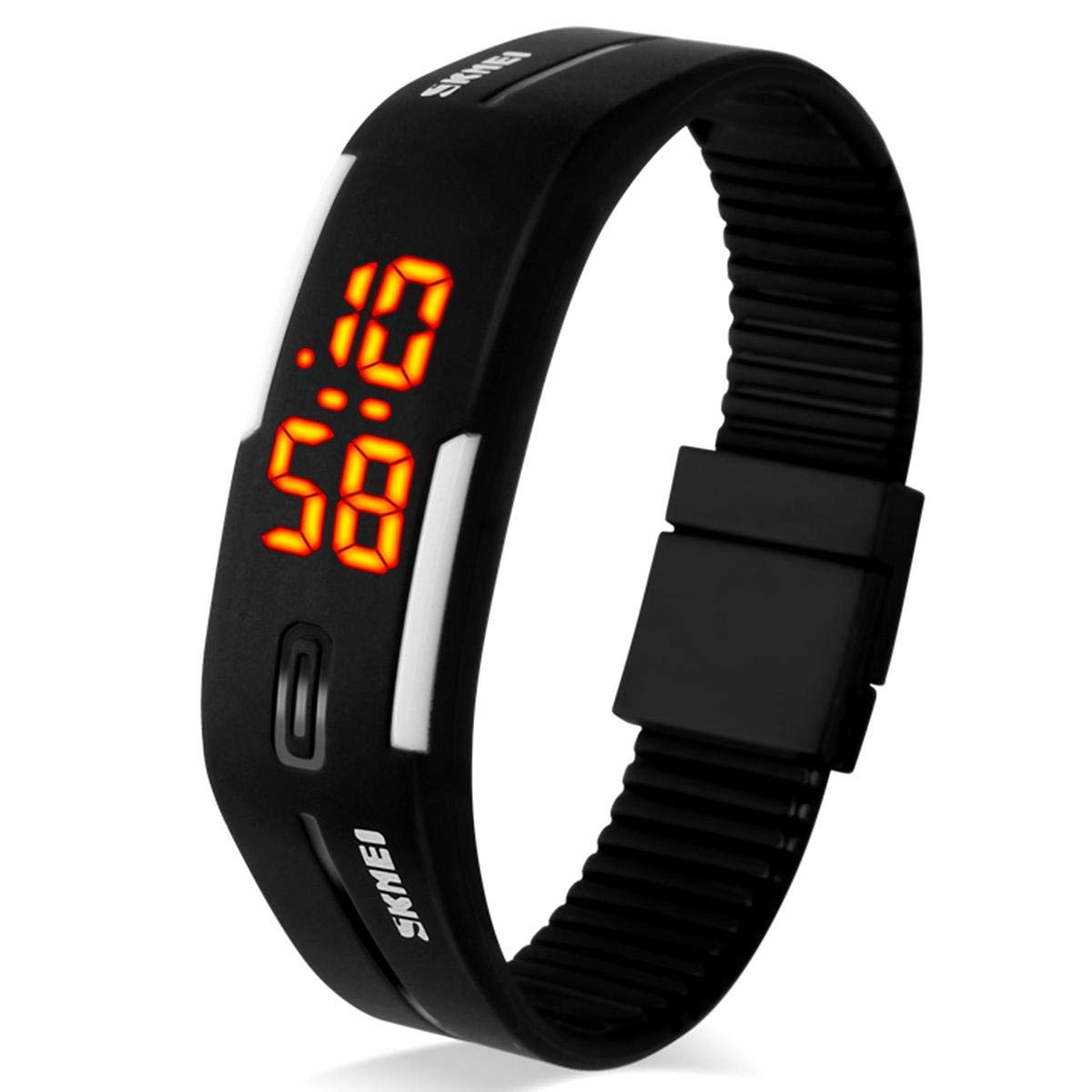
An angled perspective of the watch, highlighting the textured inner surface of the band and the side profile of the display unit.
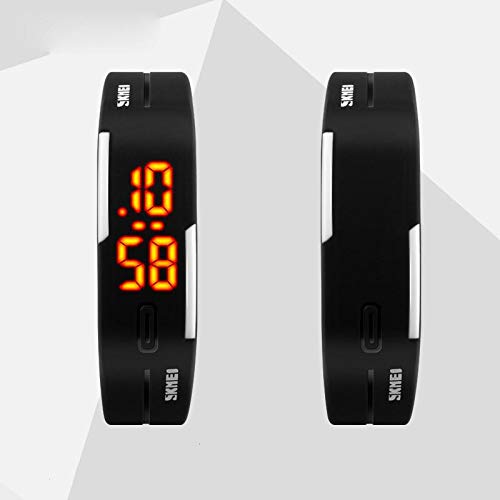
A comparison view showing two SKMEI 1099 watches, one displaying the time and the other showing its reverse side, emphasizing the slim design.
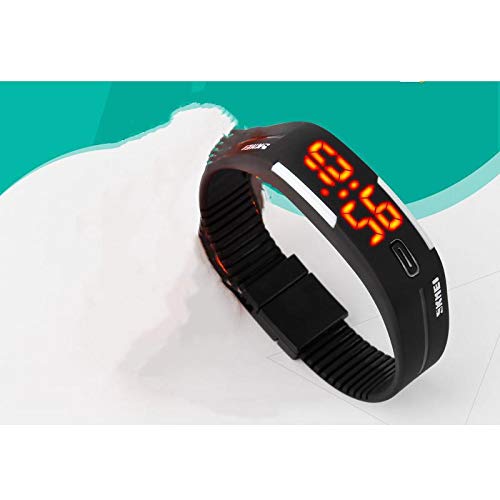
The watch as it appears when worn on a wrist, demonstrating its comfortable and sleek fit.
Setup
Initial Activation
Upon receiving your SKMEI 1099 watch, it may be in a power-saving state. To activate the display and begin setup, gently press the single button located on the front of the watch face. The LED display should illuminate, showing the current time or a default setting.
Battery Information
This watch operates on a standard watch battery. While the watch comes with a pre-installed battery, its lifespan depends on usage. When the display dims or fails to illuminate, it indicates that the battery needs replacement. Refer to the 'Maintenance' section for battery replacement guidelines.
Operating Instructions
The SKMEI 1099 watch features a single multi-function button for all operations.
Display Modes
- Normal Time Mode: Displays the current time (hours and minutes).
- Power Saving Mode: The display turns off automatically after a few seconds of inactivity to conserve battery life. Press the button once to reactivate the display.
Setting Time and Date
- Press the button once to illuminate the display.
- Press and hold the button for approximately 3 seconds until the hour digits begin to flash.
- While the hour digits are flashing, press the button repeatedly to advance the hour.
- Once the correct hour is set, press and hold the button again for 3 seconds. The minute digits will begin to flash.
- Press the button repeatedly to advance the minutes.
- Repeat the press and hold (3 seconds) and then single press sequence for setting the month, day, and year, in that order.
- After setting the year, press and hold the button one last time to exit the setting mode. The display will return to normal time mode.
Note: The watch typically uses a 24-hour format.
Maintenance
Cleaning
To clean your watch, wipe it gently with a soft, dry cloth. For stubborn dirt, a slightly damp cloth can be used, but ensure no moisture enters the watch mechanism. Avoid using harsh chemicals or abrasive cleaners.
Water Resistance
The SKMEI 1099 is designed for daily wear and can withstand splashes or brief exposure to rain. It is not suitable for swimming, showering, or diving. Avoid pressing the button when the watch is wet.
Battery Replacement
Battery replacement should ideally be performed by a qualified watch technician to prevent damage to the internal components and to ensure proper sealing. If attempting yourself, carefully open the back casing, replace the old battery with a new one of the same type, and ensure the gasket is properly seated before closing the case.
Troubleshooting
| Problem | Possible Cause | Solution |
|---|---|---|
| Display is blank or dim. | Battery is low or depleted. | Replace the battery. |
| Time is incorrect. | Time not set correctly or accidentally reset. | Follow the 'Setting Time and Date' instructions. |
| Button is unresponsive. | Button stuck or internal issue. | Ensure the button is not obstructed. If problem persists, seek professional repair. |
| Display shows erratic characters. | Low battery or internal malfunction. | Try replacing the battery. If issue continues, professional inspection is recommended. |
Specifications
| Feature | Detail |
|---|---|
| Model Number | SKMEI 1099 |
| Display Type | Digital LED |
| Band Material | PU Leather |
| Dial Case Diameter Size | M (26 - 39 mm) |
| Item Weight | 11 g |
| Targeted Group | Unisex |
| Manufacturer | Skmei |
Warranty and Support
Warranty terms and conditions for the SKMEI 1099 watch are typically provided at the point of purchase or with the product packaging. Please refer to these documents for specific details regarding coverage and duration.
For technical support, service, or inquiries not covered in this manual, please contact SKMEI customer service through their official website or the retailer from whom the product was purchased. Ensure you have your model number (SKMEI 1099) and purchase details ready when contacting support.


