
Introduction
This manual provides essential information for the proper installation, operation, and maintenance of your Fender 12-inch, 8 Ohm G12P-80 Celestion® Deluxe™ VM speaker. Please read this manual thoroughly before use to ensure optimal performance and safety.
Safety Information
Always observe the following safety precautions:
- Ensure all connections are secure before powering on any audio equipment.
- Do not expose the speaker to excessive moisture or extreme temperatures.
- Avoid overloading the speaker beyond its rated power handling capacity (80 Watts).
- Consult a qualified technician for any repairs or modifications.
Product Overview
The Fender G12P-80 Celestion® Deluxe™ VM is a high-quality 12-inch speaker designed for various audio applications, including home theater systems, gaming consoles, and powerful music setups. It features an 8 Ohm impedance and a maximum output power of 80 Watts.
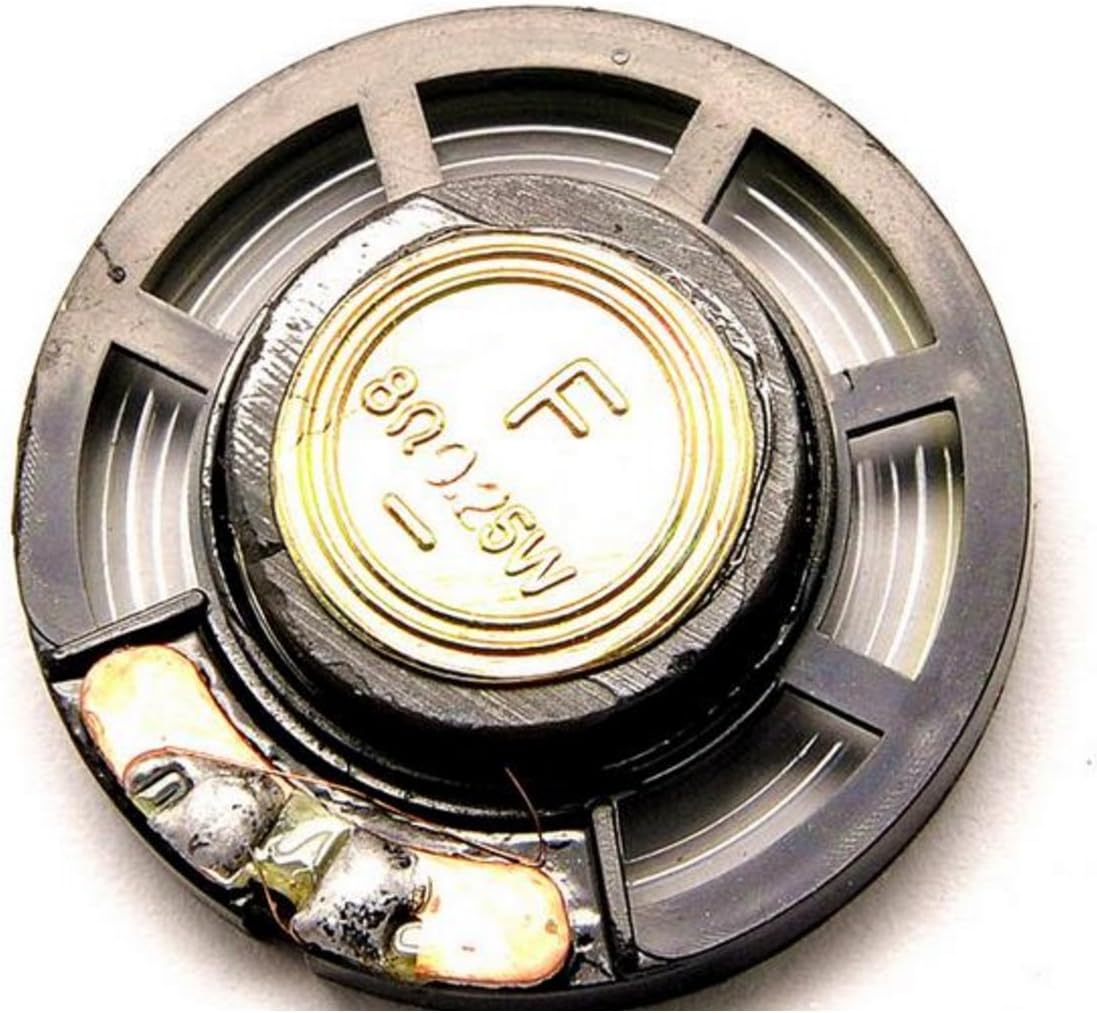
Figure 1: Front view of the Fender G12P-80 Celestion speaker, highlighting the main cone and the terminal connections for wiring.
Setup
Follow these steps to properly set up your speaker:
- Unpacking: Carefully remove the speaker from its packaging. Inspect for any signs of damage during transit.
- Mounting: This speaker is designed for flush mounting. Ensure the mounting surface is stable and can support the speaker's weight (approximately 21 pounds). Refer to your enclosure's instructions for specific mounting procedures.
- Wiring: Connect the speaker to your amplifier or audio system using appropriate speaker cables. Ensure correct polarity (+ to + and - to -) to avoid phase issues. The speaker has an impedance of 8 Ohms.
- Initial Test: After connecting, perform a low-volume test to confirm proper operation before increasing the volume.
Operating
The Fender G12P-80 speaker is designed to work seamlessly with compatible audio systems. Once connected, operate your audio system as usual. Ensure the amplifier's output power does not exceed the speaker's maximum handling capacity of 80 Watts to prevent damage.
For optimal sound quality, consider the acoustics of your listening environment and the placement of the speaker within its enclosure.
Maintenance
Proper maintenance will extend the life of your speaker:
- Cleaning: Use a soft, dry cloth to gently wipe the speaker cone and frame. Do not use liquid cleaners or abrasive materials.
- Environment: Keep the speaker in a dry environment, away from direct sunlight and extreme temperatures. It is not waterproof.
- Inspection: Periodically check speaker terminals and wiring for secure connections and signs of wear.
Troubleshooting
If you encounter issues with your speaker, try the following:
| Problem | Possible Cause | Solution |
|---|---|---|
| No Sound | Loose or incorrect wiring; Amplifier off or faulty. | Check all speaker cable connections for polarity and tightness. Ensure amplifier is powered on and functioning. |
| Distorted Sound | Overloaded speaker; Damaged speaker cone; Incorrect impedance match. | Reduce volume. Inspect speaker cone for physical damage. Verify amplifier impedance matches speaker (8 Ohm). |
| Intermittent Sound | Loose connections; Faulty cable. | Secure all connections. Try a different speaker cable to rule out cable issues. |
Specifications
| Feature | Detail |
|---|---|
| Model Name | G12P-80 |
| Brand | Fender |
| Speaker Type | Woofer |
| Speaker Size | 12 Inches |
| Impedance | 8 Ohm |
| Maximum Output Power | 80 Watts |
| Connectivity Technology | Coaxial |
| Mounting Type | Flush Mount |
| Item Weight | 21 Pounds |
| Recommended Uses | For Home Theater Systems, For Gaming Consoles, For Powerful Music Setups |
| Is Waterproof | FALSE |
| Manufacturer | Fender Electronics |
| Date First Available | April 17 2020 |
Warranty and Support
For warranty information and technical support, please refer to the official Fender website or contact Fender customer service. Keep your purchase receipt as proof of purchase.
Note: Specific warranty terms may vary by region and retailer.


