1. Introduction
Thank you for choosing the BLITZU Cyborg 168T Rear Bike Light. This USB rechargeable LED light is designed to enhance your visibility and safety during cycling, both day and night. This manual provides detailed instructions for the proper setup, operation, and maintenance of your new bike light.
2. Safety Information
- Always ensure the light is securely mounted before riding.
- Do not look directly into the light beam to avoid temporary vision impairment.
- Keep the light clean and free from obstructions to maintain optimal visibility.
- While the light is water-resistant, avoid prolonged immersion in water.
- Regularly check the battery level and recharge as needed to prevent unexpected power loss.
- Adhere to all local traffic laws and regulations regarding bicycle lighting.
3. What's in the Box
- BLITZU Cyborg 168T Rear Bike Light
- USB Charging Cable
- Mounting Strap
- Instruction Manual
4. Product Features
- High Visibility: Emits 168 lumens with a 220° wide-angle beam, visible up to 0.7 miles, enhancing safety during both day and night.
- Durable Construction: Features an aluminum casing for strength and longevity, designed to withstand various weather conditions.
- Easy Installation: Mounts quickly without tools using a heavy-duty flexible rubber strap, compatible with seatposts, seatstays, helmets, saddle bags, backpacks, skateboards, scooters, strollers, wheelchairs, or dog collars.
- Multiple Lighting Modes: Offers 6 distinct lighting modes to suit different riding conditions and preferences.
- USB Rechargeable: Conveniently recharges via USB, providing a runtime of up to 4 hours depending on the mode.
- Water Resistant: Rated IPX4 for water resistance, suitable for use in rain and other wet conditions.

Image: The BLITZU Cyborg 168T Rear Bike Light, showcasing its compact design and bright red illumination.

Image: The BLITZU Cyborg 168T Rear Bike Light mounted on a bicycle, illuminated at night to demonstrate visibility.
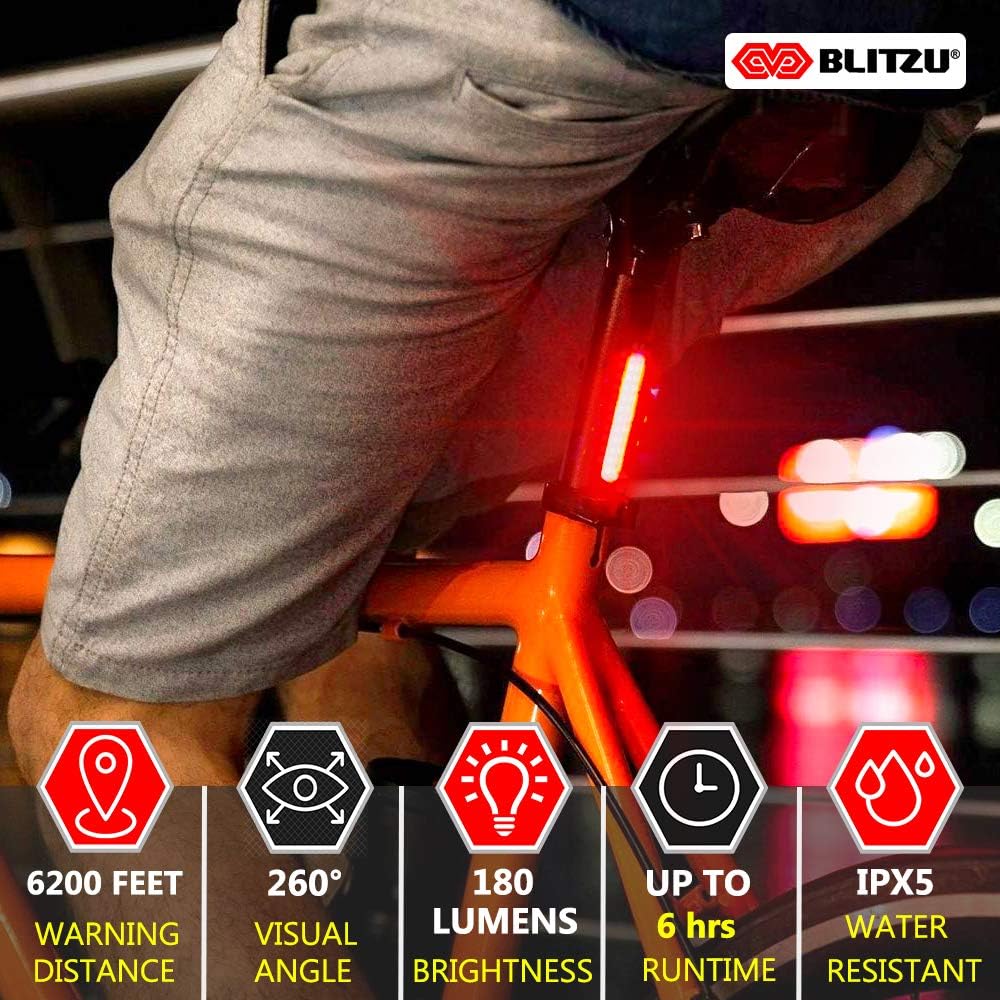
Image: The BLITZU Cyborg 168T Rear Bike Light mounted on a helmet, showing its versatility in placement.
5. Setup & Installation
The BLITZU Cyborg 168T is designed for quick and easy installation without the need for any tools. Follow these steps to mount your light:
- Identify the desired mounting location (e.g., seatpost, seatstay, helmet, backpack).
- Attach the flexible rubber strap to the light's mounting bracket.
- Wrap the strap around the chosen mounting point and secure it by hooking the strap into one of the notches. Adjust for a snug fit.
- The light's hinge can be adjusted vertically or horizontally to focus the beam as needed.

Image: A diagram illustrating the simple, tool-free installation process using the flexible rubber strap.
Video: Demonstration of attaching the BLITZU Cyborg 168T light to a helmet and bicycle, and its illumination during night cycling.
6. Operating Instructions
The BLITZU Cyborg 168T features a single button for easy control of its various lighting modes.
- Power On/Off: Press and hold the power button for approximately 2 seconds to turn the light on or off.
- Change Modes: Once the light is on, short press the power button to cycle through the 6 available lighting modes: Steady High, Steady Mid, Steady Low, High Flash, Low Flash, and Strobe.

Image: Visual representation of the 6 lighting modes and their approximate runtimes.
Video: A close-up demonstration of cycling through the different lighting modes of the BLITZU Cyborg 168T.
7. Charging Instructions
The BLITZU Cyborg 168T is equipped with a rechargeable battery for convenience.
- Locate the USB charging port on the side of the light, typically covered by a rubber flap for water resistance.
- Gently open the rubber flap.
- Connect the provided USB charging cable to the light's port and the other end to a USB power source (e.g., computer, wall adapter, power bank).
- A small indicator light will illuminate during charging and turn off or change color when fully charged.
- Once charging is complete, disconnect the cable and firmly close the rubber flap to maintain water resistance.
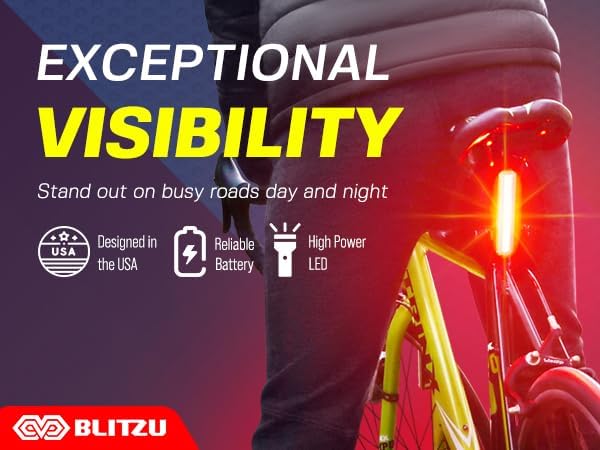
Image: The BLITZU Cyborg 168T light connected to a laptop for USB charging.
8. Maintenance
- Cleaning: Wipe the light with a soft, damp cloth to remove dirt and debris. Avoid using abrasive cleaners or solvents.
- Storage: Store the light in a cool, dry place when not in use. If storing for an extended period, charge the battery periodically to maintain its health.
- Battery Care: To prolong battery life, avoid fully discharging the battery frequently. Recharge when the indicator shows low battery.
9. Troubleshooting
- Light not turning on: Ensure the battery is charged. Press and hold the power button for 2 seconds to activate.
- Light not charging: Check the USB cable and power source connections. Ensure the charging port's rubber flap is fully open.
- Light flickering or dim: The battery may be low. Recharge the light.
- Mounting issues: Ensure the rubber strap is correctly looped and secured into a notch for a tight fit.
10. Specifications
| Feature | Detail |
|---|---|
| Brand | BLITZU |
| Model Name | Cyborg 168T |
| Brightness | 168 Lumens |
| Number of Settings | 6 |
| Power Source | Battery Powered |
| Material | Plastic |
| Water Resistance Level | Water Resistant (IPX4) |
| Item Weight | 0.02 Pounds |
| Mounting Type | Frame Mount (Rubber Strap) |
| Color | Red |
11. Warranty & Support
The BLITZU Cyborg 168T Rear Bike Light comes with a 1 Year Warranty from the date of purchase. This warranty covers manufacturing defects and material flaws under normal use. For warranty claims or technical support, please contact BLITZU customer service through their official website or the retailer where the product was purchased. Please retain your proof of purchase for warranty validation.