
Product Overview
The Inkbird ITH-10 is a compact digital thermometer and hygrometer designed for accurate monitoring of temperature and humidity. Its portable size and clear display make it suitable for various applications, including households, guitar cases, greenhouses, offices, and laboratories. This device provides essential environmental data to help maintain optimal conditions for sensitive items or environments.
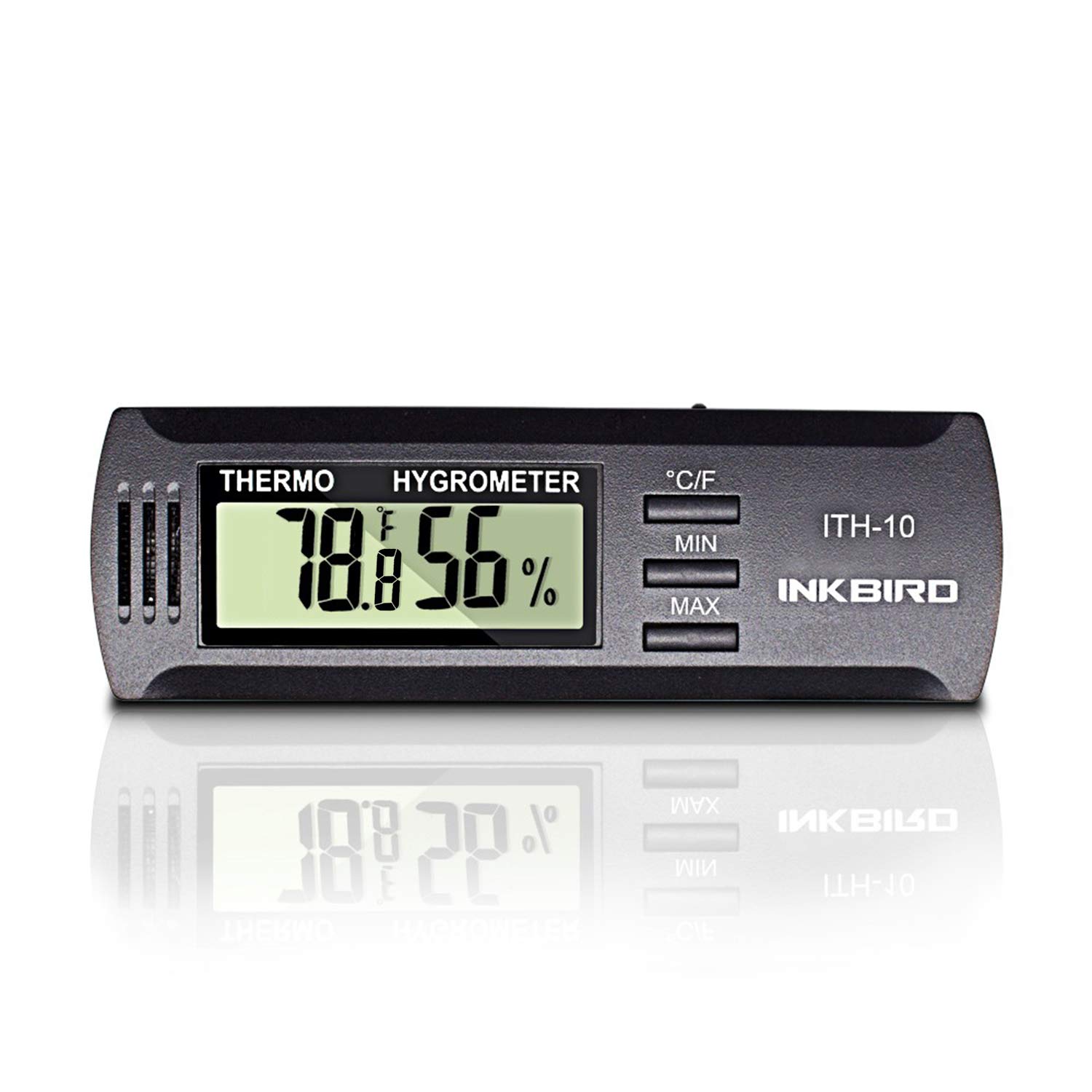
Figure 1: Front view of the Inkbird ITH-10 Digital Thermometer and Hygrometer, displaying temperature and humidity readings.
Setup
- Battery Installation: The ITH-10 uses one CR2032 battery. Locate the battery compartment on the back of the device. Slide open the cover, insert the CR2032 battery with the positive (+) side facing up, and close the cover securely.
- Power On: Once the battery is installed, the device will automatically power on and display current temperature and humidity readings.

Figure 2: Close-up view of the Inkbird ITH-10, showing the battery compartment with a CR2032 battery being inserted.
Setup Video Guide
Video 1: An official Inkbird video demonstrating the basic setup and features of the ITH-10 Digital Mini Thermometer, including battery installation and initial power-on.
Operating Instructions
- Temperature Unit Selection: Press the '°C/°F' button to switch between Celsius and Fahrenheit temperature units.
- Minimum/Maximum Readings: Press the 'MIN' button to view the minimum recorded temperature and humidity. Press the 'MAX' button to view the maximum recorded temperature and humidity. To clear the recorded minimum and maximum values, press and hold the 'MIN' or 'MAX' button for 3 seconds.
- Placement: Place the device in the desired environment for monitoring. Ensure the ventilation slots on the side are not obstructed for accurate readings.
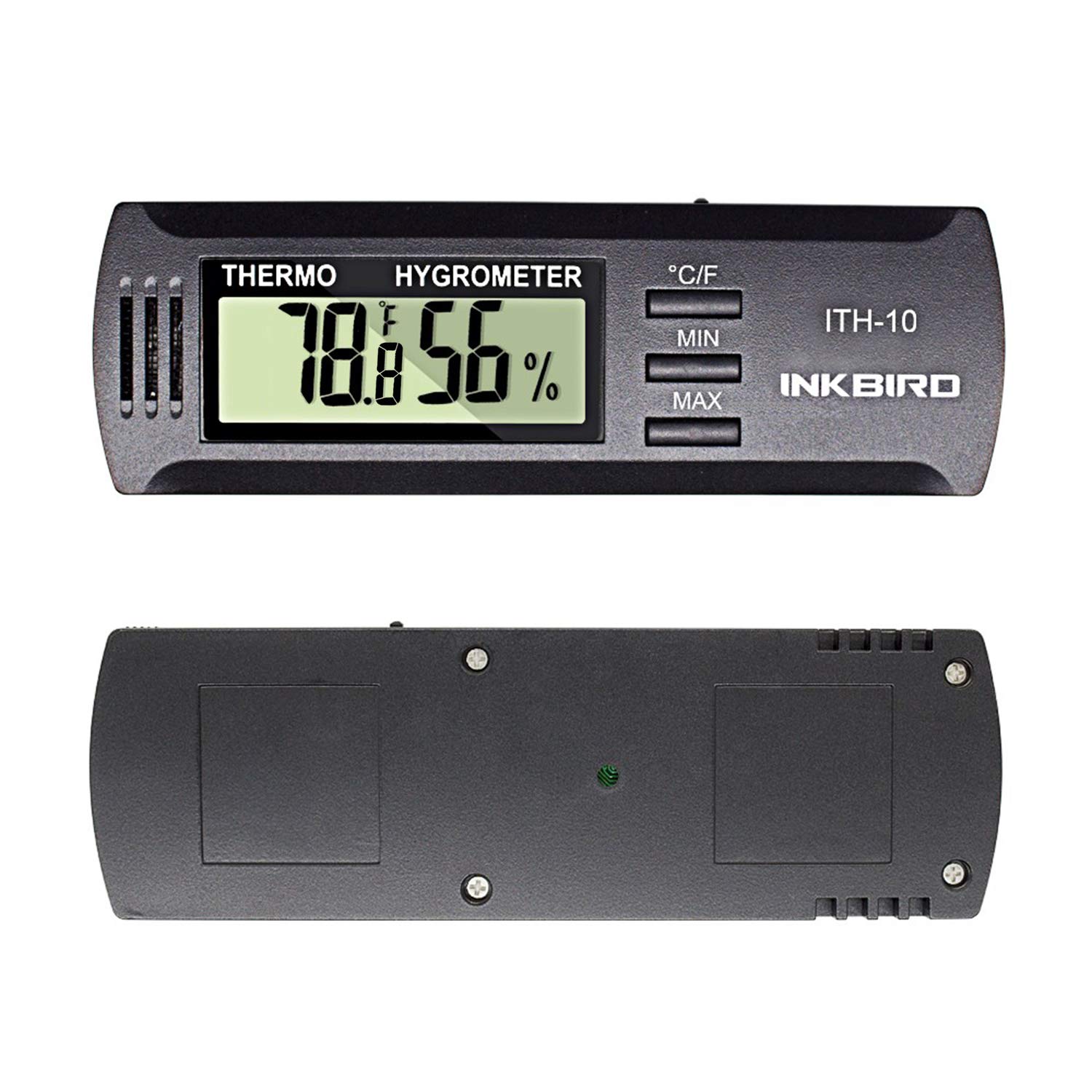
Figure 3: Front and back views of the Inkbird ITH-10, highlighting the display and control buttons.
Maintenance
- Cleaning: Wipe the device clean with a soft, non-abrasive cloth. Do not use harsh chemicals or immerse the device in water.
- Battery Replacement: When the display becomes dim or shows an empty battery indicator, replace the CR2032 battery as described in the Setup section.
- Storage: Store the device in a cool, dry place when not in use for extended periods.
Troubleshooting
- Inaccurate Readings: Ensure the device is placed in an area with good air circulation and away from direct heat sources or extreme drafts. For humidity, a salt test can be performed to check accuracy.
- Blank Display: Check if the battery is correctly installed and has sufficient power. Replace the battery if necessary.
- Display Not Changing: Allow sufficient time for the device to stabilize in a new environment. If readings remain static, ensure the sensors (located behind the ventilation slots) are not blocked.
Specifications
| Feature | Specification |
|---|---|
| Model | ITH-10 |
| Temperature Range | 23°F to 140°F (-5°C to 60°C) |
| Temperature Accuracy | ±1°C (±1.8°F) |
| Humidity Range | 30%RH to 90%RH (no condensation) |
| Humidity Accuracy | ±3% |
| Battery Type | CR2032 (DC 3V) |
| Dimensions | 3.9"W x 0.39"H (approximately 10cm x 1cm) |
| Item Weight | 0.02 Pounds |

Figure 4: The Inkbird ITH-10 with its key dimensions indicated for reference.
Usage Examples
The Inkbird ITH-10 is versatile and can be used in various settings to monitor environmental conditions. Common applications include:
- Humidors: Maintain ideal humidity levels for cigars to preserve their quality.
- Guitar Cases: Protect musical instruments from damage due to excessive dryness or humidity.
- Greenhouses: Monitor conditions for optimal plant growth.
- Aging Boxes: Ensure stable environments for aging various products.
- General Household Use: Track comfort levels in living spaces.

Figure 5: The Inkbird ITH-10 positioned inside an enclosure, demonstrating its use for environmental monitoring.
Warranty and Support
For warranty information, technical support, or any inquiries regarding your Inkbird ITH-10 Digital Thermometer and Hygrometer, please refer to the official Inkbird website or contact their customer service directly. Keep your purchase receipt for warranty claims.


