
allsun EM555
Allsun EM555 Digital Electric Fence Tester User Manual
Model: EM555
Brand: Allsun
1. Introduction
The Allsun EM555 Digital Electric Fence Tester is designed to accurately measure voltage levels on electric fence lines and fence controllers. This device helps in identifying faults and ensuring optimal performance of your electric fence system. It features an LCD display for clear voltage readings ranging from 300 volts (0.3KV) to 9900 volts (9.9KV).

Image: Allsun EM555 Digital Electric Fence Tester displaying voltage on an electric fence, highlighting its wide voltage range capability.
2. Setup and Battery Installation
Before using your Allsun EM555 Digital Electric Fence Tester, ensure proper battery installation.
2.1 Unboxing and Components
Carefully remove the fence tester and its accessories from the packaging. The package typically includes the EM555 tester unit, a ground probe, and a carrying case.
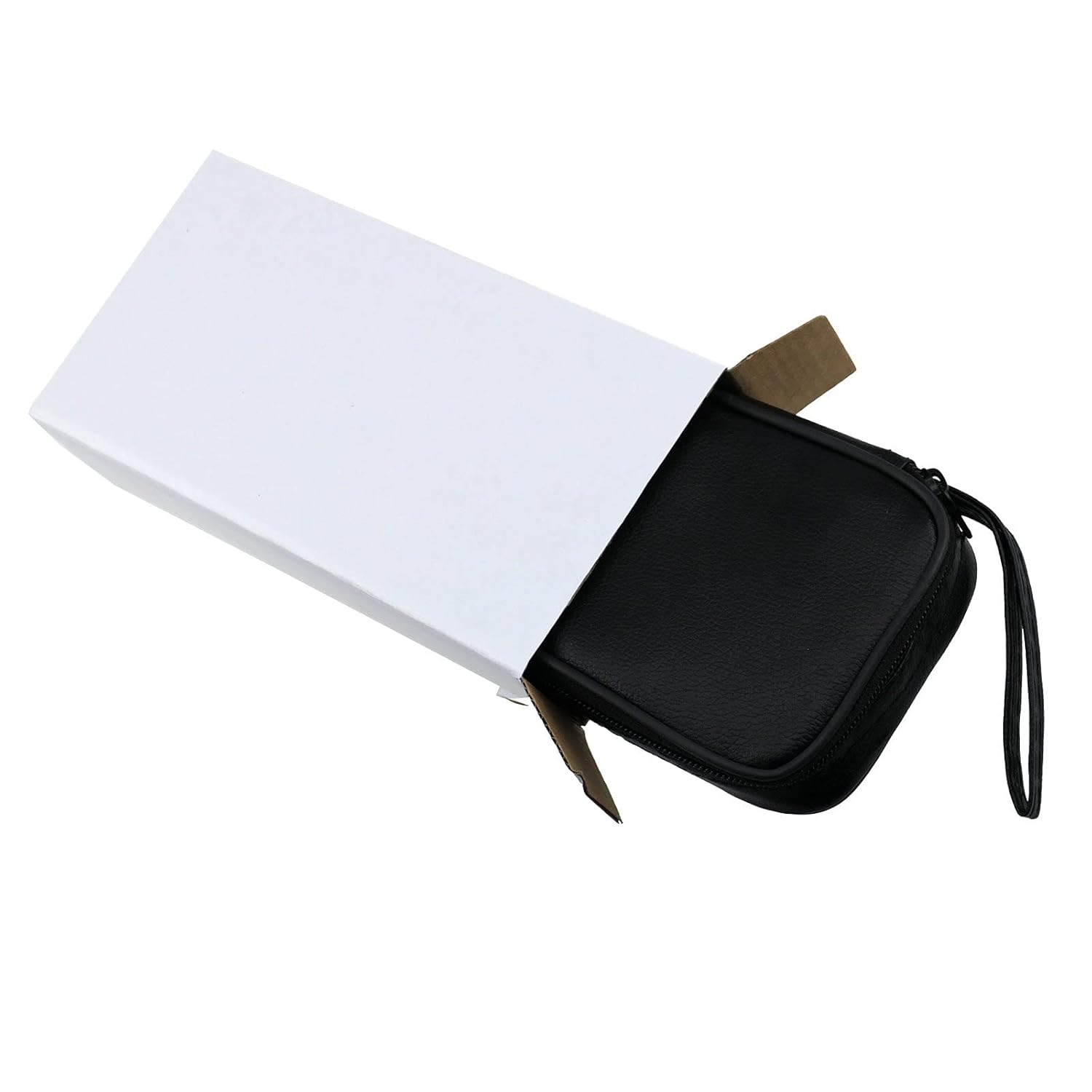
Image: The EM555 tester, ground probe, and user manual neatly stored within its protective carrying case.
2.2 Battery Installation
The EM555 requires a 9V battery (not included). Follow these steps to install the battery:
- Locate the battery compartment on the back of the tester.
- Use a small screwdriver to open the battery compartment cover.
- Insert a new 9V Zinc Carbon battery, ensuring correct polarity (+ and - terminals).
- Replace the battery compartment cover and secure it with the screw.

Image: Rear view of the EM555 tester, indicating the location of the battery compartment cover.

Image: The battery compartment of the EM555 tester with the cover removed, ready for battery insertion.
Video: This video demonstrates the unboxing process and correct battery installation for the Allsun EM555 Digital Electric Fence Tester.
3. Operating Instructions
The Allsun EM555 is designed for simple and accurate electric fence voltage measurement.
3.1 Safety Precautions
WARNING: When using this instrument, always maintain a state of insulation. Wear appropriate protective gear such as rubber gloves and rubber shoes to prevent electric shock.
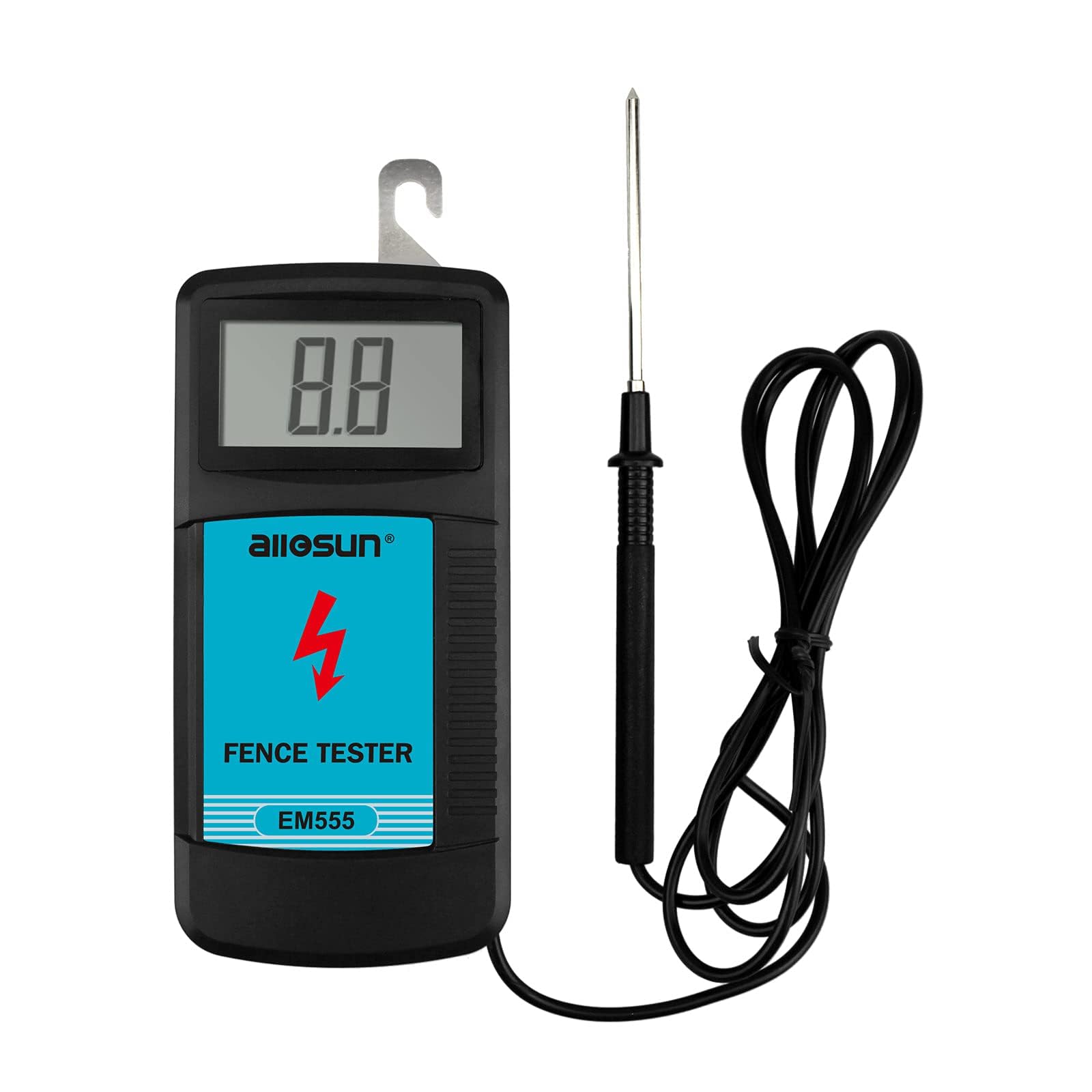
Image: A person wearing protective gloves using the EM555 tester to measure voltage on an electric fence, demonstrating safe operation.
3.2 Measuring Fence Voltage
- Hold the tester firmly by its insulated body.
- Insert the metal ground probe into the soil near the fence line. Ensure good contact with the ground.
- Hook the metal contact point on the top of the tester onto the electric fence wire.
- The LCD display will show the voltage reading in kilovolts (KV). The tester detects per-pulse voltage.
- Read the displayed voltage. The EM555 provides a clear readout for high readability and precision.

Image: The EM555 tester showing its main components: the digital display, the fence hook, and the ground probe.

Image: A close-up of the EM555's LCD screen, demonstrating its clear and easy-to-read digital voltage display.
4. Maintenance
- Cleaning: Wipe the tester with a soft, damp cloth. Do not use abrasive cleaners or solvents.
- Storage: Store the tester in its protective carrying case in a dry, cool place when not in use. Remove the battery if storing for extended periods to prevent leakage.
- Battery Replacement: Replace the 9V battery when the display becomes dim or the tester fails to power on.
5. Troubleshooting
| Problem | Possible Cause | Solution |
|---|---|---|
| Tester does not power on or display is dim. | Dead or improperly installed battery. | Replace the 9V battery, ensuring correct polarity. |
| Inaccurate or fluctuating readings. | Poor ground connection; faulty fence line; low battery. | Ensure the ground probe is firmly inserted into moist soil. Check fence line for shorts or damage. Replace battery. |
| No reading when connected to fence. | No power on fence; poor contact with fence wire; ground probe not connected. | Verify fence energizer is working. Ensure firm contact between tester hook and fence wire. Confirm ground probe is in soil. |
6. Specifications
- Model: EM555
- Brand: Allsun
- Measurement Type: Voltmeter
- Voltage Range: 0.3KV to 9.9KV (300V to 9900V)
- Display: LCD Digital
- Power Source: 9V Battery (Zinc Carbon recommended, not included)
- Item Weight: Approximately 299 g (0.66 lbs)
- Product Dimensions (L x W x H): 7 x 3.5 x 17.5 cm (2.76 x 1.38 x 6.89 inches)
- UPC: 687551089632

Image: The EM555 tester with its key dimensions (length, width, height) indicated for reference.
7. Warranty and Support
For warranty information, technical support, or service inquiries, please refer to the documentation included with your product or contact Allsun customer service directly. Keep your purchase receipt for warranty claims.
Related documentsEM555

Ask a question about this manual
Ask about setup, troubleshooting, compatibility, parts, safety, or missing instructions. Manuals+ will review the question and use this page’s manual context to help answer it.