
1. Introduction
This manual provides detailed instructions for operating your EZON Digital Watch L008D12. This watch is designed for active individuals, offering essential functions such as time display, date, weekday, alarm, hourly chime, stopwatch, and a customizable countdown timer. Its durable and waterproof design makes it suitable for various sports and daily activities.
2. Product Overview and Features
The EZON Digital Watch L008D12 is equipped with a large digital display and an EL backlight for clear visibility in various lighting conditions. It features a smooth stainless steel bezel and a soft, adjustable TPU strap for comfort and durability.
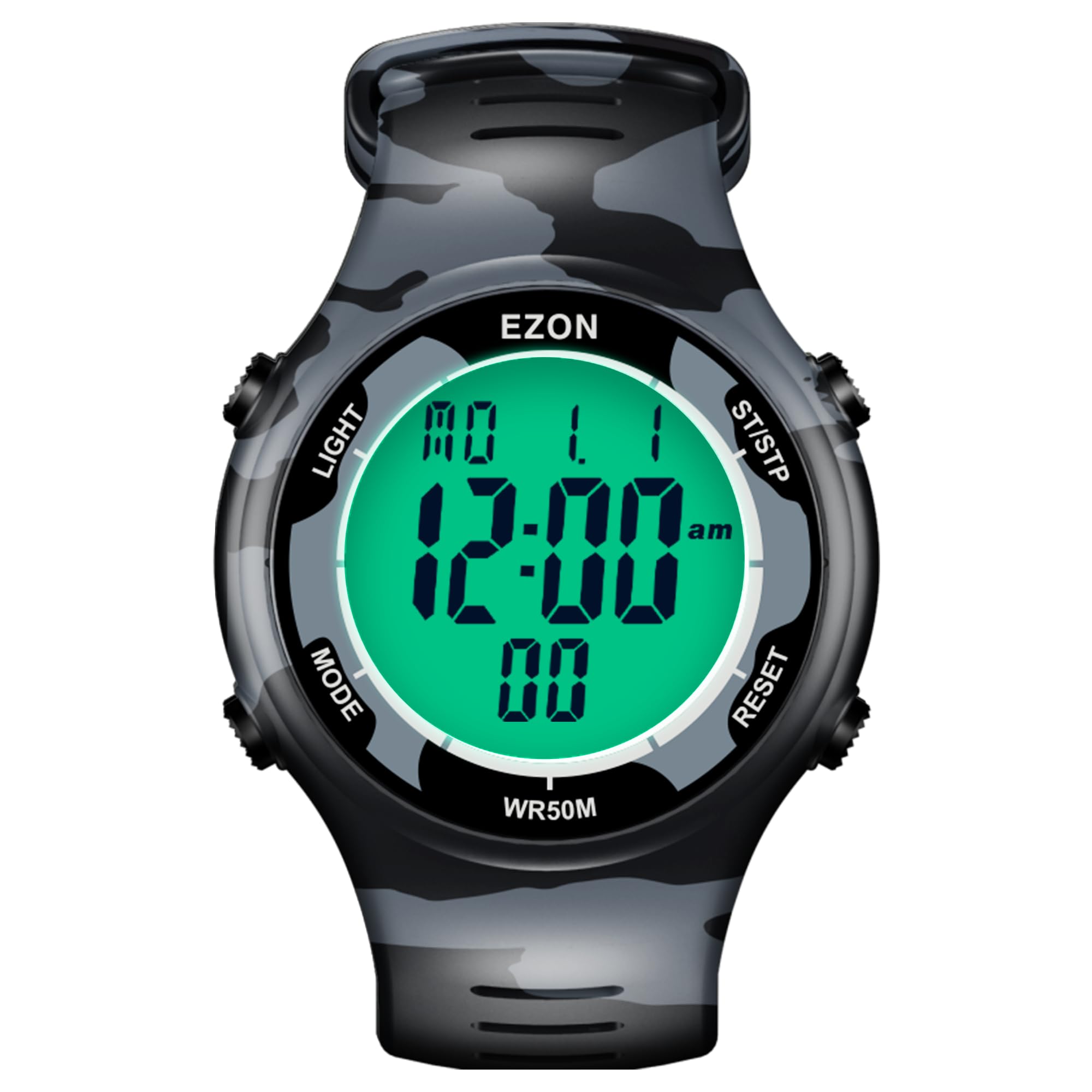
Image: EZON Digital Watch L008D12 showcasing its multi-function display including stopwatch, countdown timer, chronograph, alarm, 100-year calendar, hourly chime, EL backlight, 5ATM waterproof rating, and 12/24-hour format.
Key Features:
- Large Digital Display & EL Backlight: Ensures easy readability, even in low-light environments.
- 50M Water Resistance: Suitable for handwashing, rain, and swimming. Not recommended for hot water or diving.
- High-Precision Stopwatch: Measures with 1/100 second accuracy, supporting up to 10 lap records.
- Customizable Countdown Timer: Features multi-stage training options (warm-up, workout, rest, repeat, sets) for interval training.
- Essential Functions: Includes 12/24-hour format, date, weekday display, calendar, alarm, and hourly chime.
- Durable Design: Stainless steel bezel and adjustable TPU strap for lasting comfort.
- Long Battery Life: Powered by a CR2025 battery, lasting up to 48 months.
3. Components
Your EZON Digital Watch L008D12 package includes:
- EZON Digital Watch L008D12
- Instruction Manual
4. Setup
Familiarize yourself with the watch buttons before proceeding with setup:

Image: Watch button layout. The top-left button is 'LIGHT', bottom-left is 'MODE', top-right is 'ST/STP' (Start/Stop/Increase), and bottom-right is 'RESET' (Reset/Reduction/Keytone on/off).
Setting Time and Date:
- From the Timekeeping Mode, press the 'MODE' button repeatedly until the time setting display appears (usually indicated by flashing digits).
- Use the 'ST/STP' button to increase the value and the 'RESET' button to decrease the value of the flashing digit.
- Press the 'MODE' button to move to the next setting (e.g., hours, minutes, year, month, day).
- Once all settings are adjusted, press the 'MODE' button to exit the setting mode.
5. Operating Modes
Press the 'MODE' button to cycle through the different operating modes: Timekeeping, Stopwatch, Countdown Timer, Alarm, and Data.
Timekeeping Mode:
This is the default mode, displaying the current time, date, and day of the week. Press the 'LIGHT' button to activate the EL backlight for visibility in the dark.
Video: Demonstrates the luminous display and 50M water resistance of the EZON watch. The EL backlight illuminates the display for clear reading in low light, and the watch is shown being exposed to water to highlight its waterproof capabilities.
Stopwatch Mode:
To use the stopwatch:
- Press 'MODE' until 'CHRONO' or stopwatch display appears.
- Press 'ST/STP' to start the stopwatch.
- Press 'ST/STP' again to pause/resume.
- Press 'RESET' to reset the stopwatch to zero.
- For lap timing, press 'RESET' while the stopwatch is running to record a lap time. The watch can record up to 10 laps.
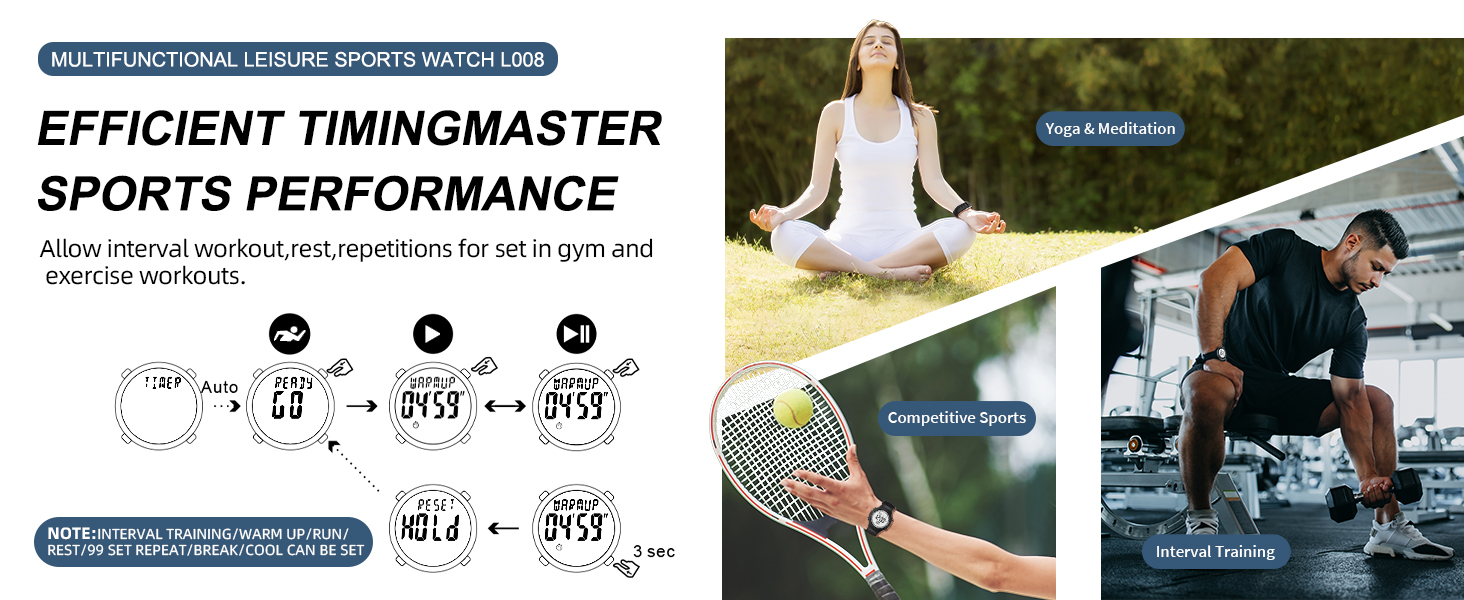
Image: Visual guide for stopwatch and lap timing. Shows how to start, stop, reset, and record lap times, including data review for up to 10 laps.
Countdown Timer Mode:
The countdown timer supports multi-stage training (warm-up, run, rest, repeat, break, cool down). To set and use:
- Press 'MODE' until 'TIMER' or countdown display appears.
- Long press the 'LIGHT' button to enter the timer settings.
- Use 'ST/STP' and 'RESET' buttons to adjust the time for each stage (e.g., Warm-up, Run, Rest, Repeat cycles).
- Press 'MODE' to move between stages.
- Once set, press 'LIGHT' to exit settings.
- Press 'ST/STP' to start the countdown.
- Press 'ST/STP' again to pause/resume.
- Press 'RESET' to reset the timer.
Video: Demonstrates setting up the interval training timer, including warm-up, run, rest, repeat, break, and cool-down phases. Shows how to adjust time for each segment.
Alarm Mode:
To set the alarm:
- Press 'MODE' until 'ALARM' appears.
- Long press 'LIGHT' to enter alarm settings.
- Use 'ST/STP' and 'RESET' to adjust the alarm time.
- Press 'MODE' to move between hours and minutes.
- Press 'LIGHT' to exit settings.
- Press 'ST/STP' to toggle the alarm on/off.
Hourly Chime:
In Alarm Mode, press 'RESET' to toggle the hourly chime on/off. An icon will indicate its status.
Data Mode:
This mode allows you to review historical timing records, particularly lap times recorded in Stopwatch Mode. Press 'ST/STP' to scroll through recorded data.
6. Water Resistance
The EZON Digital Watch L008D12 has a 5ATM (50 meters) water resistance rating. This means it is suitable for:
- Daily use and handwashing.
- Showering (cold water only).
- Swimming in pools or shallow water.
Important: Do not press any buttons while the watch is wet or submerged. Avoid exposure to hot water, steam, or diving, as this can compromise the water seal.

Image: The EZON watch is shown in a swimming environment, highlighting its 5ATM water resistance. It supports swimming and daily water exposure but advises against hot water or diving.
7. Maintenance
Battery:
The watch uses a CR2025 battery, which provides up to 48 months (approximately 4 years) of power. No charging is required. When the display becomes dim or unresponsive, it may be time to replace the battery. Battery replacement should ideally be performed by a qualified technician to ensure the water resistance seal is maintained.
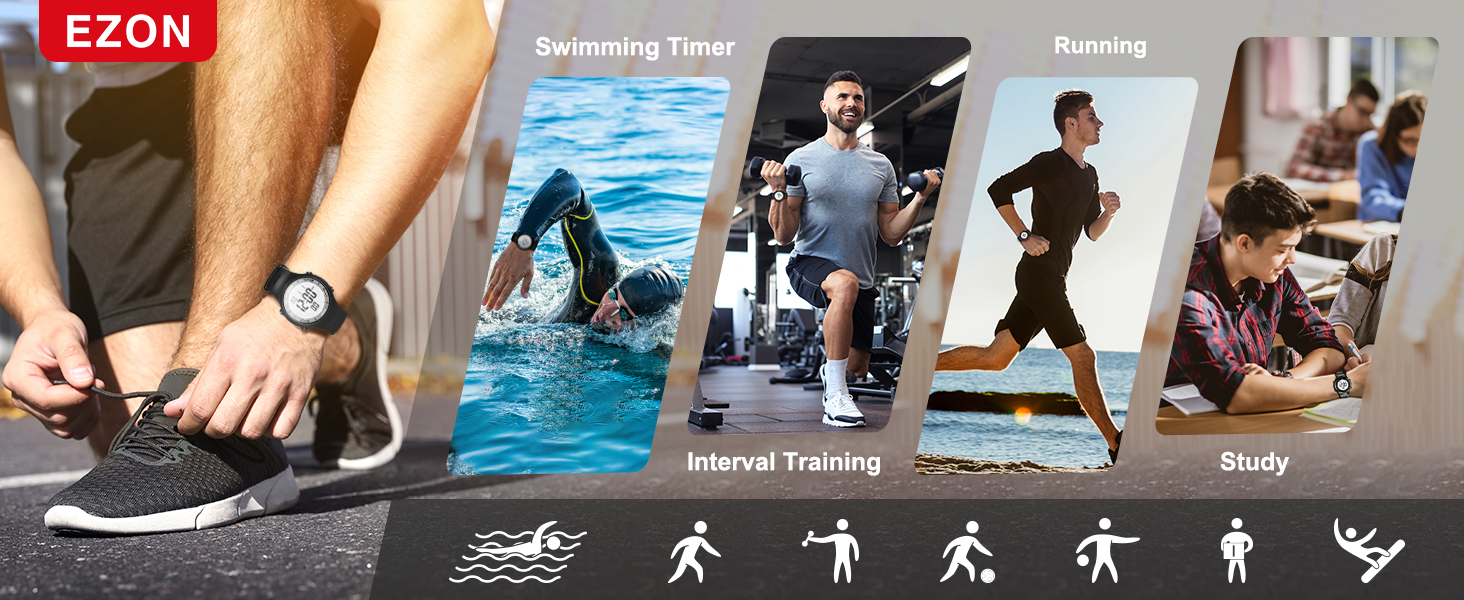
Image: Highlights the long-lasting CR2025 battery and the watch's durability features, including 1M drop test, shock resistance, and 50 meters waterproofing.
Cleaning:
Wipe the watch regularly with a soft, damp cloth to remove dirt and sweat. Avoid using harsh chemicals or abrasive materials that could damage the watch's finish or seals.
8. Troubleshooting
If you encounter any issues with your EZON Digital Watch L008D12, please refer to the following common solutions:
- Display is blank or dim: The battery may be low or depleted. Replace the CR2025 battery.
- Buttons are unresponsive: Ensure the watch is not in a locked mode (if applicable, refer to specific model features for button lock). If the issue persists, a full reset might be necessary (consult a professional if unsure).
- Incorrect time/date: Re-enter the time and date settings as described in the 'Setup' section.
- Water inside the display: Immediately stop using the watch and seek professional service to prevent further damage.
9. Specifications
| Feature | Specification |
|---|---|
| Model Name | L008D12 |
| Display Type | Digital |
| Water Resistance Depth | 50 Meters (5ATM) |
| Case Material | Stainless Steel |
| Strap Material | TPU (Adjustable) |
| Crystal Material | Mineral Glass |
| Power Source | CR2025 Battery |
| Item Weight | 2.4 ounces |
| Additional Features | Alarm, Chronograph, Easy Reader, Lightweight, Timer, EL Backlight |
10. Warranty and Support
EZON is committed to providing high-quality products and customer satisfaction. Your EZON Digital Watch L008D12 comes with the following support:
- Lifetime Support: Assistance for the lifespan of your product.
- 24-Hour Response: Customer service inquiries are typically responded to within 24 hours.
- 30-Day Return Policy: Eligible for returns within 30 days of purchase.
- 1-Year Free Replacement: In case of manufacturing defects within one year of purchase.
For further assistance, please visit the official EZON store or contact customer support through your purchase platform.
