
Introduction
The Rocketek FBA_RT-CR7 is a versatile USB 3.0 7-in-1 multi-memory card reader designed for efficient data transfer from various memory card types to your computer. It supports simultaneous reading and writing of up to 5 cards, offering high-speed performance and broad compatibility across multiple operating systems.
Product Features
- 7-in-1 Card Reader: Supports CF, XD, MS, SD, and Micro SD card types.
- Simultaneous Read/Write: Capable of reading and writing to 5 different memory cards concurrently.
- USB 3.0 SuperSpeed: Achieves data transfer speeds up to 5Gbps, significantly faster than USB 2.0.
- Broad Compatibility: Works with Mac OS, Linux, Chrome OS, and Windows XP/Vista/7/8/8.1/10.
- Plug & Play: No drivers required for installation.
- Compact Design: Portable and easy to carry, ideal for travel.
- Built-in Protection: Features over-current, over-voltage, and short-circuit protection.
- LED Indicator: A blue LED light indicates connection and data activity.
Package Contents
- 1 x Rocketek FBA_RT-CR7 USB 3.0 7-in-1 Multi Memory Card Reader
- 1 x USB 3.0 Cable (with USB-C to USB-A adapter)
Setup Instructions
- Connect the Card Reader: Plug the USB 3.0 cable from the card reader into an available USB port on your computer. If your computer has a USB-C port, use the provided USB-C to USB-A adapter.
- Power Indicator: The blue LED indicator on the card reader will light up when successfully connected to your computer.
- Insert Memory Card: Carefully insert your memory card into the corresponding slot on the card reader. Ensure the card is inserted correctly according to its orientation. The LED indicator will flicker during data transfer.
- Access Data: Your computer will automatically detect the card reader and the inserted memory card. You can then access the card's contents through your file explorer (Windows) or Finder (Mac OS).

Figure 1: Overview of card reader slots and supported card types.
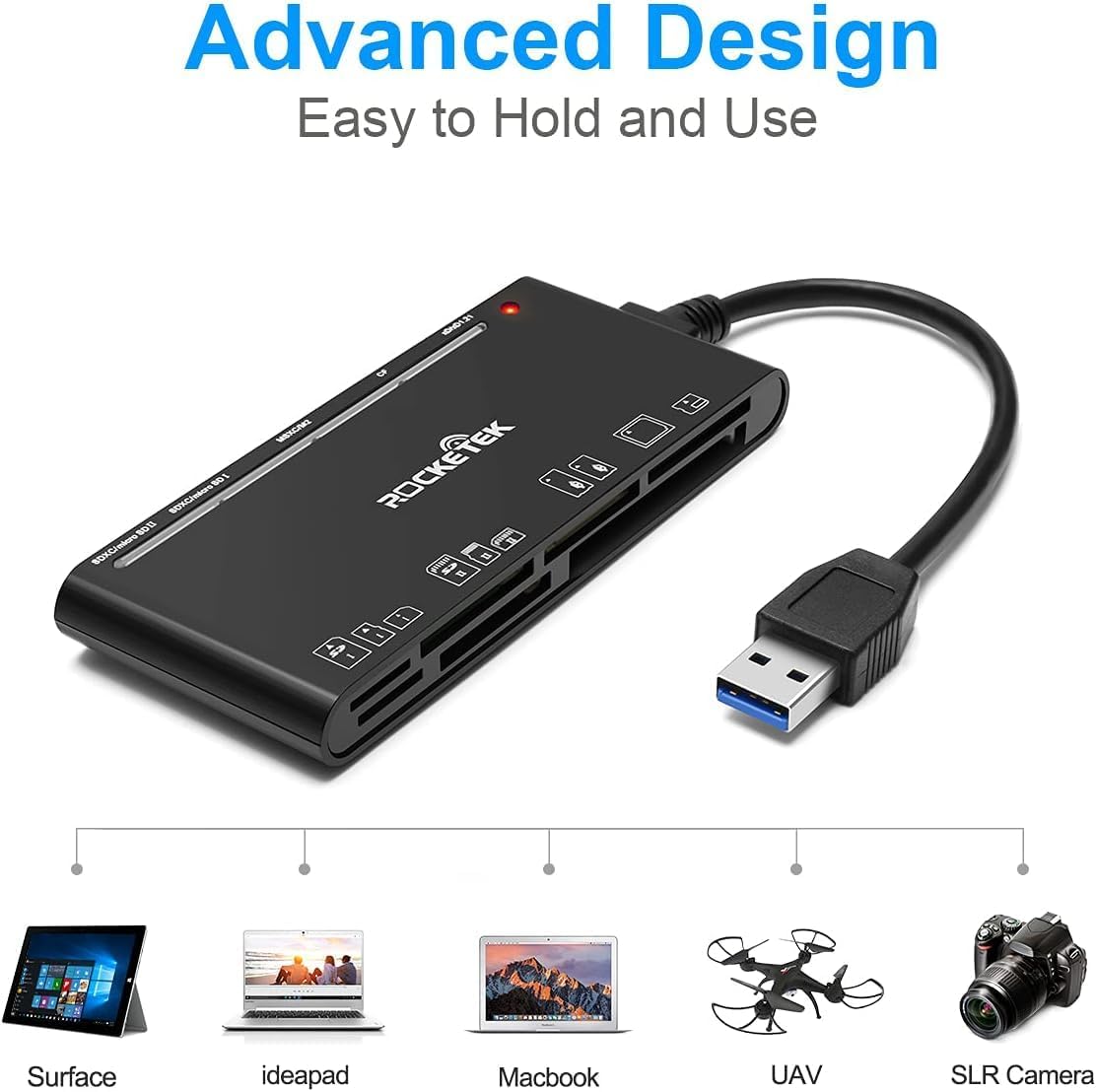
Figure 2: Card reader connected to a laptop, showing operating system compatibility.
Video 1: Demonstration of the Rocketek 7-in-1 Multi Memory Card Reader, showcasing its various card slots, USB 3.0 connectivity, and LED indicator light during operation.
Operating Instructions
- Inserting Cards: Gently push the memory card into the appropriate slot until it clicks into place. Do not force the card.
- Reading/Writing Data: Once the card is inserted and detected, you can drag and drop files to and from the card. The blue LED indicator will blink during active data transfer.
- Simultaneous Use: The card reader supports reading and writing to multiple cards simultaneously. Ensure proper file management to avoid data conflicts.
- Ejecting Cards: Before removing a memory card, always safely eject it from your computer's operating system to prevent data corruption.

Figure 3: Multiple memory cards inserted into the reader, demonstrating simultaneous access.
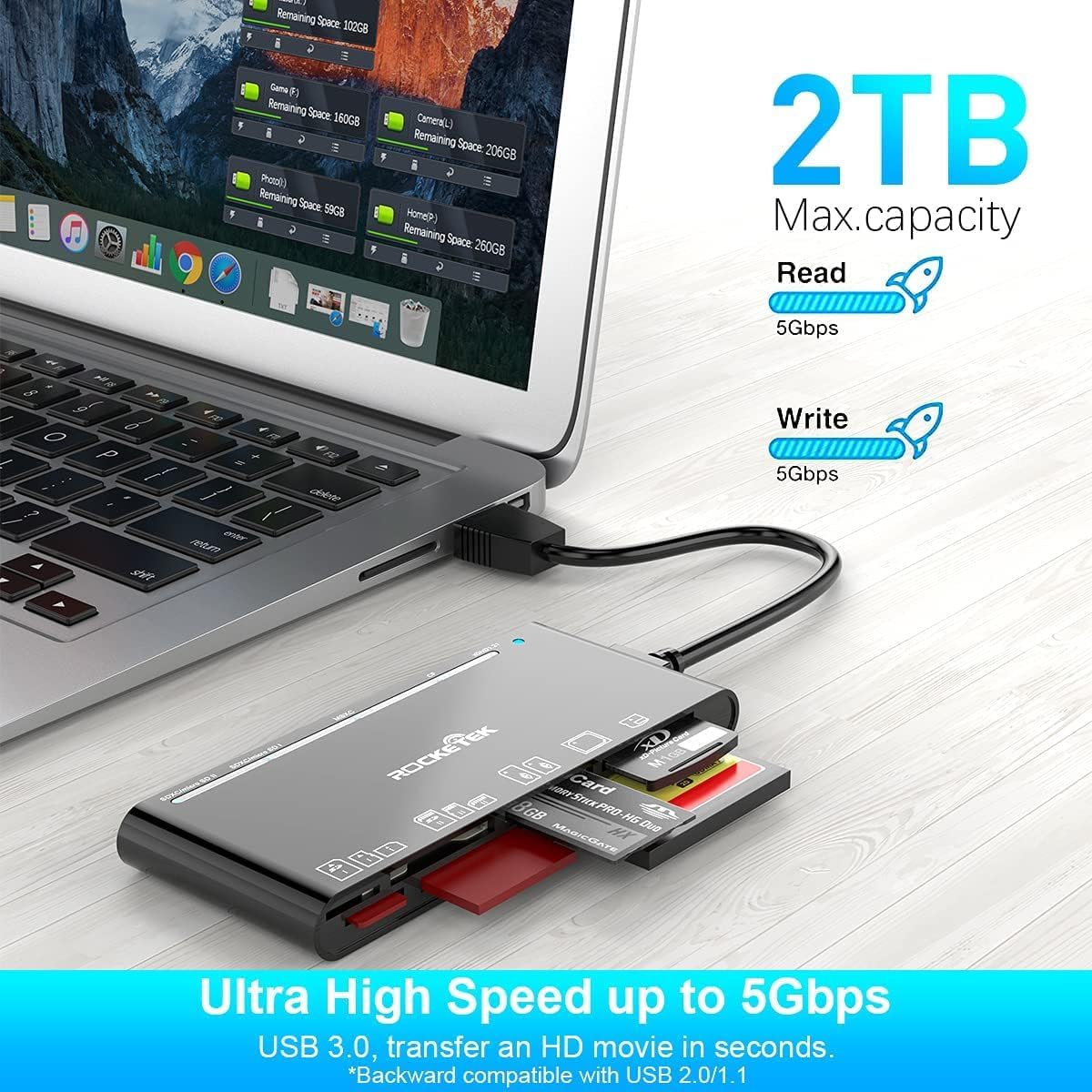
Figure 4: Highlighting the 5Gbps data transfer speed and 2TB maximum capacity.
Compatibility
Supported Operating Systems:
- Windows XP / Vista / 7 / 8 / 8.1 / 10
- Mac OS (including MacBook Pro/Air)
- Linux
- Chrome OS
Supported Media Types:
- CompactFlash (CF card, high-speed CF UDMA)
- SD Card (SD, SDXC up to 2TB, SDHC, RS-MMC, miniSD)
- Micro SD (Micro SD, Micro SDXC, Micro SDHC)
- Memory Stick (MS, M2, MSXC, Memory Stick PRO Duo, Memory Stick Pro)
- xD Picture Card
Specifications
| Brand | Rocketek |
| Model Name | FBA_RT-CR7 |
| Connectivity Technology | USB Type A |
| Hardware Interface | USB 3.0 |
| Data Transfer Rate | 5 Gbps |
| Slot Count | 7 (supporting 5 simultaneous reads/writes) |
| Color | Black |
| Item Dimensions (L x W x H) | 6.1" x 2.9" x 0.4" |
| Item Weight | 9.07 g |
Maintenance and Care
- Cleaning: Use a soft, dry cloth to clean the exterior of the card reader. Avoid using liquid cleaners or solvents.
- Storage: Store the card reader in a cool, dry place away from direct sunlight and extreme temperatures.
- Handling: Avoid dropping the device or subjecting it to strong impacts. Do not bend or twist the cable excessively.
- Port Protection: Keep the card slots free from dust and debris.
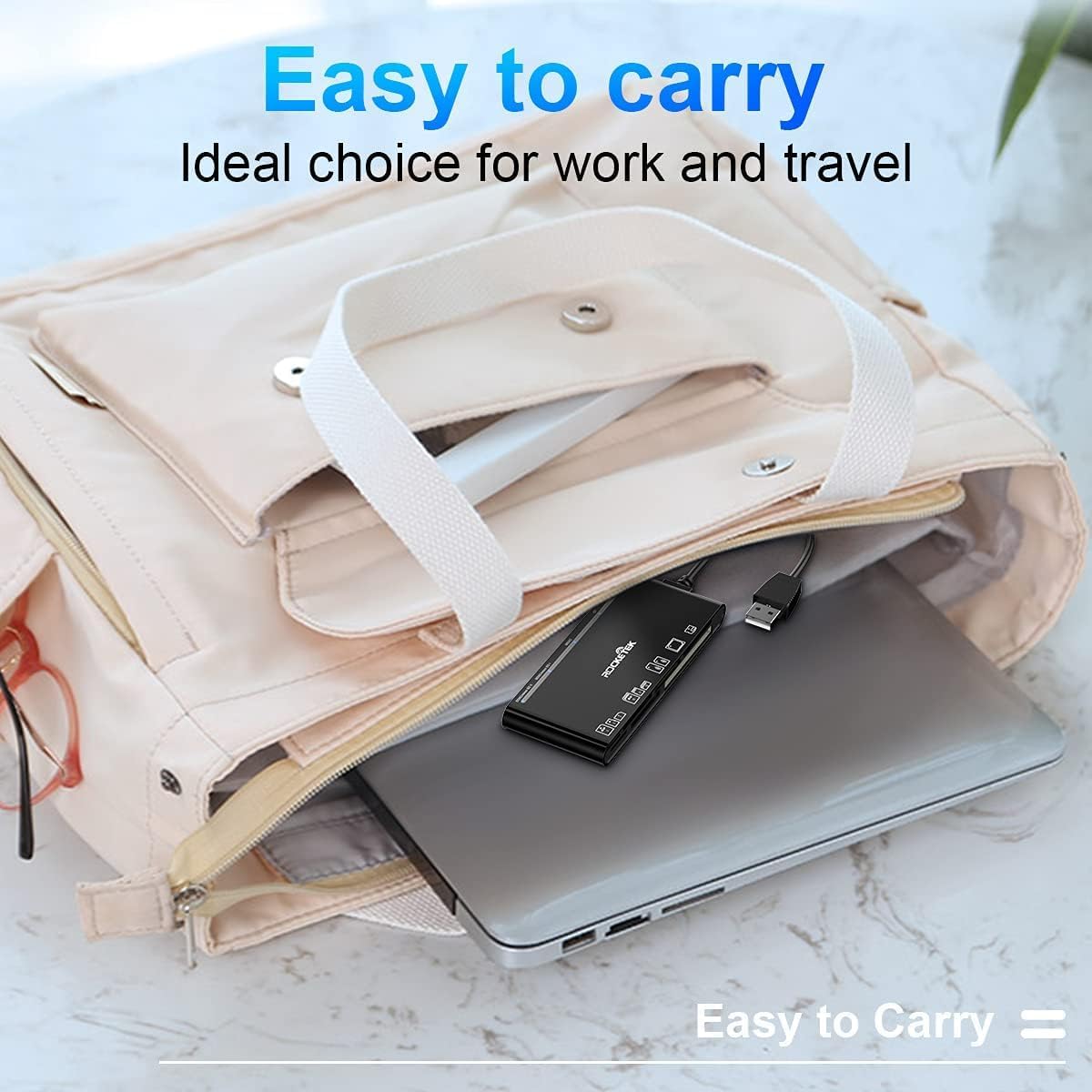
Figure 5: The card reader's compact size, suitable for portability.
Troubleshooting
- Device Not Detected:
- Ensure the USB cable is securely connected to both the card reader and your computer.
- Try connecting to a different USB port on your computer.
- Restart your computer.
- Memory Card Not Recognized:
- Verify that the memory card is fully inserted into the correct slot.
- Check if the memory card is damaged or corrupted. Try it in another device if possible.
- Ensure your operating system supports the file system of the memory card.
- Slow Data Transfer:
- Ensure the card reader is connected to a USB 3.0 port on your computer for optimal speed.
- Verify that your memory card itself supports high-speed data transfer.
- Avoid running multiple demanding applications during large file transfers.
- LED Indicator Not Lighting Up:
- Confirm the card reader is properly connected to a powered USB port.
- If using a USB hub, ensure it is powered.
Warranty and Support
The Rocketek FBA_RT-CR7 USB 3.0 7-in-1 Multi Memory Card Reader comes with a 2-Year Warranty from the date of purchase. This warranty covers manufacturing defects and ensures the product performs as described under normal use.
For technical support, warranty claims, or any inquiries regarding your product, please contact Rocketek customer service through the retailer's platform or visit the official Rocketek website for contact information.