
1. Introduction
Thank you for choosing the LaluceNatz 27W Colorful DJ Lighting Derby Effects Light. This manual provides essential information for the safe and effective operation of your new lighting fixture. Please read this manual thoroughly before use and retain it for future reference.
2. Safety Instructions
- Electrical Safety: Always connect the device to a grounded power outlet. Ensure the voltage matches the device's requirements. Disconnect power before cleaning or servicing.
- Placement: Position the light on a stable surface or securely mount it using the provided bracket. Ensure adequate ventilation to prevent overheating. Do not block ventilation openings.
- Environment: This device is intended for indoor use only. Avoid exposure to moisture, rain, or extreme temperatures. Keep away from flammable materials.
- Handling: Do not look directly into the light source. Avoid touching the lenses during operation as they may be hot.
- Maintenance: Refer to the maintenance section for proper cleaning and care. Do not attempt to repair the device yourself; contact qualified service personnel.
3. What's Included
Upon unpacking, please verify that all items listed below are present and in good condition:
- 1 x LaluceNatz DJ Party Stage Light
- 1 x Remote Control
- 1 x User Manual
- 1 x Power Cable

Image: The LaluceNatz DJ Party Stage Light, remote, user manual, and power cable.
4. Product Features
The LaluceNatz 27W Colorful DJ Lighting Derby Effects Light offers a range of features designed for dynamic lighting effects:
- 9 Vibrant Colors: Features Red, Green, Blue, Yellow, Rose, Purple, Orange, Amber, and White LEDs. Capable of displaying 3-5 colors simultaneously for rich, colorful effects.
- Multiple Operating Modes: Includes Auto Play, Strobe, Hopping, Master/Slave, Sound Activated, DMX, and Remote Control modes for versatile use.
- Adjustable Speed and Sensitivity: Stage lighting speed can be adjusted via the remote, built-in menu, or DMX. Sound sensitivity for music synchronization can also be controlled.
- Durable and Portable Design: Constructed with a premium aluminum alloy casing and bracket, featuring 48 hard lens derby LEDs. Its compact size and robust build ensure durability and portability.
- Efficient Heat Dissipation: Equipped with inner fans for effective heat dissipation, extending the lifespan of the DMX DJ light.
- Wide Beam Angle: A 120°-160° beam angle ensures a broad light spread, effectively covering spaces up to 5x5 meters, ideal for small to medium-sized venues.
5. Setup and Installation
Follow these steps to set up your LaluceNatz DJ Lighting Derby Effects Light:
- Unpacking: Carefully remove the light fixture and all accessories from the packaging.
- Placement: Choose a suitable location. The light can be placed on a desktop, mounted on a truss using the adjustable bracket, or hung from a wall/ceiling. Ensure the surface is stable and can support the weight of the fixture.
- Power Connection: Connect the provided power cable to the light fixture and then to a standard grounded electrical outlet (100V).
- Initial Power On: Once connected, the light will power on. Use the remote control or the onboard menu to select your desired operating mode.

Image: The DJ light can be placed on a desktop or mounted on a truss.
6. Operating Modes
The LaluceNatz DJ Light offers several operating modes:
- Auto Play Mode: The light cycles through various pre-programmed patterns and color combinations automatically.
- Sound Activated Mode: The light's effects change and synchronize with the rhythm and beats of music. For optimal performance, set to SA9 and place the sound source near the light's microphone.
- Strobe Mode: Produces rapid flashes of light.
- Hopping Mode: The light changes colors and patterns in a distinct, jumping sequence.
- Master/Slave Mode: Connect multiple units via DMX cables. One unit acts as the master, controlling all other slave units for synchronized effects.
- DMX Control Mode: For professional operation, connect the light to a DMX controller to customize every aspect of the lighting, including color, speed, and patterns.
- Remote Control Mode: Use the included IR remote to easily switch between modes, adjust settings, and control the light from a distance.
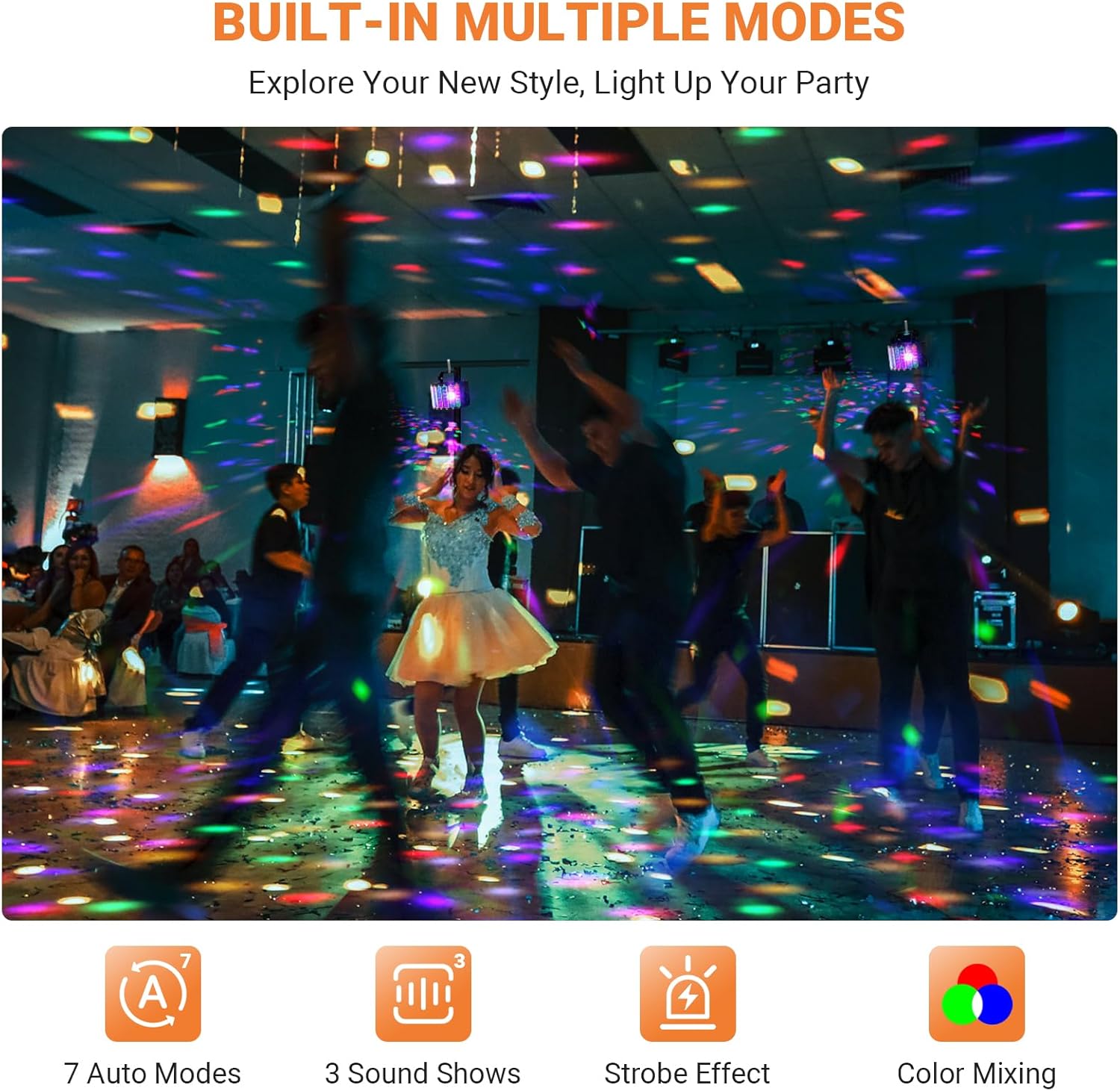
Image: The light's built-in multiple modes create dynamic party atmospheres.
7. Remote Control Functions
The included remote control allows for convenient operation:
- Power Button: Turns the light on/off.
- Auto: Activates Auto Play mode.
- Sound: Activates Sound Activated mode.
- LED: Controls the LED effects.
- LS: (Functionality may vary or be reserved for future features).
- UV: Activates UV light effects.
- Flash: Activates Strobe mode.
- Motor +/-: Adjusts the motor speed for pattern rotation.
- Speed +/-: Adjusts the speed of effects in certain modes.

Image: The light can be controlled via IR Remote, DMX 512, or the onboard LED Display.
8. Maintenance
To ensure the longevity and optimal performance of your LaluceNatz DJ Light, follow these maintenance guidelines:
- Cleaning: Regularly clean the lenses and casing with a soft, dry cloth. Do not use abrasive cleaners or solvents. Ensure the device is unplugged before cleaning.
- Ventilation: Keep the ventilation openings clear of dust and debris to maintain proper airflow and prevent overheating.
- Storage: When not in use, store the light in a cool, dry place, away from direct sunlight and extreme temperatures.
- Inspection: Periodically check the power cable for any signs of damage. If damaged, replace it immediately with an approved cable.
9. Troubleshooting
If you encounter issues with your LaluceNatz DJ Light, refer to the following common problems and solutions:
| Problem | Possible Cause | Solution |
|---|---|---|
| Light does not turn on. | No power, faulty cable, or remote battery dead. | Check power connection, replace cable if damaged, replace remote battery. |
| No sound activation. | Microphone too far from sound source, low sound volume, or incorrect mode. | Ensure sound source is close to the light's microphone, increase volume, select Sound Activated mode (SA9 recommended). |
| Remote control not working. | Remote battery dead or obstruction between remote and light. | Replace remote battery, ensure clear line of sight to the light's IR receiver. |
| Light overheats. | Blocked ventilation or prolonged use in high temperatures. | Ensure ventilation openings are clear, allow for cool-down periods. |
10. Specifications
- Model Number: LA-096-ST-01
- Brand: LaluceNatz
- Power Source: Corded Electric
- Light Source Type: Light Emitting Diode (LED)
- Wattage: 27 Watts
- Light Output Maximum: 2700 Lumens
- Voltage: 100 Volts
- Number of Light Sources: 42
- Beam Angle: 120-160 Degrees
- Material: Metal (Aluminum Alloy)
- Product Dimensions: 7.4"L x 7.7"W x 9"H
- Item Weight: 1.3 Pounds
- Bulb Features: Derby effect, Remote Control, Sound Activated
11. Warranty and Support
LaluceNatz products are designed for reliability and performance. For specific warranty information, please refer to the documentation included with your purchase or contact LaluceNatz customer support. If you require assistance with setup, troubleshooting, or have any questions, please reach out to our support team through the official LaluceNatz website or your retailer.