Introduction
This manual provides instructions for the HQRP Replacement Remote Control, designed for use with various Panasonic LCD, LED, and Plasma television models. This remote offers a direct replacement solution, typically requiring no complex programming for immediate use. Please refer to this guide for proper setup, operation, maintenance, and troubleshooting.
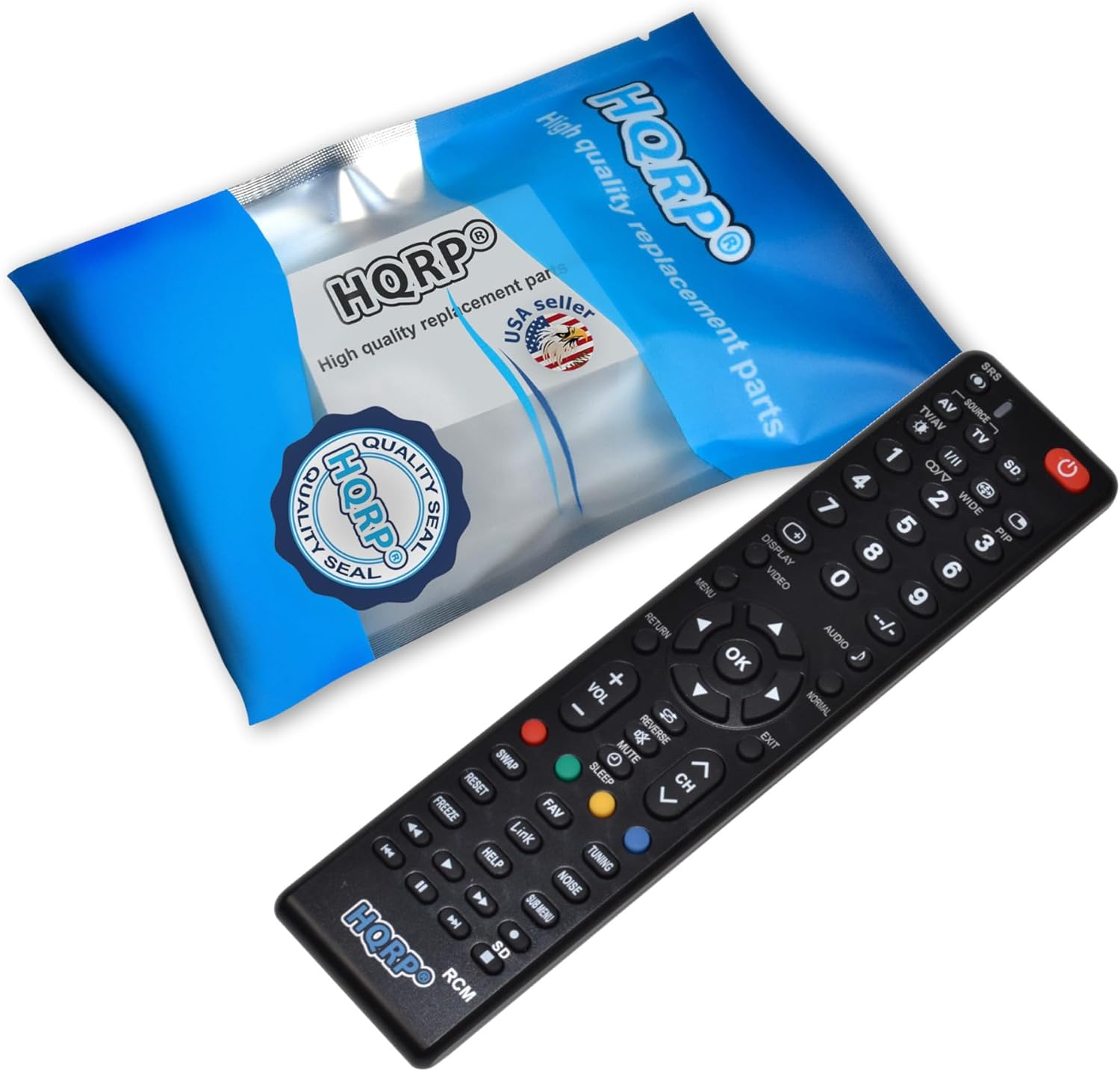
Image: HQRP Remote Control with its packaging.
The image above displays the HQRP Replacement Remote Control alongside its packaging. The remote is black with clearly labeled buttons, and the packaging features the HQRP logo and branding.
Setup
1. Battery Installation
The HQRP Remote Control requires two AAA batteries for operation. Batteries are typically included with the remote.
- Locate the battery compartment cover on the back of the remote control.
- Slide the cover downwards or press the latch (if present) to open the compartment.
- Insert two AAA batteries, ensuring the positive (+) and negative (-) terminals align correctly with the markings inside the compartment.
- Replace the battery compartment cover by sliding it back into place until it clicks securely.

Image: Rear view of the HQRP Remote Control with the battery cover removed, showing the battery slots.
This image illustrates the back of the remote control with the battery compartment open, revealing the two slots for AAA batteries and the correct polarity markings.
2. Initial Use and Optional Pairing
This HQRP remote control is designed to be used directly with compatible Panasonic TV models without requiring any programming. Simply install the batteries, and it should function immediately.
In rare cases, if the remote does not respond or functions are limited, an optional pairing step can be attempted for an accurate match:
- Press and hold either group code 1 or 2 button on the remote for approximately 5 seconds.
- Release the button when the indicator light on the remote flashes three times.
- Test the remote's functionality with your television.
Operating Instructions
Familiarize yourself with the buttons on your HQRP remote control. The layout is designed for intuitive operation of your Panasonic television.
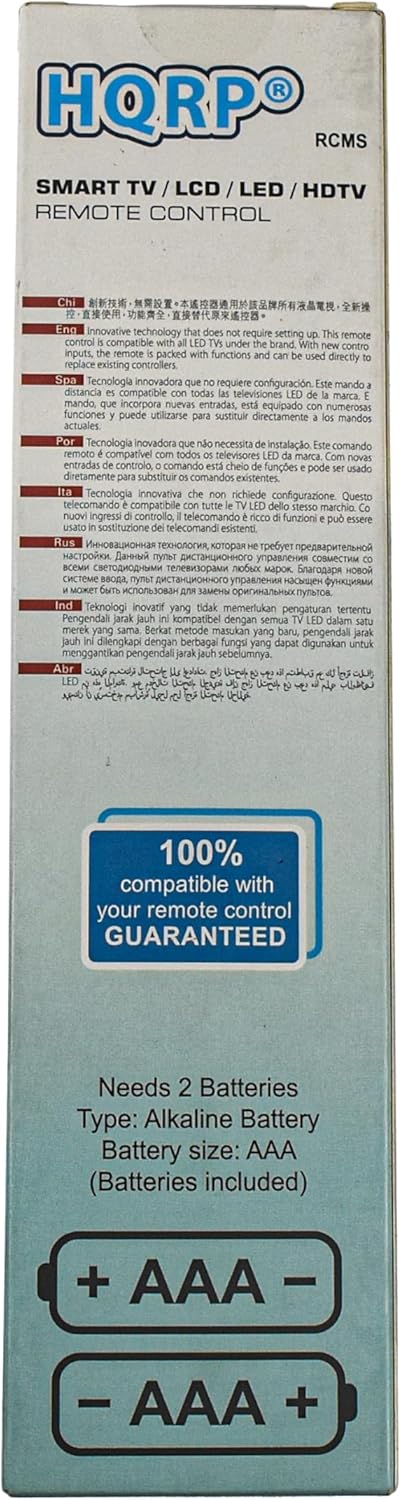
Image: Detailed front view of the HQRP Remote Control, showing all buttons and their labels.
This image provides a clear view of the remote's front panel, highlighting the arrangement and labeling of all control buttons.
Button Functions Overview:
- Power (Red Button): Turns the TV on or off.
- Source / Input: Selects the input source (e.g., HDMI 1, AV, Component).
- Number Buttons (0-9): Directly select channels or input numerical values.
- Volume Up/Down (+VOL/-VOL): Adjusts the television's volume level.
- Channel Up/Down (CH Up/Down): Changes the television channel.
- Mute: Silences the television audio.
- Menu: Accesses the TV's main menu.
- Navigation Buttons (Up, Down, Left, Right, OK): Used to navigate through menus and confirm selections.
- Return / Exit: Returns to the previous screen or exits a menu.
- Smart / 3D: Accesses smart TV features or 3D mode (if supported by your TV).
- Video / Audio: Specific functions related to video or audio settings.
- Playback Controls (Play, Pause, Stop, Rewind, Fast Forward, Skip): Controls media playback on compatible devices or TV functions.
- Color Buttons (Red, Green, Yellow, Blue): Used for specific functions within certain menus or applications.
- NET.FL / APPS / HOME: Direct access buttons for streaming services or the TV's home screen.
- Sleep: Sets a timer for the TV to turn off automatically.
Maintenance
Battery Replacement:
Replace batteries when the remote's response becomes sluggish or it stops functioning. Always replace both batteries simultaneously with new AAA alkaline batteries. Do not mix old and new batteries, or different types of batteries.
Cleaning:
Wipe the remote control with a soft, dry cloth. For stubborn dirt, lightly dampen the cloth with water. Avoid using harsh chemicals, abrasive cleaners, or excessive moisture, as these can damage the remote's surface or internal components.
Storage:
When not in use for extended periods, store the remote in a cool, dry place. If storing for several months, it is advisable to remove the batteries to prevent leakage and potential damage to the remote.
Troubleshooting
- Remote not responding:
- Check if the batteries are inserted correctly with the correct polarity.
- Replace old batteries with new AAA alkaline batteries.
- Ensure there are no obstructions between the remote control and the TV's infrared sensor.
- Try the optional pairing step described in the "Setup" section.
- Limited functionality:
- Some advanced TV features may require the original remote or specific TV settings.
- Ensure your TV model is listed as compatible.
- Indicator light not flashing:
- This usually indicates dead or incorrectly installed batteries. Replace or re-insert batteries.
Specifications
| Feature | Detail |
|---|---|
| Brand | HQRP |
| Model Number | 887774407071545 |
| Compatible Devices | Panasonic TH-42PX6U, TH-42PX75U, TH-42PX77U, TH-42PX80U, TH-42PZ700U, TH-42PZ77U, TX-32LX80M Televisions |
| Power Source | 2 x AAA Batteries (included) |
| Color | Black |
| Max Number of Supported Devices | 1 |
| Item Weight | 1 pound |
Warranty and Support
This HQRP Remote Control comes with a 100 Days Warranty. For any issues or support inquiries, please refer to the retailer or manufacturer's official support channels.
