
1. Introduction
Welcome, Agent! This manual provides essential information for the safe and effective operation of your SpyX Walkie Talkies. Designed for aspiring secret agents, these walkie talkies offer reliable two-way communication for your missions. Please read this manual thoroughly before use.
2. Safety Information
- Battery Safety: Use only the specified battery type (6 AAA batteries, not included). Do not mix old and new batteries, or different types of batteries. Insert batteries with correct polarity. Remove batteries if the device will not be used for an extended period.
- Choking Hazard: This product contains small parts and is not suitable for children under 3 years.
- Water Resistance: This product is NOT water resistant. Avoid exposure to water or moisture.
- Antenna: The interphone safety flexible antenna is designed for durability, but avoid excessive bending or force.
- Hearing Protection: Do not place the speaker directly against the ear when transmitting or receiving at high volume.
3. Package Contents
Your SpyX Walkie Talkies package includes:
- 2 x SpyX Walkie Talkies
- 1 x User Manual (this document)
4. Product Overview
Familiarize yourself with the components of your SpyX Walkie Talkies:

Figure 1: Front view of a SpyX Walkie Talkie, showing the speaker and display.

Figure 2: Back view of a SpyX Walkie Talkie, highlighting the belt clip and battery compartment location.
- Antenna: For transmitting and receiving signals.
- Talk Button (PTT - Push-To-Talk): Press and hold to transmit your voice.
- Speaker: For receiving audio.
- Microphone: For transmitting your voice.
- Power Button: Turns the walkie talkie on/off.
- Call Button: Sends a 'Beep' sound to the other agent.
- Belt Clip: Allows for hands-free carrying.
- Battery Compartment: Located on the back, secured by a screw.
5. Setup
5.1 Battery Installation
Each SpyX Walkie Talkie requires 3 x AAA (LR03) batteries (not included). You will need a small Phillips head screwdriver to open the battery compartment.
- Locate the battery compartment on the back of the walkie talkie.
- Using a small Phillips head screwdriver, unscrew the battery compartment cover.
- Insert 3 x AAA batteries, ensuring correct polarity (+/-) as indicated inside the compartment.
- Replace the battery compartment cover and secure it with the screw.
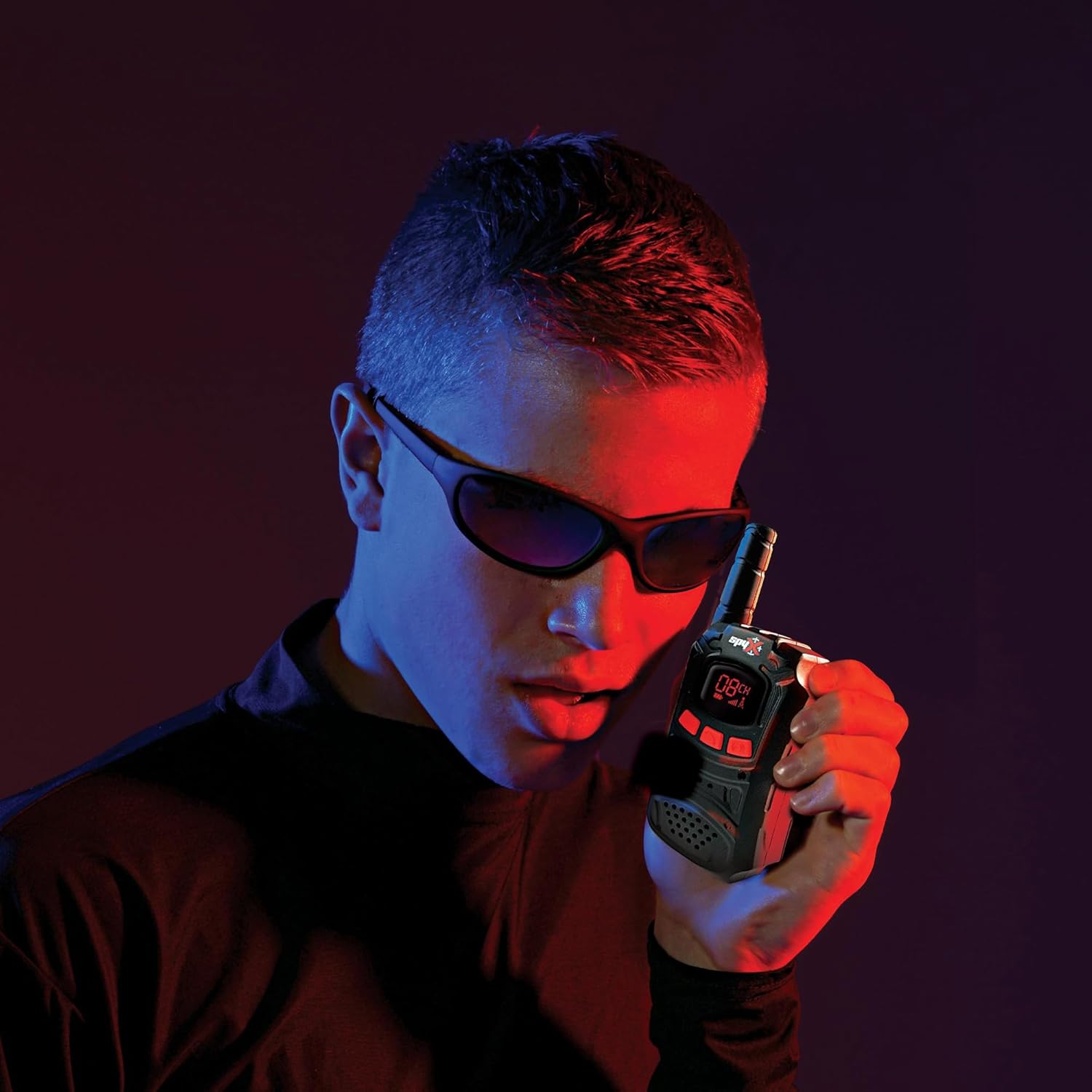
Figure 3: View of the battery compartment with batteries inserted, showing correct polarity.
6. Operating Instructions
6.1 Power On/Off
To turn on each walkie talkie, press and hold the Power Button for 2 seconds. A red indicator LED will illuminate, indicating the device is ready for use. To turn off, press and hold the Power Button again.
6.2 Two-Way Communication
Your SpyX Walkie Talkies allow for two-way communication up to a range of 400 feet (approximately 120 meters) in optimal conditions.
- To speak to the other agent, press and hold down the Talk Button. Speak clearly into the microphone.
- Release the Talk Button when you are finished speaking to allow the other agent to respond.
- To receive a message, ensure the Talk Button is not pressed.

Figure 4: Children demonstrating two-way communication with SpyX Walkie Talkies.
6.3 Call Feature
To alert your fellow agent, press the Call Button. This will send a distinct 'Beep' sound to the receiving walkie talkie.
7. Maintenance
- Clean the walkie talkies with a soft, dry cloth. Do not use harsh chemicals or abrasive cleaners.
- Store the devices in a cool, dry place away from direct sunlight when not in use.
- Remove batteries if storing for extended periods to prevent leakage.
8. Troubleshooting
| Problem | Possible Cause | Solution |
|---|---|---|
| No power | Batteries are dead or incorrectly inserted. | Replace batteries with new AAA batteries, ensuring correct polarity. |
| Poor communication range/clarity | Obstructions (walls, buildings), distance too great, low battery. | Move to an open area, reduce distance between units, replace batteries. |
| Cannot hear other agent | Volume too low, other agent not transmitting, Talk Button stuck. | Increase volume, ensure other agent is pressing Talk Button, check Talk Button for obstruction. |
9. Specifications
- Product Dimensions: 6 x 0.79 x 2 inches
- Item Weight: 4.6 ounces (0.13 Kilograms)
- Item Model Number: 10526
- Manufacturer Recommended Age: 6 years and up
- Batteries: 6 AAA batteries required (3 per unit, not included)
- Number of Channels: 1
- Talking Range Maximum: 400 Feet
- Water Resistance Level: Not Water Resistant
- Manufacturer: Mukikim
10. Official Product Videos
SpyX Micro Gear Set / Night Mission Goggles / Walkie Talkies
This video showcases the SpyX Micro Gear Set, including the Walkie Talkies, Night Mission Goggles, and other spy gadgets in action, demonstrating their features and play scenarios.
SpyX - The Coolest Spy Gear for Role Play
An overview video highlighting various SpyX gear, including the Walkie Talkies, designed for engaging role-play and secret missions.
11. Warranty and Support
For warranty information or technical support, please refer to the contact details provided on the product packaging or visit the official SpyX website. Keep your purchase receipt as proof of purchase.
