
Introduction
Thank you for choosing Riccar Genuine HEPA Media Vacuum Bags. These bags are designed to provide superior filtration and maintain the performance of your Riccar Butler portable canister vacuum. This manual will guide you through the proper installation, usage, and maintenance of your vacuum bags and included filter.
Setup
Unpacking
Carefully remove the vacuum bags and the included filter from the packaging. Inspect all items for any signs of damage. If any items are damaged, do not use them and contact customer support.
Bag Installation
- Ensure your Riccar Butler portable canister vacuum is unplugged from the power outlet before beginning installation.
- Open the vacuum's bag compartment according to your vacuum's specific instructions.
- Carefully remove the old vacuum bag, if present, and dispose of it properly.
- Align the new Riccar HEPA media vacuum bag with the bag collar in the vacuum compartment. Push firmly until the bag is securely seated. Ensure there are no gaps around the bag collar to prevent dust leakage.
- Close the vacuum's bag compartment securely.
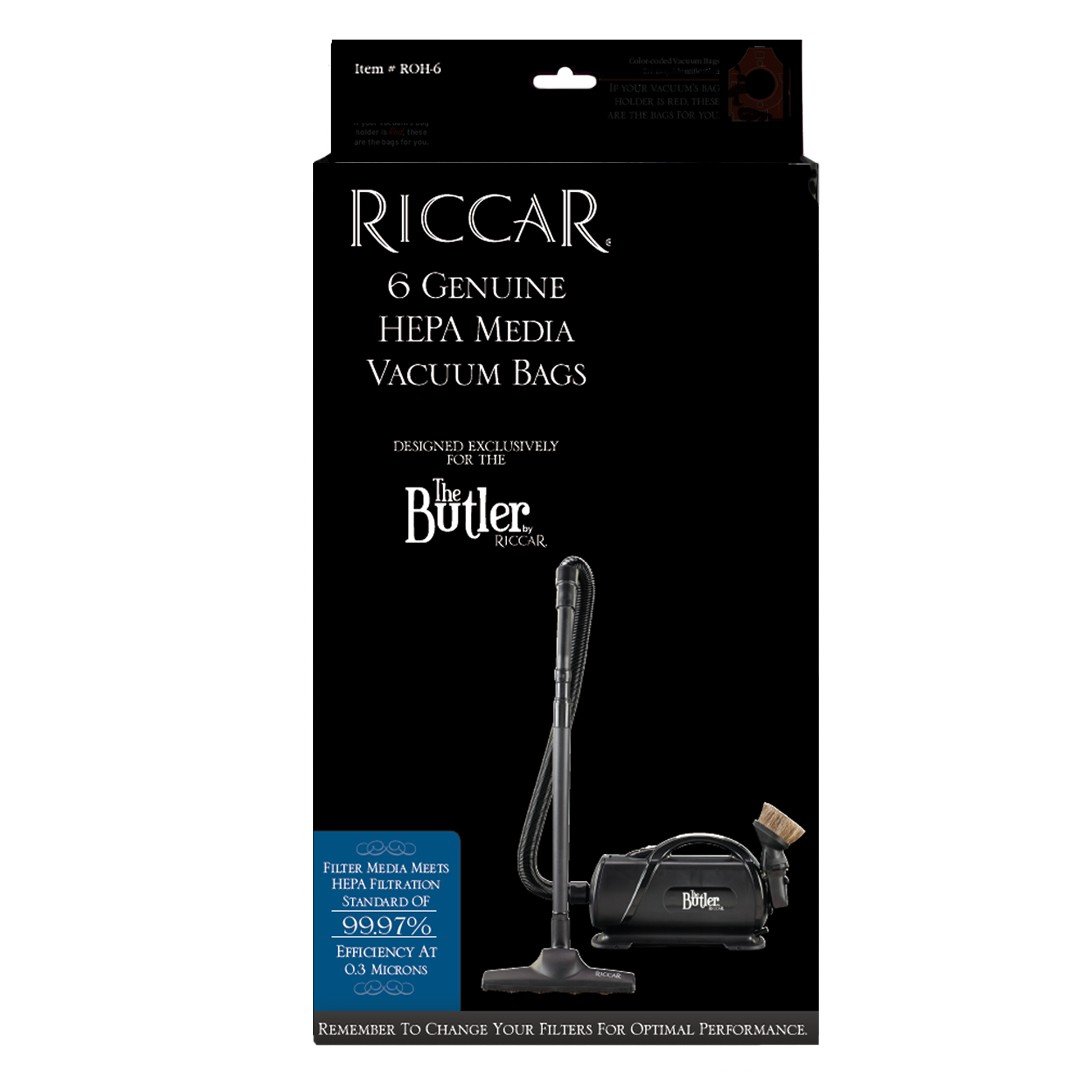
Image: Packaging of Riccar 6 Genuine HEPA Media Vacuum Bags ROH-6. The image shows a pack of six white vacuum bags with blue and white branding, indicating HEPA media filtration.
Operating
When to Replace
- Replace the vacuum bag when it is approximately two-thirds full. Overfilling the bag can reduce suction power and strain the vacuum motor.
- Replace the bag immediately if you notice a decrease in suction, even if it does not appear completely full.
- For optimal performance and air quality, it is recommended to replace the bag regularly, especially if you have pets or allergies.
Proper Disposal
Once removed, seal the used vacuum bag to contain dust and allergens. Dispose of the sealed bag in your regular household waste according to local regulations.
Maintenance
Filter Replacement
This product includes one free filter. Refer to your Riccar Butler portable canister vacuum's user manual for specific instructions on how to locate and replace its internal filters. Generally, filters should be checked and replaced every 6-12 months, or more frequently with heavy use, to maintain optimal filtration and motor protection.
Troubleshooting
Common Issues
- Reduced Suction: Check if the vacuum bag is full. If so, replace it. Also, ensure the bag is properly seated and there are no obstructions in the hose or attachments.
- Dust Leakage: Ensure the vacuum bag is correctly installed and sealed within the compartment. Check for any tears or damage to the bag.
- Unusual Odors: A full or old vacuum bag can cause odors. Replace the bag. If odors persist, check and clean or replace other vacuum filters.
Specifications
| Product Name | Riccar 6 Genuine HEPA Media Vacuum Bags |
| Model Number | ROH-6 |
| Item Model Number (Manufacturer) | 8542020919 |
| Compatibility | Riccar Butler portable canister vacuums |
| Filtration Type | HEPA Media |
| Quantity | 6 bags per pack |
| Included Accessories | 1 free filter |
| Package Dimensions | 13.55 x 11.43 x 2.52 inches |
| Item Weight | 10.4 ounces |
| Manufacturer | Riccar |
Warranty Information
Riccar vacuum bags are consumable items. For specific warranty details regarding your Riccar vacuum cleaner or any manufacturing defects in the bags, please refer to the warranty documentation provided with your Riccar vacuum cleaner or visit the official Riccar website. This product is designed for single use and proper disposal after filling.
Customer Support
If you have any questions or require assistance with your Riccar products, please contact Riccar customer support. You can find contact information on the official Riccar website or through your authorized Riccar dealer. Please have your product model number and purchase details ready when contacting support.


