Introduction
This manual provides essential information for the proper assembly, operation, and maintenance of your Fisher F22 Weatherproof Metal Detector. Please read it thoroughly before using your device to ensure optimal performance and longevity.

Figure 1: The Fisher F22 Weatherproof Metal Detector, fully assembled.
1. Setup and Assembly
Your Fisher F22 metal detector requires minimal assembly. Follow these steps to get started:
- Attach the Armrest: Slide the armrest onto the end of the S-rod. Secure it with the provided screw and lock-nut.
- Connect the Control Housing: Attach the control housing to the upper rod using the two provided bolts. Ensure the handgrip fits properly under the control housing.
- Install the Search Coil: Attach the 9-inch weatherproof search coil to the lower rod using the nylon coil bolt and knob. Ensure the coil points forward.
- Secure the Cable: Wrap the search coil cable snugly around the rod, ensuring it is not loose or dangling, and plug it into the control housing.
- Insert Batteries: Open the battery compartment and insert two AA batteries.
For a visual guide on assembly, please refer to the quick start video below:
Video 1: Fisher F22 Quick Start Guide. This video demonstrates the assembly process and initial setup of the metal detector.
2. Operating Instructions
The Fisher F22 is designed for ease of use, even for beginners. Here's how to operate your metal detector:
2.1 Power On/Off
Press the POWER button to turn the detector on or off. The large LCD screen will illuminate, displaying important information.
2.2 Modes of Operation
The F22 features multiple modes to optimize your search for different target types:
- Jewelry Mode: Optimized for detecting rings, necklaces, and other small metallic items.
- Coin Mode: Ideal for finding coins of various denominations.
- Artifact Mode: Best for locating historical artifacts and relics.
- Custom Mode: Allows you to set your own discrimination patterns for specific targets.
- All-Metal Mode: Detects all types of metal without discrimination.
Use the MODE button to cycle through these options.
2.3 Sensitivity and Discrimination
Adjust the SENSITIVITY to control the detector's responsiveness to targets and ground mineralization. Use the NOTCH feature to eliminate unwanted metals (like iron) from detection, allowing you to focus on valuable targets.
2.4 Pinpointing
Once a target is detected, press the PP (Pinpoint) button to narrow down its exact location. This static mode helps you precisely locate the target before digging.

Figure 2: Close-up of the Fisher F22 control panel, showing the LCD screen and various control buttons.
2.5 Target Identification
The F22 provides a 0-99 numeric Target-ID and a 4-Tone Audio-ID System to help you distinguish between different types of metals before you dig. Higher numbers generally indicate more conductive metals (e.g., silver), while lower numbers indicate less conductive metals (e.g., iron).

Figure 3: The Fisher F22 in use, demonstrating its ability to detect various target types.
3. Key Features
The Fisher F22 is built with advanced features for an enhanced metal detecting experience:
- Weatherproof Design: The F22 is designed to withstand harsh weather conditions, allowing for use in rain or shine. The search coil is fully waterproof, making it suitable for shallow water detection.
- 9-Inch Weatherproof Coil: The elliptical search coil provides excellent ground coverage and sensitivity for detecting targets up to nine inches deep.
- Lightweight and Ergonomic: Weighing approximately 3 pounds, the F22 features a padded hand grip and arm cup for comfortable, extended use.
- Advanced Target Identification: Utilizes Target Categories and a 0-99 numeric Target-ID, along with a 4-Tone Audio-ID System, for accurate metal discrimination.
- Adjustable Length: The detector's shaft length is adjustable to accommodate users of various heights.
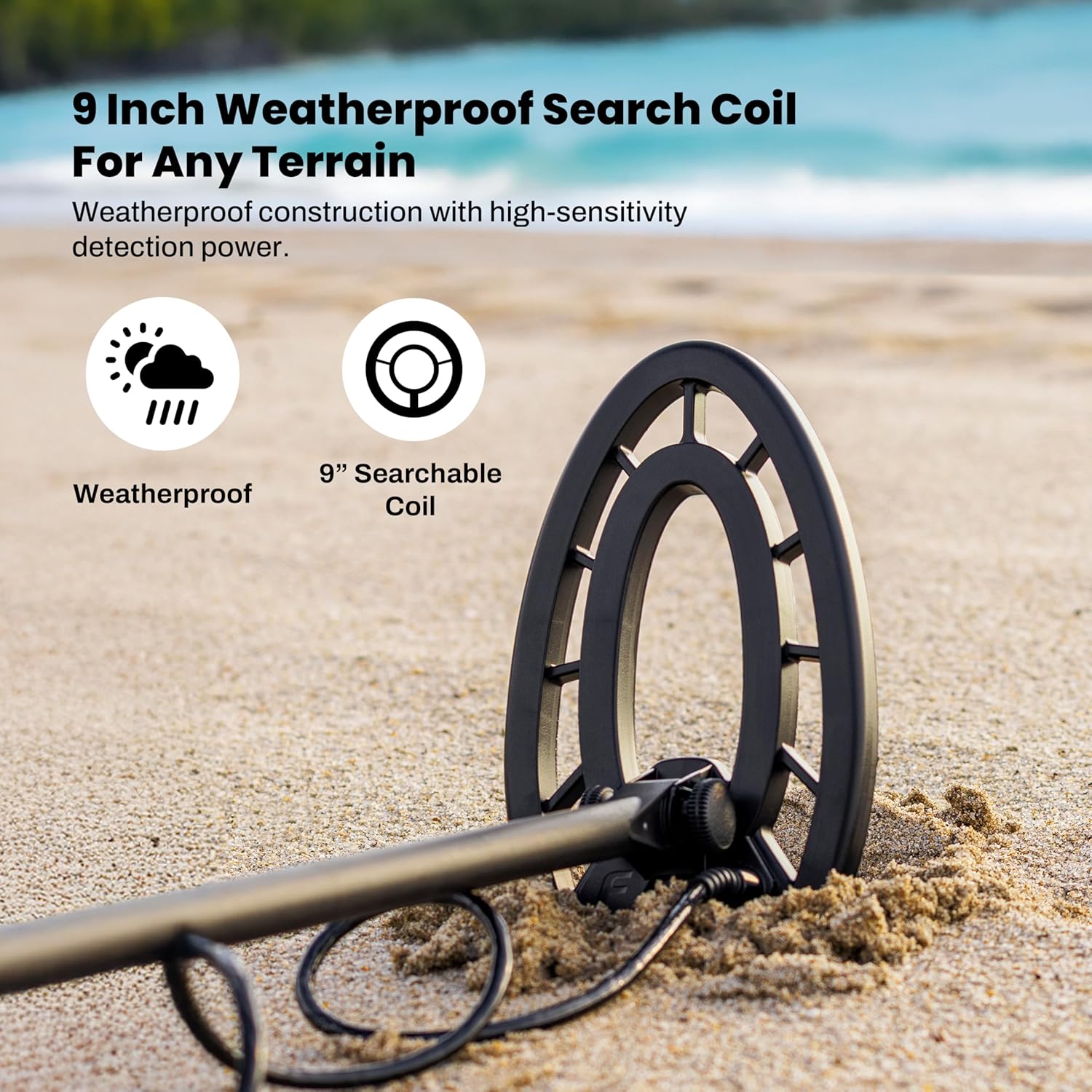
Figure 4: The 9-inch weatherproof search coil, designed for various terrains.
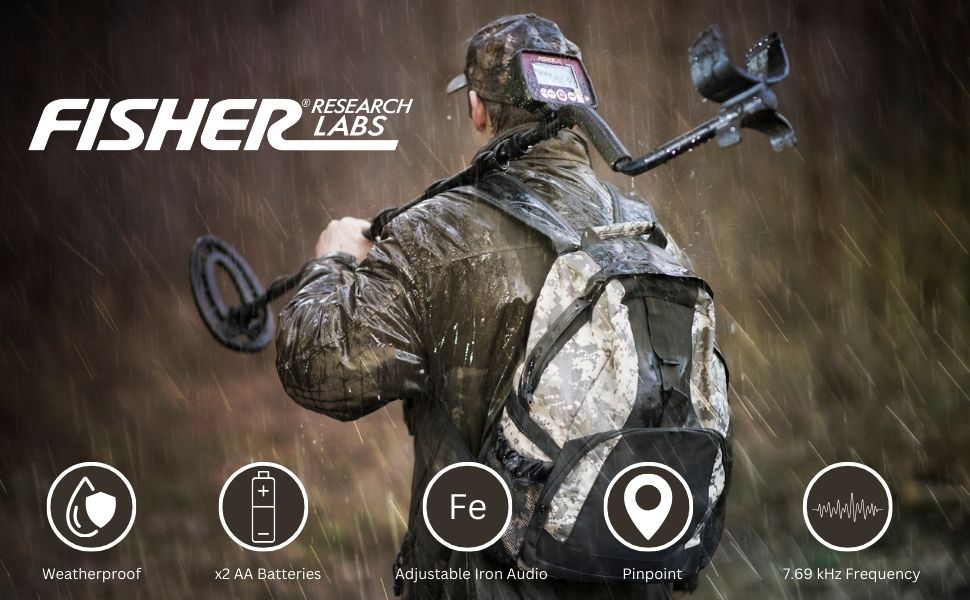
Figure 5: The Fisher F22 is weatherproof, allowing for use in various environmental conditions.
4. Maintenance
Proper care will extend the life of your Fisher F22 metal detector:
- Cleaning: After each use, wipe down the detector with a damp cloth. Avoid using abrasive cleaners or solvents. The search coil can be rinsed with fresh water.
- Battery Care: Always remove batteries if the detector will not be used for an extended period to prevent leakage and damage.
- Storage: Store your detector in a cool, dry place. Avoid extreme temperatures.
- Cable Management: Ensure the search coil cable is not kinked or damaged. Secure it properly to the shaft.
5. Troubleshooting
If you encounter issues with your Fisher F22, try these basic troubleshooting steps:
- No Power: Check if the batteries are correctly inserted and fully charged. Replace them if necessary.
- Erratic Signals: Ensure the search coil cable is securely connected and wrapped tightly around the shaft. Move away from other electronic devices or power lines that might cause interference. Adjust sensitivity settings.
- No Detection: Verify that the detector is in an appropriate mode (e.g., All-Metal) and that sensitivity is set high enough. Ensure the search coil is in motion over the target area.
6. Specifications
| Feature | Specification |
|---|---|
| Brand | Fisher Labs |
| Model Number | F22 |
| Item Weight | 3 Pounds |
| Product Dimensions | 8"L x 5"W x 22"H |
| Power Source | Battery Powered (2 AA batteries required) |
| Battery Life | Approximately 25 Hours |
| Operating Frequency | 7.69 KHz |
| Search Coil Size | 9 Inches |
| International Protection Rating | IP54 (Weatherproof) |
| Adjustable Length | Yes |
| Material | Metal |
7. Warranty and Support
For any missing parts, concerns, or warranty information regarding your Fisher F22 Metal Detector, please contact Fisher Customer Service directly.
Customer Service Phone: 1-800-685-5050


