
UpStart Components HA-WF2-FLT-5PK
Instruction Manual
UpStart Components WF2 Humidifier Filter
Introduction
This manual provides essential information for the proper use, installation, and maintenance of your UpStart Components WF2 Humidifier Filter. This product is designed as a replacement filter for various humidifier models, ensuring optimal performance and air quality.
Product Overview
The UpStart Components WF2 Humidifier Filter is engineered to effectively trap water impurities and dissolved solids, preventing them from becoming airborne and ensuring cleaner, healthier humidification. Each filter is constructed for efficient wicking and filtration.
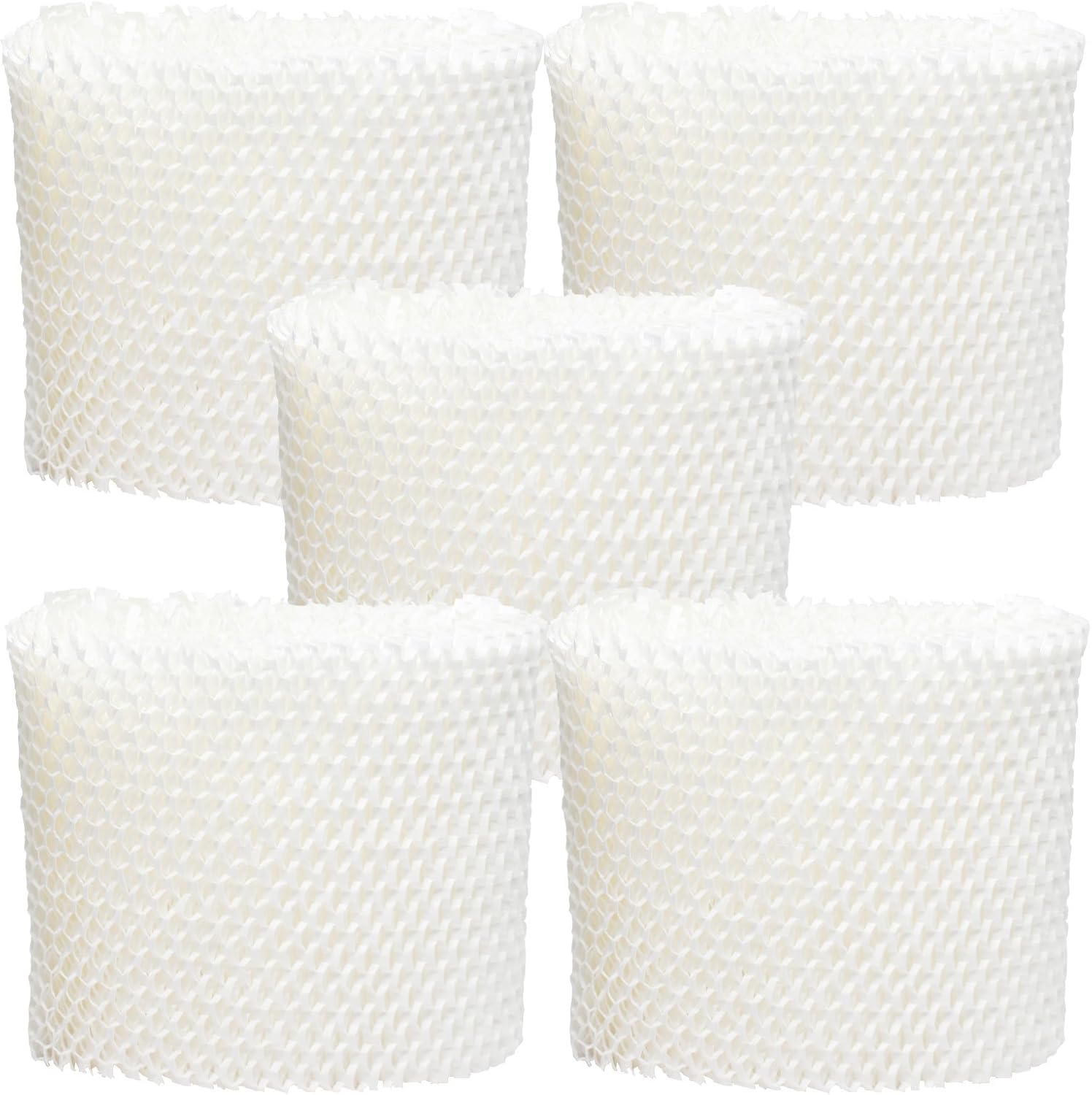
Figure 1: Five-pack of UpStart Components WF2 Humidifier Filters.
- Purpose: Traps water impurities and dissolved solids before they become airborne.
- Compatibility: Designed as a replacement for various Honeywell, Vicks, Sunbeam, and Kaz humidifier models.
- Brand: UpStart Components Brand replacement part.
Compatibility
This WF2 filter is compatible with, or replaces, the following OEM model numbers. Please verify your humidifier's model number before purchase to ensure proper fit and function.

Figure 2: Close-up view of a single WF2 Humidifier Filter.
- Enviracaire ECM-500
- Honeywell HCM-1000, HCM-2000, HCM-300T Series (HCM-300T, HCM-315T), HCM-350 Series (HCM-350, HCM-350B), HCM-540 Series, HCM-630, HCM-631, HCM-645, HCM-650, HCM-710
- Kaz 3020
- ReliOn WA-8D
- Robitussin DH835
- Sunbeam 1118, 1119, 1120
- Vicks V3100, V3500, V3500N, V3600, V3700, V3800, V3850, V3850JUV, V3900, WF2
Installation Instructions
- Power Off: Before beginning, ensure your humidifier is turned off and unplugged from the power outlet to prevent electrical hazards.
- Access Filter Compartment: Refer to your humidifier's original instruction manual to locate and open the filter compartment. This typically involves removing the water tank or a specific cover.
- Remove Old Filter: Carefully remove the old, used filter. Dispose of it according to local regulations.
- Insert New Filter: Place the new UpStart Components WF2 filter into the compartment. Ensure it is seated correctly and securely. The filter should fit snugly without being forced.
- Close Compartment: Reattach any covers or replace the water tank, ensuring all components are properly aligned and secured.
- Restore Power: Plug the humidifier back into the power outlet.

Figure 3: Front view of the WF2 Humidifier Filter, showing its pleated design.
Operating Principle
Once installed, the WF2 filter works by absorbing water from the humidifier's reservoir and exposing a large surface area for evaporation. As water evaporates, impurities and minerals are left behind in the filter material, preventing them from being released into the air. This process helps maintain clean and healthy humidification.
Maintenance
Regular maintenance of your WF2 filter can extend its lifespan and ensure optimal humidifier performance. The lifespan of the filter depends on water hardness and usage frequency.
- Regular Rotation: To promote even saturation and mineral buildup, periodically remove the filter and flip it upside down or rotate its position within the humidifier.
- Drying: If possible, allow the filter to air dry completely for a few hours daily or every few days. This can inhibit mold and mildew growth and prolong filter life.
- Gentle Rinsing: Occasionally, you may gently rinse the filter under cool tap water to remove loose mineral deposits. Avoid using detergents or hot water, as this can damage the filter material.
- Replacement: Replace the filter when it becomes hard, discolored, or when humidifier output significantly decreases. This typically occurs every 1-3 months, depending on water quality and usage.

Figure 4: Top view of the WF2 Humidifier Filter.
Troubleshooting
| Problem | Possible Cause | Solution |
|---|---|---|
| Reduced Humidifier Output | Filter is clogged with mineral deposits or is old. | Perform filter maintenance (rinse, rotate) or replace the filter. |
| Unpleasant Odor from Humidifier | Bacterial or mold growth on the filter or in the water tank. | Clean the humidifier thoroughly and replace the filter. Ensure regular drying of the filter. |
| Filter Not Wicking Water | Filter is dry or improperly seated. | Ensure the filter is fully submerged in water when the humidifier is operating. Re-seat the filter. |
Specifications
| Attribute | Detail |
|---|---|
| Product Type | Humidifier Replacement Filter |
| Model Number | HA-WF2-FLT-5PK |
| Filter Type | WF2 |
| Dimensions (Approximate) | 5" H x 3.5" ID x 5.5" OD x 1" (Thickness) |
| Item Weight | 12.8 ounces (for 5-pack) |
| Brand | UpStart Components |
| UPC | 628586032996 |
Warranty and Support
Any warranties for this product are offered solely by UpStart Components. For support or warranty inquiries, please contact UpStart Components directly through their official channels. This product is not affiliated with any original equipment manufacturers (OEMs) and is not covered under any warranties offered by the original manufacturers of the humidifiers.

Figure 5: UpStart Components WF2 Humidifier Filter in its retail packaging.
Ask a question about this manual
Ask about setup, troubleshooting, compatibility, parts, safety, or missing instructions. Manuals+ will review the question and use this page’s manual context to help answer it.