
1. Introduction
This manual provides instructions for the proper installation and use of UpStart Components Type CC Replacement Vacuum Bags. These bags are designed as a compatible replacement for various Oreck vacuum cleaner models, including Oreck XL2100RH, XL2, XL21, U3840HHS, XL2000, XL-9300, XL2100, XL2600HH, and XL9100C.
Please read this manual thoroughly before installing and using the replacement bags to ensure optimal performance and safety. This product is an UpStart Components Brand replacement part and is not an OEM (Original Equipment Manufacturer) product. All mentions of other brand names or model descriptions are made strictly to illustrate compatibility.
2. Safety Information
- Always unplug your vacuum cleaner from the power outlet before attempting to install or remove vacuum bags.
- Do not operate the vacuum cleaner without a bag properly installed.
- Ensure the bag is securely seated in the vacuum cleaner's bag housing to prevent dust leakage.
- Dispose of used vacuum bags responsibly according to local regulations.
- Keep replacement bags in their original packaging until ready for use to maintain cleanliness and integrity.
3. Package Contents
Your package should contain the following:
- 21 x UpStart Components Type CC Replacement Vacuum Bags (typically supplied as 7 packs, each containing 3 bags).

Image: UpStart Components Type CC Replacement Vacuum Bags, showing the product in its retail packaging, indicating a 7-pack.
4. Setup and Installation
Follow these general steps to replace the vacuum bag in your compatible Oreck vacuum cleaner. Refer to your specific vacuum cleaner's user manual for detailed instructions if necessary.
- Unplug the Vacuum: Ensure the vacuum cleaner is unplugged from the electrical outlet before proceeding.
- Open the Bag Housing: Locate and open the vacuum cleaner's outer bag or bag housing door. This usually involves unlatching clips or pressing a release button.
- Remove the Old Bag: Carefully detach the full vacuum bag from the bag collar. Most Oreck Type CC bags have a cardboard collar that slides onto a nozzle. Gently pull the bag away from the nozzle.
- Dispose of Old Bag: Seal the opening of the old bag (if applicable) and dispose of it in a trash receptacle.
- Prepare New Bag: Take a new UpStart Components Type CC Replacement Vacuum Bag from its packaging.
- Install New Bag: Align the cardboard collar of the new bag with the vacuum cleaner's bag nozzle. Slide the collar firmly onto the nozzle until it is securely seated. Ensure there are no gaps where dust could escape.
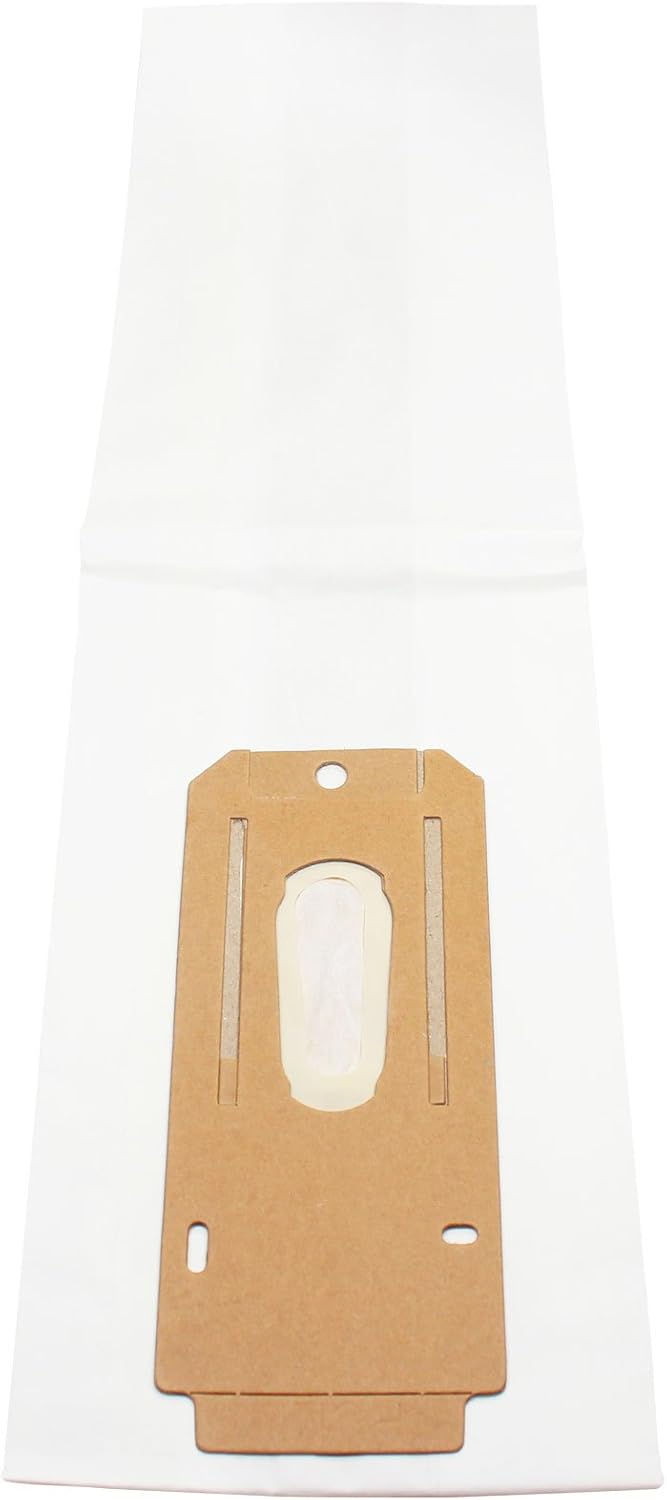
Image: A close-up view of the cardboard collar of an UpStart Components Type CC Replacement Vacuum Bag, highlighting the opening for attachment to the vacuum's nozzle.
- Position the Bag: Gently unfold the bag inside the vacuum cleaner's outer bag or housing, ensuring it is not twisted or obstructing any components.
- Close the Housing: Close the bag housing door or re-latch the outer bag, making sure it is securely fastened.
- Plug In and Test: Plug the vacuum cleaner back into the power outlet and perform a brief test to ensure proper operation and suction.
5. Operating Instructions
Once the replacement bag is correctly installed, your vacuum cleaner is ready for use. Monitor the bag fill indicator on your vacuum (if available) or periodically check the bag's fullness. For optimal performance, replace the bag when it is approximately two-thirds full, or when you notice a decrease in suction power.
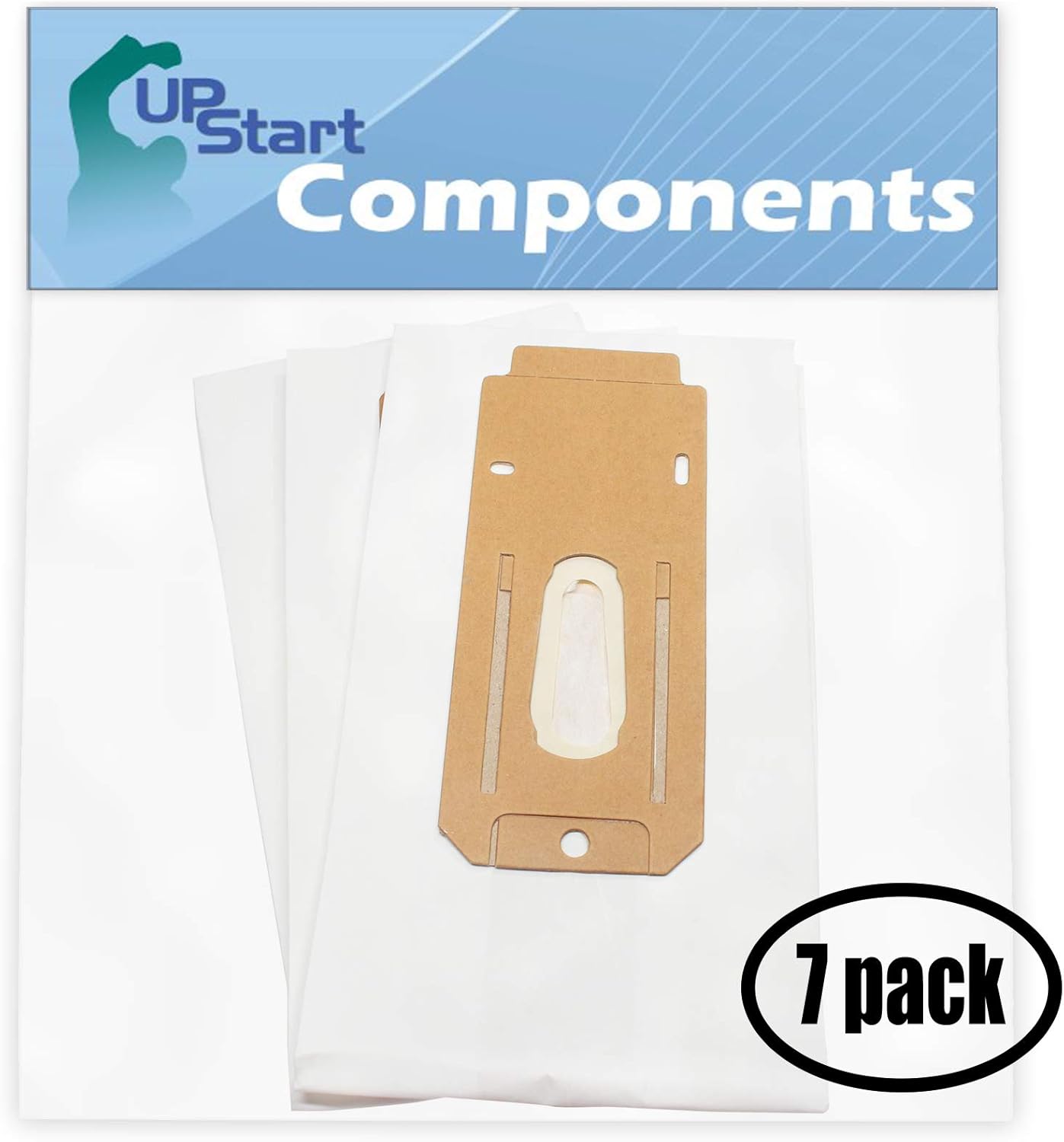
Image: Several UpStart Components Type CC Replacement Vacuum Bags, showing their design and material.
6. Maintenance
The primary maintenance for these replacement bags involves timely replacement and proper disposal.
- Regular Replacement: Replace the vacuum bag regularly to maintain strong suction and prevent strain on your vacuum cleaner's motor.
- Disposal: When replacing a full bag, ensure it is sealed to contain dust and allergens. Dispose of the used bag in a sealed trash bag to prevent dust from re-entering the air.
7. Troubleshooting
If you experience issues with your vacuum cleaner after installing a new bag, consider the following:
- Reduced Suction:
- Check if the bag is full and needs replacement.
- Ensure the bag's cardboard collar is securely seated on the vacuum's nozzle, with no gaps.
- Inspect the vacuum cleaner's hose and attachments for clogs.
- Dust Leakage:
- Verify the bag is correctly installed and the bag housing door is fully closed and latched.
- Check for any tears or damage to the bag itself before installation.
If problems persist, consult your vacuum cleaner's original user manual or contact the vacuum cleaner manufacturer for further assistance.
8. Specifications
| Product Type | Replacement Vacuum Bags |
| Brand | UpStart Components |
| Compatible Vacuum Models | Oreck XL2, Oreck XL2000, Oreck XL21, Oreck XL2100RH, Oreck CCPK8DW, U3840HHS, XL-9300, XL2100, XL2600HH, XL9100C |
| Bag Type | Type CC |
| Quantity | 21 Bags (7-Pack, 3 Bags/Pack) |
| Material | Filter Media (Paper/Synthetic) |
9. Warranty and Support
This product is an UpStart Components Brand replacement part. Any warranties for this product are offered solely by UpStart Components. This product is not affiliated with any other brands mentioned, and is not covered under any warranties offered by the original manufacturers of compatible vacuum cleaners.
For support or warranty inquiries regarding your UpStart Components replacement bags, please refer to the contact information provided with your purchase or visit the UpStart Components website.