
OtterBox 77-55876
OtterBox Defender Series Case for iPad (5th Gen) / iPad (6th Gen) - Instruction Manual
Comprehensive guide for the installation, use, and maintenance of your OtterBox Defender Series Case.
Introduction
The OtterBox Defender Series Case is designed to provide robust protection for your iPad (5th Gen) or iPad (6th Gen). This multi-layer case defends against drops, dirt, and scrapes, ensuring the longevity of your device. It features an internal shell, an outer slipcover, and a built-in touchscreen scratch protector. The included shield stand offers additional protection and doubles as a convenient kickstand.
Setup and Installation
Proper installation is crucial for maximizing the protective capabilities of your Defender Series Case. Follow these steps carefully:
- Prepare your iPad: Ensure your iPad screen is clean and free of dust or debris before installation. This prevents particles from being trapped under the built-in screen protector.
- Separate the case components: The Defender Series case consists of three main parts: the internal hard shell, the outer silicone slipcover, and the shield stand. Carefully separate the silicone layer from the hard shell.
- Install the internal hard shell: Place your iPad into the front piece of the hard shell, ensuring it snaps securely into place. Then, attach the back piece of the hard shell, making sure all edges are sealed.
- Apply the outer silicone slipcover: Stretch the silicone slipcover over the hard shell, starting from one corner and working your way around. Ensure all ports and buttons are properly aligned with the cutouts and covered by the integrated port covers.
- Attach the shield stand: The shield stand can be clipped onto the front of the case for screen protection during transport or used as a kickstand.

Image: Front view of the OtterBox Defender Series Case with an iPad securely installed, showcasing the integrated screen protector and robust bezel.
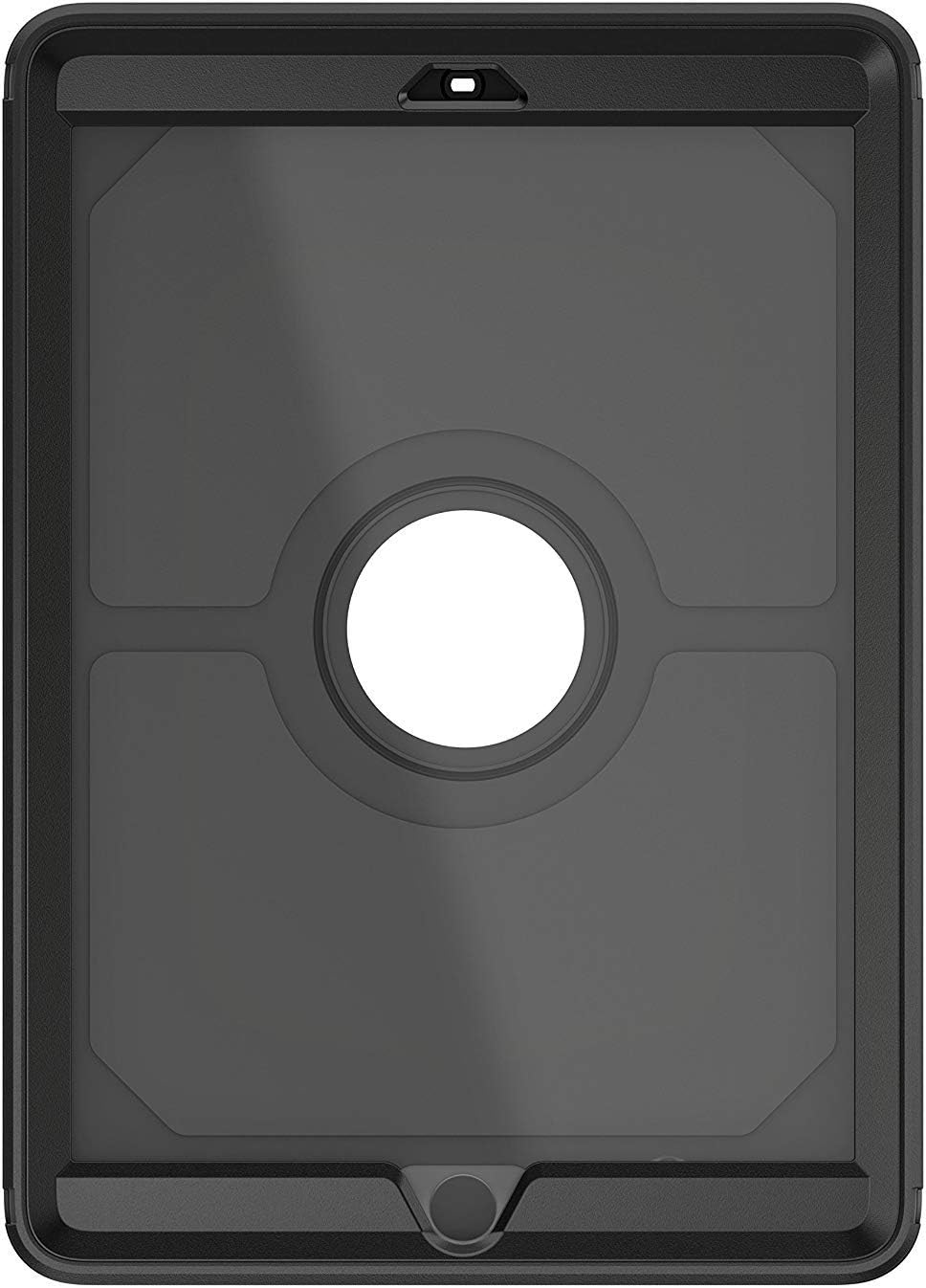
Image: Back view of the OtterBox Defender Series Case, highlighting the Apple logo cutout and the textured outer slipcover.
Video: An official overview of the OtterBox Defender Series, demonstrating its features and protective design.
Operating Instructions
Using the Shield Stand
The included shield stand provides versatile functionality:
- Screen Protection: When not in use, clip the shield stand over the front of your iPad to provide an extra layer of screen protection against impacts and scratches.
- Viewing Stand: Detach the shield stand and unfold its integrated kickstand to prop up your iPad for comfortable viewing or typing. It supports multiple viewing angles in both landscape and portrait orientations.
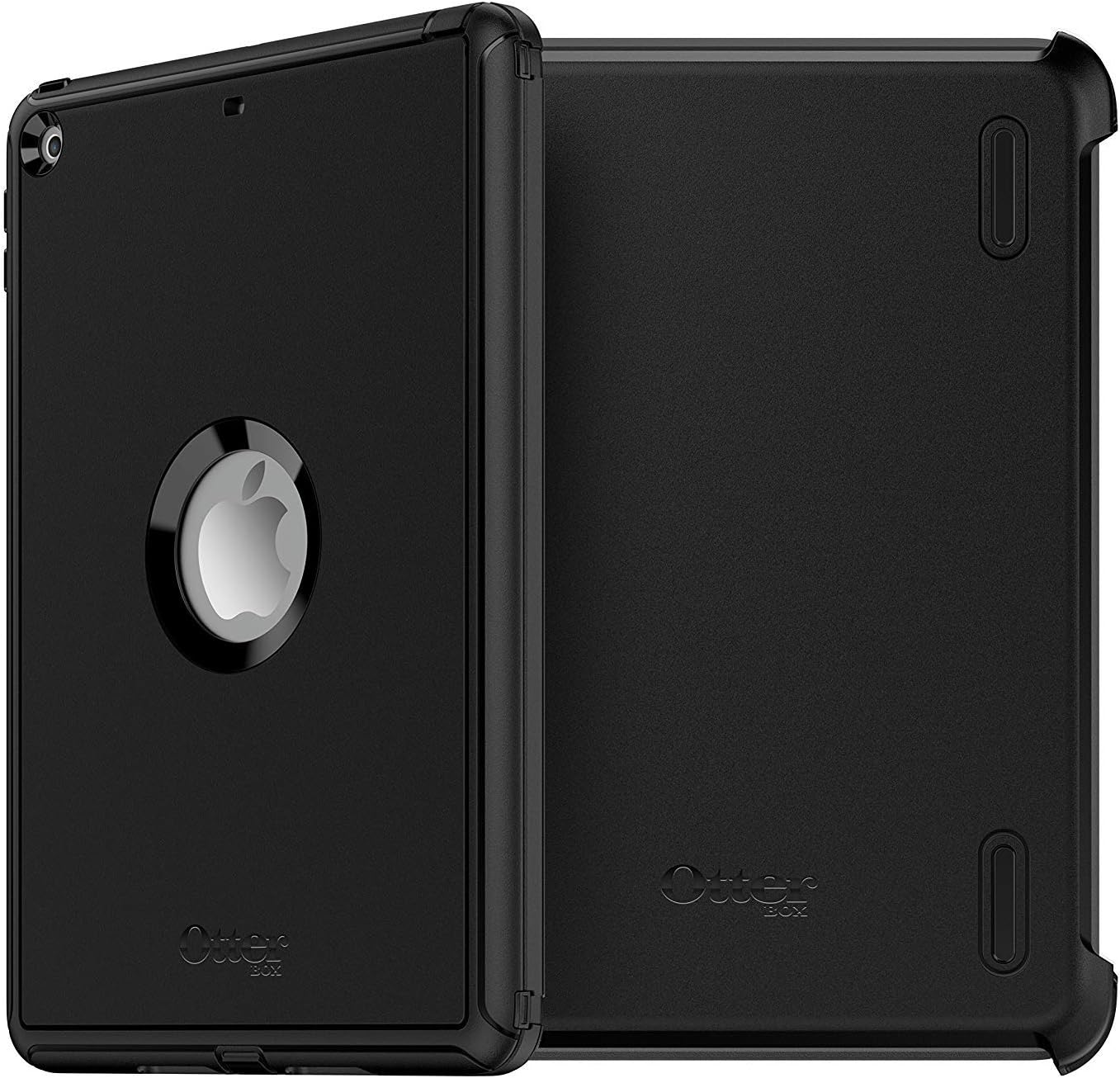
Image: The OtterBox Defender Series Case with its shield stand detached and configured as a kickstand for hands-free viewing.
Accessing Ports and Buttons
The outer silicone slipcover features integrated port covers to protect against dust and debris. To access ports such as the charging port or headphone jack, gently lift the corresponding silicone flap. Ensure to press the flaps back into place after use to maintain protection.
Maintenance and Care
To ensure your OtterBox Defender Series Case continues to provide optimal protection and remains in good condition, follow these maintenance guidelines:
- Regular Cleaning: Periodically remove your iPad from the case and clean both the device and the case components. Use a soft, lint-free cloth with a mild cleaning solution (e.g., screen cleaner or diluted isopropyl alcohol) to wipe down surfaces. Avoid harsh chemicals or abrasive materials.
- Inspect for Damage: Regularly check the hard shell, silicone slipcover, and screen protector for any signs of wear, tear, or damage. If any component is compromised, it may reduce the case's protective capabilities.
- Port Cover Integrity: Ensure the port covers are always properly seated when not in use to prevent dust and debris from entering your iPad's ports.
Troubleshooting
If you encounter any issues with your OtterBox Defender Series Case, consider the following:
- Screen Protector Sensitivity: If the touchscreen sensitivity is reduced, ensure the screen protector is clean and properly seated without any air bubbles or trapped debris. Re-installation might be necessary after thorough cleaning.
- Port Access Issues: If a port cover is difficult to open or close, check for any obstructions or misalignment. Do not force the cover, as this may cause damage.
- Loose Fit: If the case feels loose, verify that all internal hard shell clips are securely fastened and the silicone slipcover is fully wrapped around the hard shell.
For further assistance, please refer to the Warranty and Support section.
Specifications
| Feature | Detail |
|---|---|
| Brand | OtterBox |
| Model Number | 77-55876 |
| Compatible Devices | iPad (5th Gen), iPad (6th Gen) |
| Color | Black |
| Form Factor | Case |
| Shell Type | Hybrid |
| Material | Polycarbonate, Synthetic Rubber, Polyester |
| Item Dimensions | 9.84 x 7.07 x 0.63 inches |
| Item Weight | 15.68 ounces |
| Built-In Media | Instructions, Tablet Case |
Warranty Information
The OtterBox Defender Series Case is backed by a Limited Lifetime Warranty. This warranty covers material and workmanship defects under normal use. For detailed terms and conditions, or to initiate a warranty claim, please visit the official OtterBox website or contact their customer support.
Customer Support
For any questions, technical assistance, or support regarding your OtterBox Defender Series Case, please visit the official OtterBox support page or contact their customer service team. You can find contact information and FAQs on their website.
Online Support: www.otterbox.com/en-us/support
Related documents77-55876


Ask a question about this manual
Ask about setup, troubleshooting, compatibility, parts, safety, or missing instructions. Manuals+ will review the question and use this page’s manual context to help answer it.