
Introduction
The LifeProof FRĒ Series case is designed to provide robust protection for your Samsung Galaxy S10+. This case offers comprehensive defense against water, snow, dirt, and drops, allowing you to use your device in various environments. It features a built-in scratch protector and maintains full access to all phone functions.
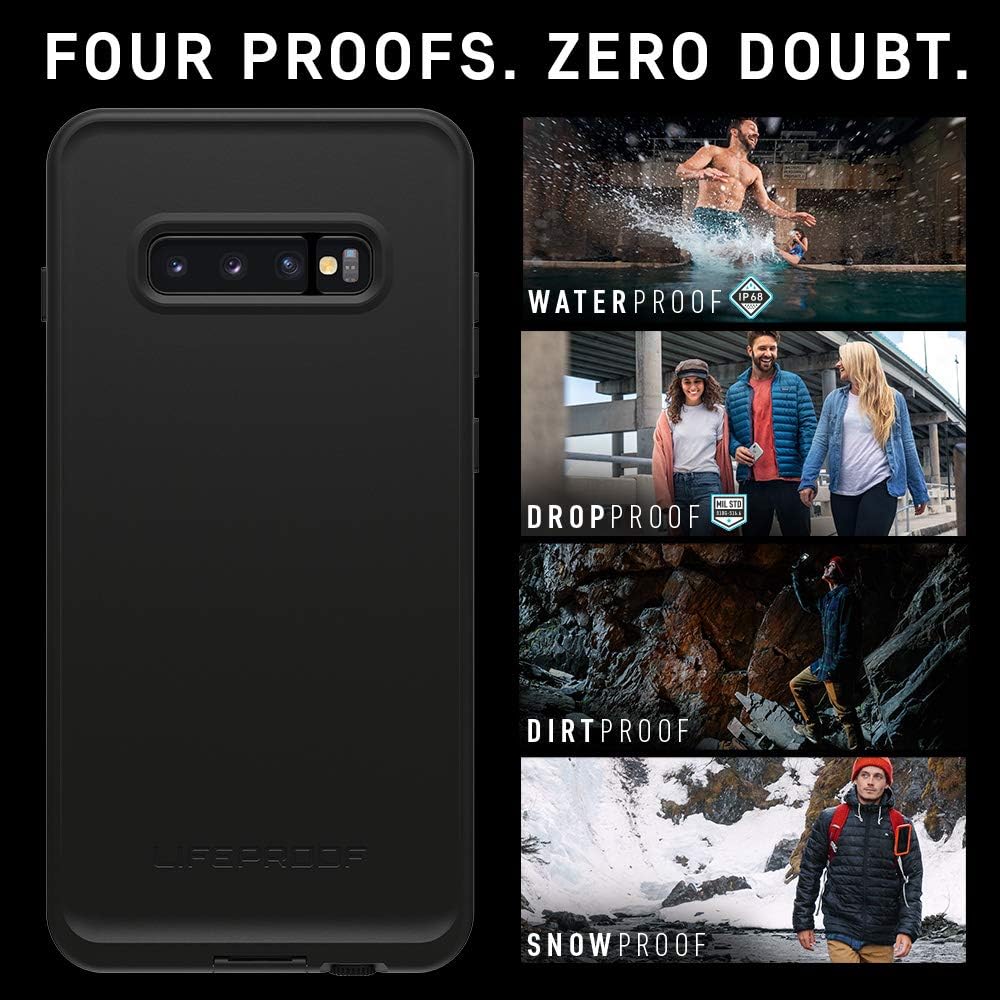
Image: The LifeProof FRĒ Series case provides four types of protection: waterproof, dropproof, dirtproof, and snowproof.
Key Features:
- Water and Snow Proof: Fully submersible to 6.6 feet (2 meters) for 1 hour. Sealed from snow, ice, dirt, and dust particles, meeting or exceeding IP-68 Ingress Protection Rating.
- Shock Proof: Withstands drops from 6.6 feet (2 meters), meeting or exceeding MIL STD 810F-516.
- Built-in Scratch Protector: Virtually invisible to the eye and touch, protecting your screen.
- Full Access: Maintains full access to buttons, controls, and allows charging and syncing through the USB port.

Image: Detailed view of the FRĒ case features, including screen protection and port access.
Setup and Installation
Proper installation is crucial for the successful use and protection provided by your LifeProof FRĒ case. Please follow these steps carefully.
1. Perform a Water Test (Before First Use):
- Ensure the case is completely empty.
- Close all ports and ensure the case is securely sealed.
- Submerge the empty case in water for at least 30 minutes.
- Remove the case, dry it thoroughly, and open it to check for any water intrusion. If water is present, do not use the case and contact customer support.
2. Install Your Device:
- Clean your Samsung Galaxy S10+ thoroughly, ensuring no dust or debris is on the screen or device body.
- Carefully place your device into the front half of the case, ensuring it sits flush.
- Align the back half of the case with the front half and press firmly around all edges until you hear and feel a secure click.
- Verify that all seals are tight and there are no gaps around the case perimeter.
Video: Product Overview Video. This video demonstrates the features and installation process of a LifeProof FRĒ Series case, highlighting its waterproof and shockproof capabilities, built-in screen protector, and full access to device functions.

Image: Inside view of the LifeProof FRĒ Series case, illustrating its internal design for device protection.
Operating Your Device with the Case
The LifeProof FRĒ case is designed to allow full functionality of your Samsung Galaxy S10+ while providing maximum protection.
- Buttons and Controls: All physical buttons (power, volume) are accessible and responsive through the case.
- Charging and Syncing: The charging port is protected by a sealed cover. Open the cover to access the USB port for charging and data transfer. Ensure the cover is securely closed after use to maintain waterproof integrity.
- Screen Protector: The built-in screen protector allows for normal touch screen operation. For optimal performance, ensure your device screen is clean before installation.
- Camera and Flash: The case features an anti-reflective optical glass lens cover for the camera, ensuring clear photos and videos.
- Audio: Front-facing sound ports are integrated for crisp audio during calls and media playback.
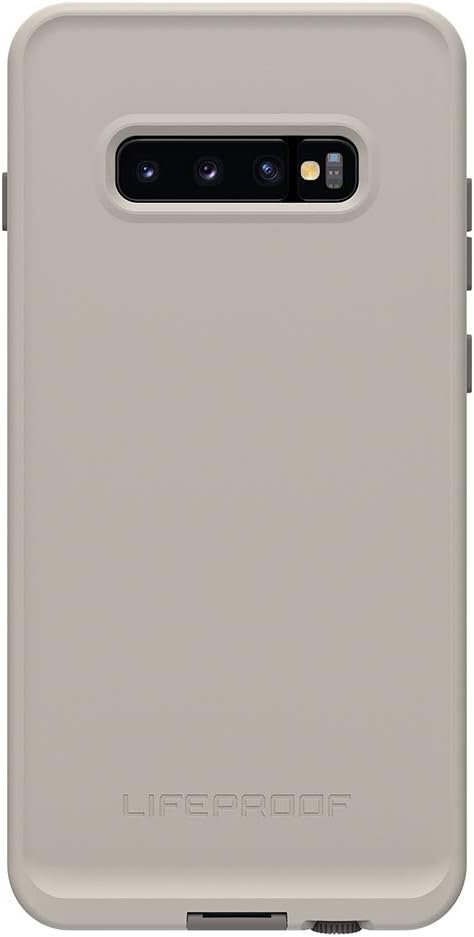
Image: Back view of the LifeProof FRĒ Series case, showing the camera area and overall design.
Maintenance
Regular maintenance helps prolong the life and effectiveness of your LifeProof FRĒ case.
- Cleaning: Clean the exterior of the case with mild soap and water. Rinse thoroughly and dry completely with a soft cloth.
- Inspecting Seals: Periodically inspect the rubber seals around the ports and case perimeter for any signs of wear, tear, or debris. Ensure they are clean and intact.
- Screen Protector Care: Avoid using abrasive materials on the built-in screen protector to prevent scratches.
- Storage: When not in use, store the case in a clean, dry place away from extreme temperatures.
Troubleshooting
If you encounter any issues with your LifeProof FRĒ case, refer to the following common solutions.
- Fingerprint Recognition Issues: The built-in screen protector may affect the functionality of the in-display fingerprint sensor on the Samsung Galaxy S10+. Ensure your fingerprint is re-registered with the case installed for best results. If issues persist, facial recognition or PIN/pattern unlock may be more reliable.
- Difficulty Closing the Case: Ensure your device is correctly seated within the front shell and that no foreign objects or debris are obstructing the seals. Apply even pressure around the entire perimeter until the case is fully latched.
- Camera Cover Alignment: Verify that the camera lens cover on the case is properly aligned with your phone's camera. If there are alignment issues, carefully re-seat your phone in the case.
- Sound Quality Issues: Ensure all port covers are fully closed and clean. Sometimes, trapped air or debris can affect sound.
- Water Intrusion: If water enters the case during a water test or use, immediately remove your device and dry it. Do not use the case again and contact LifeProof customer support.
Specifications
| Model Number | 77-61513 |
| Compatible Phone Models | Samsung Galaxy S10 Plus |
| Product Dimensions | 6.72 x 3.34 x 0.54 inches |
| Item Weight | 2.24 ounces |
| Material | Polycarbonate |
| Waterproof Rating | IP-68 (Submersible to 6.6 ft / 2 m for 1 hour) |
| Drop Protection | Withstands drops from 6.6 ft / 2 m (MIL STD 810F-516) |
| Special Features | Waterproof, Built-in Screen Protector, Full Port Access |
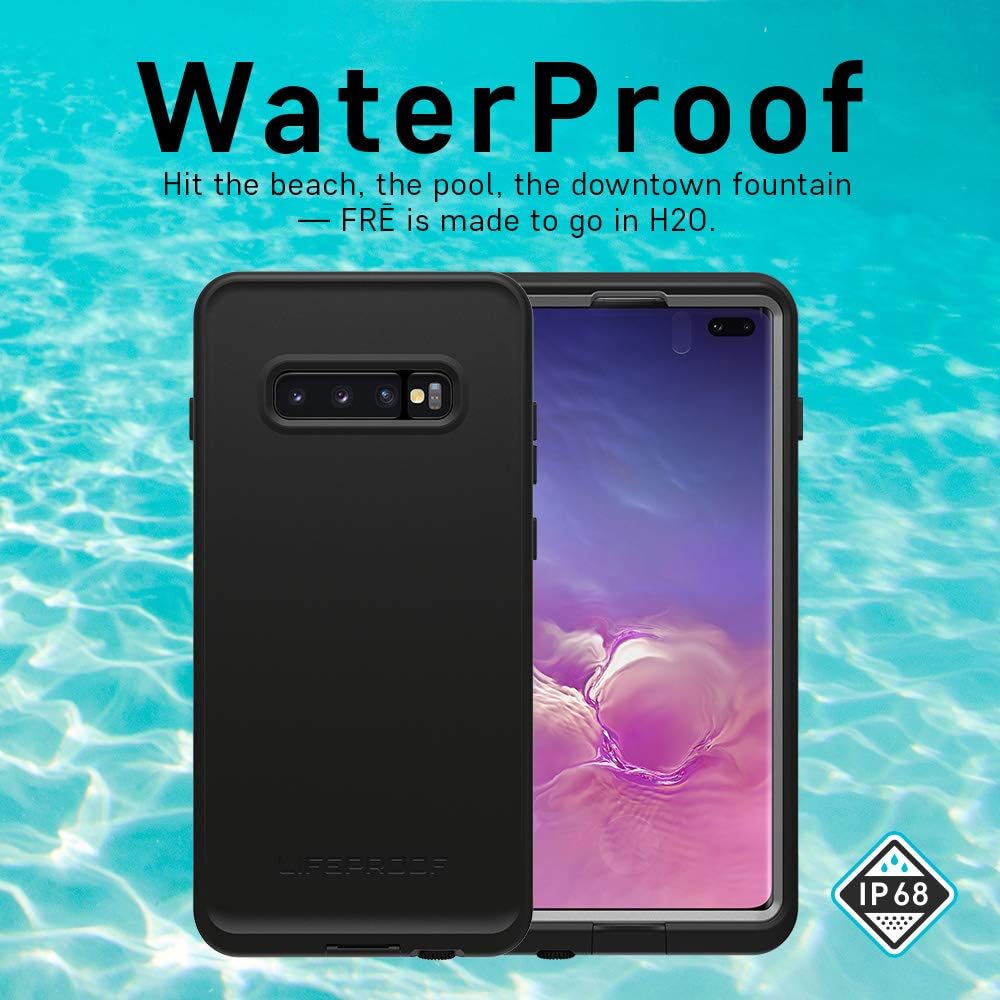
Image: The case demonstrating its waterproof feature with an IP68 rating.
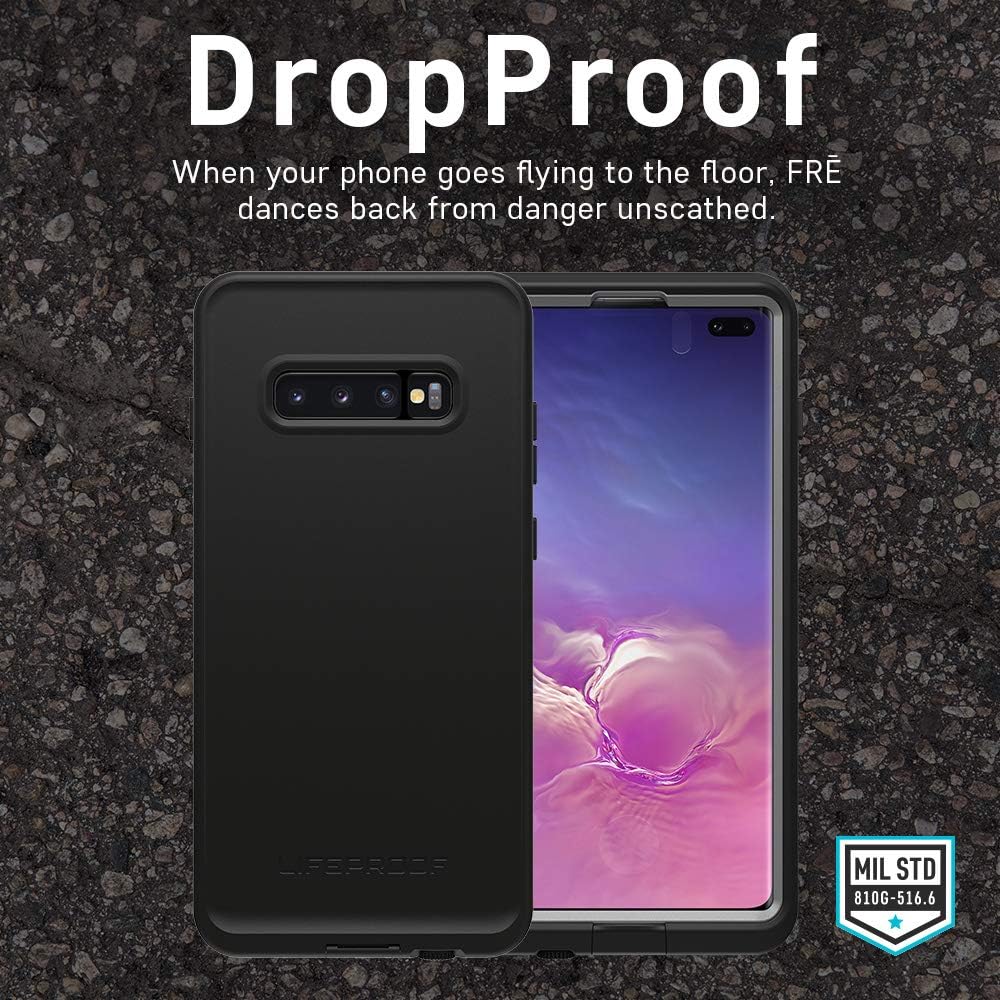
Image: The case demonstrating its dropproof feature, meeting MIL STD 810G-516.6 standards.
Warranty
The LifeProof FRĒ Series Waterproof Case for Samsung Galaxy S10+ includes a LifeProof 1-year limited warranty. For full details and terms, please refer to the official LifeProof website or the warranty information included with your product packaging.
Support
For additional support, product registration, or to view frequently asked questions, please visit the official LifeProof website. You can also contact LifeProof customer service directly for assistance with product issues or warranty claims.

