
Introduction
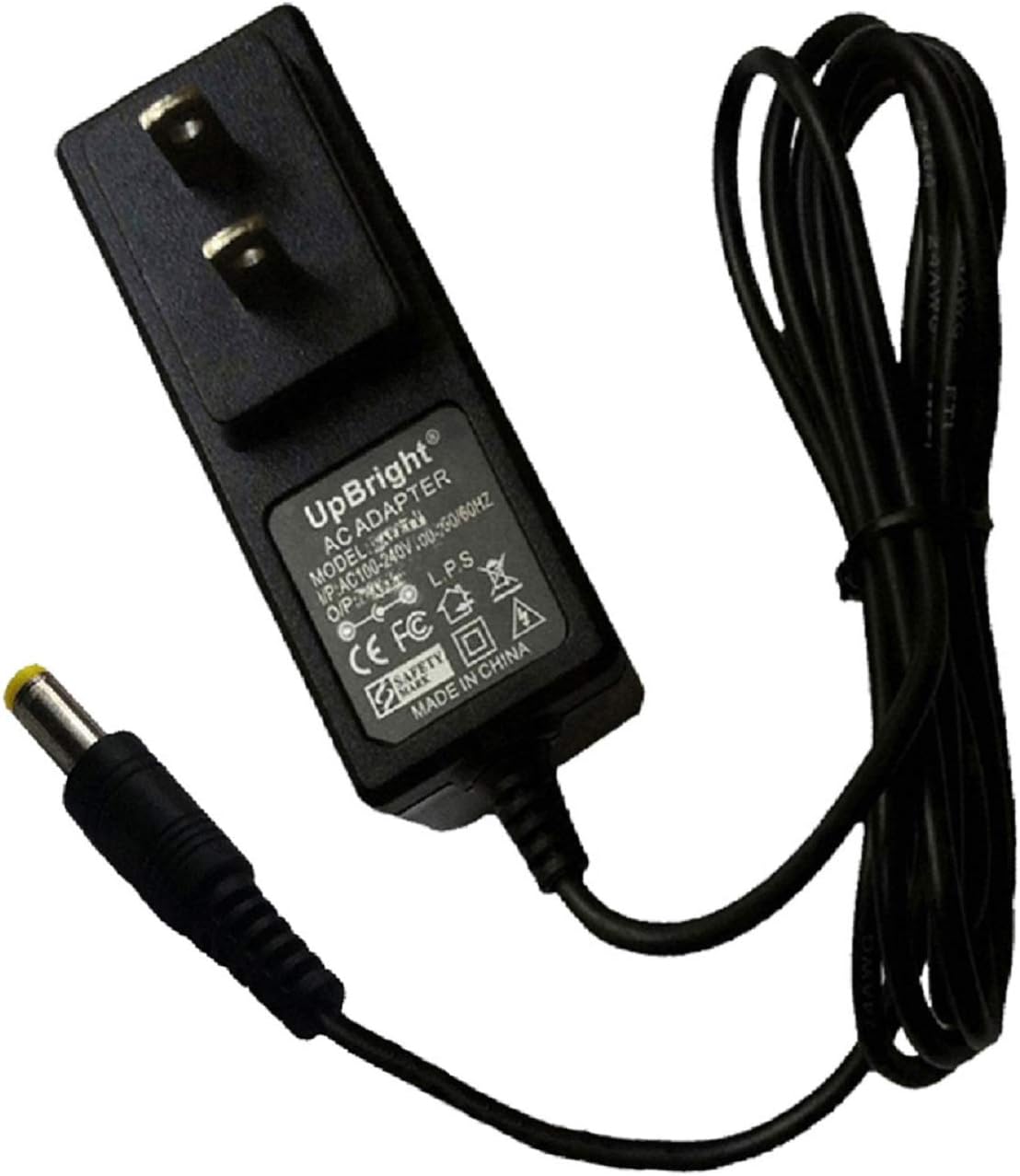
This manual provides essential instructions for the safe and effective use of your UpBright 9V AC/DC Adapter, Model E-AWB135090A. This adapter is designed to provide reliable power to various Audiovox portable DVD players and similar compatible electronic devices requiring a 9V DC power input.
Please read this manual thoroughly before using the product and retain it for future reference.
Setup
- Unpack the Adapter: Carefully remove the AC/DC adapter from its packaging. Inspect it for any signs of damage.
- Verify Compatibility: Ensure your device requires a 9V DC input and has a compatible power input jack. This adapter is compatible with models such as Audiovox D1817PK, D1888, D1915, D1788, D9000, VBP50, VBP58, D7021, D7121esk, D9121esk, Ds2058a, Ds7521pk, Ds9321, and Ds9521pk.
- Connect to Device: Insert the barrel connector of the adapter's output cable firmly into the DC input jack of your portable DVD player or compatible device.
- Connect to Power Outlet: Plug the AC prongs of the adapter into a standard 100-240V AC wall outlet. Ensure the outlet is easily accessible.
Operating Instructions
Once connected, the adapter will supply power to your device. If your device has a power indicator, it should illuminate. You can now power on your device as usual.
Safety Precautions:
- Use the adapter indoors only. Avoid exposure to moisture or extreme temperatures.
- Do not use the adapter if the cable or housing is damaged.
- Ensure adequate ventilation around the adapter during use to prevent overheating.
- Always unplug the adapter from the wall outlet before disconnecting it from your device, or when not in use for extended periods.
Maintenance
- Cleaning: Disconnect the adapter from both the power outlet and your device. Wipe the adapter with a soft, dry cloth. Do not use liquid cleaners or abrasive materials.
- Storage: When not in use, store the adapter in a cool, dry place. Avoid tightly winding the cable, which can cause damage over time.
- Cable Care: Do not pull on the cable to disconnect the adapter. Always grasp the plug itself. Avoid placing heavy objects on the cable or bending it sharply.
Troubleshooting
- No Power to Device:
- Ensure the adapter is securely plugged into a working wall outlet.
- Verify the barrel connector is fully inserted into your device's power input jack.
- Check if the wall outlet is functional by plugging in another appliance.
- Confirm that your device's power switch is in the 'ON' position.
- Device Not Charging/Powering Properly:
- Double-check that your device's power requirements (voltage and connector type) match the adapter's specifications.
- Inspect the adapter cable and connectors for any visible damage.
- If possible, test the adapter with another compatible device or test your device with another known-good power supply.
- Adapter Overheating:
- Ensure the adapter is in a well-ventilated area and not covered by anything that could trap heat.
- If overheating persists, discontinue use and contact support.
Specifications
| Model Number | E-AWB135090A |
| Input Voltage | 100-240V AC, 50/60Hz |
| Output Voltage | 9V DC |
| Power Source | Corded Electric |
| Main Power Connector Type | 2 Pin (US Standard) |
| UPC | 669230334639 |

Warranty Information
This UpBright AC/DC Adapter comes with a Limited Warranty. Please refer to the "UpBright Limited Warranty Certificate" included with your product for specific terms, conditions, and duration of the warranty. Retain your proof of purchase for warranty claims.
Support
For technical assistance, troubleshooting beyond this manual, or warranty inquiries, please contact UpBright customer support. You can typically find contact information on the product packaging or by visiting the official UpBright brand store online.
Visit the UPBRIGHT Store for more information.