1. Introduction
This document provides comprehensive instructions for the safe and efficient use of your Samsung Qi Certified Wireless Charging Pad. This device allows for convenient wireless charging of compatible smartphones and other Qi-enabled devices.
2. Product Overview
The Samsung Qi Certified Wireless Charging Pad is a compact and efficient solution for charging your Qi-compatible devices. The package typically includes:
- Samsung Qi Certified Wireless Charging Pad (Model: EP-PG920IBUGUS)
- 2A Wall Charger
- Micro-USB Cable
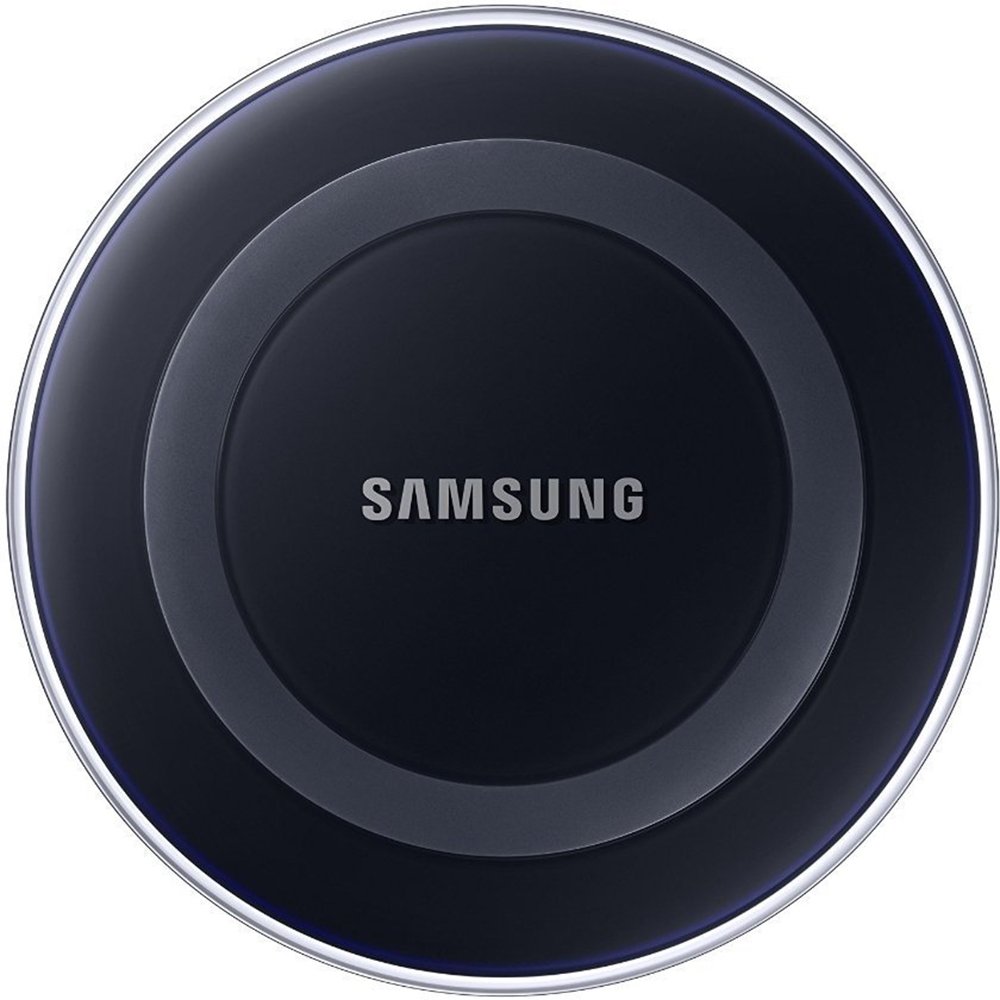
Figure 1: Samsung Qi Certified Wireless Charging Pad with a smartphone actively charging.
3. Setup
- Connect the Micro-USB Cable: Insert the micro-USB connector of the provided cable into the charging port on the rear of the Wireless Charging Pad.
- Connect to Wall Charger: Plug the standard USB end of the cable into the 2A Wall Charger.
- Plug into Power Outlet: Insert the Wall Charger into a standard electrical wall outlet. The LED indicator on the charging pad will briefly light up, typically green then blue, to indicate it is powered on and ready for use.
4. Operating Instructions
To charge your device:
- Place Device: Carefully place your Qi-compatible smartphone or device onto the center of the Wireless Charging Pad.
- Confirm Charging: The LED indicator on the charging pad will illuminate blue to confirm that charging has begun. Your device's screen should also display a charging icon or notification.
- Charging Complete: Once your device is fully charged, the LED indicator on the charging pad will typically change to green.
Note: Ensure your device is properly aligned on the charging pad for optimal charging performance. Misalignment may result in slower charging or no charging at all.
5. Compatible Devices
This Samsung Qi Certified Wireless Charging Pad is compatible with all Qi-enabled smartphones and devices. This includes, but is not limited to:
- Samsung Galaxy S8, S8+, Note 8
- Apple iPhone 8, iPhone 8 Plus, iPhone X
- Samsung Galaxy S6, Galaxy Note5, and later models of the Galaxy S and Galaxy Note Series.
- Older Galaxy Devices may require a separate wireless charging cover for compatibility.
6. Maintenance
- Keep the charging pad clean and free from dust and debris. Use a soft, dry cloth for cleaning.
- Avoid exposing the device to extreme temperatures, direct sunlight, or moisture.
- Do not disassemble or attempt to repair the charging pad yourself. This may void the warranty and cause damage.
7. Troubleshooting
| Problem | Possible Solution |
|---|---|
| Device not charging |
|
| Slow charging |
|
| LED indicator not lighting up |
|
8. Specifications
- Model Number: EP-PG920IBUGUS
- Brand: Samsung
- Connectivity Technology: USB, Wireless
- Input Voltage: 5 Volts
- Output Voltage: 5 Volts
- Output Current: 2 Amps
- Weight: 0.22 Pounds
- Color: Black Sapphire
- Specification Met: Qi
9. Warranty and Support
This Samsung Qi Certified Wireless Charging Pad comes with a 1-year warranty on parts & labor. For technical support, service, or warranty claims, please refer to the official Samsung support channels or visit the Samsung Support Website.


