
Briggs & Stratton 705927
Contents
Briggs & Stratton 705927 Battery Charger Instruction Manual
Model: 705927
Product Overview
The Briggs & Stratton 705927 Battery Charger is a genuine replacement part designed to ensure proper fit and performance, maintaining the life of your equipment. This charger is specifically engineered for compatibility with Briggs & Stratton products requiring a 12V DC 400mA output.

Image 1: Front view of the Briggs & Stratton 705927 Battery Charger, showing the main adapter unit and the DC output cable with its connector.
Safety Information
WARNING: Risk of Electric Shock.
- Use only in dry locations.
- Do not expose to rain or moisture.
- Ensure the charger is disconnected from the power source before cleaning or maintenance.
- Do not use if the charger or its cable is damaged.
Setup
- Unpack the Charger: Carefully remove the battery charger from its packaging. Inspect for any visible damage.
- Identify Components: The package should contain the main charger unit with an integrated AC plug and a DC output cable with a barrel connector.
- Prepare the Battery: Ensure the battery to be charged is compatible with a 12V DC input and has a suitable charging port for the barrel connector.

Image 2: Top-down view of the Briggs & Stratton 705927 Battery Charger, illustrating its compact size and the attached power cord. This view also shows the AC prongs and the DC barrel connector.
Operating Instructions
- Connect to Battery: Insert the barrel connector of the charger's DC output cable into the charging port of your equipment's battery. Ensure a secure connection.
- Connect to Power Outlet: Plug the AC prongs of the charger into a standard 120V AC, 60Hz wall outlet.
- Charging Indicator: The charger may have an indicator light (not specified in product details, but common for chargers). If present, observe its behavior according to your equipment's manual for charging status.
- Disconnecting: Once the battery is fully charged or charging is complete, first unplug the charger from the wall outlet, then disconnect the barrel connector from the battery.
Note: This charger is designed for maintenance charging (float charging) to keep batteries topped up, especially for equipment used infrequently, such as generators.
Maintenance
- Cleaning: Disconnect the charger from all power sources. Use a dry, soft cloth to wipe down the exterior of the charger. Do not use liquid cleaners or solvents.
- Storage: Store the charger in a cool, dry place away from direct sunlight and extreme temperatures when not in use. Keep the cable neatly coiled to prevent damage.
- Inspection: Periodically inspect the charger's casing, AC prongs, and DC cable for any signs of wear, cuts, or damage. If damage is found, discontinue use and replace the charger.
Troubleshooting
| Problem | Possible Cause | Solution |
|---|---|---|
| Charger not working / No power | No power from outlet; Loose connection; Damaged charger. | Check outlet with another device; Ensure all connections are secure; Inspect charger for damage and replace if necessary. |
| Charger gets hot during use | Normal operation; Overload/Faulty battery. | Some heat is normal. If excessively hot or emitting smoke/smell, disconnect immediately. Ensure battery is compatible and not faulty. |
| Battery not charging | Incorrect connection; Battery fault; Charger fault. | Verify correct and secure connection to battery; Test battery with another charger if possible; Replace charger if battery is confirmed good. |
Specifications
- Model Number: 705927
- Input Voltage: 120 Volts AC, 60Hz
- Output Voltage: 12 Volts DC
- Output Current: 400mA
- Product Dimensions: 2.75 x 2.5 x 2.25 inches (7 x 6.35 x 5.7 cm)
- Item Weight: 10.2 ounces (289.16 grams)
- Manufacturer: Briggs and Stratton
- Country of Origin: China
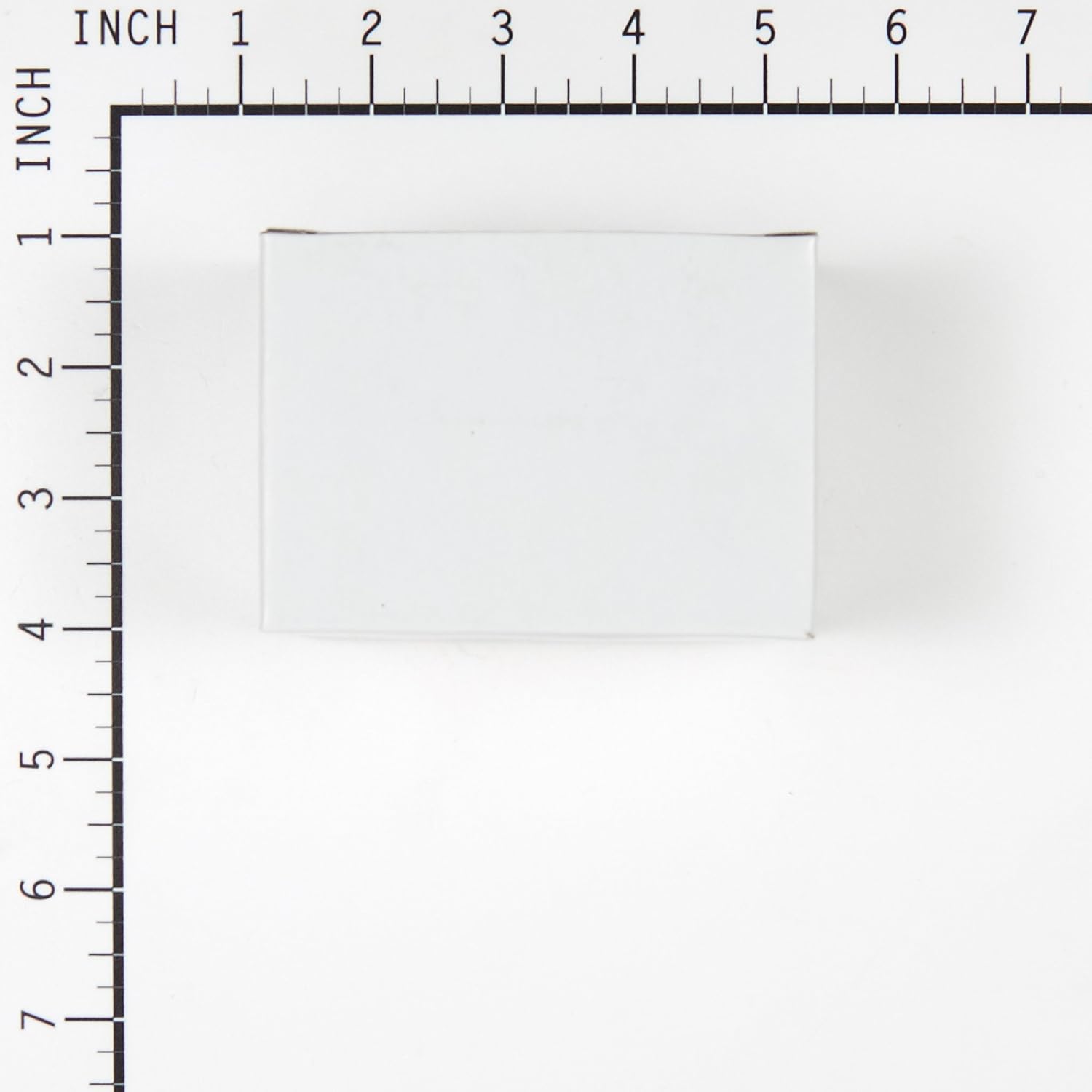
Image 3: Overhead view of the Briggs & Stratton 705927 Battery Charger on a measurement grid, indicating its physical dimensions for reference.
Warranty and Support
This Briggs & Stratton 705927 Battery Charger is a genuine replacement part. For specific warranty information and support, please refer to the documentation provided with your original equipment or contact Briggs & Stratton customer service directly.
Briggs & Stratton Customer Service: For technical assistance or warranty claims, please visit the official Briggs & Stratton website or contact their customer support line. Contact information can typically be found on the product packaging or their official website.
Documents and downloads
Ask a question about this manual
Ask about setup, troubleshooting, compatibility, parts, safety, or missing instructions. Manuals+ will review the question and use this page’s manual context to help answer it.