
Introduction
This manual provides essential information for the safe and effective use of your Sigma 150-600mm 5-6.3 Contemporary DG OS HSM Lens. Please read these instructions thoroughly before using the lens to ensure optimal performance and longevity.
Product Overview
The Sigma 150-600mm F5-6.3 DG OS HSM Contemporary lens is a versatile hyper-telephoto zoom lens designed for Nikon F-mount cameras. It features a lightweight and compact construction, making it suitable for various photographic applications, including wildlife and sports. Key features include:
- 150-600mm F5-6.3 DG OS HSM / C
- Minimum focusing distance: 280 cm (110.2 inches)
- 9-blade diaphragm for smooth bokeh
- Dust-proof and splash-proof mount
- Water and oil repellent coating on the front glass element for easier maintenance
- Lightweight and compact design for enhanced usability

Image: The Sigma 150-600mm F5-6.3 Contemporary DG OS HSM Lens, showcasing its telephoto design.
Setup
Attaching the Lens to Your Camera
- Ensure both the camera and the lens are powered off.
- Remove the rear lens cap and the camera body cap.
- Align the mounting index (white dot) on the lens barrel with the mounting index on your Nikon F-mount camera body.
- Insert the lens into the camera's mount and rotate it clockwise until it clicks into place. Do not force the lens.
- Attach the lens hood by aligning its mark with the mark on the front of the lens and twisting until it locks.

Image: The Sigma 150-600mm lens shown with its included lens hood, ready for attachment.
Operating the Lens
Focus Modes
The lens features a switch for selecting focus modes:
- AF (Autofocus): The camera automatically focuses on the subject.
- MO (Manual Override): Allows for manual focus adjustment even when the camera is in autofocus mode. This is useful for fine-tuning focus after autofocus has engaged.
- MF (Manual Focus): Focus is adjusted manually by rotating the focus ring.
Additionally, a focus limiter switch is available to restrict the autofocus range, which can improve autofocus speed when shooting subjects within a specific distance:
- FULL: Allows autofocus across the entire focusing range (from minimum focusing distance to infinity).
- 10m - ∞: Limits autofocus to subjects 10 meters (32.8 feet) or further away.
- 2.8m - 10m: Limits autofocus to subjects between 2.8 meters (9.2 feet) and 10 meters (32.8 feet).

Image: Close-up of the focus mode and optical stabilization switches on the lens barrel.
Optical Stabilization (OS)
The Optical Stabilizer (OS) function helps to reduce camera shake, especially when shooting handheld at longer focal lengths or slower shutter speeds. The OS switch offers different modes:
- OFF: Optical stabilization is disabled.
- 1: General-purpose stabilization for still subjects. Corrects shake in all directions.
- 2: Designed for panning shots. Corrects vertical shake while allowing horizontal movement.
Zoom Operation
To adjust the focal length, rotate the zoom ring on the lens barrel. The lens features a zoom lock switch to prevent accidental extension or retraction of the lens barrel during transport or when shooting at a fixed focal length.

Image: The zoom ring of the Sigma 150-600mm lens, showing focal length markings.

Image: The zoom lock switch on the Sigma 150-600mm lens, used to secure the focal length.
Maintenance
Proper care and maintenance will extend the life and performance of your lens:
- Cleaning: Use a soft, lint-free cloth to gently wipe dust and smudges from the lens surfaces. For stubborn marks, use a lens cleaning solution specifically designed for optical elements. Avoid harsh chemicals or abrasive materials.
- Storage: When not in use, store the lens with both front and rear caps attached in a cool, dry place away from direct sunlight and extreme temperatures. The included padded lens bag provides excellent protection.
- Handling: Always handle the lens by its barrel, avoiding direct contact with the glass elements.
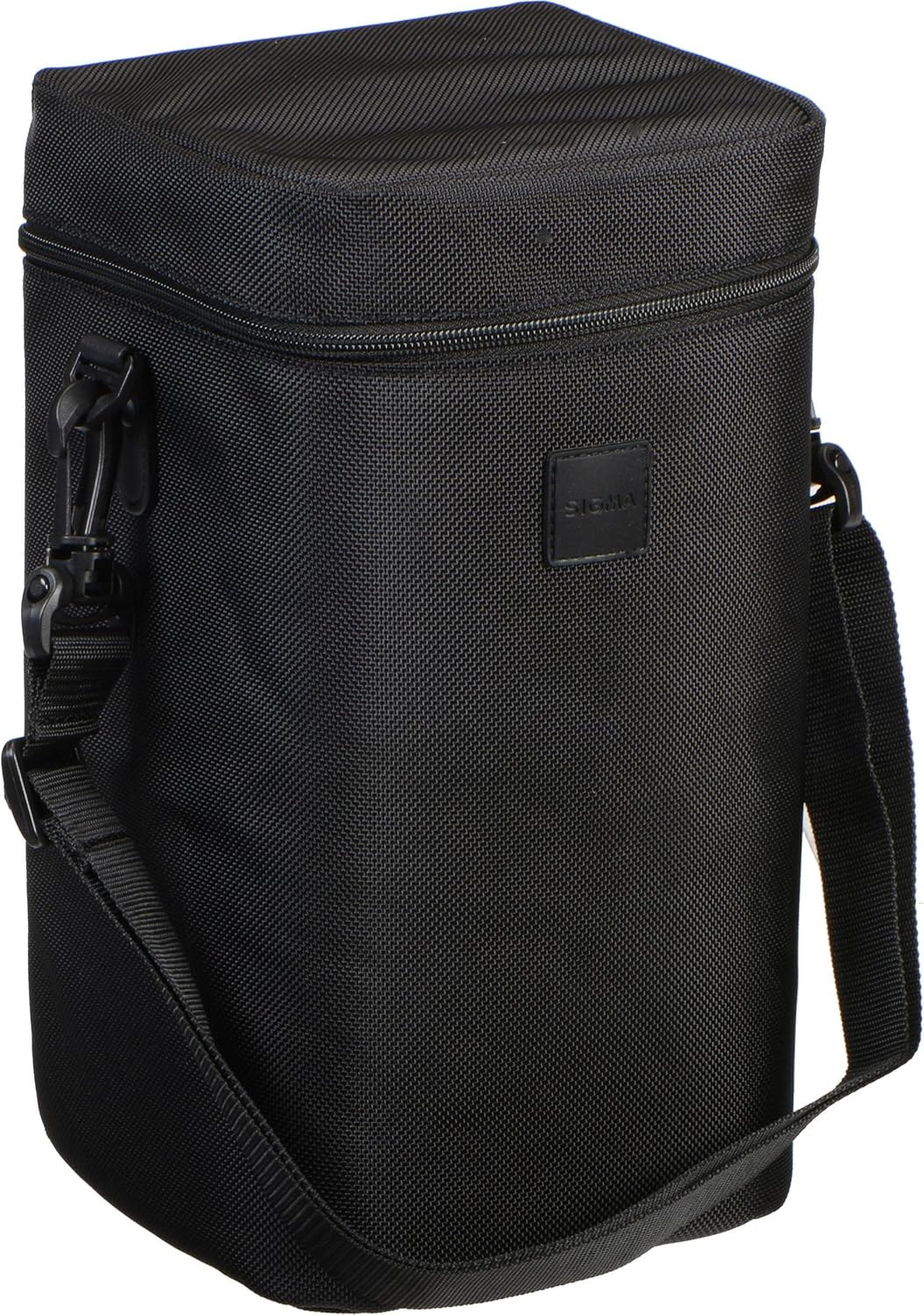
Image: The padded carrying case for the Sigma 150-600mm lens, designed for safe storage and transport.
Troubleshooting
If you encounter issues with your lens, consider the following common solutions:
- Soft or Blurry Images: Ensure the lens is properly focused. Check the Optical Stabilizer (OS) setting; if shooting on a tripod, OS should generally be off or in Mode 2 for panning. Verify shutter speed is fast enough to prevent motion blur, especially at longer focal lengths.
- Autofocus Hunting: In challenging lighting conditions or with complex backgrounds, autofocus may struggle. Try switching to Manual Override (MO) or Manual Focus (MF). Utilize the focus limiter switch to narrow the autofocus range if your subject is within a known distance.
- Poor Performance in Low Light: This lens has a variable aperture (F5-6.3), which means it may require higher ISO settings or slower shutter speeds in low light. Consider using a tripod to maintain sharpness with slower shutter speeds.
- Lens Not Attaching Securely: Ensure the lens is correctly aligned with the camera's mounting index and rotated until it clicks. Check for any obstructions on the lens mount or camera body mount.
Specifications
| Feature | Specification |
|---|---|
| Product Dimensions | 10.2 x 4.1 x 4.1 inches |
| Item Weight | 4.25 pounds |
| ASIN | B00THP1A1C |
| Item Model Number | 745955 |
| Batteries | 1 12V batteries required. |
| Date First Available | March 20, 2015 |
| Manufacturer | Sigma Corporation of America |
| Brand | Sigma |
| Focal Length Description | 150-600 mm |
| Lens Type | Telephoto |
| Compatible Mountings | Nikon F |
| Camera Lens Description | Zoom Lens |
Warranty and Support
For warranty information and customer support, please refer to the official Sigma Corporation of America website or contact their customer service directly. Keep your purchase receipt as proof of purchase for any warranty claims.
Legal Disclaimer: If the buyer is not satisfied for any reason, the buyer must return the lens and all accessories in original packing material. The buyer will pay for return shipping and insurance. Returns are accepted within one week after delivery. After this period, no returns will be accepted.


