
1. Introduction
The DMXking eDMX1 is a compact and robust single universe Ethernet DMX512 node designed for a wide range of lighting control applications. This device facilitates the conversion of Ethernet-based DMX protocols (Art-Net and sACN E1.31) to standard DMX512, allowing control of DMX-compatible lighting fixtures. It supports both DMX512 output and DMX512 input functionalities.

Image 1.1: The DMXking eDMX1 Ethernet DMX Adapter (3-Pin). This image shows the compact black enclosure of the eDMX1 adapter, featuring an Ethernet port and a USB power input port on one side, and a 3-pin DMX output/input connector on the other side (not fully visible). The top surface displays the DMXking logo, product name 'eDMX1 PRO', and regulatory markings.
2. Features
- DMX512 Out or DMX512 In functionality over Art-Net / sACN E1.31.
- Fully compatible with Art-Net I, II, 3 & 4 and sACN protocols.
- External 5Vdc power input via USB socket. Can be powered from a computer USB port or the included USB power supply.
- Includes USB Power supply (110v).
- Configuration utility available for Windows and Mac OSX, offering basic Art-Net output/input test functionality.
3. Setup
3.1. Package Contents
Before proceeding, ensure all components are present:
- DMXking eDMX1 Ethernet DMX Adapter (3-Pin)
- USB Power Supply (110v)
- USB Cable

Image 3.1: The included USB Power Supply. This is a black wall adapter with a standard US two-prong plug and a USB-A output port, labeled with electrical specifications.
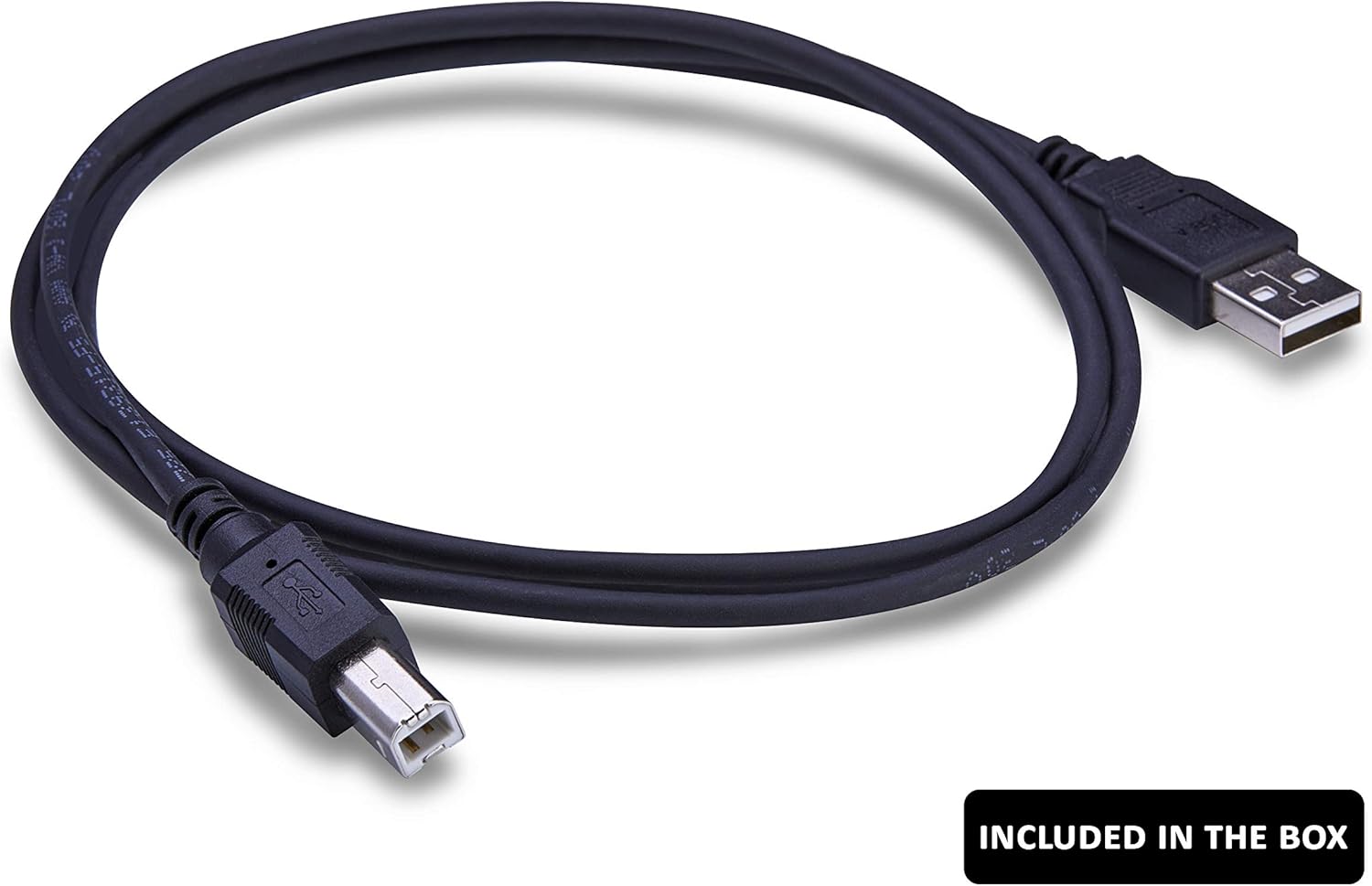
Image 3.2: The included USB Cable. This is a black USB-A to USB-B cable, used for powering the eDMX1 adapter.
3.2. Physical Connections
- Power Connection: Connect the provided USB cable to the eDMX1 adapter's USB power input. Plug the other end into the included USB power supply and then into a standard electrical outlet. Alternatively, the device can be powered from a computer's USB port.
- Ethernet Connection: Connect a standard Ethernet cable from your network router, switch, or directly from your computer's Ethernet port to the eDMX1 adapter's Ethernet port.
- DMX Connection: Connect a 3-pin DMX cable from the eDMX1 adapter to your DMX-compatible lighting fixtures or DMX input device, depending on whether you are using the eDMX1 for DMX output or input.
3.3. Initial Network Configuration
The eDMX1 adapter typically uses DHCP to obtain an IP address automatically. However, for initial setup or if your network does not use DHCP, manual configuration may be required using the DMXking configuration utility (available for Windows and Mac OSX).
Important Note on Initial IP Address:
The device may come pre-configured to receive setup commands on a specific static IP address, such as 192.168.0.111. If your network is not on the 192.168.0.xxx subnet, you may need to temporarily reconfigure your computer or router to match this subnet to access the device with the configuration utility. Once connected, you can change the eDMX1's IP settings (e.g., to DHCP or a static IP within your network's subnet) and then revert your network settings.
4. Operating Instructions
Once the eDMX1 adapter is physically connected and configured on your network, it is ready for operation with compatible DMX software or hardware.
- Software Compatibility: The eDMX1 is compatible with any lighting control software that supports Art-Net (versions I, II, 3, & 4) or sACN E1.31 protocols. Examples include Luminair, QLab, and various PC-based DMX controllers.
- DMX Output Mode: To send DMX data from your software to lighting fixtures, configure your software to output Art-Net or sACN to the IP address of the eDMX1. The adapter will convert this data to DMX512 and send it out through its 3-pin DMX port.
- DMX Input Mode: To receive DMX data from a DMX console or other DMX source into your software, connect the DMX source to the eDMX1's 3-pin DMX port. Configure your software to receive Art-Net or sACN input from the eDMX1's IP address.
- Configuration Utility: Use the DMXking configuration utility to adjust network settings, DMX universe assignments, and other operational parameters as needed. The utility also provides basic test functionality for DMX output and input.
5. Maintenance
The DMXking eDMX1 adapter is designed for reliable operation with minimal maintenance. Follow these guidelines to ensure longevity:
- Cleaning: Keep the device clean and free from dust. Use a soft, dry cloth for cleaning. Avoid liquid cleaners or solvents.
- Environment: Operate the device in a dry environment, away from excessive heat, humidity, or direct sunlight.
- Connections: Periodically check all cable connections (power, Ethernet, DMX) to ensure they are secure.
- Firmware Updates: Check the DMXking website periodically for any available firmware updates for your device. Follow the provided instructions carefully for any update procedures.
6. Troubleshooting
If you encounter issues with your eDMX1 adapter, refer to the following common troubleshooting steps:
6.1. Device Not Detected by Configuration Utility
- Power Check: Ensure the eDMX1 is properly powered via the USB port. The device should show an indicator light if powered.
- Ethernet Connection: Verify the Ethernet cable is securely connected to both the eDMX1 and your network device (router/switch/computer). Check for link lights on the Ethernet port.
- Network Configuration: If your computer and the eDMX1 are on different IP subnets, the utility may not find the device. Refer to Section 3.3 for details on initial IP configuration, especially if the device is set to a default static IP like 192.168.0.111. You may need to temporarily adjust your computer's IP address to match the device's subnet for initial detection.
- Firewall: Ensure your computer's firewall is not blocking communication with the eDMX1 or the configuration utility.
6.2. No DMX Output/Input
- Software Configuration: Verify that your lighting control software is correctly configured to send/receive Art-Net or sACN data to/from the eDMX1's IP address and the correct DMX universe.
- DMX Cable: Ensure the DMX cable is correctly connected and is not faulty. For DMX output, ensure the DMX chain is properly terminated.
- eDMX1 Mode: Confirm that the eDMX1 is configured for the correct mode (DMX Output or DMX Input) using the configuration utility.
6.3. Intermittent Connectivity
- Network Stability: Ensure your Ethernet network is stable and free from interference. Avoid long or poor-quality Ethernet cables.
- Power Supply: Verify the 5Vdc power supply is stable and providing sufficient power. Try a different USB power source if available.
7. Specifications
| Brand | DMXking |
| Model Number | eDMX1 (4334417171) |
| Hardware Interface | Ethernet |
| Data Link Protocol | Ethernet, USB |
| DMX Connector | 3-Pin XLR |
| Power Input | 5Vdc via USB |
| Compatible Devices | Desktop computers, DMX-compatible lighting fixtures |
| Color | Black |
| Item Weight | 10 Ounces (approx. 283 grams) |
| UPC | 760999537290 |
8. Warranty Information
Specific warranty terms for the DMXking eDMX1 Ethernet DMX Adapter are provided by the manufacturer. Please refer to the official DMXking website or the documentation included with your purchase for detailed warranty information, including coverage period and claims procedures.
9. Support
For further assistance, technical support, or additional product information, please visit the official DMXking website:
The DMXking support team is known for being knowledgeable and responsive, offering assistance with setup and operational queries.


