Product Overview
The ASUS Transformer Book Chi T300CHI-F1-DB is a versatile 12.5-inch 2-in-1 detachable touchscreen laptop. It combines the power of a laptop with the portability of a tablet, featuring an ultra-thin, all-aluminum unibody construction and a revolutionary Neodymium Magnetic Hinge for easy detachment. Powered by an Intel Core M processor, it offers high performance with a cool, quiet, and fanless design.

Image: The ASUS Transformer Book Chi T300CHI-F1-DB in its laptop configuration, showcasing its sleek design and full keyboard.
What's in the Box
- ASUS Active Stylus Pen
- ASUS Transformer Book Chi T300CHI-F1-DB Laptop (Tablet and Keyboard Dock)
- AC Adapter
- Battery (integrated)
- Documentation (User Manual, Warranty Card, etc.)
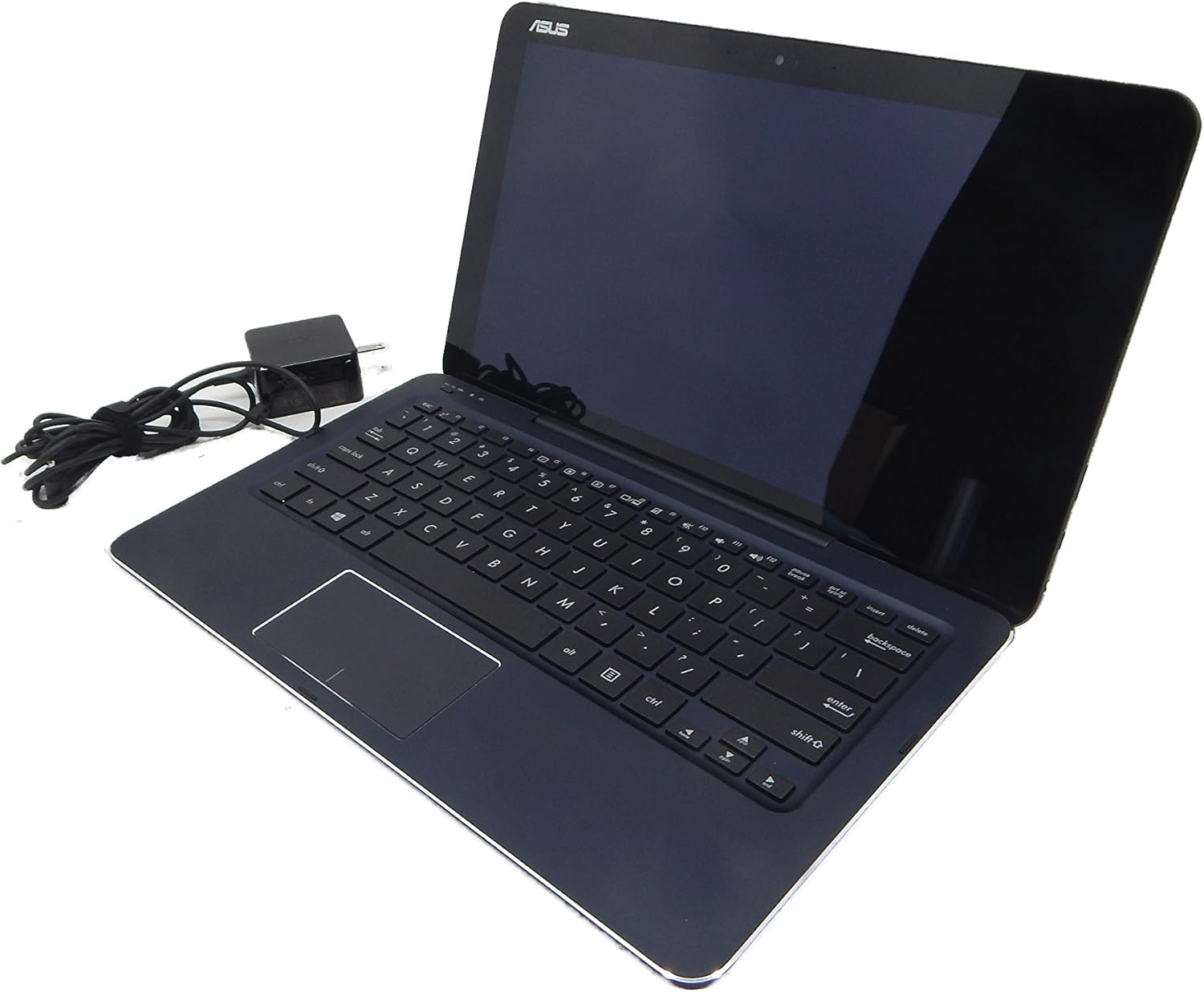
Image: The ASUS Transformer Book Chi T300CHI-F1-DB alongside its included AC adapter, ready for charging.
Setup
Initial Power On and Charging
- Connect the AC Adapter: Plug the AC adapter into the charging port on your ASUS Transformer Book Chi and then into a power outlet.
- First Boot: Press the power button located on the side of the tablet. The device will power on and guide you through the initial Windows 8.1 setup process.
- Charge Fully: For optimal battery life, it is recommended to fully charge the device before its first use.
Attaching and Detaching the Keyboard
The ASUS Transformer Book Chi features a unique Neodymium Magnetic Hinge that allows for easy attachment and detachment of the keyboard dock.
- To Attach: Align the tablet's bottom edge with the keyboard dock's hinge. The strong magnets will automatically guide and secure the tablet into place. Ensure a firm connection.
- To Detach: Gently pull the tablet upwards from the keyboard dock. The magnetic connection will release, allowing you to use the device as a standalone tablet.

Image: The ASUS Transformer Book Chi T300CHI-F1-DB in its detached tablet form, highlighting its portability.
Operating Instructions
Using the Touchscreen
The 12.5-inch IPS FHD (1920x1080) touchscreen with Corning Concore Glass provides a responsive and vibrant display. You can navigate Windows 8.1 and applications using touch gestures.
- Tap: Equivalent to a mouse click.
- Swipe: Move your finger across the screen to scroll or navigate.
- Pinch-to-Zoom: Use two fingers to zoom in or out.
- Edge Swipes: Swipe from the right edge for Charms bar, from the left edge to switch apps, from the top/bottom for app commands.
Keyboard and Trackpad Usage
When docked, the physical keyboard and trackpad provide a traditional laptop experience for typing and precise cursor control.
- Keyboard: Standard QWERTY layout for comfortable typing.
- Trackpad: Supports multi-touch gestures for navigation, scrolling, and zooming.
Using the ASUS Active Stylus Pen
The device supports the ASUS Active Stylus Pen (256 pressure levels) for precise input, drawing, and note-taking. The stylus is included with your purchase.
- Writing/Drawing: Use the stylus directly on the touchscreen for natural input.
- Selection: Tap with the stylus to select items.
- Right-Click: Press and hold the stylus on an item for a right-click context menu.
Connectivity
The Transformer Book Chi offers various connectivity options:
- Wi-Fi: Dual-band 802.11N Wifi for fast wireless internet access.
- Bluetooth: Bluetooth 4.0 for connecting wireless peripherals.
- Micro USB 3.0: For connecting USB devices (requires adapter for standard USB-A).
- Micro HDMI: For connecting to external displays.
- Headphone-Mic Combo Jack: For audio input/output.
- Micro SD Card Reader (SDXC): For expanding storage or transferring files.
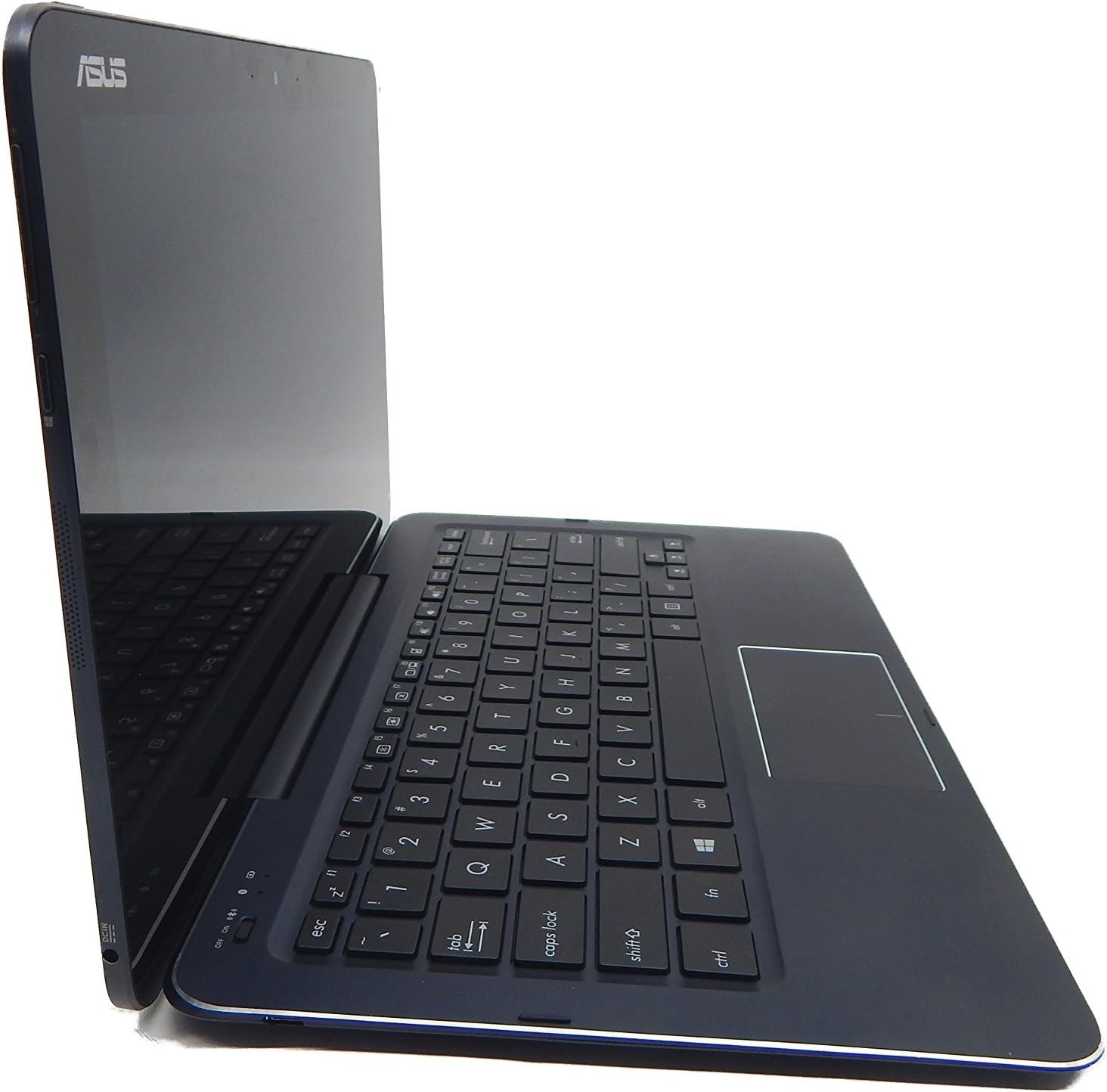
Image: Side profile of the ASUS Transformer Book Chi T300CHI-F1-DB, illustrating its slim design and available ports.
Official Product Video
Video: An official video from ASUS demonstrating the features and versatility of the ASUS Transformer Book T300, including its 2-in-1 functionality and Windows operating system.
Maintenance
- Cleaning: Use a soft, lint-free cloth to clean the screen and exterior. For stubborn smudges, slightly dampen the cloth with water or a screen cleaner. Avoid harsh chemicals.
- Battery Care: To prolong battery life, avoid extreme temperatures. It is recommended to fully discharge and recharge the battery periodically.
- Software Updates: Regularly check for and install Windows updates to ensure optimal performance and security.
- Storage: When not in use, store the device in a cool, dry place away from direct sunlight.
Troubleshooting
Common Issues and Solutions
- Device not powering on:
- Ensure the AC adapter is securely connected and the device is charging.
- Press and hold the power button for 10-15 seconds to perform a hard reset.
- Keyboard not responding:
- Ensure the tablet is properly docked and the magnetic connection is secure.
- Restart the device.
- Check Bluetooth settings if the keyboard connects wirelessly (though this model typically uses a physical connection).
- Wi-Fi connectivity issues:
- Toggle Wi-Fi off and on in Windows settings.
- Restart your router/modem.
- Update Wi-Fi drivers through Windows Update or ASUS support website.
- Touchscreen unresponsive:
- Restart the device.
- Ensure the screen is clean and free of debris.
- Check for available Windows updates that might include touchscreen driver fixes.
Specifications
| Feature | Detail |
|---|---|
| Model Name | T300CHI-F1-DB |
| Display | 12.5" IPS FHD 1920x1080 Touchscreen, Corning Concore Glass |
| Processor | Intel Core M 5Y10 Processor (up to 2.00 GHz) |
| RAM | 4GB DDR3 Onboard RAM |
| Storage | 128GB iSSD (Integrated Solid State Drive) |
| Graphics | Intel HD Graphics (Integrated) |
| Wireless Connectivity | Dual-Band 802.11ABGN Wi-Fi, Bluetooth 4.0, Miracast Support |
| Ports | 1x Micro USB 3.0, 1x Micro HDMI, 1x Headphone-Mic Combo Jack, Micro SD Card Reader (SDXC) |
| Camera | High Definition 2MP User-Facing Camera |
| Operating System | Windows 8.1 |
| Battery Life | Up to 8 Hours |
| Dimensions (LxWxH) | 12.05 x 7.05 x 0.5 inches |
| Weight | 3.2 pounds |
Warranty and Support
This product is covered by ASUS's standard warranty. For detailed warranty terms and conditions, please refer to the documentation included in your product packaging or visit the official ASUS support website.
For technical support, driver downloads, and service inquiries, please visit the ASUS support portal or contact their customer service. Keep your product's model number (T300CHI-F1-DB) and serial number handy when seeking support.
Legal Disclaimer: Item is used but in like new condition. This information is provided for general guidance only. Always refer to the official ASUS documentation for the most accurate and up-to-date information.


