1. Introduction and Overview
The Fossil Grant FS5061 is a men's quartz chronograph watch designed for both style and functionality. It features a durable stainless steel case, a comfortable leather strap, and a multi-function dial with chronograph capabilities. This manual provides essential information to ensure proper use and care of your watch.
Key Features:
- Chronograph Movement: Three subdials track minutes, seconds, and 24-hour time, along with a stopwatch function.
- Durable Construction: 44mm stainless steel case with hardened mineral crystal to resist scratches.
- Water Resistance: Rated for 50 meters (165 feet), suitable for short recreational swimming and showering, but not for diving or snorkeling.
- Interchangeable Strap: The 22mm blue genuine leather band is interchangeable with other Fossil watch straps.
2. Setup
Before wearing your watch, ensure the time and date are correctly set.
Setting the Time:
- Pull the crown (B) out to position 2.
- Turn the crown (B) clockwise or counter-clockwise to set the hour and minute hands to the desired time.
- Push the crown (B) back into position 1 to start the watch.
Setting the Date:
- Pull the crown (B) out to position 1.
- Turn the crown (B) clockwise to advance the date. Continue until the correct date is displayed.
- Push the crown (B) back into its original position.

Figure 1: Front view of the Fossil Grant FS5061 watch, showing the dial and crown.
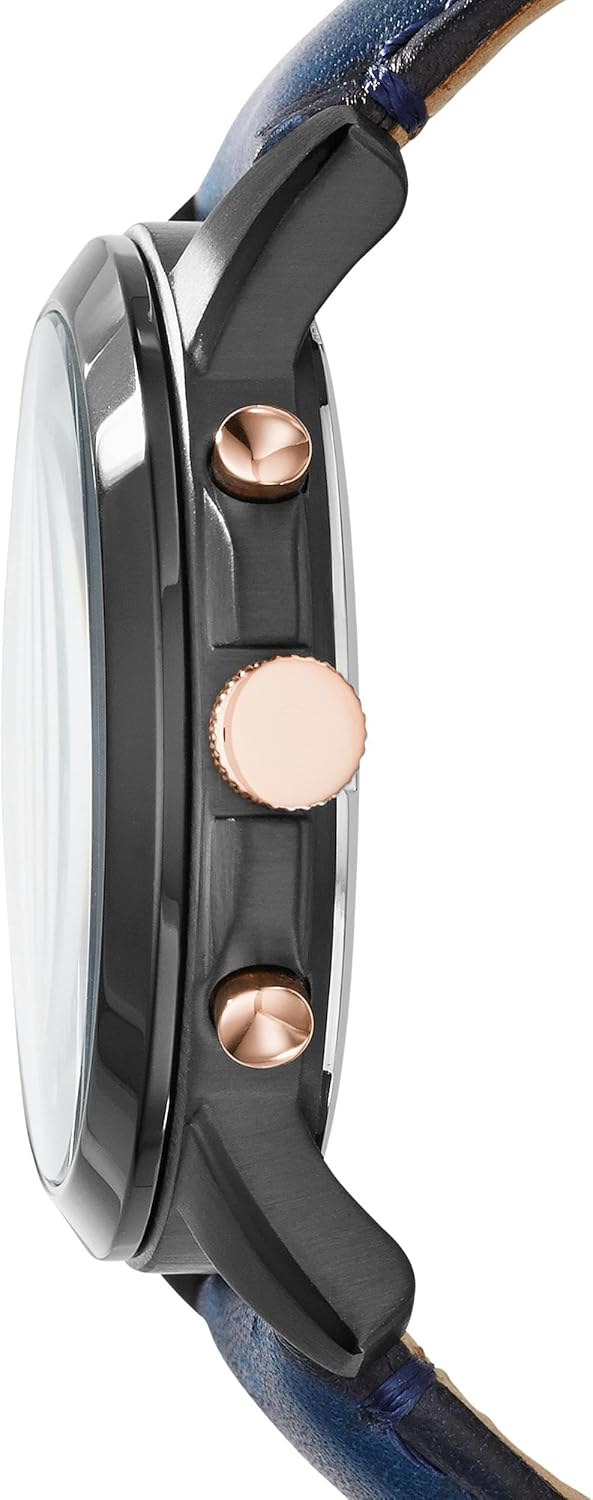
Figure 2: Side view of the watch, highlighting the crown and pushers for setting functions.
3. Operating Instructions
Your Fossil Grant watch features a chronograph function for measuring elapsed time.
Using the Chronograph:
- Start: Press the top pusher (A) to start the chronograph. The chronograph second hand will begin to move.
- Stop: Press the top pusher (A) again to stop the chronograph. The elapsed time will be indicated by the chronograph hands.
- Reset: With the chronograph stopped, press the bottom pusher (C) to reset all chronograph hands to zero.
Water Resistance:
This watch is water resistant to 5 ATM (50 meters/165 feet). This means it is suitable for short periods of recreational swimming and showering. It is not recommended for diving, snorkeling, or high-impact water sports. Avoid operating the crown or pushers while the watch is wet to prevent water intrusion.
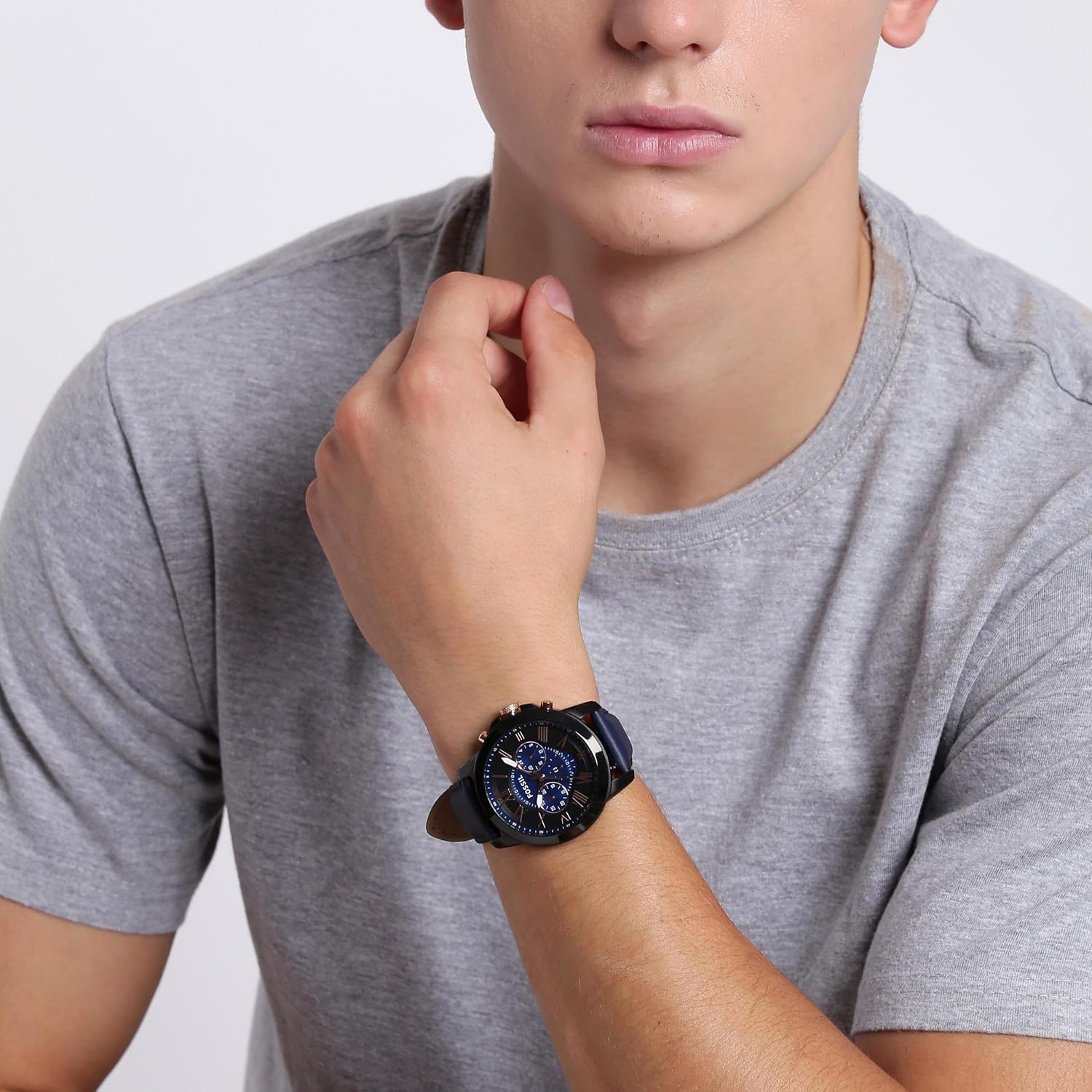
Figure 3: The Fossil Grant FS5061 watch displayed on a wrist, showcasing its design and fit.
Video 1: A 360-degree view of the Fossil Grant Quartz Chronograph Watch, demonstrating its design and features.
4. Maintenance
Proper maintenance will extend the life and appearance of your Fossil Grant watch.
Cleaning:
- Wipe the watch case and crystal with a soft, dry cloth.
- For leather straps, avoid prolonged exposure to water, direct sunlight, and harsh chemicals. Clean with a damp cloth and mild soap if necessary, then dry thoroughly.
Battery Replacement:
The watch is powered by a Lithium Metal battery. When the watch stops running, it indicates the battery needs replacement. It is recommended to have the battery replaced by a qualified watch technician to ensure water resistance is maintained.
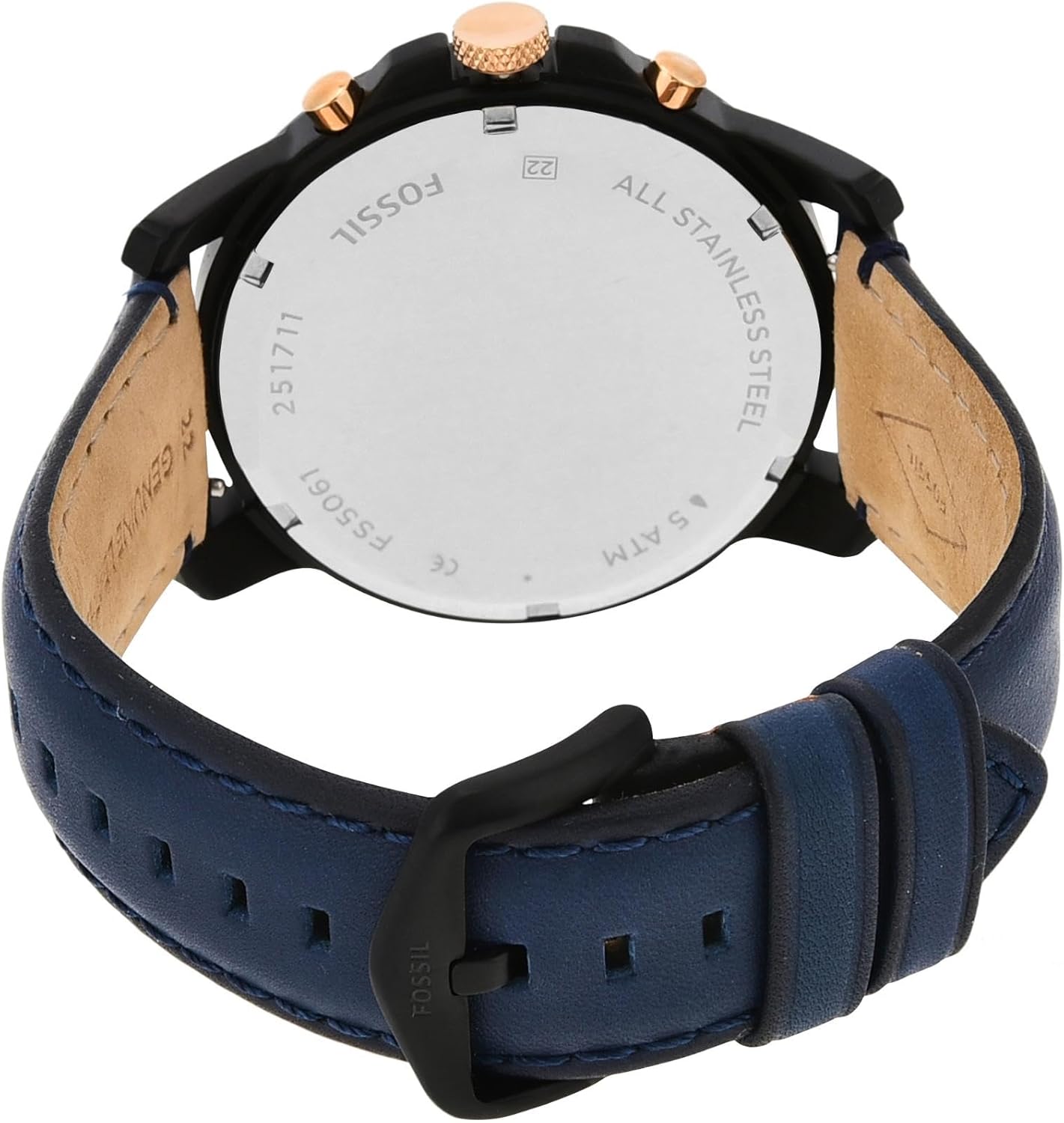
Figure 4: Rear view of the watch, showing the stainless steel case back where battery access is located.
5. Troubleshooting
If your watch is not functioning as expected, consider the following common issues:
Watch Not Running:
- Check if the crown is fully pushed in. If it is pulled out, the watch will not run.
- The battery may need replacement. Refer to the 'Battery Replacement' section under Maintenance.
Chronograph Hands Not Resetting to Zero:
This can sometimes occur. Consult a professional watch repair service for adjustment if the issue persists after attempting to reset multiple times.
Video 2: A detailed view of the Fossil Grant Stainless Steel Quartz Chronograph Watch, showcasing its various components and functions.
6. Specifications
| Feature | Detail |
|---|---|
| Model Number | FS5061 |
| Movement | Quartz Chronograph |
| Case Material | Stainless Steel |
| Strap Material | Leather (Calfskin) |
| Case Diameter | 44mm |
| Band Width | 22mm |
| Water Resistance | 5 ATM (50 meters / 165 feet) |
| Battery Type | 1 Lithium Metal battery (included) |
| Product Dimensions | 3.86 x 4.33 x 3.94 inches; 2.72 ounces |
7. Warranty and Support
Fossil watches typically come with a limited warranty covering manufacturing defects. For specific warranty details, claims, or technical support, please refer to the warranty card included with your purchase or visit the official Fossil website.
You can also visit the official Fossil store for more information and support: Fossil Store on Amazon.


