
Introduction
This manual provides detailed instructions for the operation and maintenance of your LEAP TF307 Digital Sports Stopwatch Timer. Designed for accuracy and ease of use, this device is suitable for various timing needs, including sports, training, and daily timekeeping.
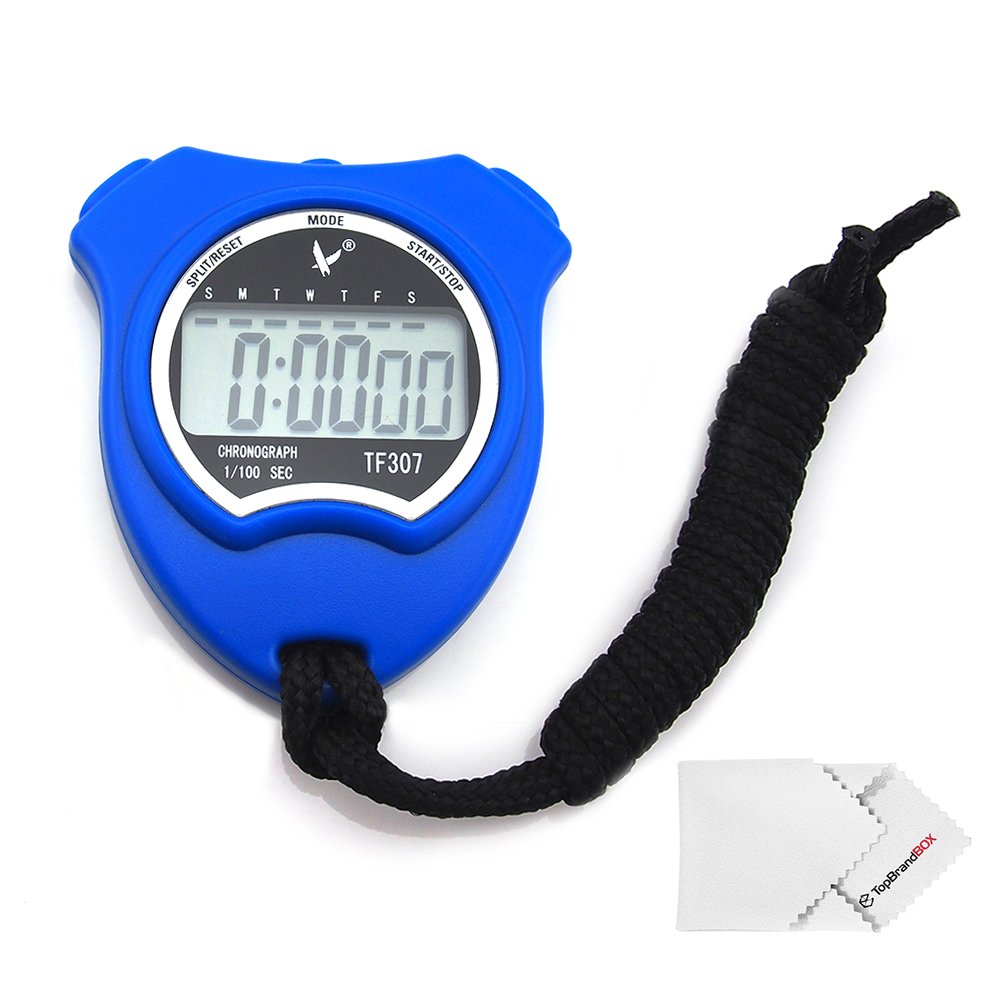
Image: Front view of the blue LEAP TF307 Digital Sports Stopwatch Timer, displaying the time and button labels for MODE, START/STOP, and SPLIT/RESET.
Package Contents
Upon unpacking, please ensure all the following items are present:
- 1 x LEAP TF307 Digital Sports Stopwatch Timer (Blue)
- 1 x User Guide (this manual)
- 1 x Cleaning Cloth
- 1 x Lanyard (approximately 48 cm cord length)

Image: The LEAP TF307 stopwatch, its packaging box, user guide, and a cleaning cloth, laid out together.
Product Features
- Digital Display: Clear and easy-to-read digital time and timing information.
- Stopwatch Function: Measures time with 1/100 second accuracy for the first 30 minutes, then in 1-second increments up to 24 hours.
- Time and Calendar Display: Shows current time (hour, minute, second) and date (month, day, day of week).
- Alarm Clock: Programmable daily alarm.
- Hourly Chime: Optional chime sounds every hour.
- Durable Construction: Made from ABS material.
- Portable Design: Compact dimensions and includes a lanyard for easy carrying.
Setup
The LEAP TF307 stopwatch is designed for immediate use. Before first use, you may need to set the current time and date.
Button Functions:
- MODE Button: Cycles through different modes (Time, Stopwatch, Alarm).
- START/STOP Button: Starts/stops the stopwatch, or adjusts values during setting.
- SPLIT/RESET Button: Records split times, resets the stopwatch, or selects items during setting.

Image: Close-up of the side buttons on the LEAP TF307 stopwatch, showing their ergonomic design.
Operating Instructions
1. Setting Time and Date
- From the normal time display mode, press the MODE button three times to enter the time setting mode. The seconds digits will flash.
- Press the SPLIT/RESET button to reset the seconds to zero.
- Press the MODE button once to select the hour digits. Press START/STOP to adjust the hour.
- Press the MODE button again to select the minute digits. Press START/STOP to adjust the minutes.
- Continue pressing MODE to cycle through setting the month, date, and day of the week, using START/STOP to adjust each value.
- Once all settings are complete, press MODE to return to the normal time display.
2. Using the Stopwatch Function
- From the normal time display mode, press the MODE button once to enter stopwatch mode. The display will show "0:00:00".
- Press START/STOP to begin timing.
- To record a split time (lap time), press SPLIT/RESET while the stopwatch is running. The split time will be displayed for a few seconds, then the stopwatch will continue timing in the background.
- Press START/STOP again to pause the stopwatch.
- To resume timing, press START/STOP.
- To reset the stopwatch to zero, ensure it is paused, then press SPLIT/RESET.
- Press MODE to exit stopwatch mode and return to the normal time display.
3. Setting the Alarm
- From the normal time display mode, press the MODE button twice to enter alarm setting mode. The alarm time will be displayed.
- Press START/STOP to toggle the alarm ON/OFF. An alarm icon will appear/disappear on the display.
- To set the alarm time, press SPLIT/RESET. The hour digits will flash.
- Press START/STOP to adjust the hour.
- Press SPLIT/RESET again to select the minute digits. Press START/STOP to adjust the minutes.
- Press SPLIT/RESET to confirm the alarm time.
- Press MODE to exit alarm setting mode.
4. Activating/Deactivating Hourly Chime
- From the normal time display mode, press the MODE button twice to enter alarm setting mode.
- Press SPLIT/RESET once. The hourly chime indicator (often a small bell icon or similar) will flash.
- Press START/STOP to toggle the hourly chime ON/OFF.
- Press MODE to exit.
Maintenance
- Cleaning: Use the provided cleaning cloth or a soft, dry cloth to wipe the stopwatch. Avoid abrasive cleaners or solvents.
- Water Resistance: This stopwatch is not waterproof. Avoid exposing it to water or high humidity.
- Storage: Store the stopwatch in a cool, dry place away from direct sunlight and extreme temperatures.
- Battery: The battery is typically a button cell (e.g., LR44 or similar). If the display becomes dim or unresponsive, the battery may need replacement. Battery replacement should be performed by a qualified technician or with care to avoid damaging the internal components.
Troubleshooting
| Problem | Possible Cause | Solution |
|---|---|---|
| Display is blank or dim. | Low or dead battery. | Replace the battery. |
| Buttons are unresponsive. | Internal malfunction or battery issue. | Try replacing the battery. If the issue persists, contact customer support. |
| Time/Date is incorrect. | Not set correctly or reset due to battery change. | Follow the "Setting Time and Date" instructions. |
| Alarm sounds at unexpected times. | Alarm or hourly chime is active. | Deactivate the alarm or hourly chime as per instructions. |
Specifications
- Model: TF307
- Brand: LEAP
- Color: Blue
- Material: Acrylonitrile Butadiene Styrene (ABS)
- Dimensions (L x W x T): 71 mm x 64 mm x 16 mm (2.8 x 2.5 x 0.6 inches)
- Net Weight: 37.5 grams (1.32 ounces)
- Cord Length: Approximately 48 cm (18.9 inches)
- Timing Unit: 1/100 second (for first 30 minutes), 1 second (over 30 minutes)
- Maximum Timing: 24 hours
- Functions: Stopwatch, Time, Calendar, Alarm Clock, Hourly Chime
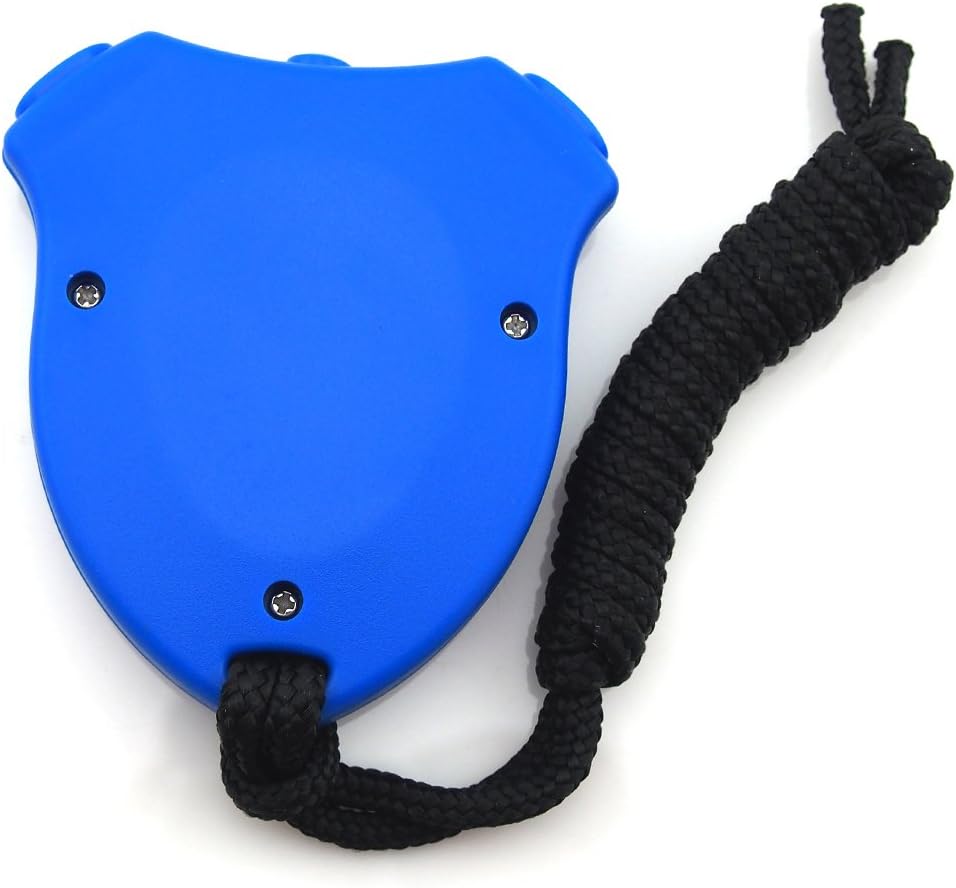
Image: Rear view of the LEAP TF307 Digital Sports Stopwatch Timer, highlighting its compact design and the lanyard attachment point.
Warranty and Support
LEAP products are manufactured to high-quality standards. For warranty information or technical support, please refer to the contact details provided with your purchase documentation or visit the official LEAP website. Keep your proof of purchase for any warranty claims.
For further assistance, please contact LEAP customer service.