
Product Overview
The Insignia Mini DisplayPort to VGA Adapter (model NS-PD94593) facilitates the connection of devices equipped with a VGA input to a computer's Mini DisplayPort output. This adapter supports resolutions up to 1920 x 1200, ensuring clear visual output. It is also compatible with Thunderbolt technology for optimal performance.
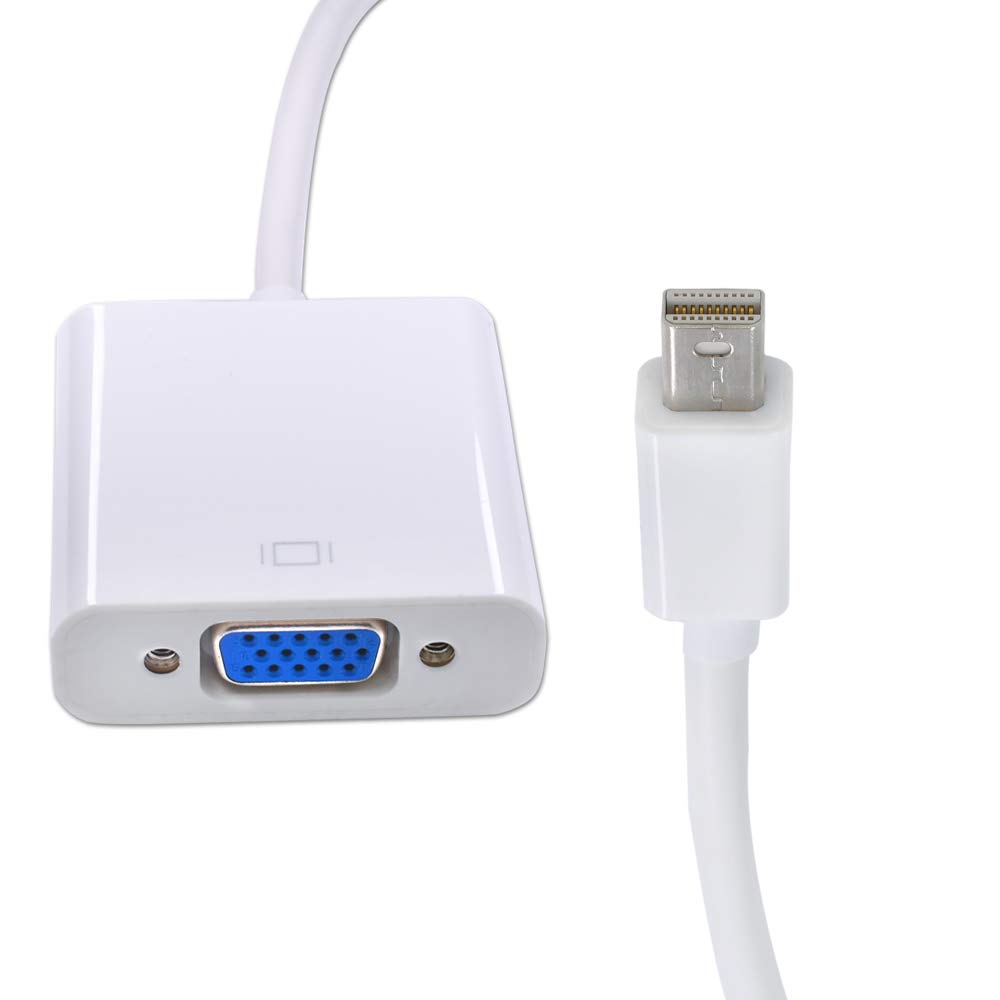
Image: Front view of the Insignia Mini DisplayPort to VGA Adapter. It features a white Mini DisplayPort connector on one end and a white adapter block with a blue VGA port on the other, connected by a short white cable.
Features
- Compatibility: Designed for most computers with a Mini DisplayPort output, including select Apple iMac and MacBook models.
- VGA Connectivity: Enables connection to devices with a VGA input, such as monitors, projectors, or televisions.
- High Resolution Support: Supports video resolutions up to 1920 x 1200 for clear display.
- Thunderbolt Technology Support: Ensures optimal performance with Thunderbolt-enabled devices.
Setup Instructions
- Identify Ports: Locate the Mini DisplayPort on your computer and the VGA input port on your display device (monitor, projector, or TV).
- Connect Mini DisplayPort: Insert the Mini DisplayPort connector of the adapter into the Mini DisplayPort on your computer. Ensure it is fully seated.
- Connect VGA Cable: Connect a standard VGA cable (not included) from your display device to the VGA port on the Insignia adapter. Secure the VGA cable by tightening the screws on the VGA connector, if available.
- Power On Devices: Turn on your computer and the display device.
- Configure Display Settings: Your computer should automatically detect the connected display. If not, adjust your display settings through your operating system's display preferences to extend or duplicate your desktop.
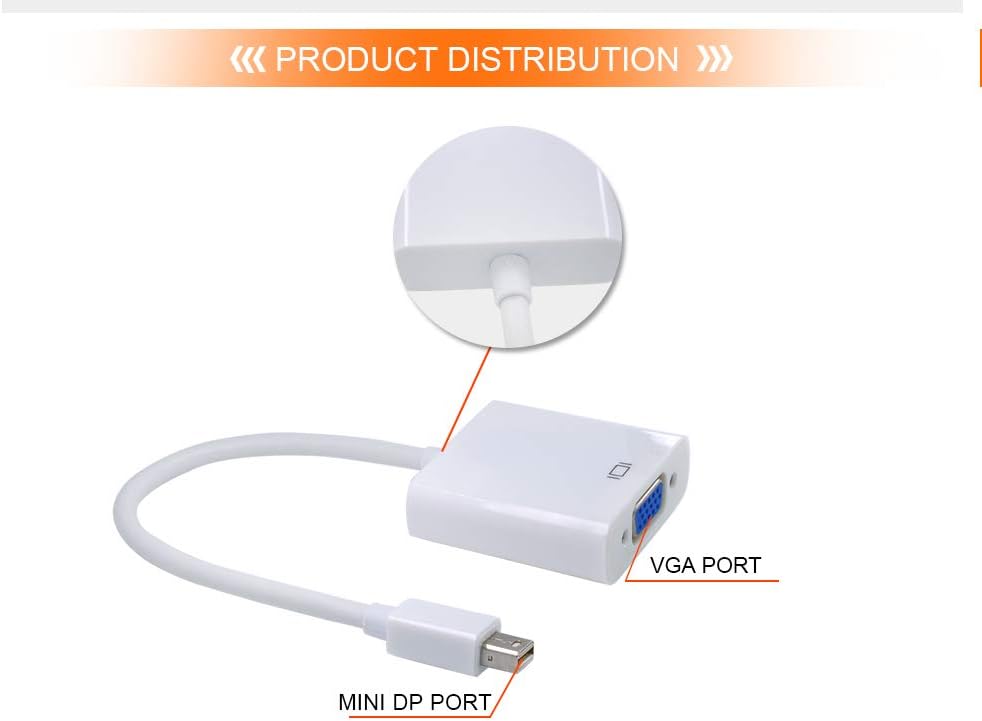
Image: Diagram illustrating the Mini DisplayPort (MINI DP PORT) and VGA Port (VGA PORT) on the adapter, indicating where each cable should be connected.
Operating Instructions
The Insignia Mini DisplayPort to VGA Adapter is a plug-and-play device. Once connected as described in the setup section, your computer should automatically recognize the external display. You can then configure your display settings to either mirror your computer's screen or extend your desktop onto the connected display.
- Mirror Display: Shows the same content on both your computer screen and the external display.
- Extend Display: Allows you to have different content on your computer screen and the external display, expanding your workspace.
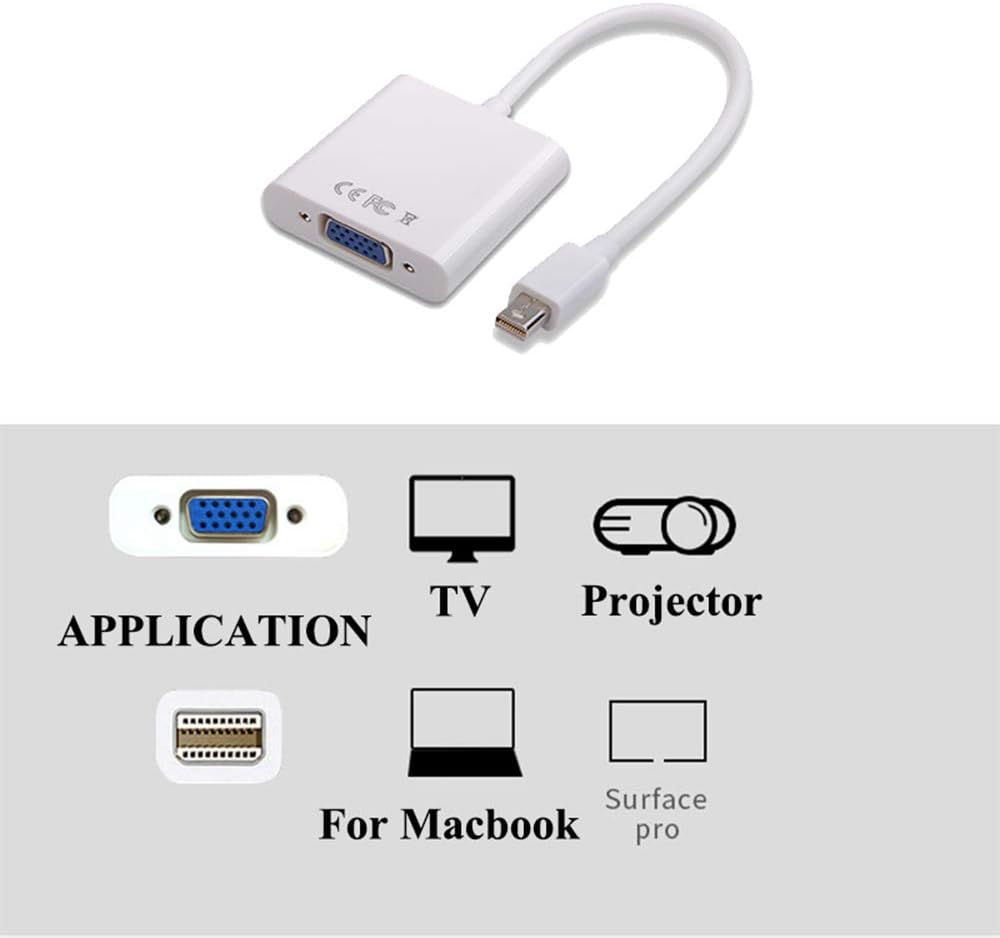
Image: Visual representation of the adapter's applications, showing connections to a TV, projector, MacBook, and Surface Pro via the VGA port.
Maintenance
To ensure the longevity and optimal performance of your Insignia Mini DisplayPort to VGA Adapter, follow these simple maintenance guidelines:
- Cleaning: Use a soft, dry cloth to gently wipe the adapter. Avoid using liquid cleaners, solvents, or abrasive materials.
- Storage: Store the adapter in a cool, dry place away from direct sunlight and extreme temperatures when not in use.
- Handling: Avoid bending or twisting the cable excessively. Always grasp the connectors when plugging or unplugging the adapter, rather than pulling on the cable itself.
- Protection: Keep the adapter away from moisture and dust.
Troubleshooting
If you encounter issues with your adapter, refer to the following common troubleshooting steps:
- No Display/No Signal:
- Ensure both the Mini DisplayPort and VGA connections are secure.
- Verify that the display device is powered on and set to the correct input source (e.g., VGA 1, PC input).
- Restart your computer.
- Test the adapter with a different VGA cable or display device if possible.
- Poor Picture Quality/Incorrect Resolution:
- Check your computer's display settings to ensure the resolution is set correctly for your external display (up to 1920 x 1200).
- Ensure the VGA cable is not damaged and is securely connected.
- Flickering Screen:
- Ensure all connections are tight.
- Try a different VGA cable.
- Check for interference from other electronic devices.
Specifications
| Model Number | NS-PD94593 |
| Brand | INSIGNIA |
| Connector Type | Mini DisplayPort to VGA |
| Maximum Resolution | 1920 x 1200 |
| Color | White |
| Item Weight | 2.4 ounces (68 grams) |
| Product Dimensions (LxWxH) | 7.3 x 4.6 x 0.8 inches (18.5 x 11.7 x 2.0 cm) |
| Compatible Devices | Computers with Mini DisplayPort output (e.g., select Apple iMac, MacBook, Surface Pro) |
| Specific Uses | Connecting to Monitor, Projector, TV |
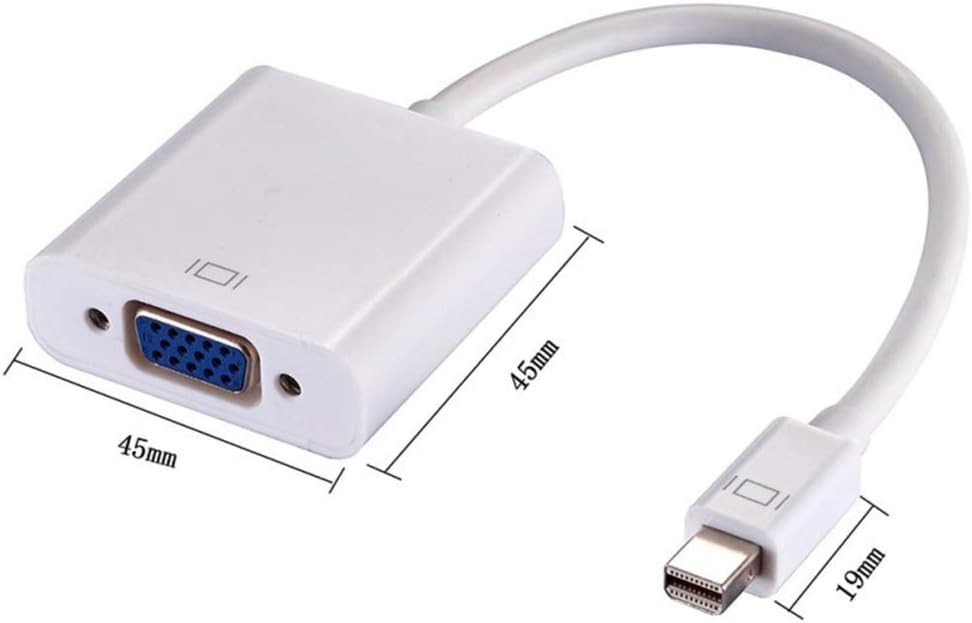
Image: Diagram showing the physical dimensions of the adapter, with measurements for the main body and the Mini DisplayPort connector.
Warranty Information
This product is covered by a limited warranty. For specific warranty terms and conditions, please refer to the documentation included with your purchase or visit the official Insignia website. Keep your purchase receipt for warranty claims.
Customer Support
For further assistance, technical support, or inquiries regarding your Insignia Mini DisplayPort to VGA Adapter, please visit the official Insignia support website or contact their customer service department. Contact information can typically be found on the product packaging or the brand's official website.
Online Support: www.insigniaproducts.com/support (Example link, actual link may vary)