
Introduction
The Microplane Colossal Foot File Scraper is designed for effective removal of dead skin and calluses, providing salon-quality foot care in the comfort of your home. This tool features a durable stainless steel filing surface with over 400 bi-directional micro-files, engineered using advanced photo-etching technology for ultra-sharp edges. It is suitable for use on both wet and dry feet.
Product Features
- Stainless Steel Micro-Files: The filing surface is made from durable stainless steel, designed to remain ultra-sharp.
- Bi-Directional Design: Over 400 micro-files work in both directions for efficient removal of rough skin.
- Large Filing Surface: Measures 5.25 inches by 2.25 inches for comprehensive coverage.
- Soft-Grip Handle: Features a removable soft-grip handle for comfortable use and easy cleaning.
- Versatile Use: Can be used on wet or dry feet.
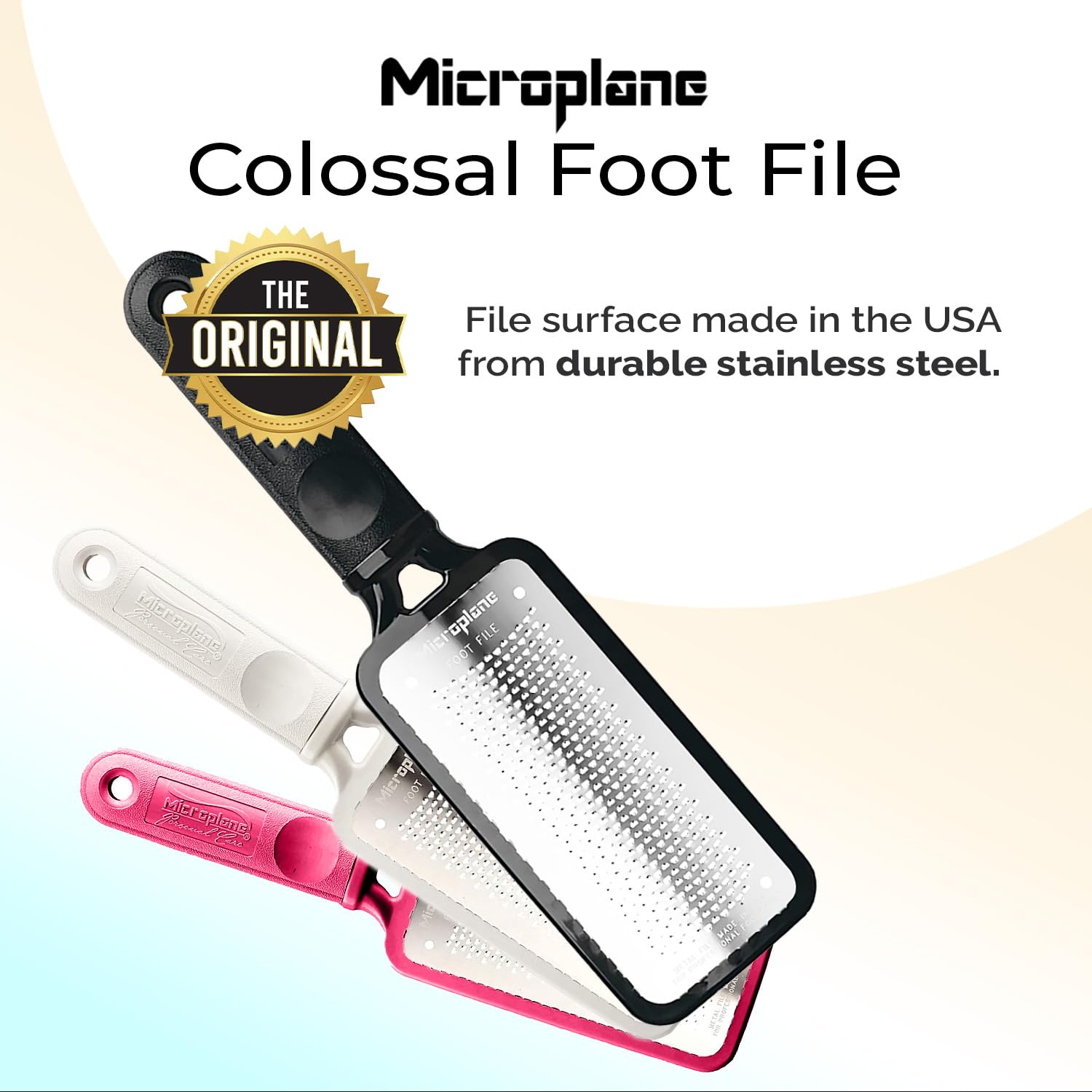
Image: The Microplane Colossal Foot File, showcasing its original design and durable stainless steel construction.
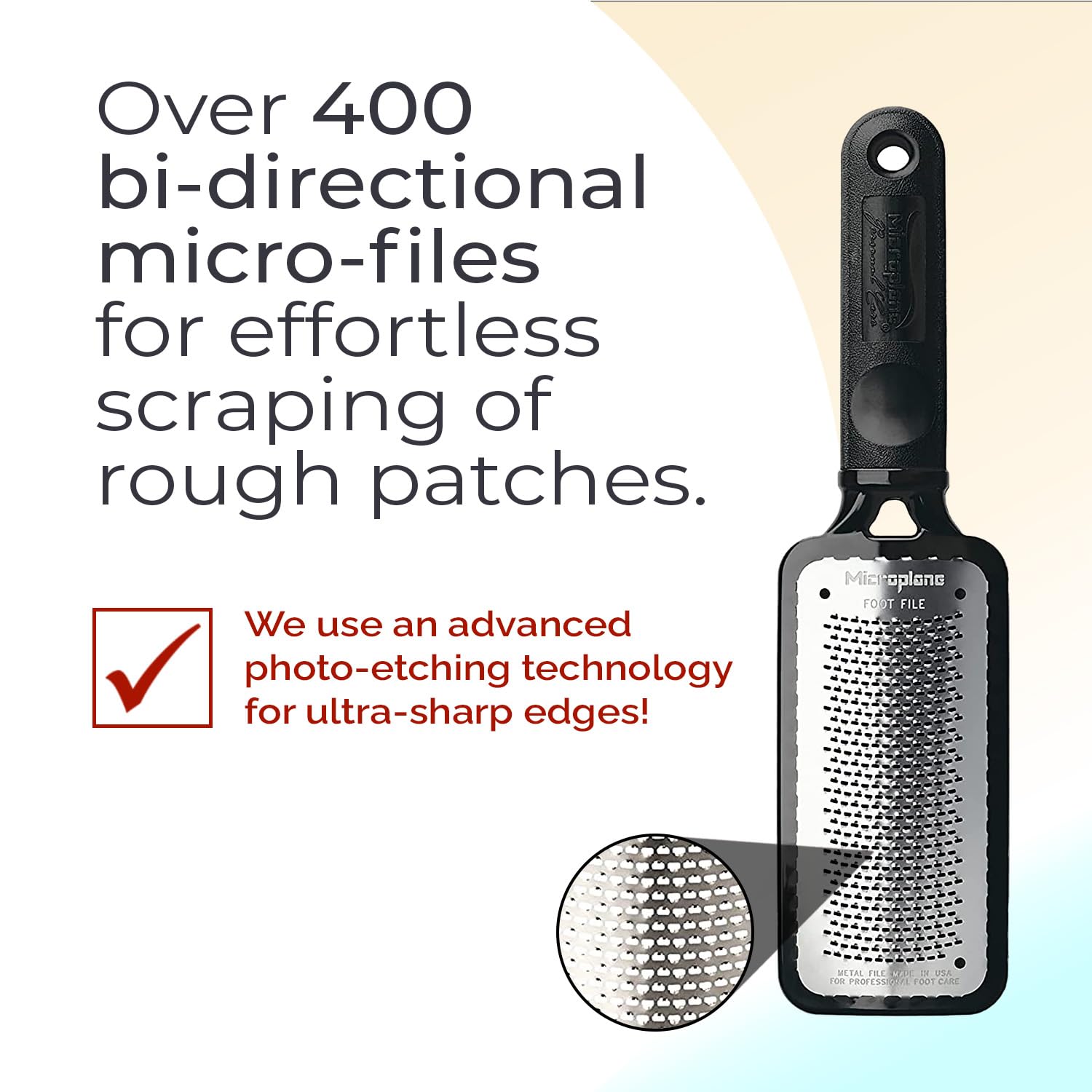
Image: Detail of the foot file's surface, illustrating the bi-directional micro-files for effective skin removal.
Setup
No assembly is required for the Microplane Colossal Foot File Scraper. It is ready for immediate use upon unboxing.
Preparation for Use
- The foot file can be used on either wet or dry feet.
- For best results on very tough calluses, consider soaking your feet in warm water for 5-10 minutes to soften the skin before using the file.
- Ensure your feet are clean before beginning the filing process.
Operating Instructions
Follow these steps for effective and safe use of your Microplane Colossal Foot File Scraper:
- Hold the foot file firmly by its soft-grip handle.
- Gently apply the filing surface to the areas of your feet with dead skin or calluses.
- Move the file across the skin with light, even pressure. The bi-directional micro-files will effectively remove dead skin.
- Continue filing until the desired smoothness is achieved. Avoid excessive pressure or over-filing in one area to prevent irritation.
- After filing, rinse your feet and apply a moisturizing lotion to keep them soft and hydrated.

Image: Visual demonstration of the foot file's effectiveness, showing a heel before and after use.

Image: A user demonstrating the application of the foot file for personal foot care.
Maintenance
Cleaning
- After each use, remove the soft-grip handle to access the filing surface.
- Rinse the stainless steel filing surface under running water to remove any skin debris.
- While the file is dishwasher safe, hand washing is recommended to maintain the sharpness of the blades over time.
- Allow the file to air dry completely before reattaching the handle and storing.

Image: The removable soft-grip handle, designed for convenient cleaning of the foot file.
Storage
Store the foot file in a clean, dry place. Many Microplane products come with a protective cover for increased longevity and ease of storage. If available, use the cover to protect the blades when not in use.
Troubleshooting
Skin Irritation or Redness
- Issue: Skin feels sensitive, irritated, or appears red after use.
- Solution: This may indicate over-filing or applying too much pressure. Reduce the pressure and duration of filing. Ensure you are only removing dead skin and not cutting into fresh skin. Allow skin to heal before next use.
Ineffective Callus Removal
- Issue: The foot file does not seem to be effectively removing calluses.
- Solution: Ensure feet are adequately prepared (e.g., soaked in warm water if calluses are very hard). Apply consistent, gentle pressure. If the file is old, the blades may have dulled over time, and replacement may be necessary.
Specifications
| Feature | Detail |
|---|---|
| Brand | Microplane |
| Model Number | 70903 |
| Material | Plastic, Stainless Steel |
| Color | Black |
| Product Dimensions (L x W x H) | 10.87 x 2.87 x 0.87 inches |
| Item Weight | 0.01 Pounds (0.16 ounces) |
| UPC | 743074640092, 098399709031 |
| Manufacturer | Microplane |
Warranty & Support
For information regarding product warranty, returns, or customer support, please refer to the official Microplane website or contact their customer service directly. Specific warranty details may vary by region and retailer.
You can visit the Microplane Store for more information: Microplane Store