1. Introduction
This manual provides comprehensive instructions for the installation, operation, and maintenance of your ORION Cobalt Series CM655DC Midbass Loudspeakers. Please read this manual thoroughly before installation to ensure proper setup and optimal performance. Retain this manual for future reference.
2. Safety Information
- Professional Installation Recommended: For optimal performance and safety, professional installation by an authorized ORION dealer is recommended.
- Electrical Safety: Always disconnect the vehicle's battery before performing any electrical work. Ensure all wiring is correctly routed and secured to prevent damage or short circuits.
- Hearing Protection: Prolonged exposure to high sound pressure levels can cause permanent hearing damage. Use caution when adjusting volume levels.
- Ventilation: Ensure adequate ventilation around the speakers and any connected amplifiers to prevent overheating.
- Vehicle Integrity: Do not install speakers in locations that obstruct vehicle operation, safety features, or visibility.
3. Package Contents
The ORION Cobalt Series CM655DC package includes:
- 2 x ORION CM655DC Midbass Loudspeakers
4. Product Overview
The ORION Cobalt Series CM655DC is a high-power 6.5-inch midbass loudspeaker designed for car audio systems. It features a robust construction and is engineered to deliver clear and powerful mid-range frequencies. Key features include a 1.5-inch high-temperature voice coil and a high efficiency rating of 96.72 dB.
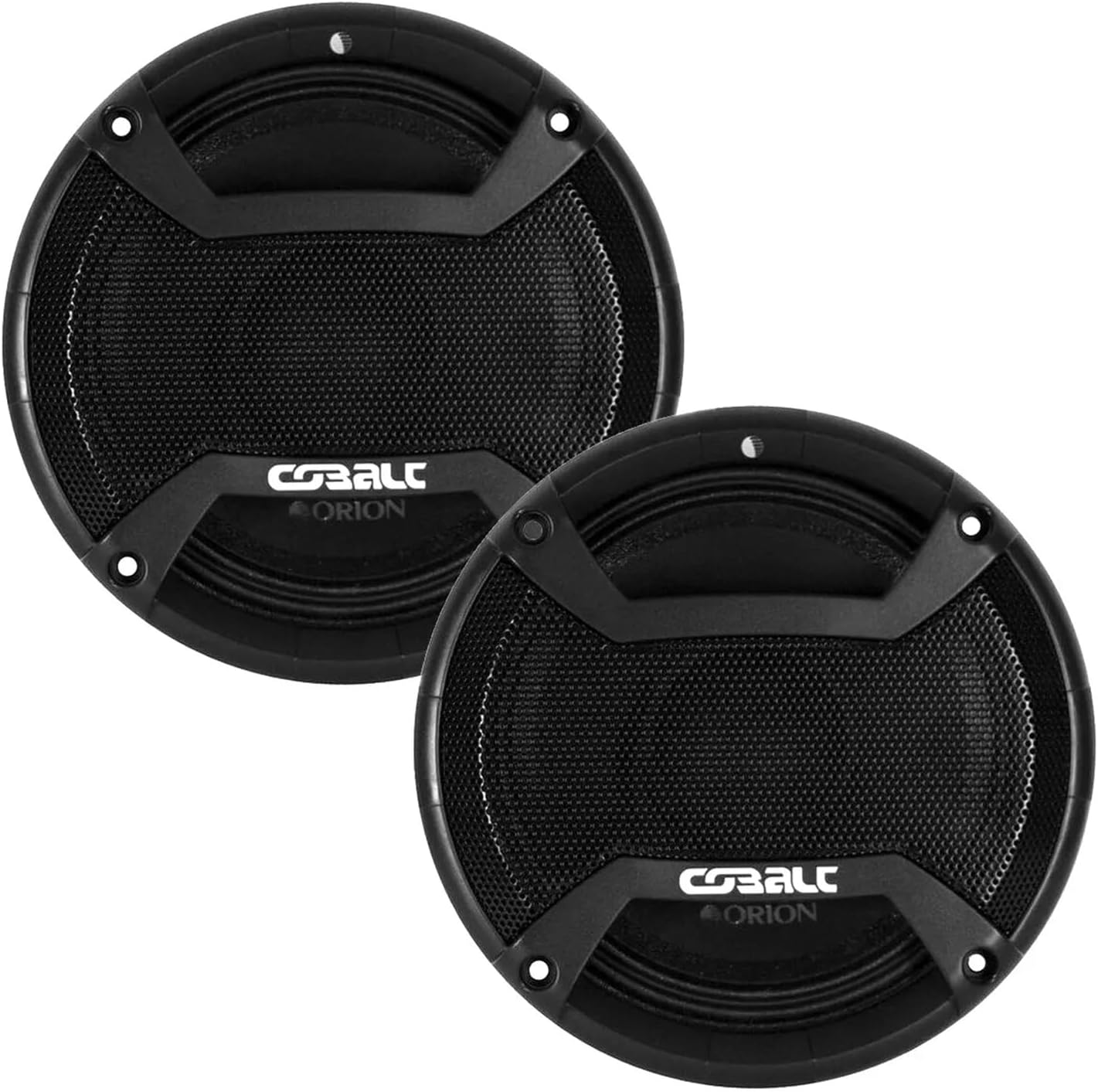
Image 1: Front view of two ORION Cobalt Series CM655DC midbass loudspeakers.

Image 2: Angled side view of a single ORION Cobalt Series CM655DC midbass loudspeaker.

Image 3: Rear view of a single ORION Cobalt Series CM655DC midbass loudspeaker, displaying the product label.
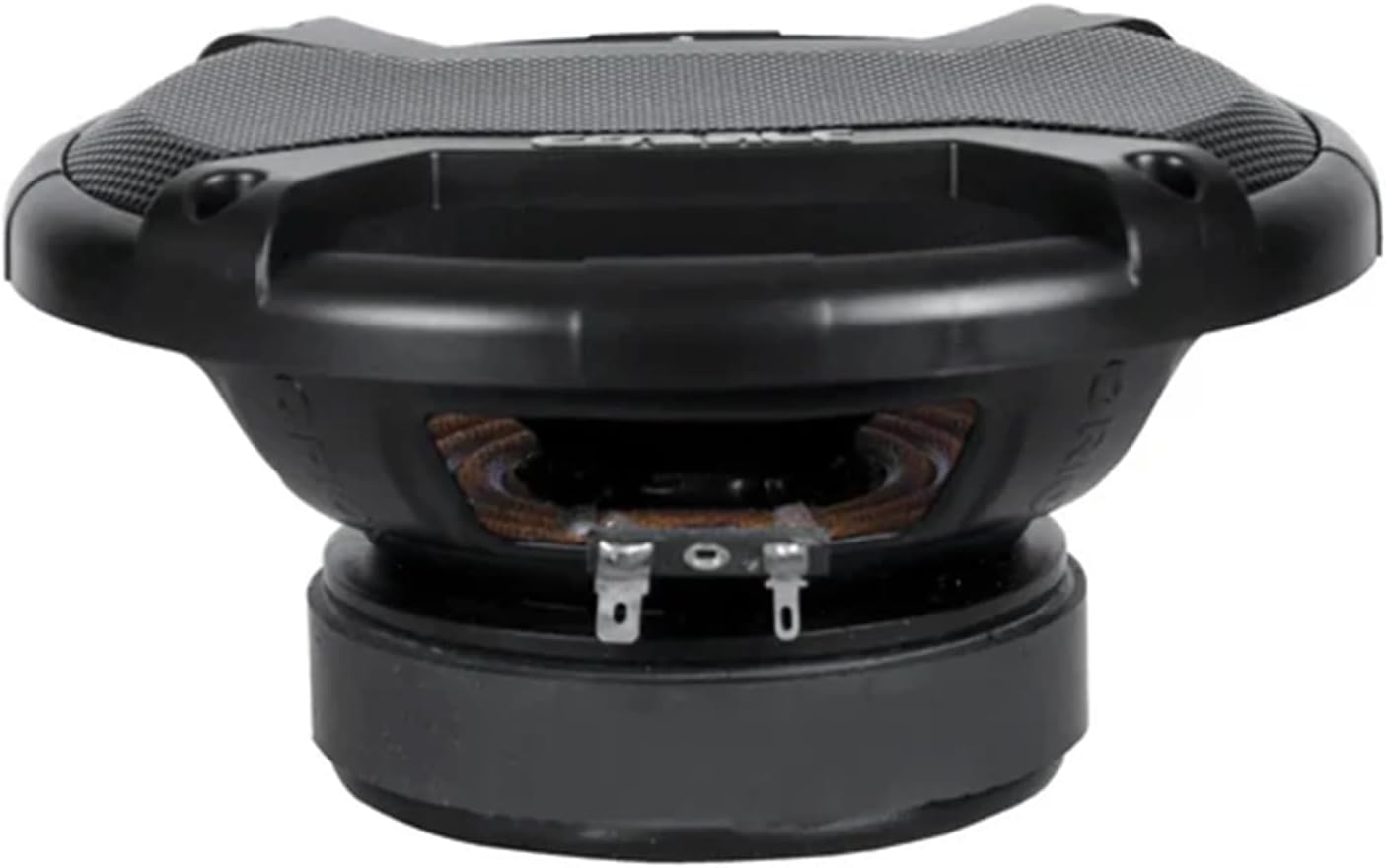
Image 4: Bottom view of a single ORION Cobalt Series CM655DC midbass loudspeaker, showing the voice coil.
5. Setup and Installation
5.1 Tools Required
- Wire strippers/crimpers
- Screwdriver set (Phillips and flathead)
- Drill with appropriate bits (if custom mounting)
- Multimeter (for checking impedance and polarity)
- Safety glasses and gloves
5.2 Mounting
- Choose Location: Select a suitable mounting location in your vehicle that provides a secure fit and does not interfere with vehicle components or safety.
- Prepare Opening: If replacing existing speakers, ensure the opening matches the speaker's dimensions. For new installations, carefully cut the opening, ensuring no wires or structural components are damaged.
- Secure Mounting: Use the provided screws or appropriate fasteners to securely mount the speakers. Ensure there are no air leaks around the speaker frame, which can negatively impact sound quality.
5.3 Wiring
- Wire Gauge: Use appropriate gauge speaker wire (e.g., 16-gauge or thicker) for your installation to minimize power loss.
- Polarity: Connect the positive (+) terminal of the speaker to the positive (+) output of your amplifier, and the negative (-) terminal of the speaker to the negative (-) output of your amplifier. Incorrect polarity will result in poor sound quality and reduced bass response.
- Secure Connections: Ensure all wire connections are tight and insulated to prevent short circuits and corrosion.
5.4 Amplifier Connection
Connect the CM655DC speakers to a suitable amplifier. These speakers have a 4 Ohm impedance and an RMS power handling of 250W. Ensure your amplifier can safely deliver this power level at a 4 Ohm load. Avoid over-powering or under-powering the speakers, as both can lead to damage.
6. Operating Instructions
6.1 Initial Power-Up
After installation, set your amplifier's gain to its minimum level and your head unit's volume to a low setting. Gradually increase the volume and adjust the amplifier gain to achieve the desired sound level without distortion.
6.2 Break-in Period
Allow your new speakers a break-in period of approximately 10-20 hours of moderate-level playback. This allows the speaker's suspension components to loosen, resulting in improved sound quality and performance.
6.3 Crossover Settings
It is highly recommended to use a high-pass filter (HPF) on your amplifier or head unit to protect the midbass speakers from extremely low frequencies they are not designed to reproduce. A typical starting point for the HPF is around 80-100 Hz, with a slope of 12dB/octave or 24dB/octave. Adjust this setting based on your system's overall frequency response and the presence of a subwoofer.
7. Maintenance
- Cleaning: Use a soft, dry cloth to clean the speaker grilles and surrounds. Avoid using harsh chemicals or abrasive cleaners.
- Inspection: Periodically inspect all wiring connections for tightness and signs of corrosion. Check mounting screws to ensure speakers remain securely fastened.
- Environmental Factors: While designed for automotive use, avoid exposing speakers to excessive moisture or extreme temperatures for prolonged periods.
8. Troubleshooting
| Problem | Possible Cause | Solution |
|---|---|---|
| No sound from speaker | Loose or incorrect wiring Amplifier off or in protect mode Head unit issue | Check all speaker and amplifier connections for proper polarity and tightness. Verify amplifier power and status. Check head unit output. |
| Distorted sound | Amplifier gain too high Crossover settings incorrect Over-powering speaker Damaged speaker | Reduce amplifier gain. Adjust crossover frequencies. Ensure RMS power matches speaker rating. Inspect speaker for physical damage. |
| Low volume output | Incorrect wiring Amplifier gain too low Phase issues | Verify correct wiring and polarity. Increase amplifier gain gradually. Check speaker phase. |
9. Specifications
| Feature | Specification |
|---|---|
| Model Name | CM655DC |
| Speaker Type | Woofer (Midbass) |
| Speaker Size | 6.5 Inches |
| Maximum Output Power | 1000 Watts |
| RMS Power | 250 Watts |
| Impedance | 4 Ohm |
| Voice Coil | 1.5 Inches (High-temperature) |
| Efficiency | 96.72 dB |
| Product Dimensions | 2.84"D x 6.54"W x 6.54"H |
| Item Weight | 2 Kilograms (4.4 pounds) |
| Manufacturer | Orion |
10. Warranty and Support
ORION products come with a limited warranty. For specific warranty terms and conditions, please refer to the warranty card included with your product or visit the official ORION website. For warranty claims or technical support, please contact your authorized ORION dealer or the ORION customer service department. Keep your purchase receipt as proof of purchase for warranty validation.
You can also refer to the official user guide PDF for additional information: ORION CM655DC User Guide (PDF)


