
1. Introduction
The Xiaomi Mi 5000mAh Power Bank is a portable charging solution designed for smartphones and other USB-powered devices. Its slim 9.9mm design and lightweight construction (156 grams) make it highly portable, fitting easily into a pocket or bag. Equipped with a 5000mAh lithium-ion polymer battery, it provides reliable power on the go. The integrated battery indicator keeps you informed about the remaining charge level.
2. Safety Information
- Do not expose the power bank to extreme temperatures (above 60°C / 140°F or below 0°C / 32°F), direct sunlight, or fire.
- Avoid dropping, disassembling, or attempting to repair the device yourself. This may cause damage or injury.
- Keep the power bank away from water, moisture, and other liquids.
- Use only certified charging cables and adapters. Using incompatible accessories may lead to fire, explosion, or other hazards.
- Keep out of reach of children.
- Dispose of the power bank according to local regulations for electronic waste. Do not dispose of it in household waste.
3. Package Contents
- Xiaomi Mi 5000mAh Power Bank (Model XPB5000)
- USB Charging Cable (Micro USB to USB-A)
- User Manual
4. Product Overview
Familiarize yourself with the components of your Xiaomi Mi 5000mAh Power Bank.
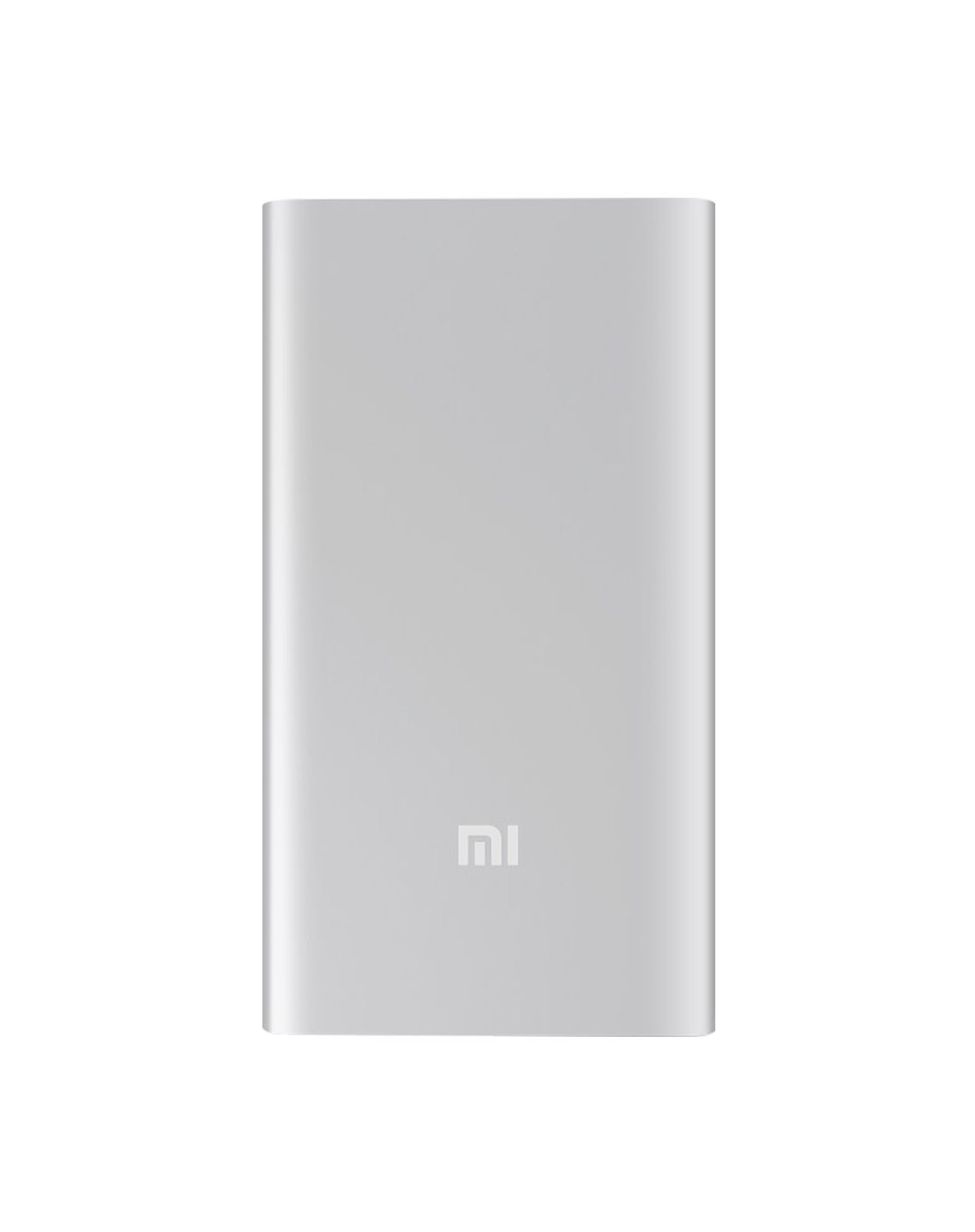
Figure 4.1: Front view of the Xiaomi Mi 5000mAh Power Bank, silver color with the 'Mi' logo.

Figure 4.2: Top view of the power bank, highlighting the ports and indicators.
- Micro USB Input Port: Used to charge the power bank itself.
- USB-A Output Port: Used to charge external devices.
- Power Button: Press once to check battery level; press and hold to turn on/off (if applicable, some power banks are auto-on).
- LED Indicators: Four small lights that show the remaining battery capacity of the power bank. Each light typically represents 25% of the charge.
5. Setup
5.1 Initial Charge
Before using your Xiaomi Mi 5000mAh Power Bank for the first time, it is recommended to fully charge it.
- Connect the Micro USB end of the provided cable to the power bank's Micro USB Input Port.
- Connect the USB-A end of the cable to a USB wall adapter (not included) or a computer's USB port.
- The LED indicators will light up and blink, showing the charging progress. All four LEDs will remain solid when the power bank is fully charged.
6. Operating Instructions
6.1 Charging the Power Bank
To recharge your power bank:
- Use the included USB cable to connect the power bank's Micro USB input port to a power source (e.g., wall charger, computer USB port).
- The LED indicators will show the charging status. When all four LEDs are solid, the power bank is fully charged.
6.2 Charging Your Device
To charge a smartphone or other USB-powered device:
- Connect your device's charging cable to the USB-A Output Port of the power bank.
- Connect the other end of the cable to your device.
- The power bank should automatically begin charging your device. If not, press the power button once to initiate charging.
- The LED indicators will show the power bank's remaining charge while it is in use.
7. Maintenance
- Cleaning: Use a soft, dry cloth to clean the power bank. Do not use harsh chemicals or abrasive materials.
- Storage: Store the power bank in a cool, dry place away from direct sunlight and extreme temperatures. If storing for extended periods, charge it to about 50% every three months to prolong battery life.
- Battery Care: Avoid fully discharging the power bank frequently, as this can reduce its overall lifespan.
8. Troubleshooting
| Problem | Possible Solution |
|---|---|
| Power bank not charging | Ensure the charging cable is securely connected to both the power bank and the power source. Try a different cable or wall adapter. Check if the power source is active. |
| Device not charging from power bank | Check if the power bank has sufficient charge (indicated by LEDs). Ensure the cable connecting the device to the power bank is functional and securely connected. Press the power button on the power bank once. |
| Slow charging | Ensure you are using a high-quality cable. The charging speed may vary depending on the device being charged and the power bank's remaining capacity. |
| LED indicators not working | The power bank might be completely discharged or damaged. Try charging it for a few hours. If the issue persists, contact support. |
9. Specifications
| Feature | Detail |
|---|---|
| Brand Name | Xiaomi |
| Model Number | XPB5000 |
| Battery Capacity | 5000 mAh |
| Battery Cell Composition | Lithium Polymer |
| Color | Silver |
| Special Features | Lightweight |
| Voltage | 5 Volts |
| Current | 2.1 Amps |
| Power Source | Battery Powered |
| Compatible Devices | Smartphones |
| Compatible Phone Models | Apple iPhone 5S, Apple iPhone 6 (and other USB-compatible devices) |
| Input Port | 1 (Micro USB) |
| Output Port | 1 (USB-A) |
| Item Dimensions (L x W x H) | 15 x 4.5 x 2.5 cm |
| Weight | 156 grams (approx.) |
| GTIN / UPC | 06954176883742 / 700254076065 190268050890 |
Note: The specification 'Number of Ports: 6' from product data likely refers to the combination of physical ports (Micro USB input, USB-A output) and the four LED indicators.
10. Warranty and Support
10.1 Warranty Information
According to the product specifications, this item is sold with "No Warranty". Please refer to your point of purchase for any return or exchange policies.
10.2 Customer Support
For further assistance or inquiries regarding your Xiaomi Mi 5000mAh Power Bank, please contact the retailer where the product was purchased or visit the official Xiaomi support website for general product information.
Official Xiaomi Website: https://www.mi.com/global/support


