
1. Introduction
This manual provides essential information for the safe and effective use of your T POWER 15V AC/DC Adapter. This power supply is designed to charge various portable power stations, including specific models from Rockpals, NinjaBatt, and OKPRO. Please read this manual thoroughly before use and retain it for future reference.
2. Product Overview
The T POWER 15V charger is a robust power supply unit designed for reliable charging. It features a durable casing, a standard AC input plug, and a DC output barrel connector.

Image: T POWER 15V AC Adapter with its power cord and barrel connector. This shows the main unit and its connection points.

Image: Another view of the T POWER 15V AC Adapter, highlighting its compact design.
3. Compatibility
This T POWER adapter is specifically designed for use with various portable power stations. It is crucial to verify your device's model number and power requirements to ensure compatibility. The adapter supports an input voltage range of AC 100V - 240V and is compatible with 15V, 16V, and 20V battery systems.
Note: This adapter is NOT compatible with Rockpals Freeman 300 or 600 Portable Power Stations.
Compatible Models Include:
- Rockpals Rockpower: 200W, 250W, 300W, & 500 Watt Portable Generator, Rechargeable Lithium Battery Pack Solar Generator Backup Battery Pack, Rockpals WCE001 RP250W 250W 64800mAh 240Wh K53 350W 288Wh Portable Solar Generator.
- NinjaBatt Portable Power Station: 288Wh, 280W, 300W Lithium Battery, Model: SGR-PPS300-5 300W Portable Power Station PowerStation 26Ah / 280Wh Backup Lithium-ion Battery 300 Watts, AC110V/300W SGR-PPS3005 SGRPPS300-5 SGRPPS3005.
- NinjaBatt 500W: SGR-PPS500-5 500W Portable Power Station 560Wh Battery Solar Generator Backup Lithium-ion Battery NP500-A NP500A 500 Watts DC12-24V.
- NinjaBatt OKPRO: MT-CN500 Portable Power Station, 230W 550W Solar Generator, Portable Power Supply.
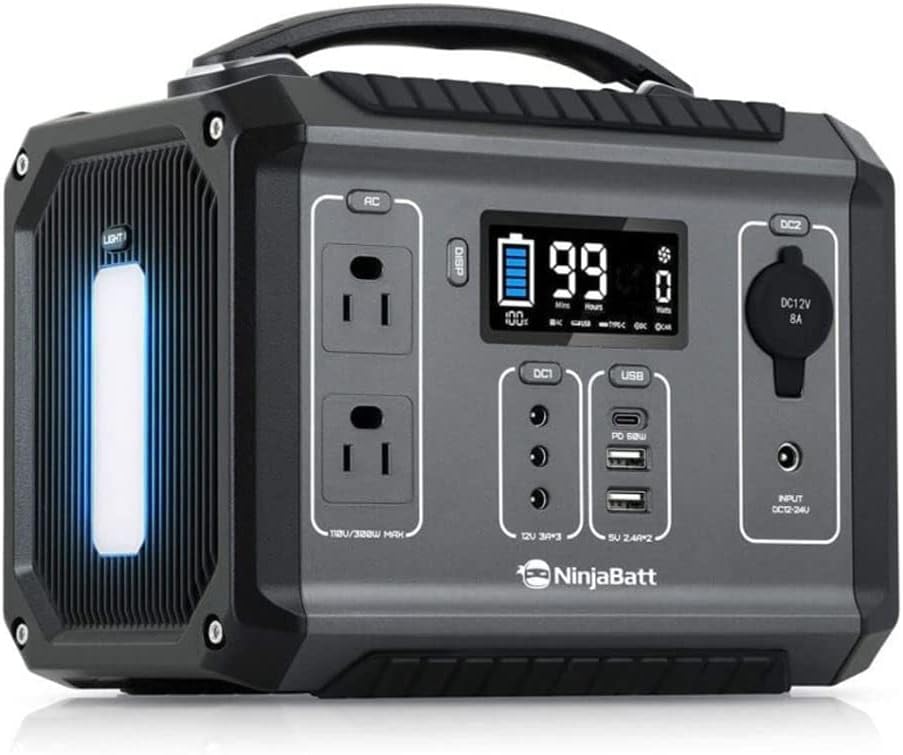
Image: Example of a NinjaBatt Portable Power Station, a compatible device.
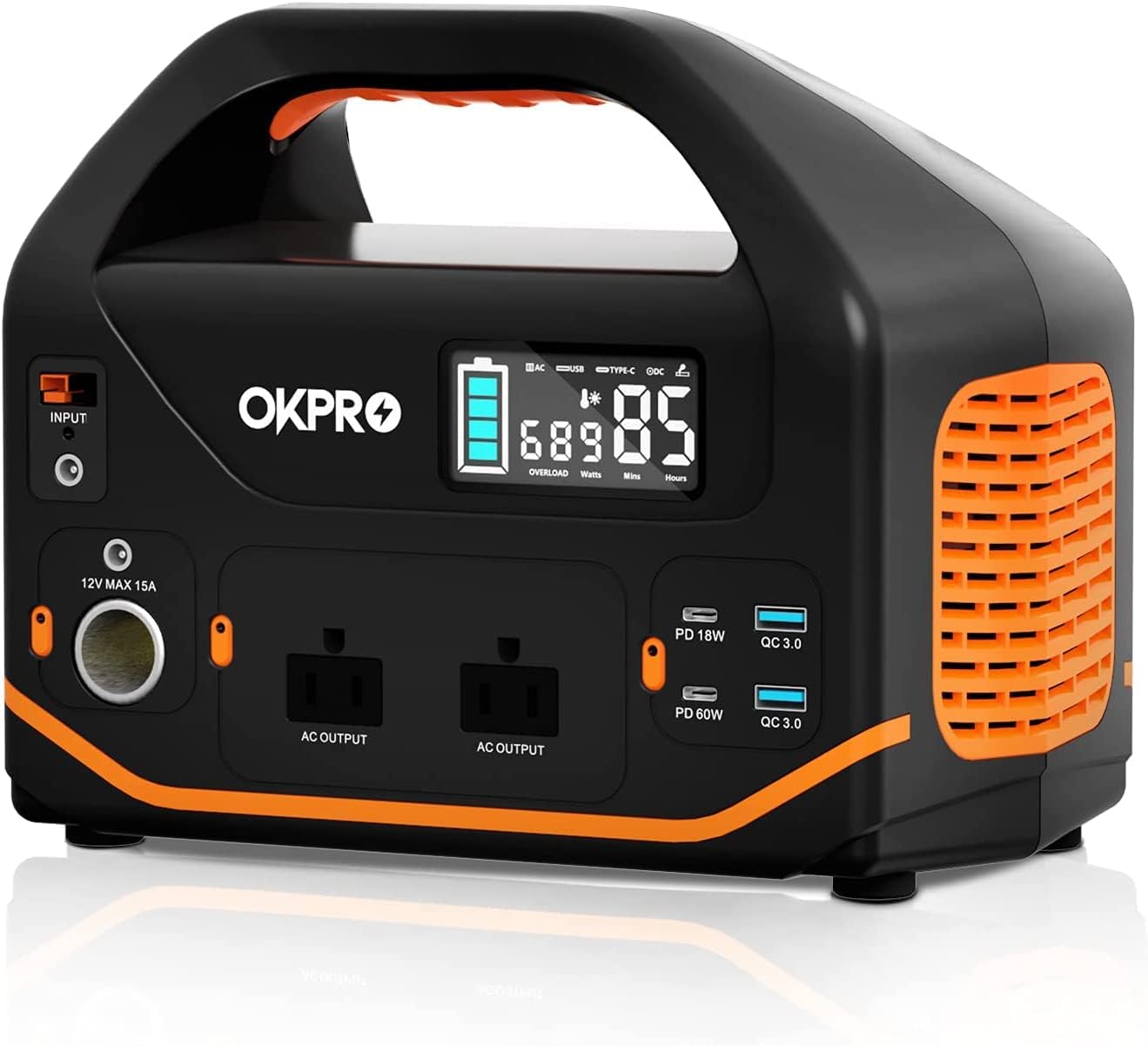
Image: Example of an OKPRO Portable Power Station, a compatible device.

Image: Examples of Rockpals Portable Power Stations, compatible with this charger.
4. Setup
Follow these steps for initial setup:
- Unpack: Carefully remove the T POWER adapter from its packaging. Inspect the adapter and cable for any signs of damage. Do not use if damaged.
- Verify Compatibility: Before connecting, confirm that your portable power station's input voltage and connector type match the specifications of this T POWER 15V adapter. Refer to your power station's manual for its specific charging requirements.
- Connect to Power Station: Insert the DC barrel connector of the T POWER adapter firmly into the charging input port of your portable power station. Ensure a secure connection.
- Connect to AC Outlet: Plug the AC power cord into a standard AC 100V-240V wall outlet.
- Begin Charging: Once connected, your portable power station should begin charging. Refer to your power station's display or indicators to confirm charging status.
5. Operating Instructions
The T POWER 15V adapter operates automatically once connected to a compatible device and a power source. It is designed to provide a stable and efficient charge.
- Charging Indication: The charging status is typically indicated by your portable power station, not the adapter itself. Monitor your power station's screen or LED indicators for charging progress.
- Optimal Charging Environment: Use the adapter in a well-ventilated area, away from direct sunlight, heat sources, and moisture.
- Disconnecting: To stop charging, first unplug the AC power cord from the wall outlet, then disconnect the DC barrel connector from your portable power station.
6. Safety Information
Adhere to the following safety guidelines to prevent injury or damage:
- Do not expose the adapter to water, rain, or excessive moisture.
- Do not disassemble, modify, or attempt to repair the adapter. Refer servicing to qualified personnel.
- Avoid extreme temperatures. Do not operate or store the adapter in very hot or very cold environments.
- Ensure proper ventilation around the adapter during use to prevent overheating.
- Keep out of reach of children.
- Unplug the adapter from the wall outlet when not in use or during electrical storms.
- Use only with compatible devices as specified in this manual.
Built-in Safety Protections:
The T POWER adapter is manufactured with multiple safety features to protect both the adapter and your connected device:
- Over-Current Protection
- Over-Temperature Protection
- Over-Voltage Protection
- Short Circuit Protection
- Electrostatic Protection
- Magnetic Field Protection

Image: Visual representation of the superior safety features integrated into the power adapter, including protection against over-current, over-temperature, over-voltage, and short circuits.

Image: Icons illustrating the various safety protections: Short circuit, Overheating, Overcurrent, Electrostatic, Magnetic Field, and Overvoltage Protection.
7. Maintenance
Proper maintenance ensures the longevity and optimal performance of your T POWER adapter:
- Cleaning: Disconnect the adapter from all power sources before cleaning. Use a soft, dry cloth to wipe the surface. Do not use liquid cleaners or aerosols.
- Storage: Store the adapter in a cool, dry place when not in use. Avoid wrapping the cable too tightly around the adapter to prevent damage to the cord.
- Cable Care: Regularly inspect the power cord and connector for any signs of fraying, cuts, or damage. If damage is observed, discontinue use immediately and replace the adapter.
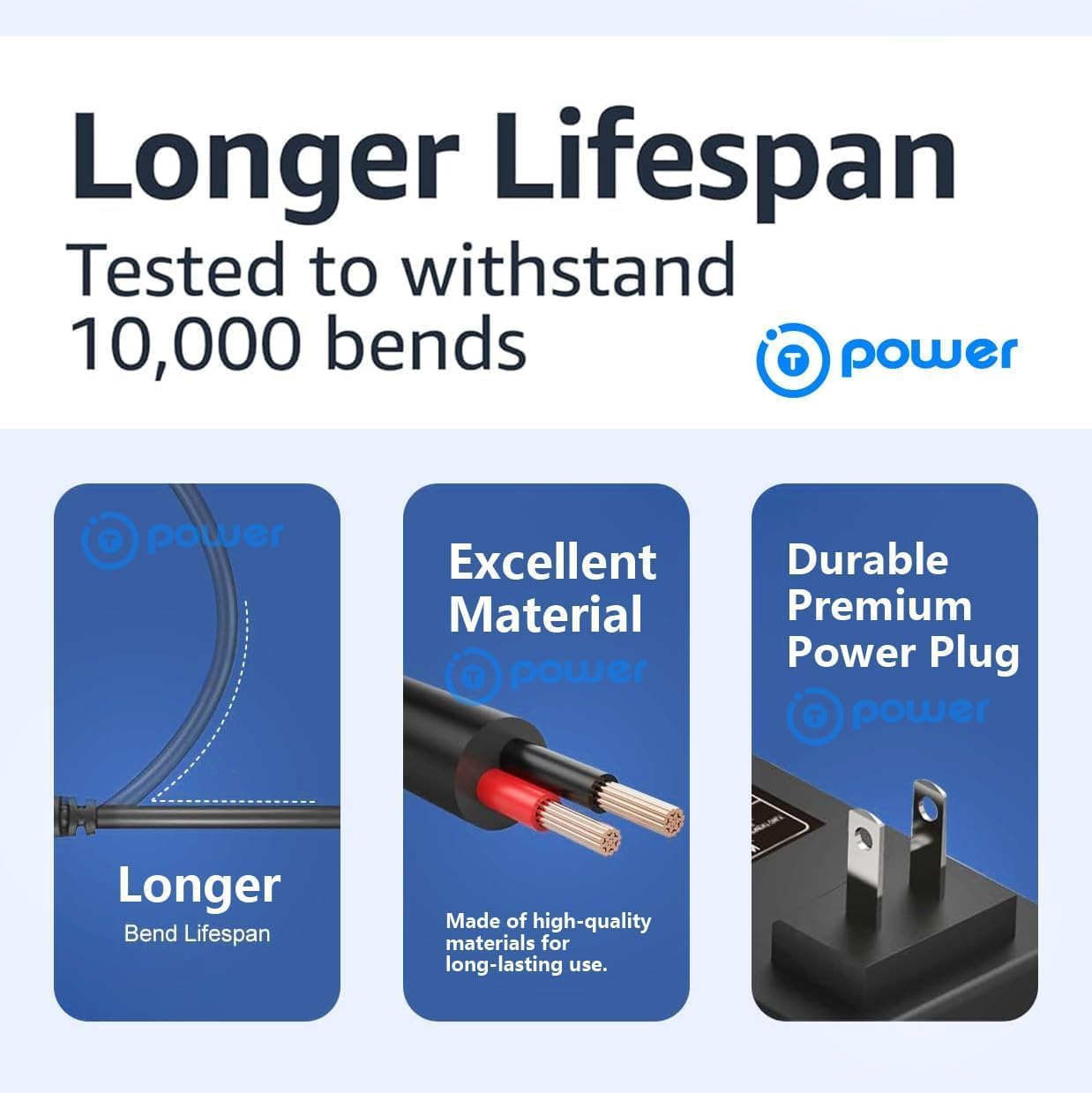
Image: Illustration highlighting the durable construction of the adapter, including a longer bend lifespan for the cable, excellent material quality, and a durable premium power plug.
8. Troubleshooting
If you encounter issues with your T POWER adapter, refer to the following table:
| Problem | Possible Cause | Solution |
|---|---|---|
| Adapter not charging device. |
|
|
| Adapter feels hot during use. |
|
|
| Device charges slowly. |
|
|
9. Specifications
| Feature | Detail |
|---|---|
| Input Voltage Range | AC 100V - 240V |
| Output Voltage | 15V (Compatible with 15V ~ 16V ~ 20V Batteries) |
| Product Dimensions | 4.5 x 2 x 1.25 inches |
| Item Weight | 4 ounces |
| Model Number | TP-ew9-0FY, Rockpals NinjaBatt OKPRO |
| Certifications | CE/FCC/RoHS certified |
| Battery Cell Composition (for compatible devices) | Lithium Ion |
| Recommended Uses | Power Tool (for charging compatible power stations) |
10. Warranty and Support
Warranty: T POWER products typically come with a 1-Year Limited Manufacturer Warranty. This warranty covers quality-related issues and allows for easy exchange or replacement. Please retain your proof of purchase for warranty claims.
Returns: You may return your undamaged product and packaging within 30 days of purchase to receive a full refund for any reason.
Technical Support: If you have questions, encounter issues not covered in this manual, or need assistance with compatibility, please contact T POWER customer support. Information on how to contact support can typically be found on the product packaging or the official T POWER website.
For further assistance, please visit the T POWER Store on Amazon.