1. Introduction
The Kikkerland Birthday String Lights, Model LT01, are designed to illuminate your celebrations. This set features multi-colored LED lights, each forming a letter to spell out "HAPPY BIRTHDAY". These battery-powered lights offer versatile placement for various indoor and outdoor settings, adding a festive touch to any birthday event.
2. Safety Information
- Battery Safety: Use only the specified battery type (3 AA batteries). Do not mix old and new batteries, or different types of batteries. Insert batteries with correct polarity (+/-). Remove batteries if the product is not used for an extended period.
- Placement: Ensure the lights are securely hung or placed to prevent falling. Avoid placing near heat sources or in direct contact with water, despite being suitable for outdoor use, to prolong product life.
- Children and Pets: Keep out of reach of small children and pets. This product is not a toy.
- Damage: Do not operate if the product appears damaged.
3. Package Contents
- 1 x Kikkerland Birthday String Lights (Model LT01)
4. Setup
- Unpack: Carefully remove the string lights from their packaging.
- Install Batteries: Locate the battery compartment on the string. Open it and insert 3 AA batteries (not included), ensuring correct polarity. Close the compartment securely.
- Arrange Lights: Gently uncoil the string lights. The individual letter lights are designed to be arranged to spell "HAPPY BIRTHDAY". Position them as desired.
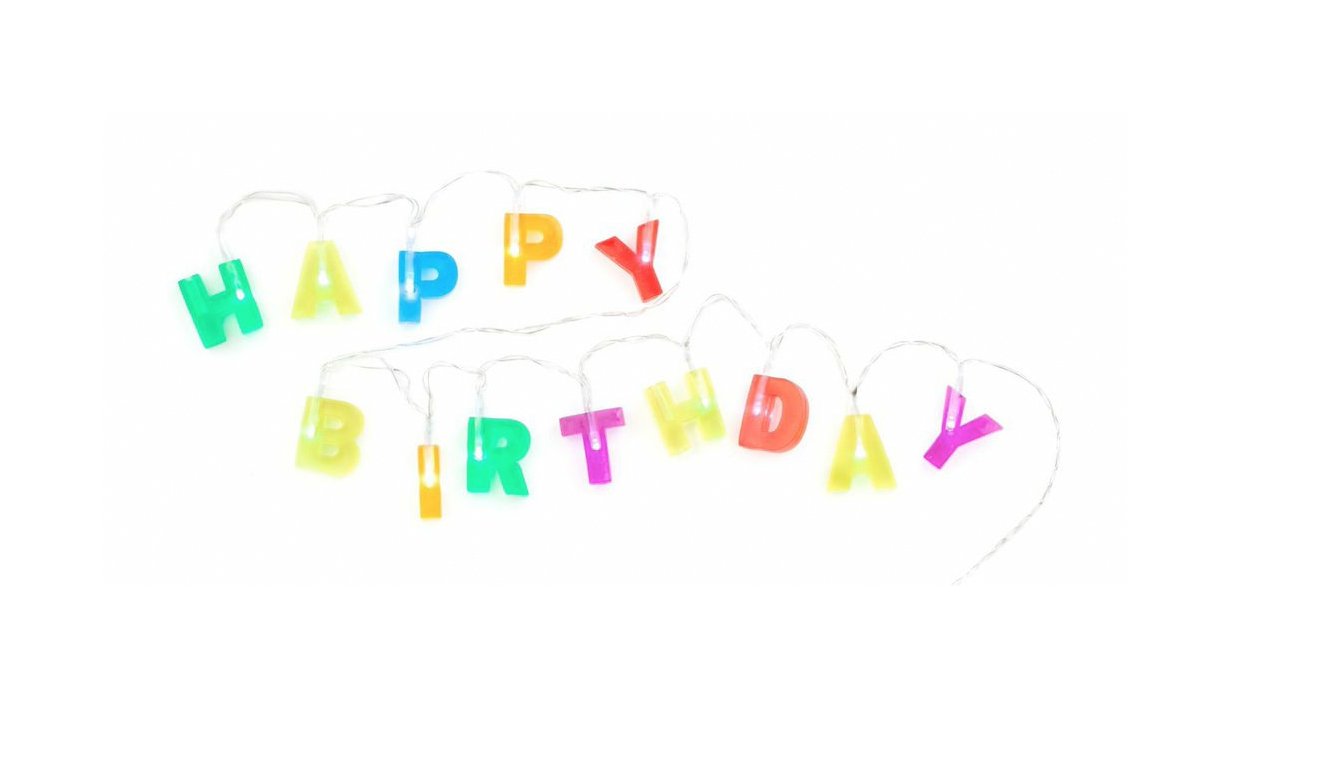
Figure 1: Kikkerland Birthday String Lights spelling 'HAPPY BIRTHDAY' with the battery pack visible.

Figure 2: Kikkerland Birthday String Lights draped over a wooden ladder, spelling 'HAPPY BIRTHDAY'.
Video 1: Demonstration of similar 'Happy Birthday' LED string lights, showing assembly and illuminated effect. Note: The product in the video may differ slightly in appearance from Model LT01.
5. Operating Instructions
- Power On: Locate the ON/OFF switch on the battery compartment. Slide the switch to the "ON" position to illuminate the lights.
- Placement: Hang the string lights on walls, across doorways, along tables, or any desired location to create a festive atmosphere. The battery operation allows for flexible placement without needing a power outlet.
- Power Off: To conserve battery life, slide the switch to the "OFF" position when the lights are not in use.

Figure 3: Kikkerland Birthday String Lights draped over a wooden ladder, close-up view.
6. Maintenance
- Cleaning: Wipe the lights and battery compartment with a soft, dry cloth. Do not use abrasive cleaners or immerse in water.
- Battery Replacement: When lights dim or stop working, replace all 3 AA batteries. Follow the battery installation steps in the Setup section.
- Storage: When not in use, gently coil the string lights and store them in a cool, dry place away from direct sunlight and moisture. Remove batteries before long-term storage.
7. Troubleshooting
- Lights not turning on:
- Check if the ON/OFF switch is in the "ON" position.
- Verify that the batteries are inserted correctly with the proper polarity.
- Replace old or depleted batteries with new ones.
- Lights are dim:
- This usually indicates low battery power. Replace all batteries with new ones.
8. Specifications
| Model Number | LT01 |
| Brand | Kikkerland |
| Color | Multicolor |
| Light Source Type | LED |
| Power Source | Battery Powered (3 AA batteries required, not included) |
| Indoor/Outdoor Usage | Outdoor |
| Special Feature | Unique Letter Colored Design, Weatherproof Construction |
| Material | Polyvinyl Chloride |
| Number of Light Sources | 60 |
| Voltage | 4.5 Volts |
| Item Dimensions (L x W x H) | 48 x 0.3 x 1.3 inches |
| Item Weight | 0.32 ounces |
9. Warranty and Support
For warranty information or product support, please contact Kikkerland customer service directly. Refer to the product packaging or the official Kikkerland website for contact details.


