
Life Gear LG03-10161-CLE
Life Gear 2-in-1 LED Flashlight User Manual
Model: LG03-10161-CLE
Introduction
This manual provides detailed instructions for the safe and effective operation, maintenance, and troubleshooting of your Life Gear 2-in-1 LED Flashlight. Please read this manual thoroughly before using the product and retain it for future reference.
The Life Gear 2-in-1 LED Flashlight (Model: LG03-10161-CLE) is a versatile lighting device designed for various applications, offering both a powerful spotlight and a 360-degree area light. It is built to be water and shock resistant, making it suitable for outdoor activities, emergency preparedness, and general home use. The device features 7 distinct lighting modes and operates on 4 AA batteries, which are included.
Setup
Battery Installation
Your Life Gear 2-in-1 LED Flashlight requires 4 AA alkaline batteries for operation. These batteries are included with your purchase.
- Locate the battery compartment cover, typically found at the base or rear of the flashlight.
- Twist or slide the cover to open the compartment. Refer to the diagram below for assistance.
- Insert 4 AA batteries, ensuring correct polarity (+ and -) as indicated inside the compartment.
- Securely close the battery compartment cover to ensure water resistance.

Figure 1: Overview of the Life Gear 2-in-1 LED Flashlight. The main body is transparent, revealing internal components, and it features a large spotlight head and a handle.
Initial Check
After installing batteries, press the power button to ensure the flashlight functions correctly. Cycle through the modes to confirm all lighting options are operational.
Operating Instructions
The Life Gear 2-in-1 LED Flashlight offers both a directional spotlight and a 360-degree area light, along with several specialized modes.
Power On/Off
Press the main power button located on the top of the handle to turn the device on or off.
Changing Lighting Modes
The flashlight features 7 distinct lighting modes. Press the power button repeatedly to cycle through the modes in the following sequence:
- Flashlight (80 Lumens): Provides a focused beam for directional lighting.
- Flashlight + Red Glow: Combines the focused beam with a red ambient glow from the body.
- Red Glow: Emits a steady red light from the body, useful for preserving night vision or as a low-intensity signal.
- Safety Flasher: A flashing red light for emergency signaling.
- 1 x LED AR-Tech Tube (50 Lumens): Activates one internal LED tube for a moderate area light.
- 2 x LED AR-Tech Tube (80 Lumens): Activates both internal LED tubes for a brighter 360-degree area light.
- Safety Flash (Automatic Water Activation): This mode automatically activates a flashing light when the device is placed in water, serving as an emergency beacon.

Figure 2: Visual representation of the various lighting modes available on the flashlight, including spotlight, red glow, and area light options.
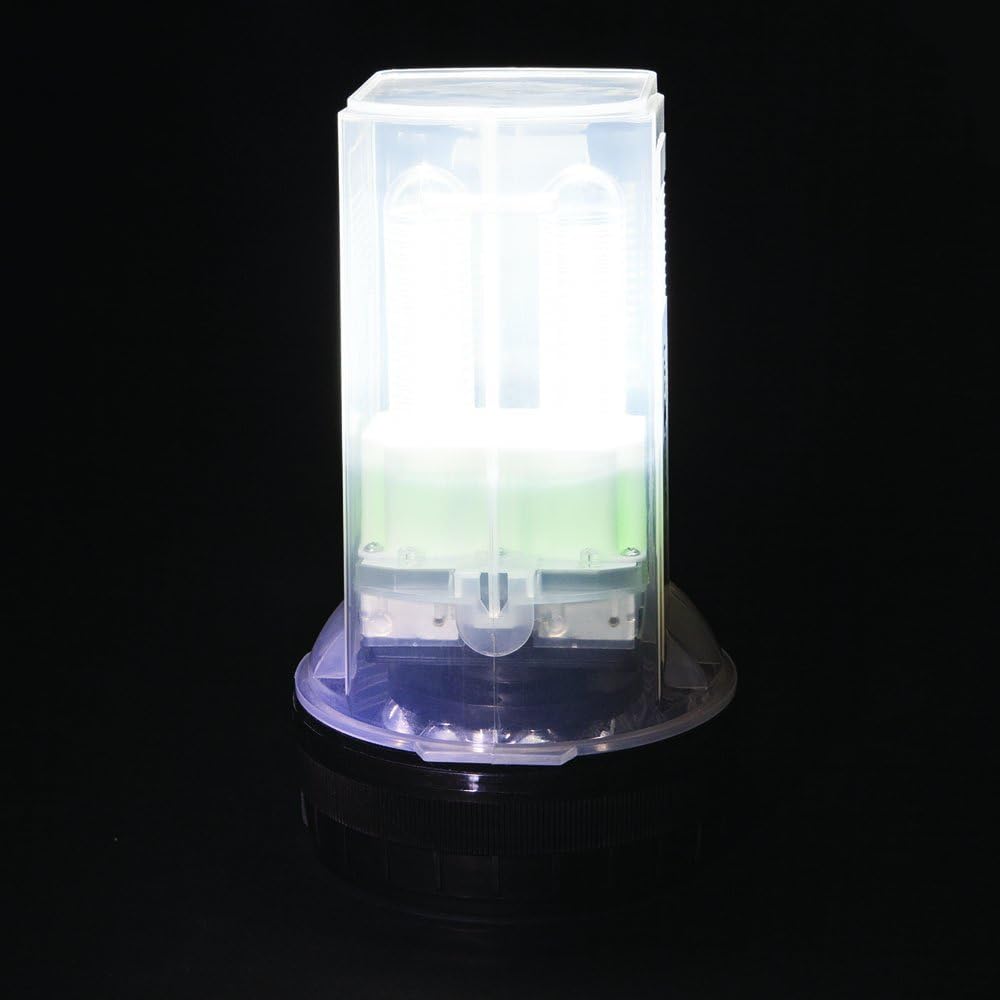
Figure 3: The flashlight in its upright position, demonstrating its capability as a 360-degree lantern or area light.

Figure 4: The flashlight displaying its red glow mode, which can be used for signaling or preserving night vision.
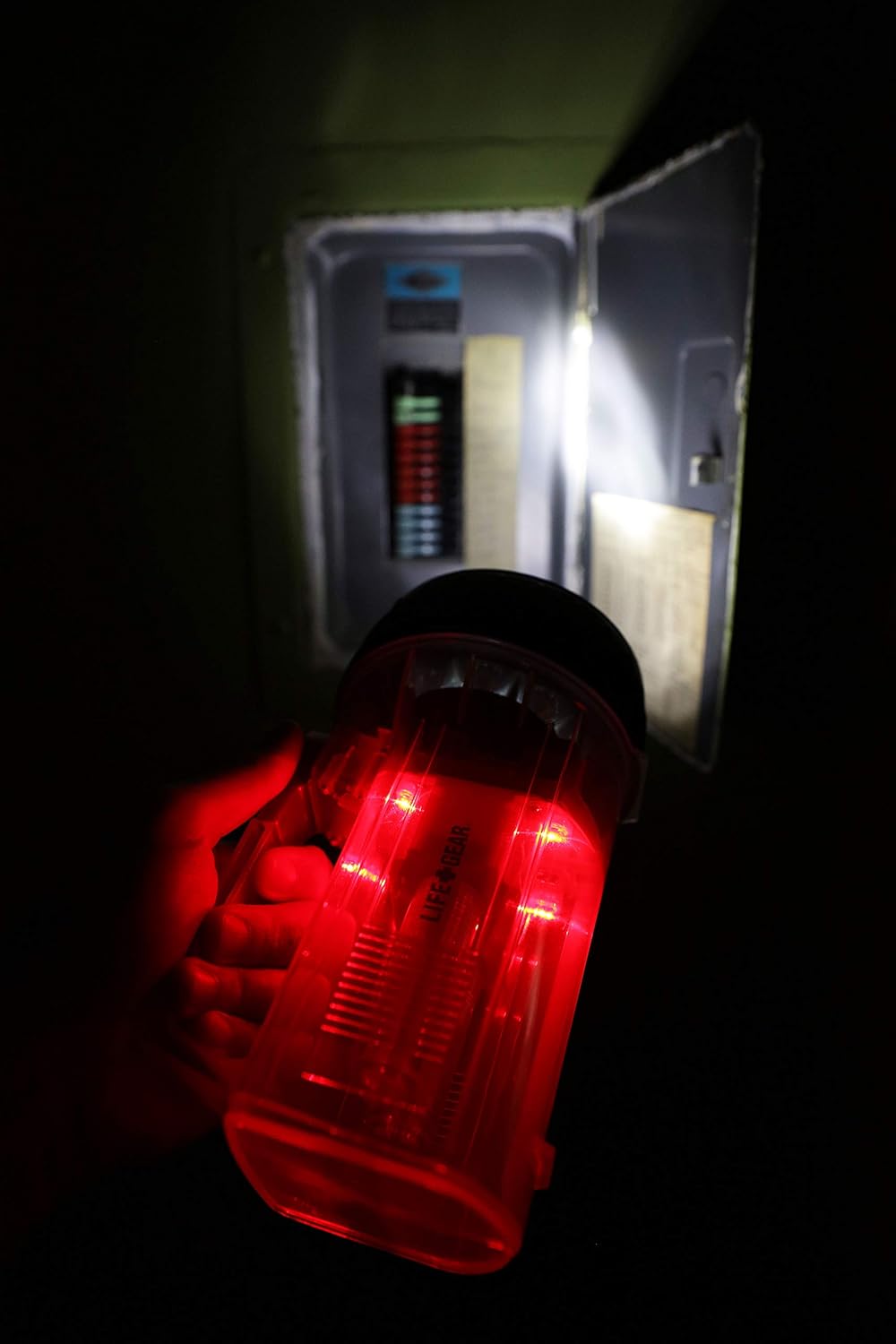
Figure 5: The flashlight in use during a power outage, demonstrating both its red glow and spotlight functionality to illuminate a circuit breaker panel.
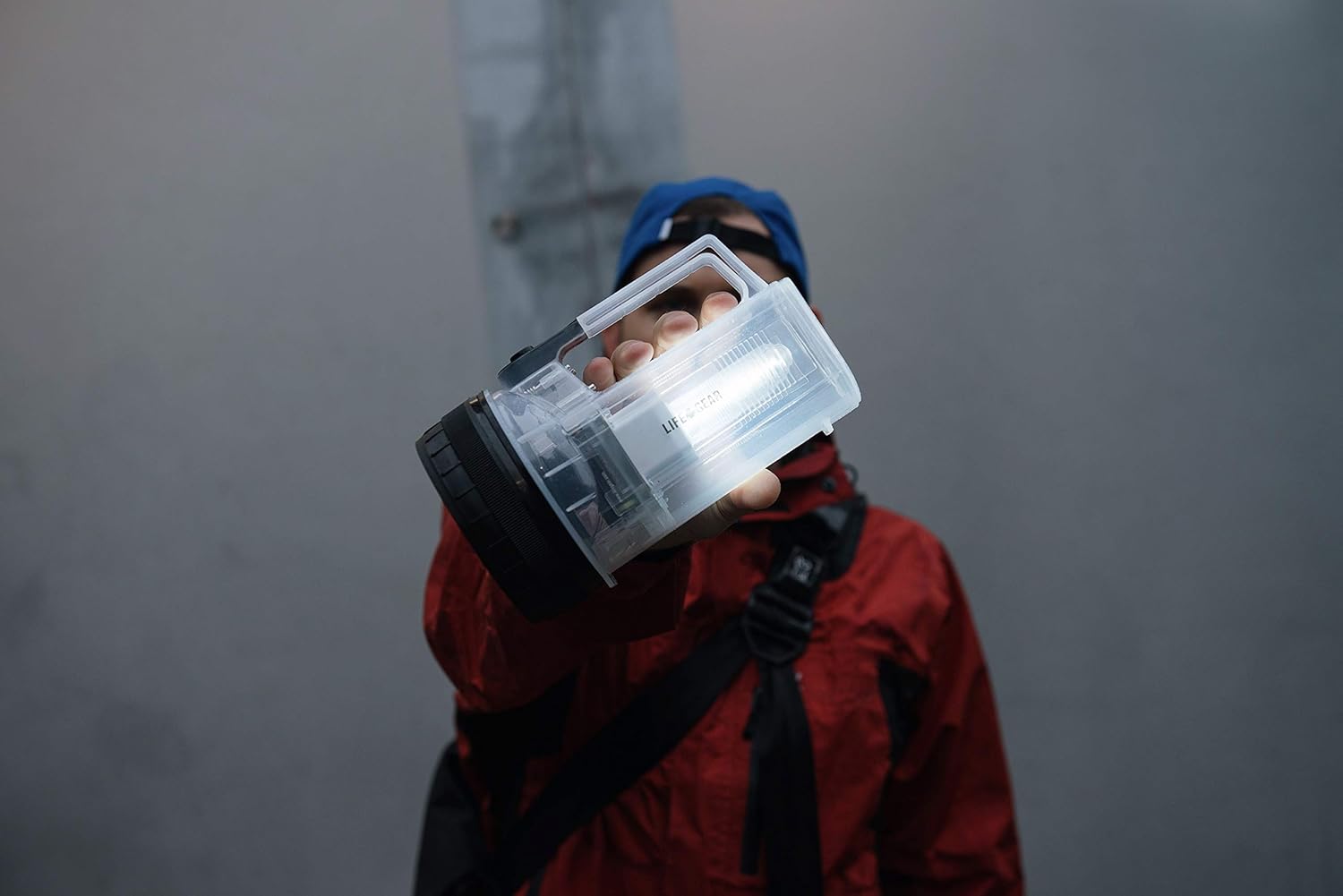
Figure 6: The flashlight being held by a person outdoors, highlighting its portable design and effective illumination for various environments.
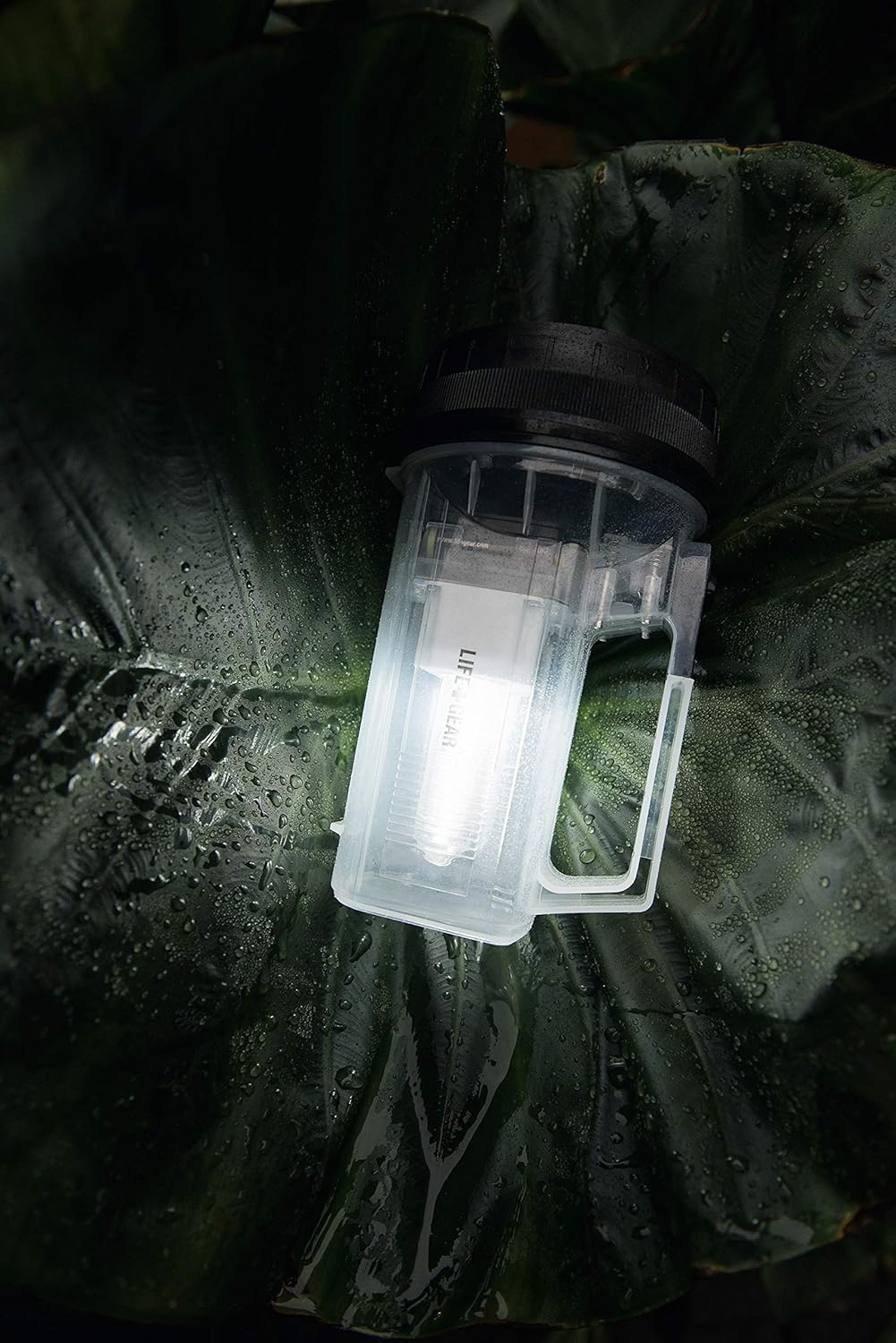
Figure 7: The flashlight resting on a water-covered leaf, illustrating its water-resistant design suitable for wet conditions.
Maintenance
Battery Replacement
When the light output diminishes, it is time to replace the batteries. Always replace all 4 AA batteries at the same time with new, high-quality alkaline batteries. Do not mix old and new batteries or different battery types.
Cleaning
Wipe the exterior of the flashlight with a soft, damp cloth. Do not use abrasive cleaners or solvents, as these may damage the plastic housing. Ensure the battery compartment is dry before closing.
Storage
If the flashlight will not be used for an extended period, remove the batteries to prevent leakage and corrosion. Store the flashlight in a cool, dry place away from direct sunlight and extreme temperatures.
Troubleshooting
| Problem | Possible Cause | Solution |
|---|---|---|
| Flashlight does not turn on. |
|
|
| Light is dim or flickers. |
|
|
| Water activated strobe does not work. |
|
|
Specifications
| Brand | Life Gear |
| Model Number | LG03-10161-CLE |
| Part Number | LG03-10161-CLE |
| Item Weight | 431 grams |
| Product Dimensions | 20.57 x 11.94 x 11.94 cm |
| Batteries | 4 AA batteries (Included) |
| Battery Cell Type | Alkaline |
| Color | Transparent |
| Style | 80 Lumen |
| Power Source Type | Battery Powered |
| Light Source Type | LED |
| Luminous Flux | 80 Lumens |
| Special Features | Durable, Impact Resistant |
| Included Components | Spotlight, Batteries |
| Run Time | 23 hours (300 hours in strobe mode) |
| First Available Date | February 15, 2015 |
Warranty and Support
Life Gear products are designed for durability and reliability. For specific warranty information, please refer to the packaging or contact Life Gear customer support directly. Keep your purchase receipt as proof of purchase.
For technical support or inquiries, please visit the official Life Gear website or contact their customer service department. Contact information can typically be found on the product packaging or the manufacturer's website.
Related documentsLG03-10161-CLE


Ask a question about this manual
Ask about setup, troubleshooting, compatibility, parts, safety, or missing instructions. Manuals+ will review the question and use this page’s manual context to help answer it.