
Introduction
The AeroGarden Ultra LED is an advanced indoor gardening system designed to grow fresh herbs, vegetables, salad greens, flowers, and more, year-round. This smart countertop garden utilizes water and patented nutrients for natural plant growth, free from herbicides, pesticides, and GMOs. It provides a convenient way to enjoy fresh produce directly from your home.
The system supports up to 7 plants simultaneously, which can grow up to 12 inches tall. Its high-performance, energy-efficient 30-watt LED lighting system is specifically tuned to maximize photosynthesis, promoting rapid growth and abundant harvests. The LED lights incorporate daylight white for fast growth, blue for increased yields, and red for enhanced flowering and fruiting. With optimal lighting and balanced water and nutrient levels, plants can grow up to 5 times faster than in traditional soil. The interactive LCD control panel simplifies setup, guides you through the growing process, and provides helpful gardening tips, while automatically managing light cycles and nutrient reminders.
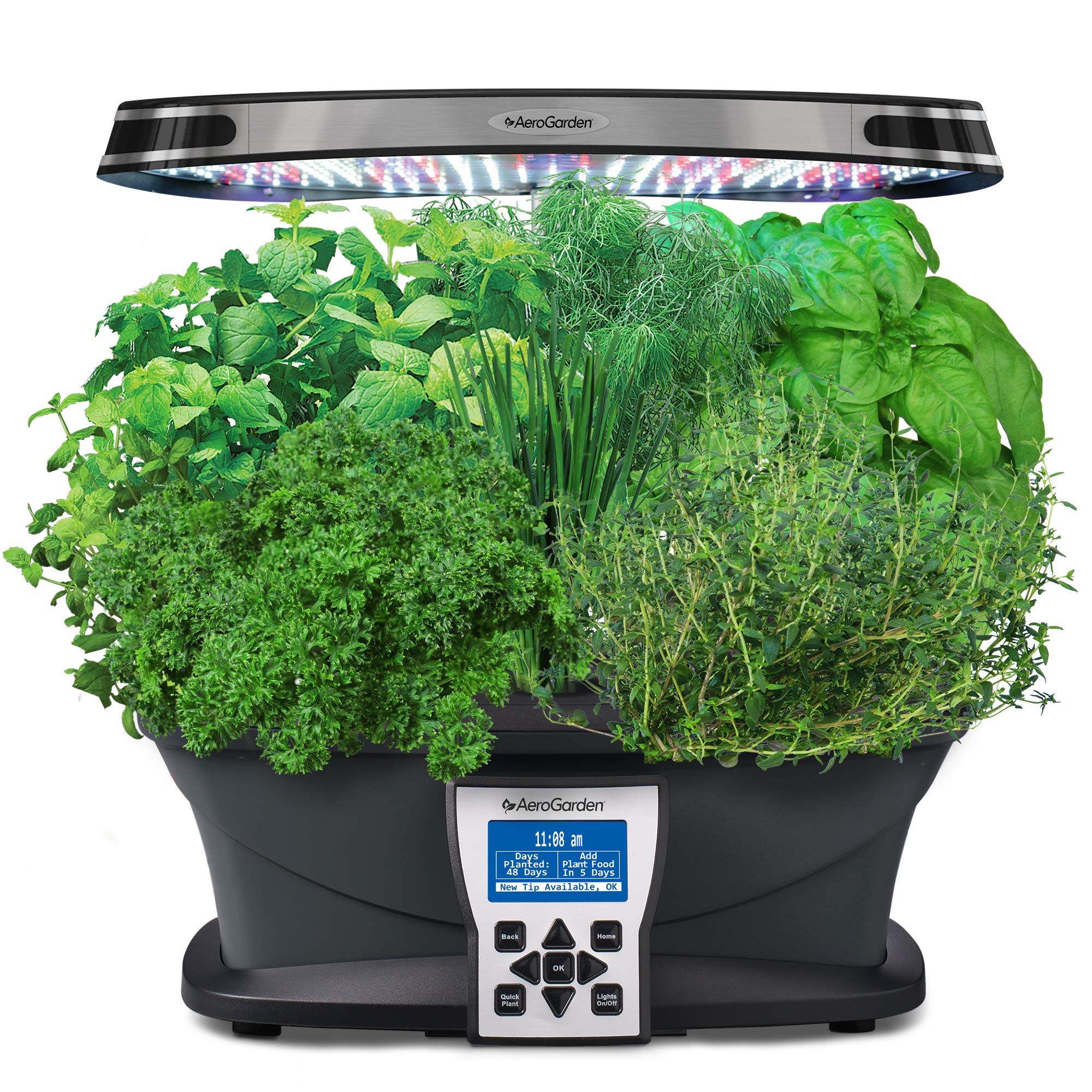
Image: The AeroGarden Ultra LED system with a thriving crop of basil.
Setup
Setting up your AeroGarden Ultra LED is a straightforward process that requires no tools.
- Unpack Components: Carefully remove all components from the packaging. Ensure you have the main base, grow deck, light hood, grow light post, and power adapter.
- Assemble Grow Light: Insert the grow light post into the base, then attach the LED light hood to the top of the post. Ensure it is securely fastened.
- Place Grow Deck: Position the grow deck onto the base.
- Insert Seed Pods: Place the included Seed Pods into the openings on the grow deck. Ensure the labels are facing upwards. Cover any unused openings with the provided grow domes to maintain humidity.
- Add Water: Fill the water reservoir with fresh tap water up to the 'Fill To Here' line. If your tap water is hard or contains chlorine, consider using filtered or distilled water.
- Add Nutrients: Refer to your Seed Pod Kit instructions for the correct amount of liquid plant food to add. Typically, this is added directly to the water reservoir.
- Connect Power: Plug the power adapter into the AeroGarden and then into a standard electrical outlet.
- Initial Setup on Control Panel: The interactive LCD control panel will guide you through the initial setup, including setting the current time and selecting your plant type. Follow the on-screen prompts.
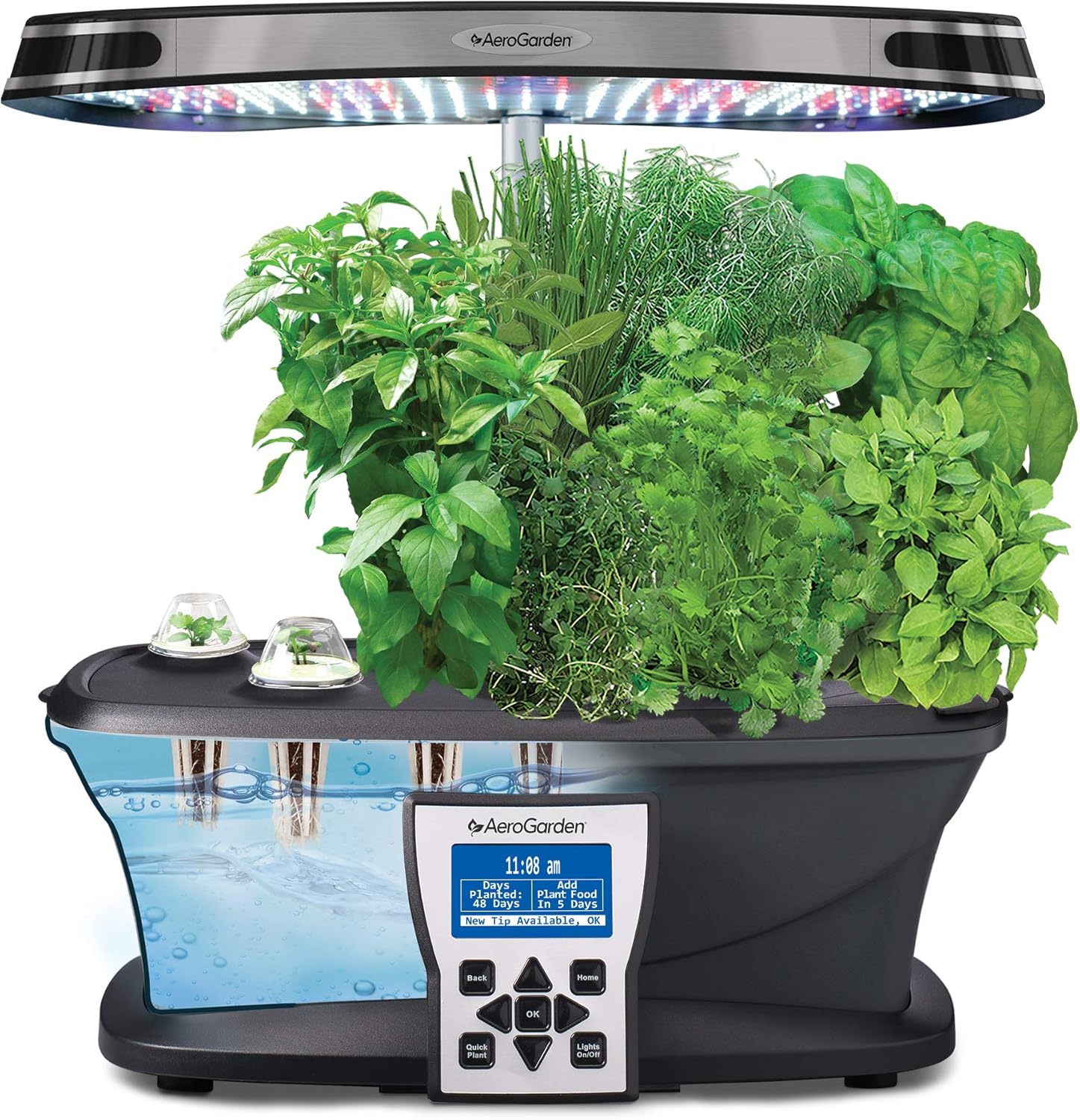
Image: A hand inserting a seed pod into the AeroGarden Ultra LED, with the water reservoir visible.
Video: An official overview of the AeroGarden Ultra LED, demonstrating its features and ease of use. This video provides a visual guide to the setup process and highlights key functionalities.
Operating Instructions
Once set up, your AeroGarden Ultra LED operates largely automatically, but requires minimal user interaction to ensure optimal plant growth.
- Water Management: The control panel will display an "ADD WATER NOW" alert when the water level is low. Refill the reservoir with fresh water as needed. The alarm will automatically turn off once filled.
- Nutrient Addition: The control panel will remind you when it's time to add liquid plant nutrients. Follow the on-screen instructions and the nutrient bottle's dosage guide. Typically, nutrients are added every two weeks.
- Light Cycle: The LED grow lights operate on an automatic cycle, turning on and off according to the plant type selected during setup. This ensures your plants receive the optimal amount of light for their growth stage. Avoid placing the AeroGarden near a window where direct sunlight might interfere with the light cycle or cause overheating.
- Adjusting Grow Light Height: As your plants grow, adjust the height of the LED light hood to maintain a consistent distance of approximately 2-4 inches above the tallest plants. This ensures even light distribution and prevents burning. The grow light post is fully adjustable to accommodate plants up to 24 inches tall.
- Pruning: Regular pruning is essential for healthy plant growth and maximizing yields. Trim plants to encourage bushier growth and prevent them from growing into the light hood.
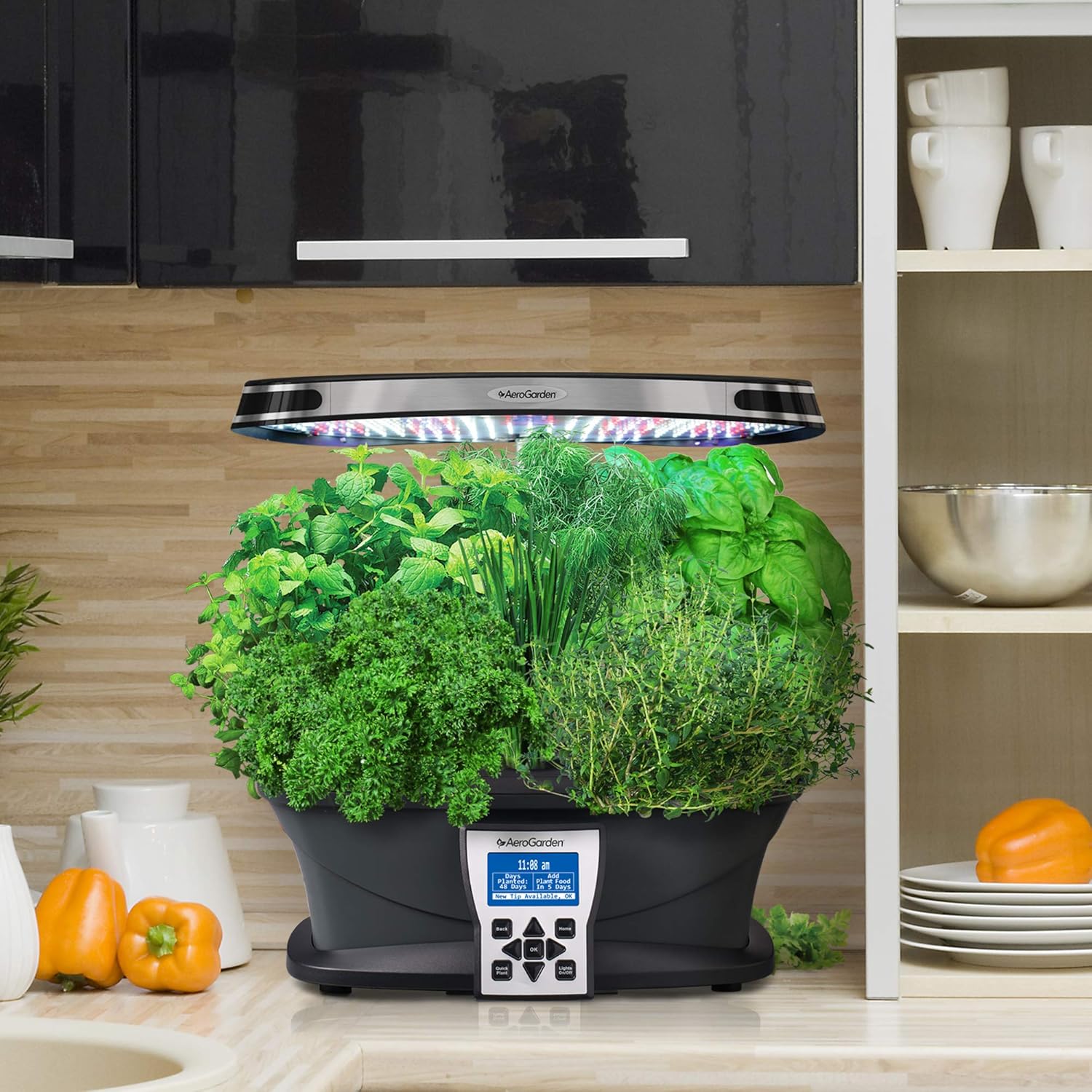
Image: The AeroGarden Ultra LED system positioned on a kitchen counter, showcasing a variety of mature herbs.
Maintenance
Proper maintenance ensures the longevity and optimal performance of your AeroGarden Ultra LED.
- Cleaning the Reservoir: When starting a new crop or every few months, it is recommended to empty and clean the water reservoir. Use warm, soapy water and rinse thoroughly. Avoid abrasive cleaners.
- Pump Maintenance: Periodically check the water pump for any debris or blockages. Clean as necessary to ensure proper water circulation.
- Replacing Seed Pods: Once a plant has completed its life cycle or is no longer productive, remove the old Seed Pod and replace it with a new one. Ensure the grow dome is used for new seedlings to aid germination.
- Root Pruning: For long-term crops, root pruning may be necessary to prevent roots from clogging the pump or restricting water flow. Carefully trim excess roots, ensuring not to damage the main root ball.
Troubleshooting
If you encounter issues with your AeroGarden Ultra LED, refer to the following common solutions:
- Plants Not Sprouting: Ensure grow domes are in place for new seedlings to maintain humidity. Verify that the water level is adequate and nutrients have been added correctly. Seed viability can vary; contact AeroGarden support if multiple pods fail to sprout.
- Slow Growth: Check that the grow light is positioned correctly, 2-4 inches above the tallest plants. Confirm that the correct plant type is selected on the control panel, as this affects the light cycle. Ensure nutrients are added regularly as prompted.
- Algae Growth: Algae can form if light reaches the water reservoir. Ensure all unused grow deck openings are covered with grow domes or opaque covers. Periodically clean the reservoir.
- Control Panel Issues: If the control panel is unresponsive or displaying incorrect information, try unplugging the unit for 30 seconds and then plugging it back in to reset. Note that power outages may reset nutrient reminders, requiring manual recalculation based on days planted.
- Pump Not Working: Check for any blockages in the pump or tubing. Ensure the water level is sufficient for the pump to operate.
Specifications
| Feature | Detail |
|---|---|
| Product Dimensions | 19.25 x 14.75 x 34 inches |
| Item Weight | 11.88 pounds |
| Model Number | 903100-1200 |
| Plant Capacity | Up to 7 plants |
| Grow Height | Up to 24 inches (adjustable) |
| Lighting System | 30-watt LED Grow Lights |
| Power Source | AC Adapter (1 Product Specific battery required for internal clock/memory) |

Image: Diagram showing the dimensions of the AeroGarden Ultra LED system.
Warranty and Support
For warranty information, product registration, or technical support, please visit the official AeroGarden website or contact their customer service. Keep your purchase receipt for warranty claims.
AeroGarden Official Website: www.aerogarden.com
