
1. Introduction
Thank you for choosing the Marshall PEDL-91004 2-Way Latching Footswitch. This robust footswitch provides convenient hands-free control over your compatible Marshall guitar amplifier's reverb and channel switching functions. Please read this manual carefully to ensure proper setup and operation.
2. Product Overview
The Marshall PEDL-91004 is a durable 2-way latching footswitch designed for seamless integration with specific Marshall amplifier models. It features two sturdy footswitches that allow you to toggle between amplifier channels and control the reverb effect with a simple tap.
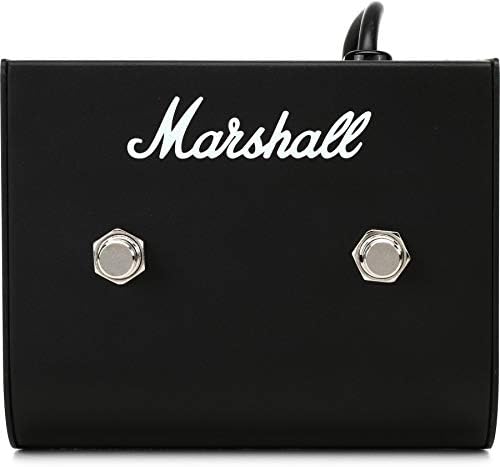
Image 2.1: Angled view of the Marshall PEDL-91004 Footswitch, showing the two control buttons and the Marshall logo.
3. What's in the Box
- 1 x Marshall PEDL-91004 2-Way Latching Footswitch (with integrated cable)
4. Setup
To connect your PEDL-91004 footswitch to your amplifier:
- Ensure your amplifier is turned off and unplugged from the power source.
- Locate the footswitch input jack on your Marshall amplifier. This is typically labeled 'Footswitch' or 'FS'.
- Insert the 1/4-inch (6.35mm) jack connector from the PEDL-91004 footswitch cable firmly into the amplifier's footswitch input.
- Once connected, you can power on your amplifier. The footswitch is now ready for use.

Image 4.1: Close-up view of the 1/4-inch (6.35mm) jack connector for the footswitch cable.
5. Operating Instructions
The PEDL-91004 footswitch provides two latching switches for controlling specific functions on your compatible Marshall amplifier.
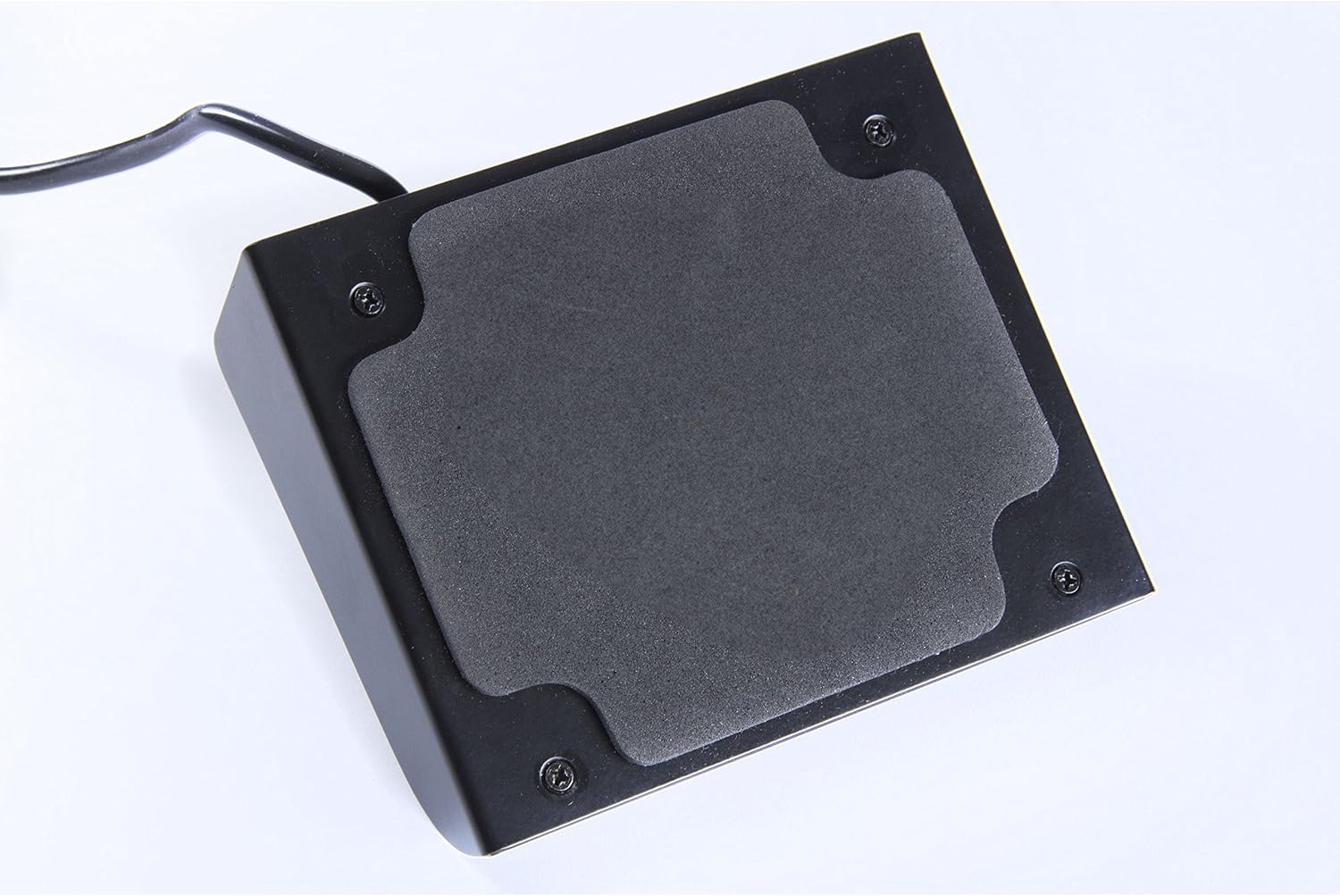
Image 5.1: Top view of the Marshall PEDL-91004 Footswitch, highlighting the two latching control buttons.
5.1 Channel Switching
One of the footswitches is typically assigned to channel switching. Pressing this switch will toggle between the clean and overdrive channels (or similar channel configurations) of your amplifier. The specific channel controlled by each switch may vary depending on your amplifier model.
5.2 Reverb Control
The other footswitch is generally used to engage or disengage the amplifier's built-in reverb effect. Pressing this switch will turn the reverb on or off, allowing for dynamic changes to your sound during performance.
Note: Refer to your specific amplifier's user manual for detailed information on how the footswitch functions are assigned and configured.
6. Compatibility
The Marshall PEDL-91004 footswitch is designed to be compatible with the following Marshall amplifier models:
- Marshall DSL100H
- Marshall DSL40C
- Marshall DSL15C
- Marshall JCM900 Series
- Marshall JCM800 Series
- Marshall VS1
- Marshall MG100HDFX
Important: Compatibility may vary with other models. Always consult your amplifier's manual or Marshall's official support for confirmation.
7. Maintenance
To ensure the longevity and optimal performance of your PEDL-91004 footswitch:
- Cleaning: Wipe the exterior with a soft, dry cloth. Avoid using abrasive cleaners or solvents, as these can damage the finish.
- Storage: Store the footswitch in a dry environment, away from extreme temperatures and direct sunlight.
- Cable Care: Avoid sharp bends or kinks in the cable. Do not pull on the cable to disconnect it from the amplifier; always grasp the connector itself.
- Inspection: Periodically check the cable and connectors for any signs of wear or damage.
8. Troubleshooting
If you experience issues with your PEDL-91004 footswitch, consider the following:
- Footswitch not responding:
- Ensure the footswitch cable is securely plugged into the correct input on your amplifier.
- Verify that your amplifier is powered on and functioning correctly.
- Confirm that your amplifier model is listed as compatible with the PEDL-91004.
- Incorrect function:
- The assignment of functions (e.g., which switch controls channel vs. reverb) can sometimes be configured on the amplifier itself. Consult your amplifier's manual.
- Intermittent operation:
- Check the footswitch cable for any visible damage or frayed wires. A damaged cable may need replacement.
- Ensure the jack connector is clean and free of debris.
If problems persist, contact Marshall customer support or an authorized service center.
9. Specifications
| Model Name | PEDL-91004 |
| Brand | Marshall |
| Control Type | Footswitch |
| Number of Switches | 2 (Latching) |
| Functions Controlled | Reverb, Channel Switching |
| Connector Type | 1/4-inch (6.35mm) Jack |
| Item Dimensions (L x W x H) | 17.1 x 16.8 x 7.1 cm (approximately 6.7 x 6.6 x 2.8 inches) |
| Item Weight | 1.98 lbs (approximately 0.9 kg) |
10. Warranty and Support
For warranty information and technical support, please refer to the documentation provided with your Marshall amplifier or visit the official Marshall Amplification website. Keep your purchase receipt as proof of purchase for any warranty claims.


