
Introduction
Welcome to the user manual for your OttLite Rimless Pendant LED Magnifier. This manual provides essential information for the safe and effective use of your device. Please read it thoroughly before operation and retain it for future reference.
Important Safety Instructions
- Do not look directly into the LED light.
- Keep the magnifier away from direct sunlight to prevent fire hazards.
- This product is not a toy. Keep out of reach of children.
- Dispose of batteries according to local regulations.
- Do not mix old and new batteries, or different types of batteries.
- Do not attempt to disassemble or modify the device.
Package Contents
- OttLite Rimless Pendant LED Magnifier
- Lanyard
- 2 x CR2032 Batteries
Setup
1. Battery Installation
- Locate the battery compartment on the back of the magnifier.
- Open the compartment cover.
- Insert two (2) CR2032 batteries, ensuring correct polarity (+/-).
- Close the battery compartment cover securely.
2. Attaching the Lanyard
Thread the lanyard through the designated loop on the magnifier. Adjust the length for comfortable wear around your neck.

Image: The OttLite Rimless Pendant LED Magnifier, showing its clear rimless lens, white body with the OttLite logo, and an attached grey lanyard. This image illustrates the overall design and how the lanyard connects to the device.
Operating Instructions
1. Using the Magnifier
Hold the magnifier approximately 1-2 inches above the object you wish to view. Adjust the distance until the object appears clear and magnified.
2. Activating the LED Illumination
Locate the power switch on the side of the magnifier. Slide the switch to the "ON" position to activate the LED light. Slide it to "OFF" when not in use to conserve battery life.
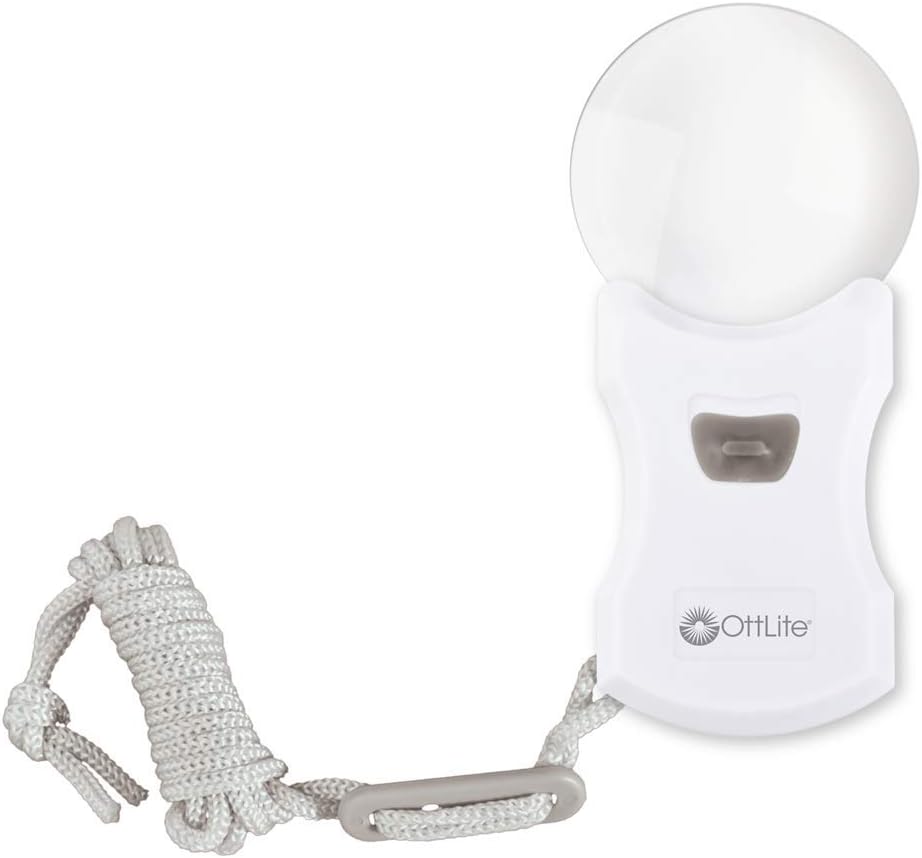
Image: The OttLite Rimless Pendant LED Magnifier with its LED light illuminated, demonstrating the bright light emitted from the lens area. This shows the magnifier ready for use with its lighting feature.
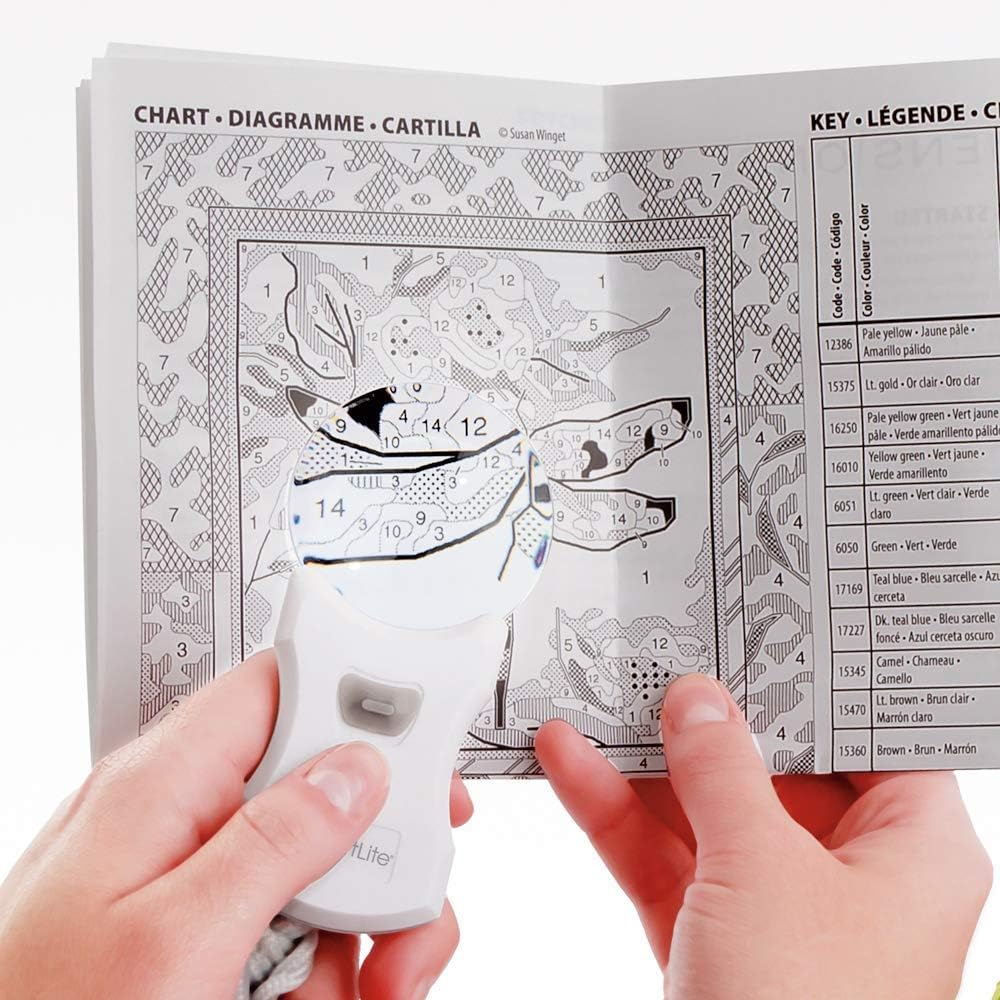
Image: A person's hand holding the OttLite Rimless Pendant LED Magnifier over a detailed chart with small numbers and symbols, illustrating the magnifier in active use for reading fine print.
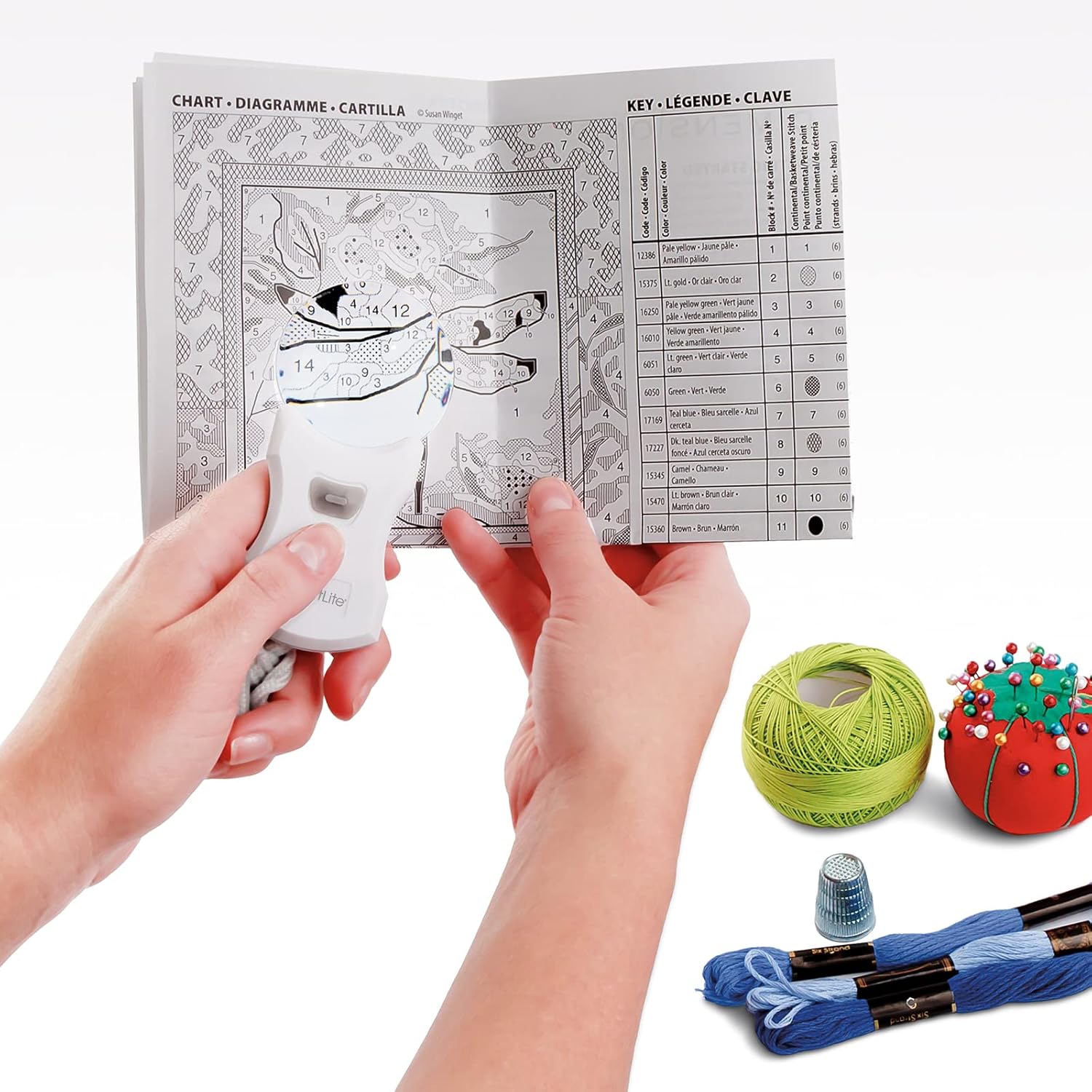
Image: A person's hands holding the OttLite Rimless Pendant LED Magnifier over a detailed chart, with crafting threads and a thimble visible in the background, demonstrating its utility for hobbies and detailed work.
Maintenance
Cleaning
To clean the lens, gently wipe with a soft, lint-free cloth. For stubborn smudges, a small amount of lens cleaning solution can be applied to the cloth, not directly to the lens.
Battery Replacement
When the LED light dims or fails to illuminate, it is time to replace the batteries. Follow the battery installation steps in the "Setup" section. Ensure you use two new CR2032 batteries.
Troubleshooting
| Problem | Possible Cause | Solution |
|---|---|---|
| LED light does not turn on. | Batteries are dead or incorrectly installed. | Replace batteries with new CR2032 cells, ensuring correct polarity. Check that the power switch is in the "ON" position. |
| Magnified image is blurry. | Incorrect distance from object; dirty lens. | Adjust the distance between the magnifier and the object. Clean the lens with a soft, lint-free cloth. |
Specifications
- Model: MG010PT
- Magnification: 3X Optical Grade
- Light Source: LED
- Power Source: 2 x CR2032 Batteries
- Material: Plastic
- Color: White
- Dimensions (L x W x H): Approximately 4.78 x 9.53 x 19.69 cm (1.88 x 3.75 x 7.75 inches)
- Weight: Approximately 649 g
- Special Features: Rimless design, Lanyard included
Warranty and Support
For warranty information or technical support, please contact OttLite customer service. Refer to the product packaging or the official OttLite website for current contact details.
Website: www.ottlite.com


