
Introduction
The Logitech Harmony Hub is designed to simplify control of your home entertainment devices. It acts as a central point to manage up to eight devices, allowing you to control them via a smartphone or tablet app, eliminating the need for multiple remote controls. The hub uses Wi-Fi and infrared (IR) technology to communicate with your devices.
What's in the Box
- Harmony Hub
- IR mini-blaster
- USB cable (Type A)
- AC adapter
- User documentation
Product Overview and Dimensions
The Harmony Hub features a sleek, compact design. It includes a Pair/Reset button, a micro USB port for power, and two IR blaster ports for extended infrared control. The hub itself can often send signals to devices without needing the external IR blaster, depending on placement.
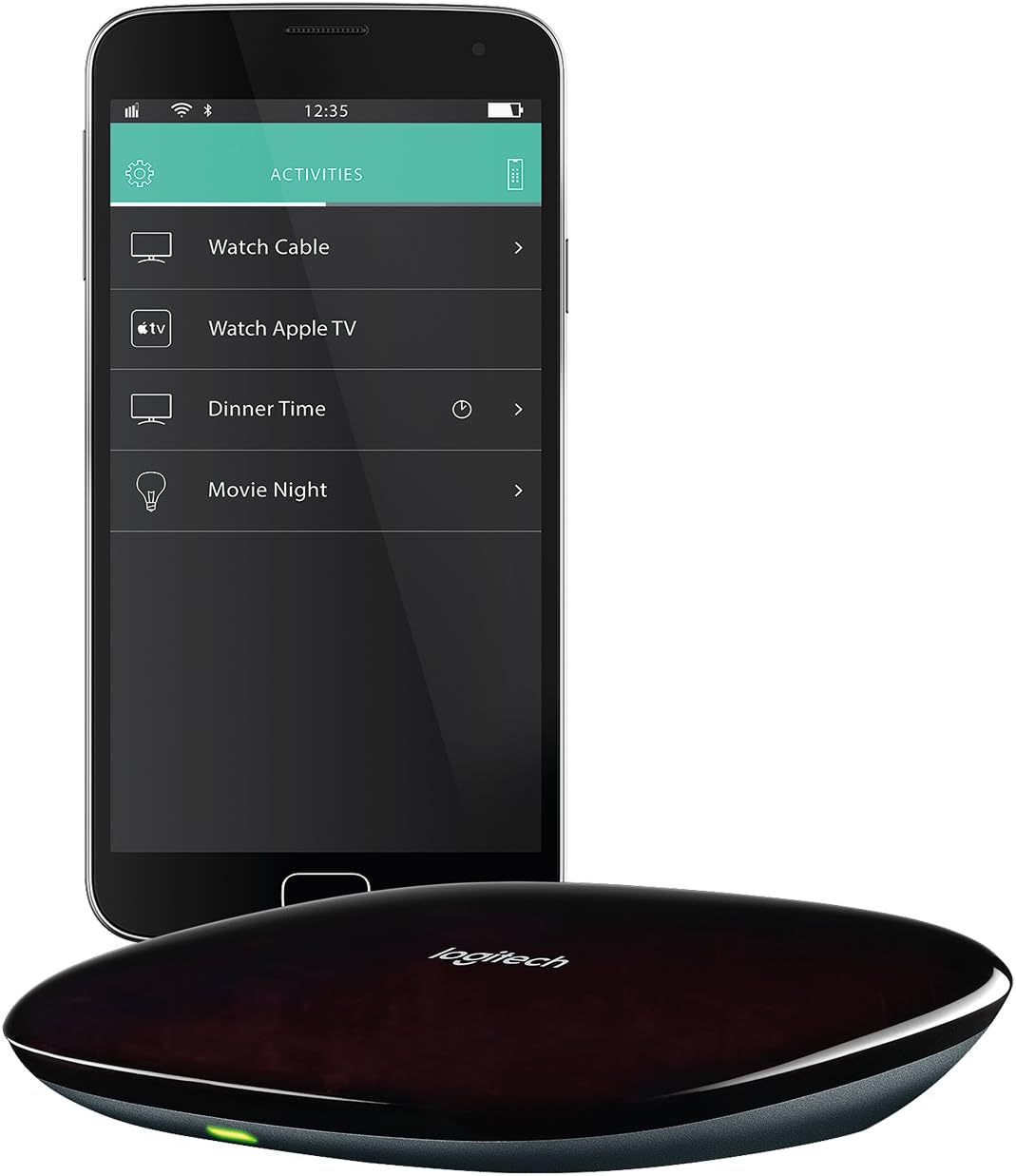
Top view of the Logitech Harmony Hub, a black, oval-shaped device with the Logitech logo.

Diagram showing the dimensions of the Logitech Harmony Hub. The top view indicates a width of 4.88 inches (123.83 mm) and a length of 4.13 inches (104.78 mm). A side view shows a height of 1 inch (25.4 mm).

Side view of the Logitech Harmony Hub, showing the Pair/Reset button, micro USB port, and two IR blaster ports.
Setup
The Harmony Hub can be set up using the MyHarmony app on your smartphone or tablet. Alternatively, you can use the MyHarmony software on a computer. The setup process involves adding your entertainment devices and creating "Activities" that combine multiple device actions into a single command (e.g., "Watch TV" turns on the TV, receiver, and cable box).
Video demonstrating the "One Touch Activities" feature of the Harmony Hub, showing how to initiate multiple device actions with a single command.
Video tutorial on how to "Create an Activity" within the Harmony Hub software, guiding users through combining devices for simplified control.
Video guide on how to "Set Up A Hub Based Remote" using the Logitech Harmony system, detailing the initial configuration steps.
Operating the Harmony Hub
Once setup is complete, you can control your devices by selecting activities or individual devices from the Harmony app. The app provides a user-friendly interface to manage your entertainment system. You can also customize activities to include home control devices like smart lights, allowing for integrated control.
Video demonstrating how to "Add Automation Devices to Activity" within the Harmony Hub, integrating smart home devices into your entertainment routines.
Video illustrating the general usage and functionality of the Logitech Harmony Hub, showcasing its capabilities in a home environment.
Specifications
| Brand | Logitech |
| Model Name | Harmony Hub |
| Model Number | 915-000238 |
| Connectivity Technology | Wi-Fi |
| Special Feature | Infrared |
| Max Number of Supported Devices | 8 |
| Color | Black |
| Item Weight | 250 g |
| UPC | 097855107022 |
Troubleshooting
The Harmony Hub relies on a stable internet and Wi-Fi connection. If you experience issues with device control, check your network connectivity. A poor Wi-Fi signal or internet outage can affect the hub's performance. It is advisable to have a backup remote for essential devices in case of network interruptions.
Initial setup can be complex and may require patience. Ensure all devices are correctly identified and activities are configured as desired within the MyHarmony app or software.
Warranty and Support
For warranty information, technical support, or further assistance, please refer to the official Logitech website or the user documentation included with your product. You can also access support through your MyHarmony account online.