
Important Safety Information
Please read these instructions carefully before using the shredder. Keep this manual for future reference.
- Keep children and pets away from the shredder.
- Keep loose clothing, jewelry, hair, and other foreign objects away from the shredder opening.
- Do not insert fingers or hands into the shredder opening.
- Unplug the shredder when not in use or before cleaning.
- Do not shred metal objects, large paper clips, or hard plastic (except credit cards as specified).
- Do not use aerosol products, petroleum-based lubricants, or other flammable products on or near the shredder.
- Do not operate the shredder if the power cord is damaged.
- The shredder is equipped with overheat protection. If it overheats, it will automatically shut off. Allow it to cool down before resuming operation.
Package Contents
Ensure all items are present:
- Amazon Basics AS665C Paper Shredder Unit
- Waste Bin
- Instruction Manual (this document)
Setup
- Unpack the Shredder: Carefully remove all components from the packaging.
-
Position the Waste Bin: Place the shredder head securely on top of the provided waste bin. Ensure it is properly seated.
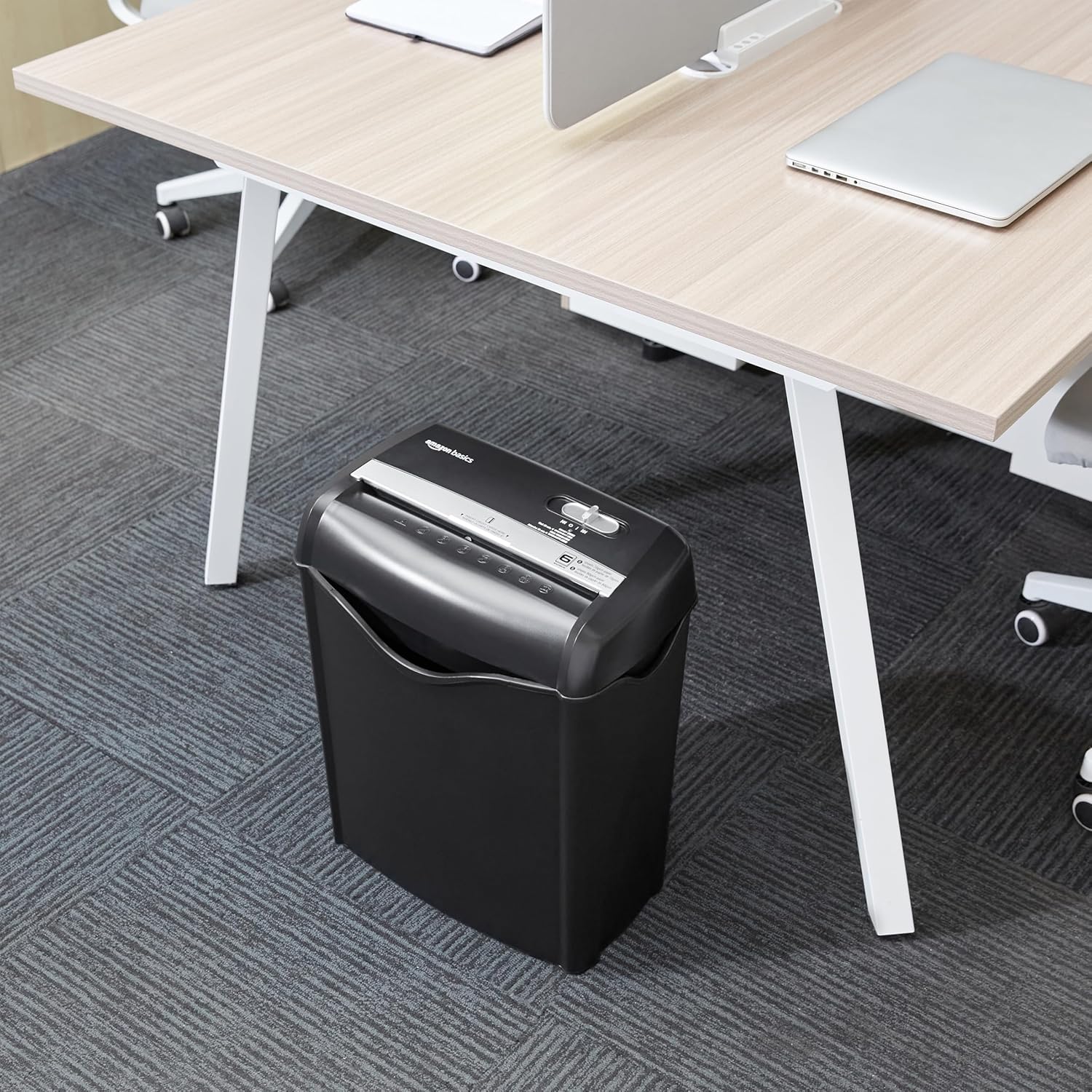
Image: The Amazon Basics AS665C Paper Shredder positioned under a desk, demonstrating its compact size and ease of placement in an office or home environment.
- Connect Power: Plug the power cord into a standard electrical outlet.
Operating Instructions
Control Switch
The shredder features a slide switch with three positions:
- AUTO (I): The shredder will automatically start when paper is inserted and stop when shredding is complete.
- OFF (O): The shredder is powered off.
- REV (<<): Activates the reverse function to clear paper jams.

Image: A detailed view of the shredder's control switch, showing the "AUTO", "OFF", and "REV" settings, along with the "READY" (green) and "OVERHEAT" (red) indicator lights.
Shredding Documents
- Select Mode: Set the control switch to the AUTO (I) position. The "READY" indicator light (green) will illuminate.
-
Insert Paper: Insert up to 6 sheets of 70gsm paper (or 5 sheets of 80gsm paper) straight into the paper entry slot. The shredder will automatically start and stop.
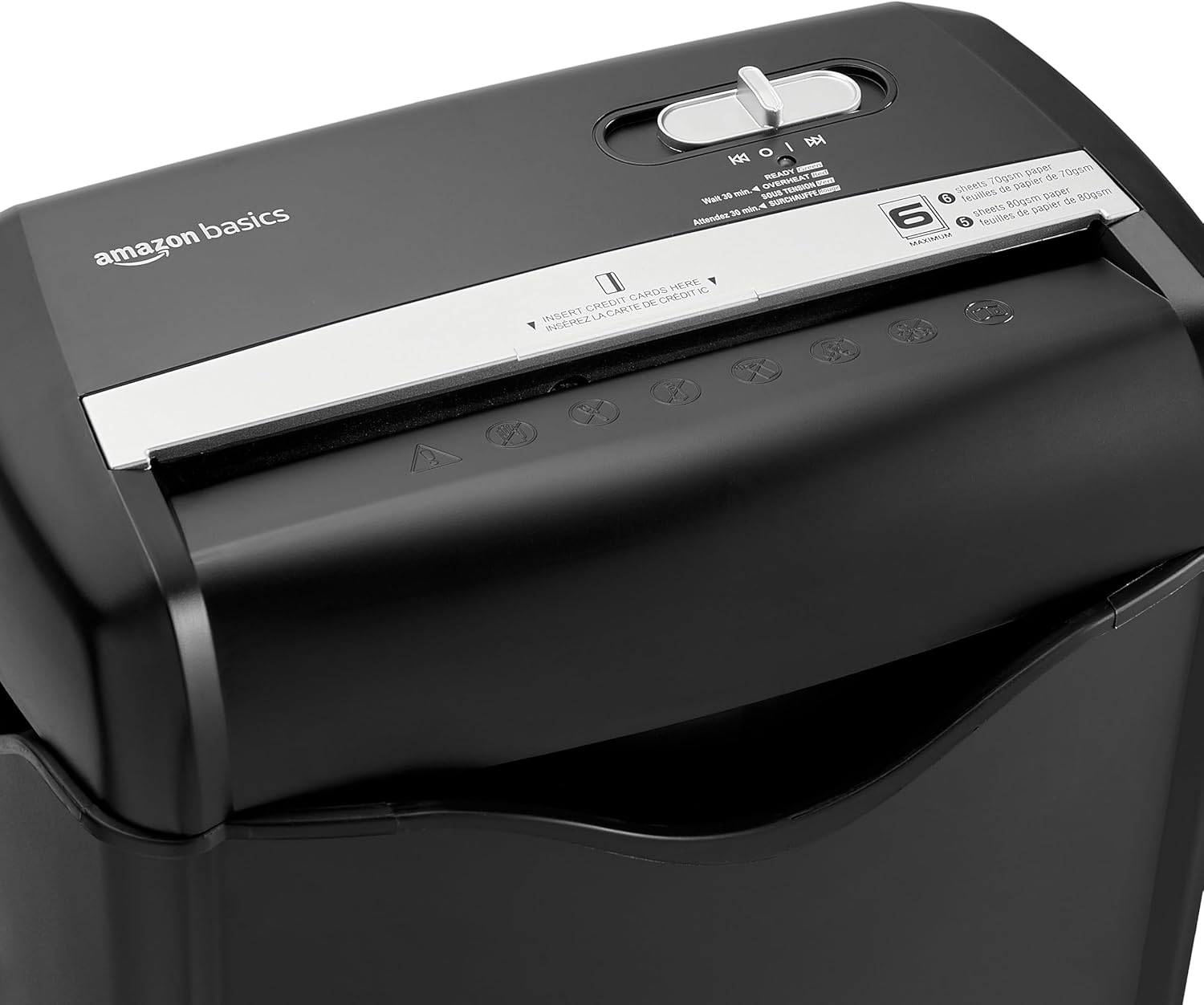
Image: Top view of the shredder, highlighting the paper entry slot, the control switch, and the "MAXIMUM" sheet capacity label.

Image: A close-up of the shredder's label indicating the maximum sheet capacity: 6 sheets of 70gsm paper or 5 sheets of 80gsm paper.
-
Shredding Credit Cards: Insert one credit card at a time into the dedicated credit card slot.

Image: A close-up view of the shredder's dedicated slot for inserting credit cards, clearly labeled "INSERT CREDIT CARDS HERE".
- Overheat Protection: The shredder will automatically shut off if it runs continuously for too long or if the motor overheats. The "OVERHEAT" indicator light (red) will illuminate. Allow the shredder to cool down for approximately 30 minutes before resuming operation.

Image: A pile of cross-cut shredded paper, demonstrating the small particle size for enhanced security. A quarter coin is placed next to it for scale.
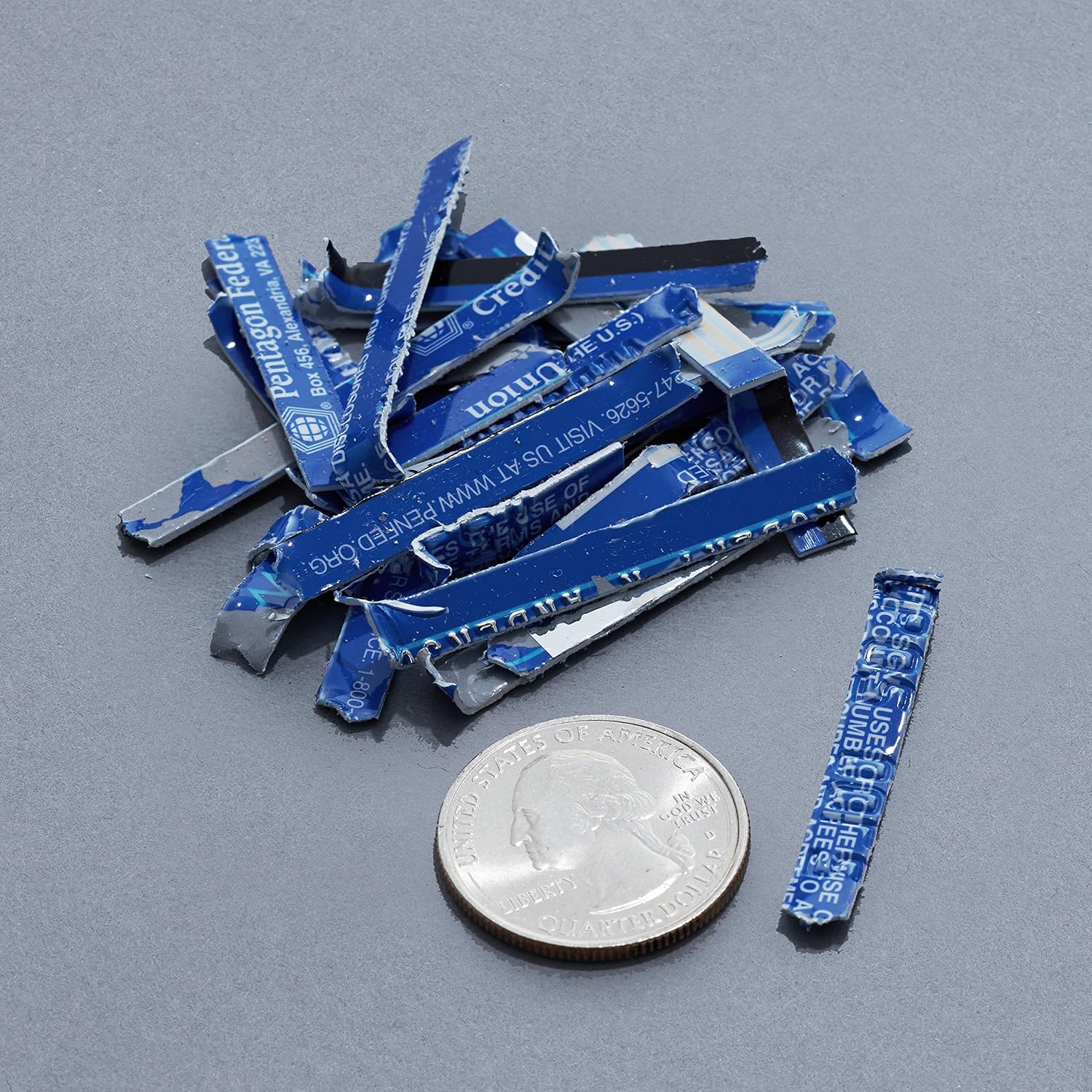
Image: A collection of shredded credit card pieces, illustrating the secure destruction of plastic cards. A quarter coin is included for size reference.
Maintenance
Emptying the Waste Bin
Regularly empty the waste bin to prevent paper jams and ensure optimal performance. Unplug the shredder before removing the head to empty the bin.
Cleaning
- Unplug the shredder before cleaning.
- Wipe the exterior of the shredder with a soft, dry cloth.
- Do not use abrasive cleaners or solvents.
- For optimal performance, periodically oil the shredder blades with shredder oil sheets or liquid shredder oil. Follow the oil product's instructions.
Troubleshooting
| Problem | Possible Cause | Solution |
|---|---|---|
| Shredder does not start. |
|
|
| Paper jam. |
|
|
| Shredder stops during operation. |
|
|
Specifications
| Feature | Detail |
|---|---|
| Brand | Amazon Basics |
| Model Number | AS665C (Manufacturer Model: AS662C-EU) |
| Shred Type | Cross-cut |
| Sheet Capacity | 6 sheets (70gsm paper) / 5 sheets (80gsm paper) |
| Shreds | Paper, Credit Cards |
| Power Source | Corded Electric |
| Special Features | Portable, Overheat Protection, Manual Reverse |
| Product Dimensions (L x W x H) | 30.7 x 19.6 x 38.1 cm (12.1 x 7.7 x 15 inches) |
| Product Weight | 3.72 kg (8.2 lbs) |
| Material | Plastic and Metal |
Warranty and Support
For warranty information and customer support, please refer to the Amazon Basics website or contact Amazon customer service directly. Keep your purchase receipt for warranty claims.


