
1. Product Overview
The Fujifilm Fujinon XF18-135mmF3.5-5.6 R LM OIS WR is an interchangeable-lens designed for Fujifilm X-series cameras. It offers a versatile focal range from 18mm to 135mm, equivalent to 27mm wide-angle to 206mm telephoto in 35mm format. This lens incorporates advanced 5.0-stop optical image stabilization (OIS) and features a dust-proof and weather-resistant construction with sealing in over 20 areas.
Key Features
- Versatile Zoom Range: Covers 18-135mm (27-206mm equivalent) for various photographic needs.
- Optical Image Stabilization (OIS): Provides up to 5.0 stops of image stabilization to reduce blur from camera shake.
- Weather Resistance (WR): Dust-proof and weather-resistant design for reliable performance in challenging conditions.
- Linear Motor (LM): Ensures fast, quiet, and precise autofocus operation.
- High Optical Performance: Designed to deliver sharp images across the zoom range.
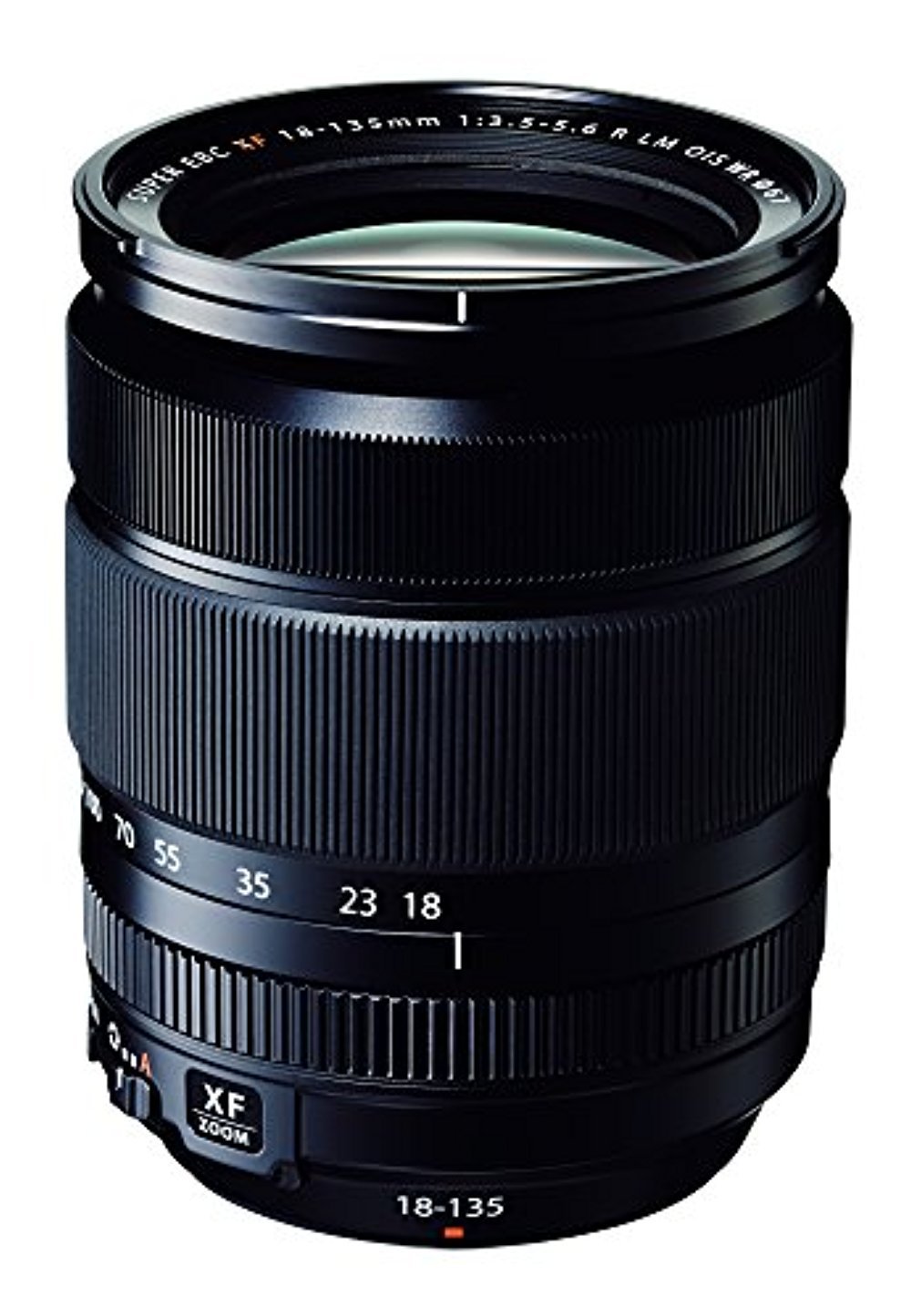
Figure 1.1: Front view of the Fujifilm Fujinon XF18-135mmF3.5-5.6 R LM OIS WR lens.
2. Setup and Installation
2.1 Attaching the Lens
- Ensure the camera is powered off.
- Remove the rear lens cap and the camera body cap.
- Align the white mounting mark on the lens with the white mounting mark on the camera body.
- Insert the lens into the camera mount and rotate it clockwise until it clicks into place. Do not force the lens.
- Remove the front lens cap.
2.2 Attaching the Lens Hood
The lens hood helps to prevent stray light from entering the lens, reducing flare and ghosting. It also provides some protection for the front element.
- Align the mark on the lens hood with the mark on the front of the lens.
- Rotate the hood clockwise until it locks into position.
- To store, reverse the hood and attach it in the same manner.

Figure 2.1: The dedicated lens hood for the XF18-135mm lens.
3. Operating the Lens
3.1 Zooming
To adjust the focal length, rotate the zoom ring on the lens. The focal length markings (18, 23, 35, 55, 70, 100, 135mm) indicate the current setting. The lens extends as you zoom towards the telephoto end.
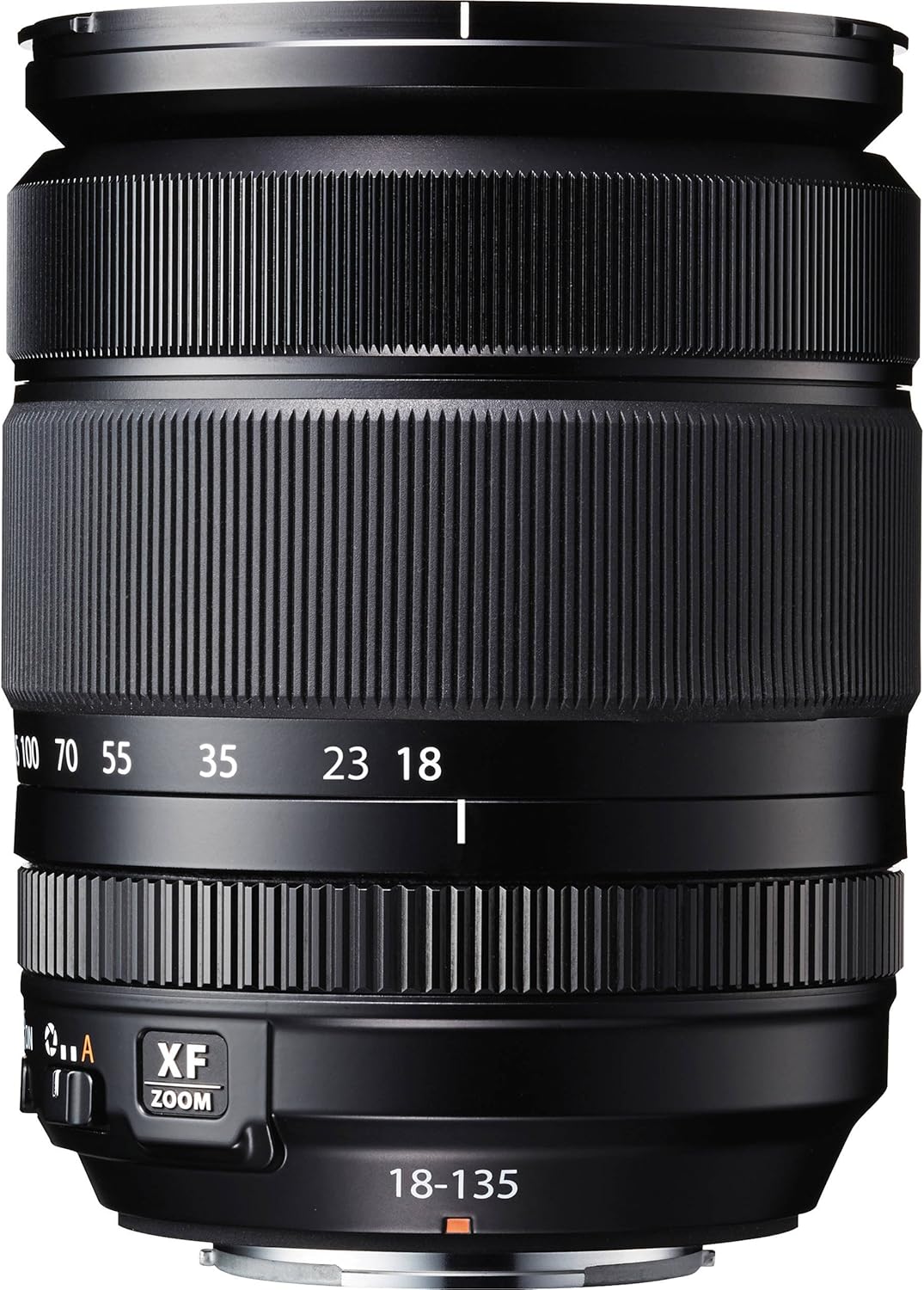
Figure 3.1: Zoom and focus rings with focal length markings on the lens.
3.2 Focusing
The lens supports both autofocus (AF) and manual focus (MF). The focus mode is typically controlled via the camera body settings. In manual focus mode, rotate the focus ring to achieve sharp focus.
3.3 Optical Image Stabilization (OIS)
The OIS function helps to reduce blur caused by camera shake, especially useful in low light or when shooting at longer focal lengths. The OIS switch is located on the side of the lens barrel. Set it to ON to activate image stabilization, or OFF when using a tripod or when stabilization is not desired.
3.4 Aperture Control
The aperture is controlled electronically via the camera body. Refer to your camera's instruction manual for details on adjusting aperture settings.
4. Maintenance and Care
4.1 Cleaning the Lens
- Use a blower brush to remove dust and loose particles from the lens surfaces.
- For smudges or fingerprints, use a clean, soft microfiber cloth specifically designed for optical lenses, along with a small amount of lens cleaning fluid. Apply the fluid to the cloth, not directly to the lens.
- Clean the lens barrel with a soft, dry cloth. Do not use organic solvents like thinner or benzene.
4.2 Storage
- When not in use, attach both front and rear lens caps.
- Store the lens in a cool, dry place, away from direct sunlight and high humidity.
- If storing for extended periods, consider using a desiccant to prevent mold growth.
5. Troubleshooting
5.1 Common Issues and Solutions
| Issue | Possible Cause | Solution |
|---|---|---|
| Lens not attaching to camera | Incorrect alignment; obstruction | Ensure white marks are aligned and rotate until it clicks. Check for any debris in the mount. |
| Autofocus is slow or inaccurate | Low light conditions; dirty lens contacts; camera settings | Ensure sufficient light. Clean lens and camera contacts. Check camera's AF mode and settings. |
| Images are blurry | OIS off; camera shake; incorrect focus; dirty lens | Activate OIS. Use faster shutter speed or tripod. Re-focus. Clean lens elements. |
| Zoom ring is stiff | New lens; environmental factors | This can be normal for new lenses and may loosen with use. Avoid forcing the ring. |
6. Specifications
- Model Number: XF 18-135 F3.5-5.6 OIS WR
- Focal Length: 18-135mm (35mm equivalent: 27-206mm)
- Maximum Aperture: F3.5 (wide) - F5.6 (telephoto)
- Minimum Aperture: F22
- Lens Construction: 16 elements in 12 groups (including 4 aspherical and 2 ED elements)
- Angle of View: 76.5° - 12°
- Minimum Focusing Distance: 0.45m (wide) - 1.0m (telephoto)
- Maximum Magnification: 0.27x (telephoto)
- Number of Diaphragm Blades: 7 (rounded diaphragm opening)
- Filter Size: 67mm
- External Dimensions (Diameter x Length): Approx. 75.7mm x 97.8mm (wide) / 158mm (telephoto)
- Weight: Approx. 490g (1.08 pounds)
- Compatible Mountings: Fujifilm X Mount
- Image Stabilization: Optical Image Stabilization (5.0 stops)
- Weather Resistance: Dust-proof and weather-resistant structure
7. Safety Information
- Do not look at the sun or other strong light sources through the lens, as this can cause permanent vision impairment.
- Keep the lens away from strong magnetic fields.
- Avoid exposing the lens to extreme temperatures or sudden temperature changes.
- Do not attempt to disassemble or modify the lens. Repairs should only be performed by authorized service personnel.
- Keep out of reach of children.
8. Warranty and Support
For information regarding the product warranty, please refer to the warranty card included with your purchase or visit the official Fujifilm website. For technical support, service, or inquiries, please contact Fujifilm customer service in your region.
Fujifilm Official Website: www.fujifilm.com
9. Example Photography
The Fujifilm Fujinon XF18-135mmF3.5-5.6 R LM OIS WR lens is capable of capturing a wide range of subjects, from expansive landscapes to distant wildlife, thanks to its versatile zoom range and effective image stabilization.

Figure 9.1: Example photograph demonstrating the telephoto capability of the lens, capturing a bird in flight.


