
1. Introduction
The TekPower TP350 is a professional-grade DC power supply designed for a wide range of applications, including powering Ham/CB radios and amplifiers. This unit provides a highly stable, fused, and high-quality switching power output. It delivers a fixed DC output of 13.8V with a maximum current of 23A. The TP350 features both a main DC output terminal on the rear and a convenient cigarette lighter socket on the front panel. It is engineered for excellent line and load regulation, ensuring low ripple and noise for clean power delivery. Comprehensive safety protections, including overload, overheat, and short circuit protection, are integrated to ensure reliable and safe operation.
2. Package Contents
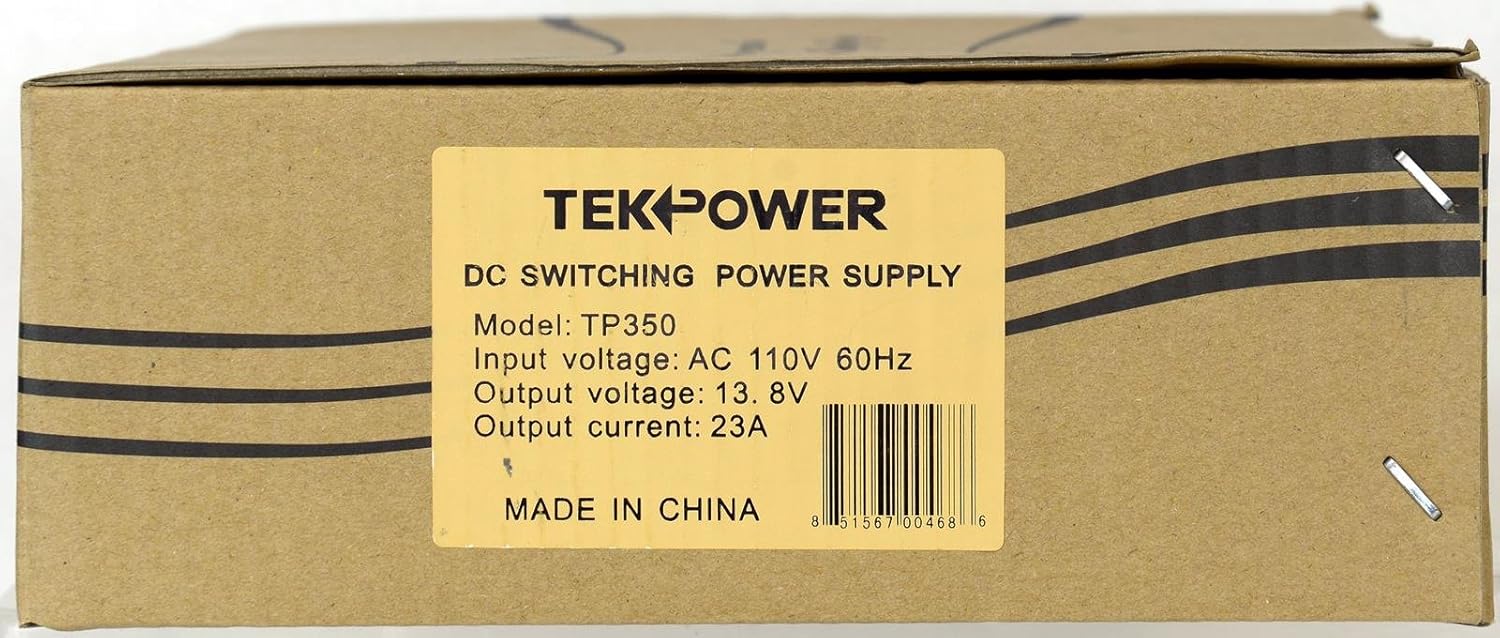
Figure 2.1: TekPower TP350 unit with its accessories.
Upon opening the package, please verify that all the following items are present and in good condition:
- TP350 Power Supply Unit
- 2 x Mounting Brackets
- Power Cord
- User Manual
- Warranty Registration Card
3. Key Features
The TekPower TP350 power supply offers the following key features:
- Dedicated 13.8V DC Power Output, ideal for Ham/CB Radio applications.
- Maximum Current Output of 23 Amperes.
- Fixed DC 13.8V Output for consistent performance.
- Convenient front-panel Cigarette Plug for auxiliary devices.
- Built-in safety protections: Overload Protection, Overheat Protection, and Short Circuit Protection.
- Low ripple and noise for clean power delivery.
4. Specifications
| Specification | Value |
|---|---|
| Input Power | 110V AC 60Hz |
| Output Voltage | DC 13.8V (Fixed) |
| Maximum Output Current | 23A |
| Ripple Voltage | <= 100mVp-p |
| Fuse | 110V, 8A |
| Dimensions (L x W x H) | 7 x 2.5 x 7.5 inches |
| Item Weight | 4 pounds |
| Model Number | TP350 |
5. Safety Information
Please read and understand all safety instructions before operating the TekPower TP350 power supply. Failure to follow these instructions may result in electric shock, fire, or serious injury.
- Indoor Use Only: This power supply is designed for indoor use in a dry environment. Do not expose it to rain, moisture, or excessive humidity.
- Proper Ventilation: Ensure adequate ventilation around the unit. Do not block any ventilation openings. Overheating can damage the unit and pose a fire hazard.
- Correct Voltage: Connect the power supply only to a 110V AC 60Hz power outlet. Using an incorrect voltage can damage the unit and connected devices.
- Avoid Overloading: Do not exceed the maximum output current of 23A. Overloading can cause the unit to shut down or be damaged.
- No User-Serviceable Parts: There are no user-serviceable parts inside. Do not attempt to open or repair the unit. Refer all servicing to qualified service personnel.
- Hot Surfaces: The unit may become warm during operation. WARNING! Do not touch. Let unit cool before touching. This warning is also present on the unit itself.
- Fuse Replacement: The fuse is located on the rear panel. If the fuse blows, replace it only with a fuse of the same type and rating (110V, 8A).
- Secure Connections: Ensure all input and output connections are secure and properly insulated to prevent short circuits.

Figure 5.1: Rear panel of the TP350, highlighting the fuse and main DC output.
6. Setup
Follow these steps to set up your TekPower TP350 power supply:
- Placement: Place the power supply on a stable, flat surface in a well-ventilated area. Ensure there is sufficient space around the unit for airflow, especially around the rear cooling fan.
- Mounting (Optional): If desired, use the included mounting brackets to secure the unit. Attach the brackets to the sides of the power supply using appropriate screws (not included), then mount the unit to a desired surface.
- Connect Load: Connect your DC-powered device (e.g., Ham/CB radio) to the main DC output terminals on the rear of the TP350. Ensure correct polarity: red terminal for positive (+), black terminal for negative (-). Tighten the terminals securely.
- Connect AC Power: Insert the provided power cord into the AC input socket on the rear of the TP350. Then, plug the other end of the power cord into a standard 110V AC 60Hz wall outlet.
7. Operating Instructions
Operating the TP350 is straightforward:

Figure 7.1: Front panel of the TP350 with the cigarette plug cover in place.
- Power On: Locate the green POWER switch on the front panel of the unit. Press the switch to the "ON" position. The "DC OUTPUT ON" indicator light will illuminate, indicating that the unit is supplying 13.8V DC power.
- Using Main DC Output: The main DC output terminals on the rear provide a stable 13.8V DC at up to 23A. Ensure your connected device's power requirements do not exceed these specifications.
- Using Cigarette Plug: The front panel features a DC Power Outlet (10A max) designed as a standard cigarette lighter socket. This is suitable for powering auxiliary devices that draw up to 10A. Remove the protective cover to access the socket.

Figure 7.2: Front panel of the TP350 with the cigarette plug exposed.
- Power Off: To turn off the power supply, press the green POWER switch to the "OFF" position. The "DC OUTPUT ON" indicator light will extinguish.
8. Maintenance
Proper maintenance ensures the longevity and reliable operation of your TP350 power supply:
- Cleaning: Disconnect the power supply from the AC outlet before cleaning. Use a soft, dry cloth to wipe the exterior. Do not use liquid cleaners or aerosols.
- Ventilation: Regularly check that the ventilation openings on the unit are clear of dust and debris. A small brush or compressed air can be used to gently clear blockages.
- Storage: When not in use for extended periods, store the unit in a cool, dry place, away from direct sunlight and extreme temperatures.
9. Troubleshooting
If you encounter issues with your TP350 power supply, refer to the following troubleshooting guide:
| Problem | Possible Cause | Solution |
|---|---|---|
| No power output, "DC OUTPUT ON" indicator off. | Unit not plugged in, power switch off, or blown fuse. | Ensure power cord is securely plugged into both the unit and a live AC outlet. Check if the POWER switch is in the "ON" position. Inspect the fuse on the rear panel; if blown, replace with an 8A, 110V fuse. |
| Unit shuts down during operation. | Overload protection or overheat protection activated. | Reduce the load connected to the power supply. Ensure adequate ventilation around the unit and allow it to cool down before restarting. |
| Output voltage is unstable or noisy. | Poor connections, faulty load, or internal issue. | Check all connections for tightness and proper polarity. Test with a different load device. If the problem persists, contact customer support. |
10. Warranty and Support
The TekPower TP350 power supply comes with a 1 Year USA Warranty. This warranty covers defects in materials and workmanship under normal use.
For warranty claims, technical support, or any inquiries regarding your TP350 unit, please contact TekPower customer service. Refer to the warranty registration card included in your package for specific contact details or visit the official TekPower website.
For more information, you may visit the Tekpower Store on Amazon.