
Important Safety Instructions
Please read and save these instructions before operating your humidifier. Failure to follow these instructions may result in electric shock, fire, or serious injury.
- Always unplug the humidifier before filling, cleaning, or servicing.
- Do not operate the humidifier with a damaged cord or plug.
- Keep the power cord away from heated surfaces.
- Do not block air openings or place the humidifier on a soft surface where openings may be blocked.
- Do not use outdoors. This humidifier is for indoor use only.
- Do not allow children to operate or play with the humidifier.
- Use only clean, cool water in the water tanks.
- Ensure the humidifier is placed on a firm, level surface.
Product Overview
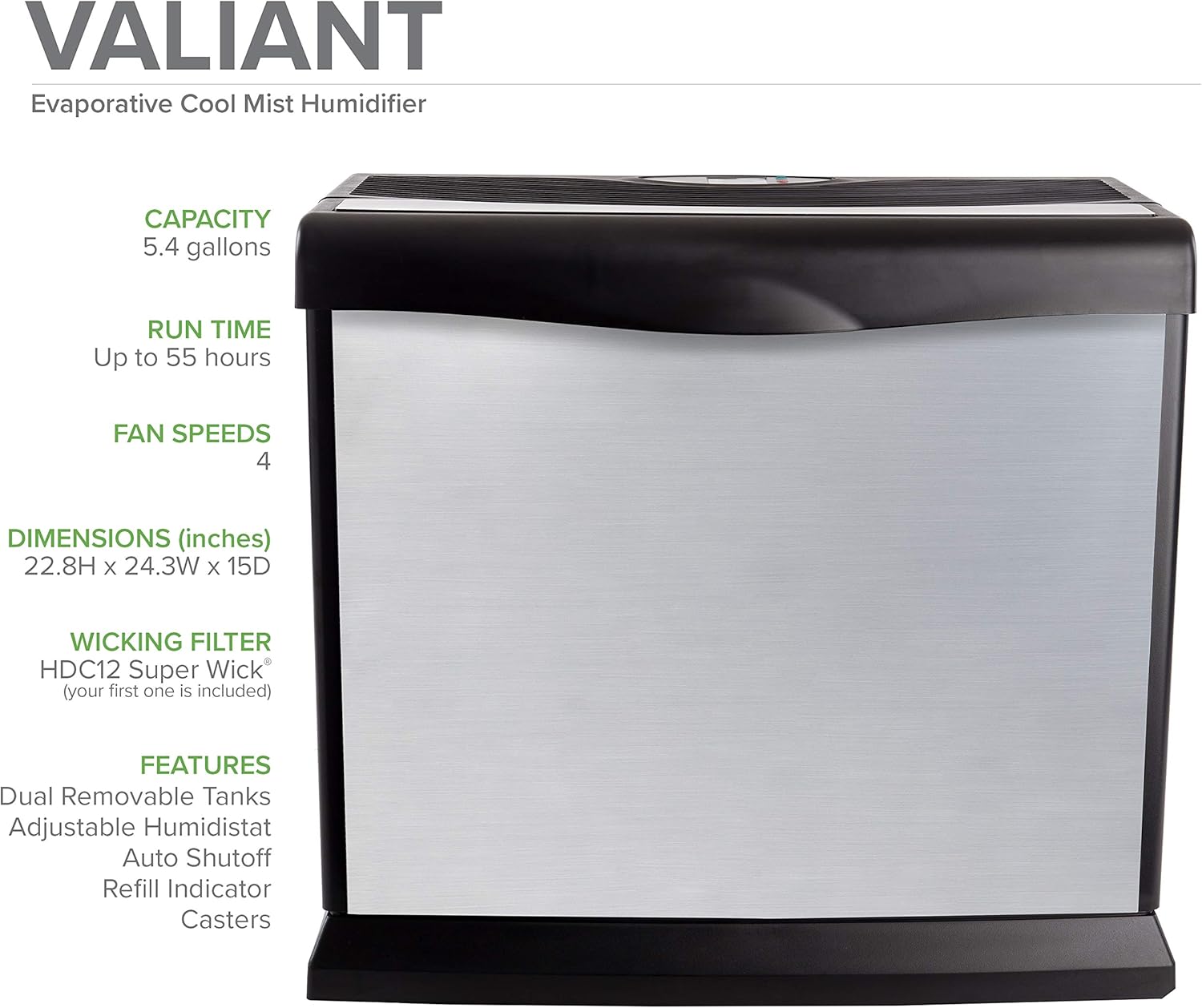
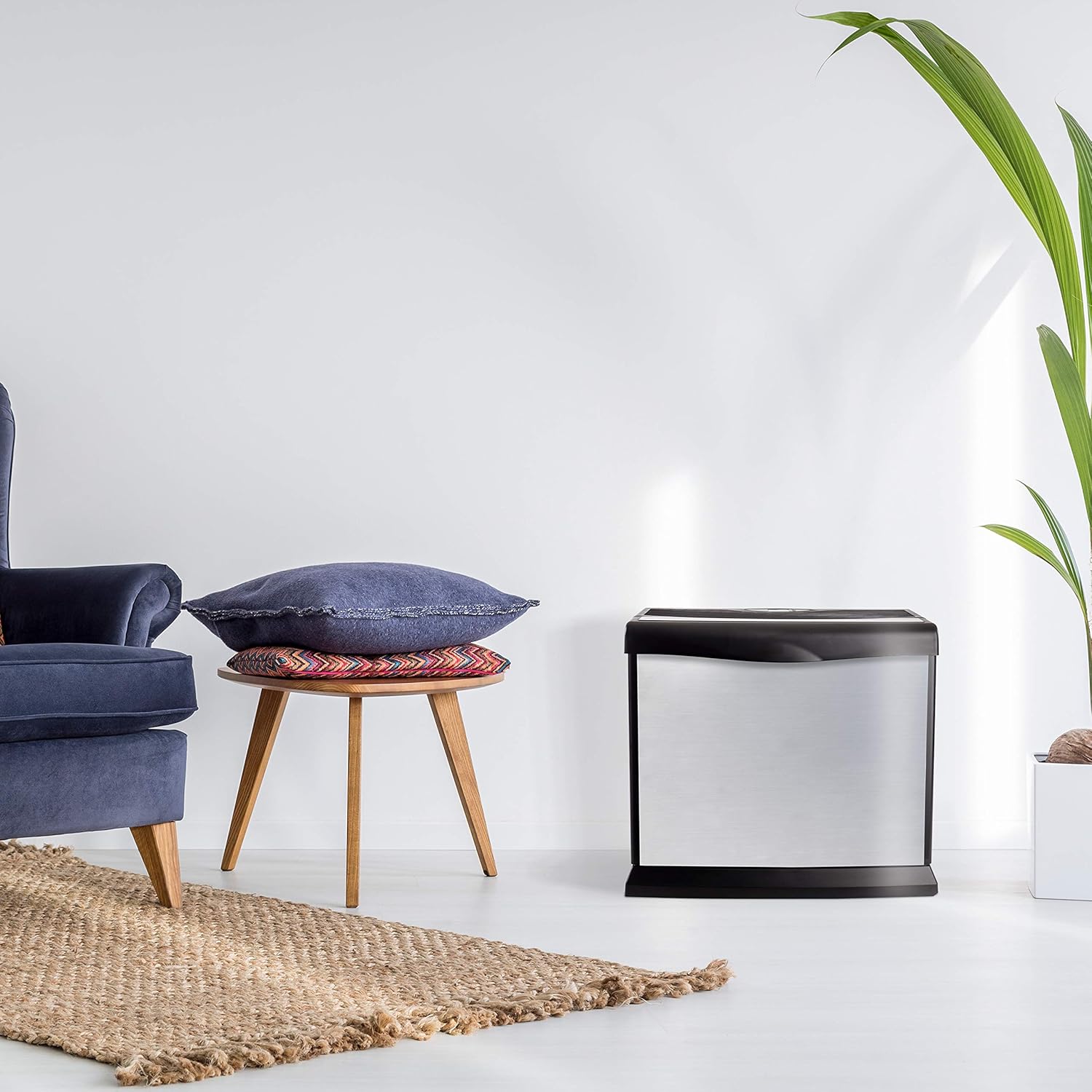
The AIRCARE Valiant HD1409 is a digital whole-house console-style evaporative humidifier designed to maintain optimal humidity levels in your home. It features a digital humidistat, automatic shut-off, and a refill indicator for user convenience. This unit is suitable for areas up to 4000 square feet.

Components
The AIRCARE Valiant HD1409 humidifier includes the following main components:
- Humidifier Base Unit
- Top Housing with Fan Assembly and Control Panel
- Two Removable Water Tanks
- HDC12 Super Wick (first set included)
- Casters (for mobility)
Setup Instructions
- Unpacking: Carefully remove all packaging materials and place the humidifier on a flat, level surface.
- Caster Installation: If not pre-installed, insert the casters into the designated slots on the bottom of the humidifier base.
- Wick Installation: Remove the top housing. Place the HDC12 Super Wick into the base unit, ensuring it is properly seated.
- Filling Water Tanks: Remove the two water tanks from the unit. Unscrew the caps and fill each tank with cool, clean tap water. Replace the caps securely.
- Placing Water Tanks: Carefully place the filled water tanks back into the humidifier base. Ensure they are seated correctly.
- Power Connection: Plug the power cord into a grounded 120V AC outlet.
Operating Instructions
The AIRCARE Valiant HD1409 features a digital control panel for easy operation.

- Power On/Off: Press the power button to turn the unit on or off.
- Setting Desired Humidity: Use the humidity control buttons to set your desired humidity level. The digital display will show the current and desired humidity. The unit will automatically maintain this level.
- Fan Speed Adjustment: Select your preferred fan speed (low, medium, high). An 'A' setting may indicate an automatic mode where the fan speed adjusts based on humidity difference.
- Refill Indicator: The unit will display a 'Refill' indicator when the water tanks need to be replenished. The humidifier will automatically shut off when empty.
- Check Filter Indicator: A 'CF' (Check Filter) display will appear after approximately 750 hours of operation, indicating it's time to inspect or replace the wick filter. To reset, unplug and then plug the power cord back in.
Maintenance
Regular maintenance ensures optimal performance and longevity of your humidifier.
- Daily: Refill water tanks as needed.
- Weekly: Clean the water tanks and base unit to prevent mineral buildup and bacterial growth. Use a mild detergent and rinse thoroughly.
- Monthly (or as indicated): Inspect and replace the HDC12 Super Wick. Wicks typically last one to three months depending on water hardness and usage.
- Storage: Before storing the humidifier for an extended period, ensure all components are clean and dry. Remove and discard the old wick.
Troubleshooting Guide
| Problem | Possible Cause | Solution |
|---|---|---|
| Humidifier not producing mist/humidity | Empty water tanks, clogged wick, fan not operating. | Refill water tanks. Replace wick if clogged or old. Check power connection and fan operation. |
| Unit is noisy | High fan speed, unit not level, internal component vibration. | Reduce fan speed. Ensure unit is on a firm, level surface. Check for loose components. |
| Refill indicator stays on after filling | Water tanks not seated correctly, float switch malfunction. | Ensure tanks are fully inserted. Unplug and replug the unit to reset. |
| 'CF' (Check Filter) indicator appears | Wick filter needs inspection/replacement. | Inspect wick. If dirty or hardened, replace it. Unplug and replug the unit to reset the indicator. |
| Unpleasant odor | Stagnant water, bacterial growth in water or wick. | Clean water tanks and base thoroughly. Replace wick. Use bacteriostatic treatment if desired. |
Technical Specifications
| Feature | Specification |
|---|---|
| Brand | AIRCARE |
| Model Name | Valiant (HD1409) |
| Operation Mode | Evaporative |
| Color | Brushed Nickel |
| Floor Area Coverage | Up to 4000 Square Feet |
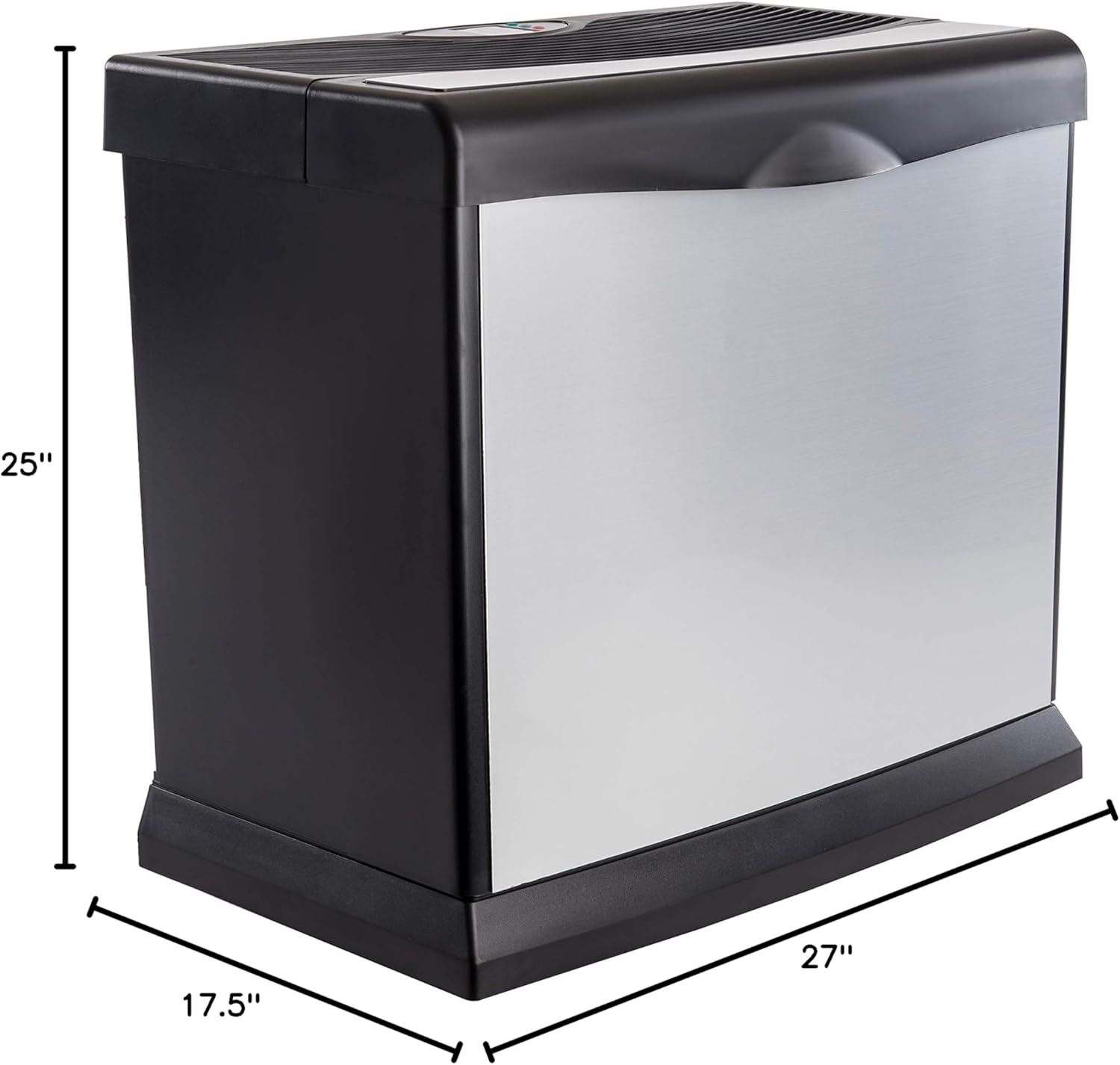
| Product Dimensions (D x W x H) | 27" x 17.5" x 25" |
| Item Weight | 28.5 Pounds |
| Voltage | 120 Volts |
| Wattage | 150 watts |
| Special Feature | Adjustable Humidity Control |
| Included Components | HDC12 Super Wick (first set) |
Warranty and Support
For warranty information and customer support, please refer to the documentation included with your product or visit the official AIRCARE website. Keep your purchase receipt as proof of purchase for any warranty claims.
For assistance with your AIRCARE Valiant HD1409 humidifier, please contact AIRCARE customer service directly. Contact details are typically found in the product packaging or on the manufacturer's website.