
1. Introduction
Thank you for choosing Koss KPH7-10 On-Ear Portable Stereo Headphones. These headphones are designed to provide clear audio for various portable devices. This manual provides instructions for proper setup, operation, maintenance, and troubleshooting to ensure optimal performance and longevity of your headphones.
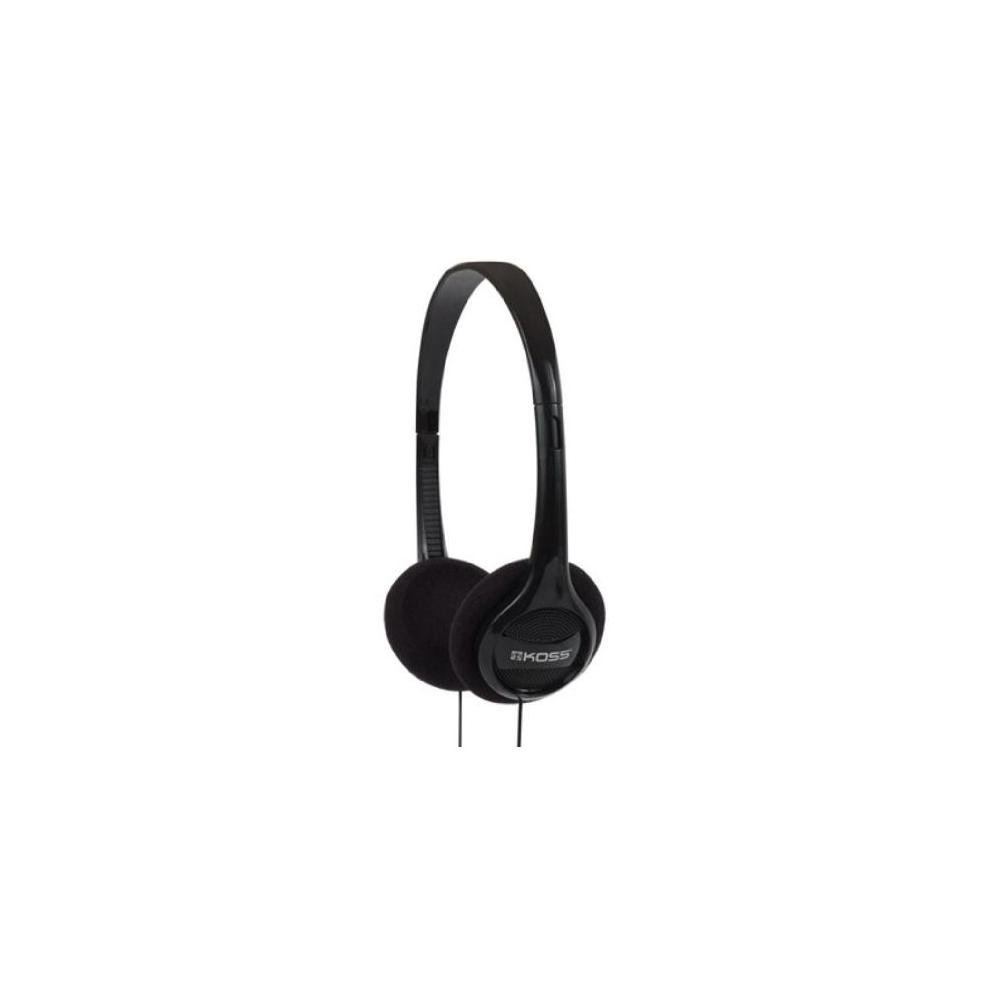
Image 1.1: Koss KPH7-10 On-Ear Portable Stereo Headphones. This image shows the compact, black on-ear headphones with a visible audio cable.
2. Setup
Follow these steps to set up your Koss KPH7-10 headphones:
- Unpack the Headphones: Carefully remove the headphones from their packaging.
- Identify the Audio Jack: Locate the 3.5 mm audio jack at the end of the headphone cable.
- Connect to Your Device: Insert the 3.5 mm audio jack into the corresponding audio output port on your audio device (e.g., smartphone, tablet, computer, MP3 player). Ensure the connection is secure.
- Adjust Fit: Place the headphones on your ears. Adjust the headband to ensure a comfortable and secure fit. The earcups should rest gently over your ears.
3. Operating Instructions
Using your Koss KPH7-10 headphones is straightforward:
- Power On Your Device: Ensure your audio source device is powered on.
- Start Audio Playback: Begin playing audio from your connected device.
- Adjust Volume: Control the audio volume directly from your connected device. These headphones do not feature integrated volume controls.
- Disconnecting: To disconnect, gently pull the 3.5 mm audio jack from your device's port. Avoid pulling the cable itself to prevent damage.
4. Maintenance
Proper maintenance helps extend the life of your headphones:
- Cleaning:
- Use a soft, dry cloth to wipe the exterior surfaces of the headphones.
- For ear cushions, gently wipe with a slightly damp cloth if necessary, then dry immediately. Avoid excessive moisture.
- Do not use harsh chemicals, solvents, or abrasive cleaners.
- Storage:
- When not in use, store the headphones in a clean, dry place away from direct sunlight and extreme temperatures.
- Avoid tangling the cable. Gently coil the cable for storage.
- Cable Care:
- Do not pull, twist, or bend the cable excessively, especially near the connectors.
- Ensure the cable is not pinched or caught in objects.
5. Troubleshooting
If you encounter issues with your headphones, refer to the following common problems and solutions:
| Problem | Possible Cause | Solution |
|---|---|---|
| No sound |
|
|
| Poor sound quality (distortion, static) |
|
|
| Headphones are uncomfortable |
|
|
If the problem persists after trying these solutions, please contact Koss customer support for further assistance.
6. Specifications
Key technical specifications for the Koss KPH7-10 On-Ear Portable Stereo Headphones:
- Brand: Koss
- Model: KPH7-10
- Ear Placement: On Ear
- Connectivity Technology: Wired
- Headphones Jack: 3.5 mm Jack
- Frequency Range: 80Hz-18kHz
- Audio Driver Type: Dynamic Driver
- Cable Features: Retractable
- Cable Length: Approximately 4 feet
- Color: Black
- Material: Plastic
- Number of Items: 6 (referring to the pack quantity)
- Additional Features: Lightweight
- Compatible Devices: Devices with 3.5mm Audio Jack
7. Warranty and Support
Koss products are manufactured to high-quality standards. For specific warranty information, please refer to the warranty card included with your purchase or visit the official Koss website. Keep your proof of purchase for warranty claims.
For technical support, troubleshooting assistance beyond this manual, or warranty inquiries, please contact Koss customer service through their official website:


