
Introduction
The Sony FMPX10 4K Ultra HD Media Player is designed to enhance your 4K entertainment experience. This manual provides essential information for setting up, operating, and maintaining your device, ensuring you get the most out of its advanced features.
Setup
Unboxing and Initial Inspection
Carefully remove all components from the packaging. Ensure the following items are present:
- Sony FMPX10 4K Ultra HD Media Player unit
- Remote Control
- Power Adapter
- HDMI Cable
Connecting the Media Player
- Connect the HDMI cable from the FMPX10's HDMI output to an HDMI input on your 4K Ultra HD TV. Ensure your TV supports HDMI 2.0 and HDCP 2.2 for optimal 4K performance.
- Connect the power adapter to the DC IN port on the FMPX10 and then to a power outlet.
- (Optional) Connect an Ethernet cable to the LAN port for a wired internet connection, or configure Wi-Fi during initial setup.
- (Optional) Connect your 4K camcorder or external storage device to the USB ports for media transfer.
Image: Rear view of Sony FMPX10 showing HDMI, LAN, and power ports.

This image displays the rear panel of the Sony FMPX10, highlighting the HDMI output, LAN (Ethernet) port, DC power input, and audio output options. Proper connection of these ports is crucial for device functionality.
Operating Instructions
Powering On and Initial Configuration
After connecting the device, turn on your TV and select the corresponding HDMI input. The FMPX10 will power on automatically or can be powered on using the remote control. Follow the on-screen instructions for initial setup, including network configuration and account login.
Navigating the Interface
Use the provided remote control to navigate the FMPX10's user interface. The remote allows access to various applications and settings.
Image: Sony FMPX10 4K Ultra HD Media Player with its remote control.

This image shows the sleek, black Sony FMPX10 media player alongside its remote control. The remote is designed for intuitive navigation of the device's features.
Accessing 4K Content
The FMPX10 provides access to a wide range of 4K content:
- Video Unlimited 4K: Download over 200 4K movie titles directly to the built-in 1TB hard drive.
- Netflix in 4K: Stream Netflix content in stunning 4K resolution.
- Personal 4K Videos: Connect your 4K camcorder or external storage to save and play your own 4K videos.
TRILUMINOS Technology
The device supports TRILUMINOS technology, offering a wider color spectrum for more vivid and natural colors, especially when viewing content created with xvYCC expanded color.
Specifications
| Feature | Detail |
|---|---|
| Brand | Sony |
| Model Name | FMPX10 |
| Item Weight | 1 pounds |
| Product Dimensions | 9.8 x 9.8 x 2 inches |
| Color | Black |
| Connectivity Technology | Wi-Fi |
| Connector Type | HDMI |
| Special Feature | Compact |
| Resolution | 3840 x 2160 pixel |
| Supported Internet Services | Netflix |
| Internal Storage | 1TB Hard Drive |
| Compatibility | Compatible with many 4K Ultra HD TVs supporting HDMI standard and HDCP 2.2 |
Image: Top view of Sony FMPX10 showing the sleek design.
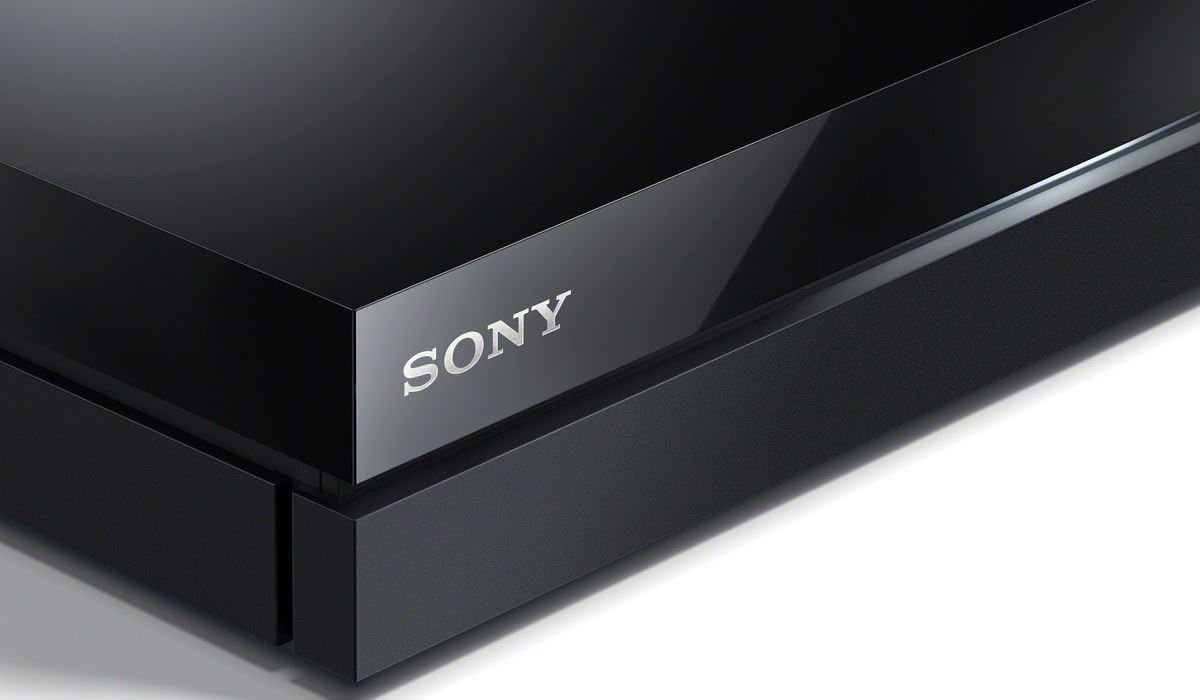
This image provides a top-down view of the Sony FMPX10, showcasing its minimalist and compact design.
Maintenance
Keep the device in a well-ventilated area to prevent overheating. Clean the exterior with a soft, dry cloth. Avoid using liquid cleaners or abrasive materials.
Ensure the device's software is up to date for optimal performance and security. Check for firmware updates periodically through the device settings.
Troubleshooting
For any operational issues, please refer to the following common solutions:
- No Power: Ensure the power adapter is securely connected to both the device and the power outlet.
- No Picture/Sound: Verify that the HDMI cable is correctly connected and that the correct HDMI input is selected on your TV. Check TV compatibility for 4K and HDCP 2.2.
- Internet Connectivity Issues: Check your Wi-Fi connection or Ethernet cable. Restart your router if necessary.
- 4K Content Playback Issues: Ensure your internet speed meets the recommended minimum (10 Mbps for HD streaming/4K downloads, 20 Mbps for 4K Ultra HD streaming).
For further assistance, consult the full user manual or contact Sony customer support.
Warranty and Support
This product is covered by Sony's standard warranty. Please refer to the warranty card included with your purchase for specific terms and conditions. For technical support, visit the official Sony support website or contact their customer service.