1. Introduction
This manual provides comprehensive instructions for the installation, operation, and maintenance of your AQUAVAC 27-GB-04 Compatible Cartridge Vacuum Filter. Please read this manual thoroughly before use to ensure proper function and longevity of the product. Retain this manual for future reference.
2. Safety Information
Always observe the following safety precautions when handling or replacing vacuum cleaner components:
- Power Disconnection: Always unplug the vacuum cleaner from the power outlet before attempting any installation, removal, or maintenance of the filter.
- Proper Fit: Ensure the filter is correctly seated and secured in the vacuum cleaner to prevent dust leakage and maintain optimal performance.
- Material Handling: Avoid direct contact with accumulated dust and debris when removing a used filter. Dispose of used filters according to local regulations.
- Children and Pets: Keep new and used filters out of reach of children and pets.
3. Product Overview
The AQUAVAC 27-GB-04 Compatible Cartridge Vacuum Filter is designed to effectively trap very small dust particles, ensuring cleaner exhaust air from your vacuum cleaner. This high-efficiency particle arrester features a robust and durable design, made from paper material, and is reusable. It is compatible with a wide range of AQUAVAC and Goblin vacuum cleaner models.

Figure 1: Front view of the AQUAVAC 27-GB-04 Compatible Cartridge Vacuum Filter, showing its pleated yellow paper construction and metal top.

Figure 2: Angled side view of the filter, highlighting the pleated paper element and the orange base.
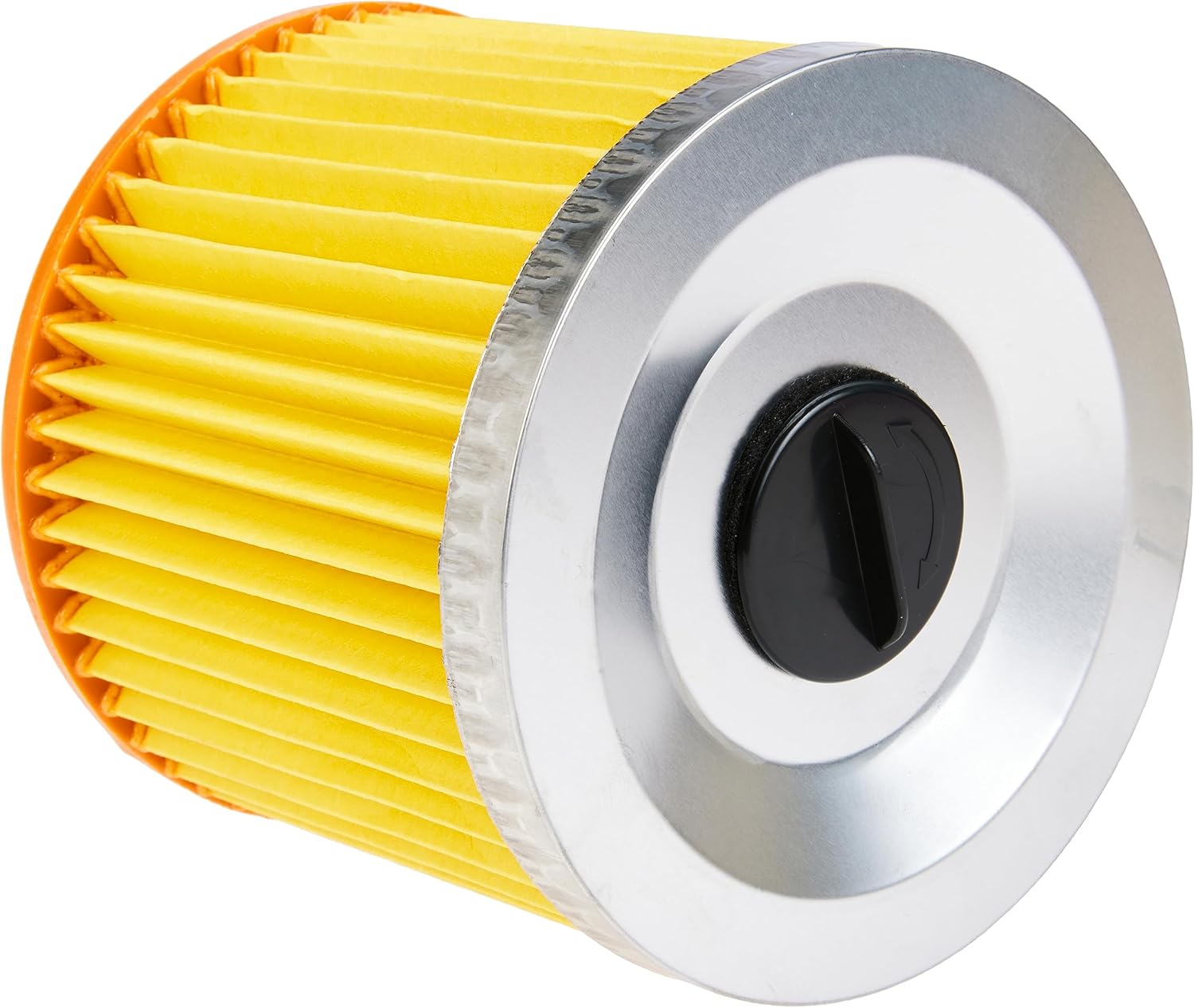
Figure 3: Top view of the filter, showing the metal cap and the central black locking mechanism.

Figure 4: Close-up view of the filter's pleated paper material, demonstrating the fine filtration surface.
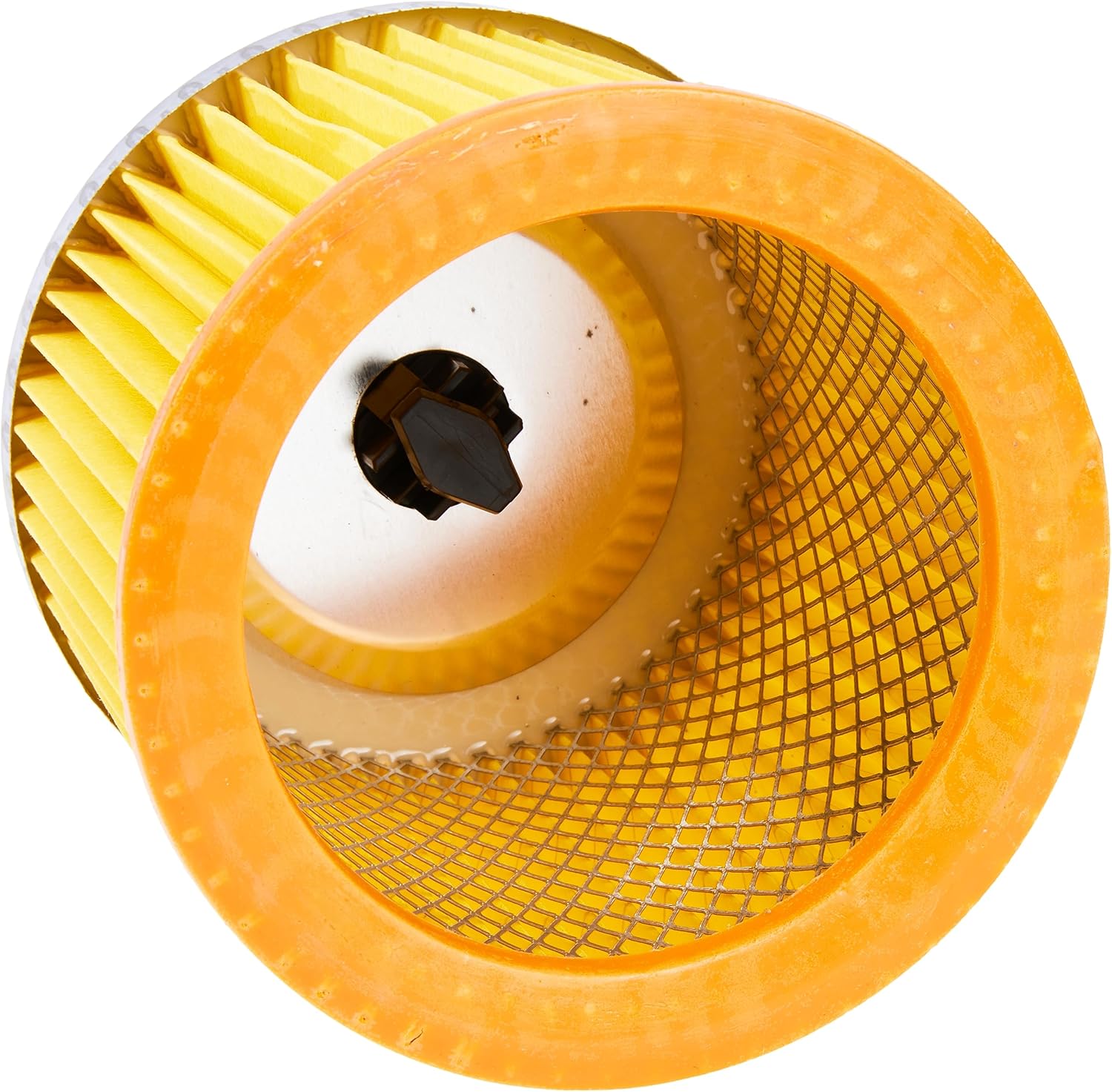
Figure 5: Interior view of the filter, showing the internal mesh support structure and the central opening.
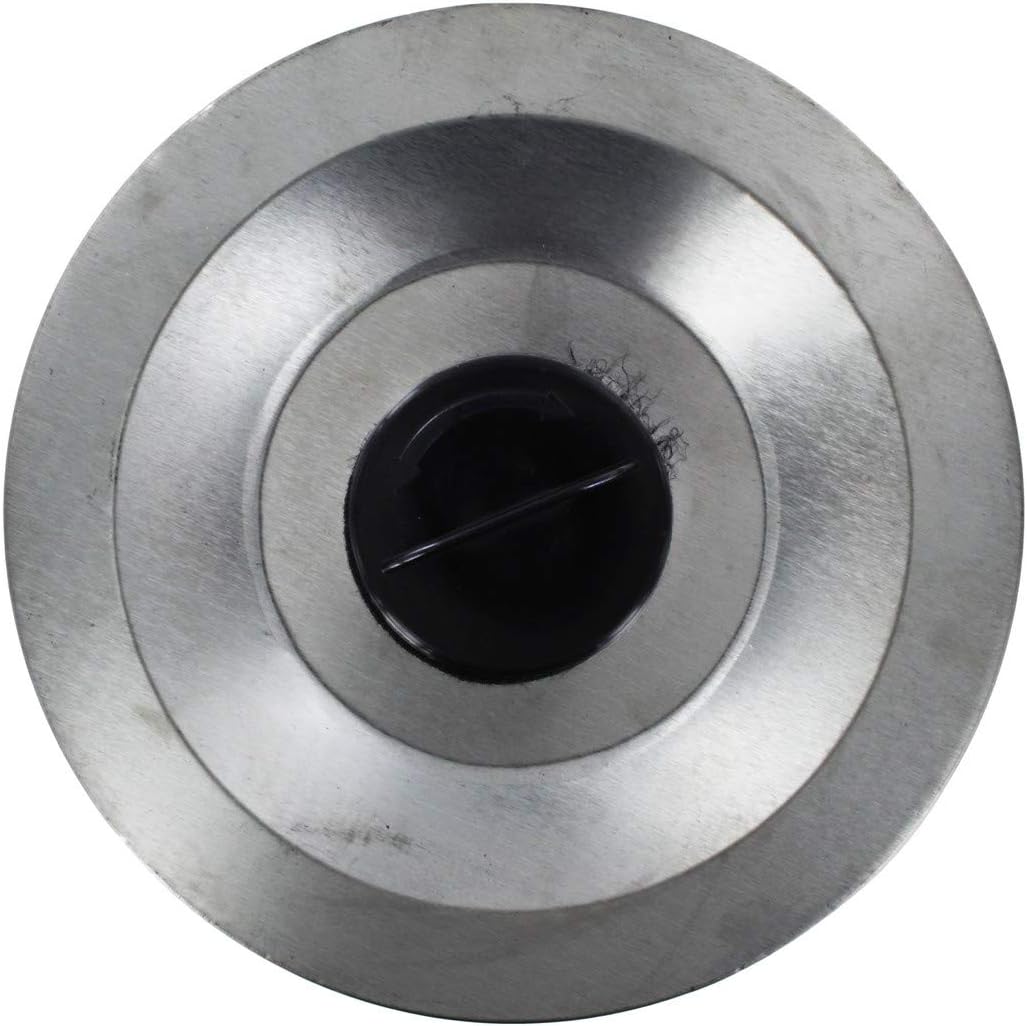
Figure 6: The filter shown with approximate dimensions, indicating a height of 6.6 inches (16 cm).
Compatibility
This filter is compatible with numerous AQUAVAC and Goblin vacuum cleaner models, including but not limited to: AQUAVAC 100, 1200, 200, 300, 3000, 300C, 500I, 680, 680Omega, 680PRO, 6811, 690, 6900P, 700, 70029, 70079, 70145, 70200, 70201, 70222, 70223, 70230, 707, 73910, 73911, 73915, 73920, 900, 907, 957, EXTRA, EXXTRA, EXXTRA200, EXXTRA302, FAM, FAMEXXTRA200, FAMEXXTRA302, Floormaster, Medivac, Multipro, Multisystem, Omega, Pro, PRO100, PRO200, PRO300, PRO300C, PRO70, Quadra, and Trionic vacuum cleaners.
4. Setup and Installation
Follow these steps to install or replace the cartridge vacuum filter:
- Power Off: Ensure the vacuum cleaner is turned off and unplugged from the power source to prevent accidental operation.
- Access Filter Compartment: Locate and open the filter compartment on your vacuum cleaner. Refer to your vacuum cleaner's specific user manual for exact instructions on accessing the filter.
- Remove Old Filter: Carefully remove the old, dirty filter. It may be secured by a locking mechanism or simply seated in place. Dispose of the old filter responsibly.
- Insert New Filter: Place the new AQUAVAC 27-GB-04 filter into the compartment. Ensure it is seated correctly and securely. If there is a locking mechanism, engage it to hold the filter firmly in place.
- Close Compartment: Close the filter compartment securely.
- Restore Power: Plug the vacuum cleaner back into the power outlet.
5. Operating Considerations
The cartridge filter is a critical component for maintaining the air quality and performance of your vacuum cleaner. It works by capturing fine dust and debris, preventing them from being recirculated into the air. For optimal performance, regularly check the filter's condition.
When to Replace or Clean the Filter
- Reduced Suction: If you notice a significant decrease in your vacuum cleaner's suction power, the filter may be clogged.
- Visible Dirt: If the filter appears heavily soiled or discolored.
- Unpleasant Odors: A dirty filter can sometimes cause the vacuum to emit odors.
- Manufacturer Recommendations: Always follow the replacement schedule recommended by your vacuum cleaner's manufacturer, typically every 6-12 months, depending on usage.
6. Maintenance
This filter is designed to be reusable. Regular cleaning can extend its lifespan and maintain vacuum performance.
Cleaning Instructions
- Remove Filter: Follow the steps in Section 4 to safely remove the filter from your vacuum cleaner.
- Tap Out Debris: Gently tap the filter against a hard surface (e.g., inside a trash can) to dislodge loose dust and debris. Do this outdoors if possible to avoid spreading dust indoors.
- Rinse (if applicable): If your vacuum cleaner's manual permits, you may rinse the filter under cool, running water until the water runs clear. Do not use hot water or detergents.
- Dry Completely: Allow the filter to air dry completely for at least 24-48 hours before reinstallation. Ensure it is absolutely dry to prevent mold growth and damage to the vacuum cleaner. Do not use heat sources (e.g., hair dryer) to speed up drying.
- Reinstall: Once completely dry, reinstall the filter as described in Section 4.
If the filter remains heavily soiled, damaged, or if suction performance does not improve after cleaning, it is recommended to replace it with a new one.
7. Troubleshooting
If you experience issues with your vacuum cleaner after installing or cleaning the filter, consider the following:
- Reduced Suction:
- Check if the filter is clogged. Clean or replace it.
- Ensure the filter is correctly installed and sealed within its compartment.
- Verify that other parts of the vacuum (hose, nozzle, dust bag/container) are not blocked or full.
- Dust Leakage:
- Confirm the filter is properly seated and the filter compartment is securely closed.
- Inspect the filter for any tears or damage that might allow dust to pass through. Replace if damaged.
- Unusual Noises:
- Ensure the filter is not loose or vibrating within its compartment.
If problems persist, consult your vacuum cleaner's user manual or contact the vacuum cleaner manufacturer's support.
8. Specifications
| Feature | Specification |
|---|---|
| Model Number | 27-GB-04 |
| Product Dimensions | 6.1" L x 4.72" W x 5.83" H (155mm x 120mm x 148mm) |
| Item Weight | 9.5 ounces |
| Material | Paper |
| Reusability | Reusable |
| Compatible Devices | Aquavac and Goblin Vacuum Cleaners (various models) |
9. Warranty and Support
For information regarding product warranty, please refer to the documentation provided at the time of purchase or contact the seller directly. If you require further assistance or have questions not covered in this manual, please reach out to the product manufacturer or your retailer for support.