
Introduction
The Logitech M150 is a wired USB mouse designed for reliable and precise cursor control. Featuring high-precision laser tracking at 1000 DPI, this mouse is compatible with PC, Mac, and laptop systems. Its ergonomic design with soft rubber grips ensures comfort during extended use. This manual provides detailed instructions for setting up, operating, maintaining, and troubleshooting your Logitech M150 mouse.
Package Contents
- Logitech M150 Wired USB Mouse
- User Documentation (this manual)
Setup
The Logitech M150 mouse offers a simple plug-and-play setup, requiring no additional software for basic functionality.
- Connect the USB Cable: Locate an available USB port on your computer (PC or Mac). Insert the USB connector of the Logitech M150 mouse firmly into the USB port.
- System Recognition: Your operating system will automatically detect and install the necessary drivers for the mouse. This process usually takes a few seconds.
- Test Functionality: Once the drivers are installed, move the mouse to check cursor movement and click the left and right buttons to ensure basic functionality.
- Optional Software Installation: For advanced features such as side-to-side scrolling and zoom functionality, download and install the Logitech SetPoint Software from the official Logitech website. This software is not required for basic mouse operation.
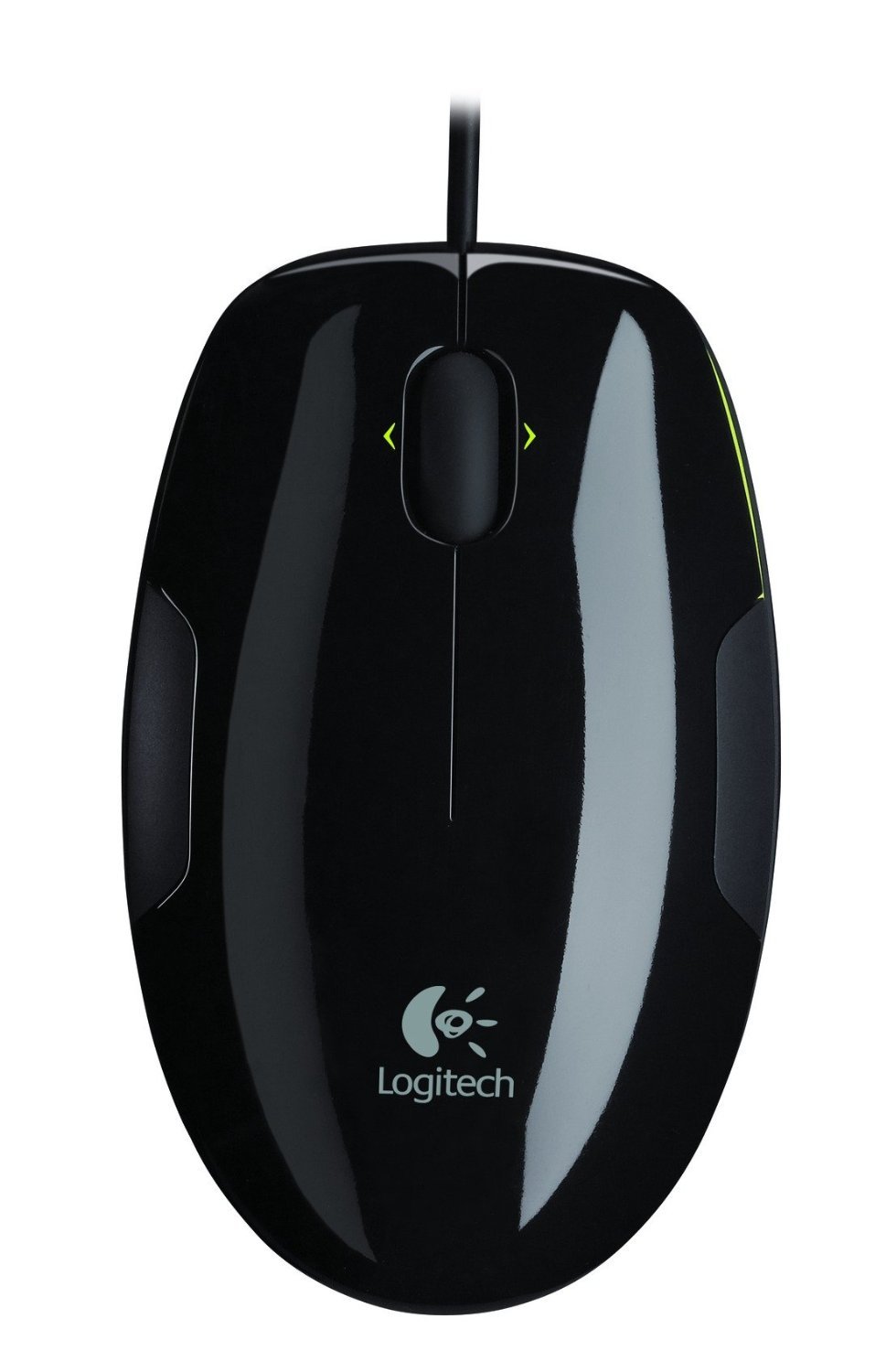
Image: The Logitech M150 Wired USB Mouse. This image shows the mouse with its USB cable, ready for connection to a computer. The mouse features a sleek design with a colored accent.
Operating Instructions
The Logitech M150 mouse provides standard mouse functions for navigation and interaction with your computer.
- Left Click: Press the left mouse button to select items, open files, or activate functions.
- Right Click: Press the right mouse button to open context menus, providing additional options for selected items.
- Scroll Wheel: Roll the scroll wheel up or down to navigate through documents, web pages, and other content vertically.
- Laser Tracking: The mouse uses advanced laser technology for smooth and accurate cursor control on most surfaces. Note that the laser sensor may not work effectively on glass or mirrored surfaces.
- Side-to-Side Scrolling and Zoom (with SetPoint Software): If you have installed the Logitech SetPoint Software, you can use the scroll wheel for horizontal scrolling in documents and spreadsheets, and to zoom in or out of photos and other content. Refer to the SetPoint Software documentation for specific instructions on configuring these features.
Maintenance
Proper care and maintenance will help extend the lifespan of your Logitech M150 mouse.
- Cleaning the Mouse: Use a soft, lint-free cloth slightly dampened with water or a mild cleaning solution to wipe the exterior of the mouse. Avoid using harsh chemicals or abrasive materials. Do not allow liquids to enter the mouse.
- Cleaning the Laser Sensor: Occasionally, dust or debris may accumulate around the laser sensor on the underside of the mouse. Use a dry cotton swab or a can of compressed air to gently clean the sensor area.
- Cable Care: Avoid sharply bending or twisting the USB cable. Store the cable neatly when not in use to prevent damage.
- Storage: When not in use for extended periods, store the mouse in a clean, dry environment away from extreme temperatures.
Troubleshooting
If you encounter issues with your Logitech M150 mouse, refer to the following troubleshooting steps.
- Mouse Not Responding:
- Ensure the USB cable is securely plugged into a working USB port on your computer.
- Try plugging the mouse into a different USB port.
- Restart your computer.
- Test the mouse on another computer to determine if the issue is with the mouse or your computer's USB ports.
- Erratic Cursor Movement:
- Clean the laser sensor on the underside of the mouse as described in the Maintenance section.
- Ensure you are using the mouse on a suitable surface. Avoid highly reflective surfaces like glass or mirrors. A mouse pad or a non-glossy, opaque surface is recommended.
- Check for any physical obstructions around the sensor.
- Scroll Wheel Not Working:
- Ensure no debris is lodged in the scroll wheel mechanism.
- If using optional software, ensure it is correctly installed and configured.
- Side-to-Side Scrolling or Zoom Not Working:
- Verify that the Logitech SetPoint Software is installed on your computer.
- Check the settings within the SetPoint Software to ensure these features are enabled and configured as desired.
Specifications
| Brand: | Logitech |
| Model: | M150 |
| Part Number: | 910-003743 |
| Connectivity: | Wired USB |
| Movement Detection: | Laser |
| DPI (Dots Per Inch): | 1000 DPI (High Precision) |
| Dimensions (LxWxH): | 124.47 x 87.89 x 43.87 mm (approx. 4.9 x 3.46 x 1.73 inches) |
| Weight: | Approx. 6.3 ounces (178.6 grams) |
| Compatibility: | Windows, macOS, Linux (basic functionality) |
Warranty and Support
Logitech products are manufactured to high quality standards and are backed by a limited hardware warranty. For detailed warranty information, please refer to the warranty card included with your product or visit the official Logitech website.
For technical support, frequently asked questions, and driver downloads (such as Logitech SetPoint Software), please visit the Logitech support website:
When contacting support, please have your product model (M150) and part number (910-003743) available.


